Meraki MG41 vs MG51 vs MG52: 4G and 5G Guide
Compare Meraki MG41, MG51 and MG52 cellular gateways for LTE and 5G primary WAN, failover and SD-WAN, including antennas, Ethernet, SIMs and throughput.
Key Points
- MG41 is the LTE Cat 18 option for established 4G backup and primary-WAN designs with up to 1.2 Gbps published downlink rate.
- MG51 moves to 5G and suits branches that need higher cellular capacity but do not require MG52 features such as eSIM and 2.5GbE.
- MG52 adds 5G SA/NSA, two 2.5GbE ports, dual physical SIM plus eSIM and up to 2 Gbps published passthrough downlink.
- Internal-antenna models simplify clean installations; E variants allow supported external antennas when signal or placement requires them.
- Carrier certification, local bands, signal quality, data plan and antenna placement matter more than the maximum modem rate alone.
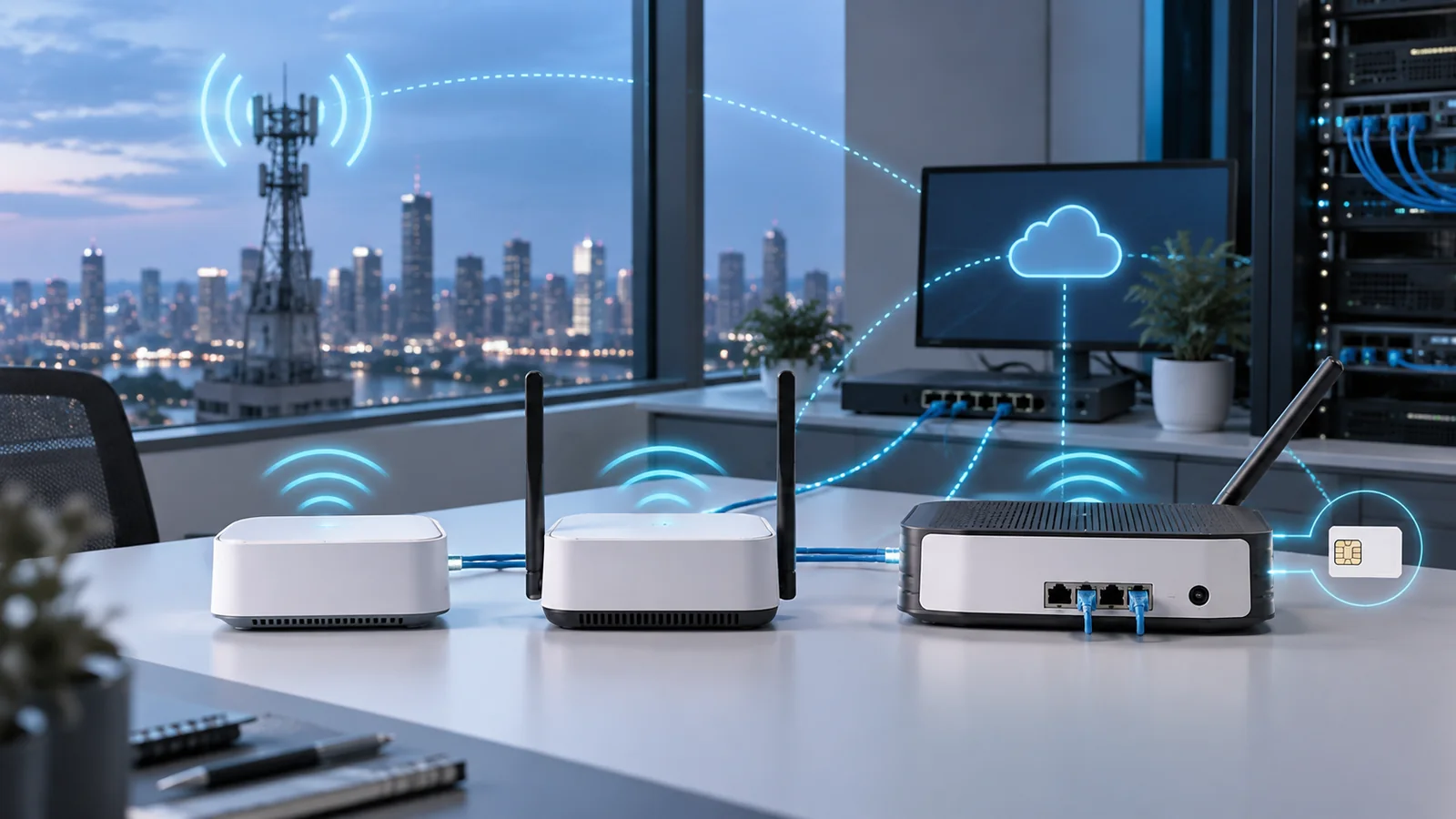
Meraki MG gateways separate the cellular radio from the firewall or router. This lets the modem be installed where signal is strongest while Ethernet carries the connection to an MX or another IP-capable edge device. MG41, MG51 and MG52 look similar in a topology, but their cellular generation, Ethernet speed and SIM capabilities create meaningful purchasing differences.
Start with carrier coverage and the real use case. A stable LTE service can be a better backup than weak 5G, while a primary wireless WAN site may benefit from the MG52's 5G Standalone support, 2.5GbE interfaces and eSIM. No model can overcome an unsuitable carrier, poor placement or an undersized data plan.
Quick Answer: Which Meraki MG?
Choose MG41 or MG41E when LTE Cat 18 meets the bandwidth requirement and 5G is unavailable, unnecessary or not cost-effective. It remains useful for resilient failover and moderate primary-WAN service.
Choose MG51 or MG51E for a straightforward 5G upgrade with dual physical SIM support and Gigabit Ethernet. It is the middle option for organizations that want 5G without the newest MG52 connectivity.
Choose MG52 or MG52E when the design needs 5G SA/NSA, dual 2.5GbE, eSIM in addition to two physical SIMs, or the greatest published cellular data rate in this group. It is the strongest fit for high-capacity primary WAN and newer carrier services.
Meraki MG41 vs MG51 vs MG52 Comparison
| Feature | MG41/E | MG51/E | MG52/E |
|---|---|---|---|
| Cellular generation | LTE Cat 18 | 5G sub-6 plus LTE | 5G SA/NSA sub-6 plus LTE Cat 20 |
| Published maximum downlink | Up to 1.2 Gbps | Up to 2 Gbps class | Up to 2 Gbps passthrough; 1.5 Gbps NAT |
| Ethernet | 2 x 1GbE | 2 x 1GbE | 2 x 2.5GbE |
| Physical SIM | 2 | 2 | 2 |
| eSIM | No | No | Yes |
| Internal / external antenna | MG41 / MG41E | MG51 / MG51E | MG52 / MG52E |
| Management | Meraki dashboard; license required | ||
Published modem rates are laboratory-oriented maxima, not guaranteed internet speed. Carrier spectrum, aggregation, tower load, radio signal, plan policy, backhaul, antenna system and Ethernet mode can reduce the observed result.
LTE, 5G NSA and 5G SA
MG41 uses LTE Cat 18 with carrier aggregation and remains a valid choice where LTE coverage is mature. It can provide failover, primary WAN and an SD-WAN transport when connected to a compatible router or MX. Its two Ethernet ports also make it useful in supported high-availability topologies.
MG51 introduces sub-6 GHz 5G while retaining LTE fallback. This makes it appropriate when carriers offer useful 5G coverage but the design does not need MG52's eSIM and multigigabit interfaces. Confirm the exact regional hardware and certified carrier list because cellular support is not universal across every band and operator.
MG52 supports 5G Standalone and Non-Standalone operation. SA can enable newer carrier capabilities, while NSA combines 5G with LTE infrastructure. Actual availability depends on the operator and plan. Buying an SA-capable gateway does not mean the local carrier will immediately deliver SA features.
Internal vs External Antennas and Placement
Choose the standard MG model when the gateway can be placed in a location with strong signal and a clean integrated-antenna installation is preferred. Choose the E variant when supported external dipole or patch antennas are required to reach a window, outdoor-facing wall or better RF position.
External antennas are not a substitute for a survey. Cable loss, connector count, band support, antenna orientation and separation all matter. Use only supported antenna assemblies and include mounts and cables in the bill of materials. Longer coax can erase the gain expected from moving the antenna.
Install the MG where radio conditions are good, then use Ethernet to reach the firewall. Record RSRP, RSRQ, SINR, serving band and observed throughput at several candidate positions. Test during busy hours and with the intended carrier plan.
Primary WAN, Failover and High Availability
An MG can connect to a Meraki MX or a non-Meraki edge using Ethernet and IP. For failover, define health checks, transition timing, traffic priorities and which applications may use cellular. For primary WAN, plan the data allowance, public or private addressing, inbound connectivity, latency and carrier-grade NAT behavior.
MG52's two 2.5GbE ports avoid a 1GbE wired ceiling and can connect a supported HA pair to the same cellular service. That physical possibility does not remove shared failure points: one gateway, carrier, tower and antenna location remain common. Critical sites may need two carriers and two independently placed gateways.
Test the failed state, not only the normal state. Disconnect the wired circuit, reboot the MG, remove one SIM where supported and confirm VPN convergence, DNS, voice, SaaS and alerting. Also test recovery to the preferred circuit to avoid an unnoticed site remaining on metered cellular service.
Licensing, SIMs and Data Management
Every MG requires the appropriate Meraki license or subscription. Include the device license, SIM or eSIM service, carrier activation, antenna accessories, PoE injector or power adapter and installation work. Align the term with the rest of the Meraki estate when that simplifies renewals.
Dual SIM and eSIM improve operational choice, but they need policy and ownership. Document carrier, APN, PIN, plan limit, renewal and escalation contact. Meraki's cellular data management features can apply centralized usage policy to supported MG41, MG51 and MG52 fleets; verify availability for the organization's licensing and dashboard environment.
Dashboard telemetry itself consumes data, and downstream devices add their own traffic. Set alerts below the plan limit, restrict backups and software updates during cellular operation, and review unexpected usage before invoices arrive.
Meraki MG Buying Checklist
- Confirm certified carrier, regional model, bands and service at the installation address.
- Decide whether LTE, 5G NSA or 5G SA is required.
- Measure signal and throughput at realistic mounting locations and peak times.
- Choose internal antennas or the correct E model and supported external antenna kit.
- Validate 1GbE versus 2.5GbE, PoE or DC power and HA cabling.
- Document SIM, eSIM, APN, data plan, alert threshold and failover policy.
- Test primary failure, carrier failure and return-to-normal behavior.
Checking Current MSRP
Search the Meraki price list on GlobalPriceList.com by the exact MG hardware, license and accessory SKU. Compare total service cost over the same term, including the carrier plan, antennas, power, installation and any redundant unit.
Sources
- MG41/41E Technical Specifications - Cisco Meraki Documentation
- MG51/51E Technical Specifications - Cisco Meraki Documentation
- MG52/52E Technical Specifications - Cisco Meraki Documentation
- MG Cellular Best Practices - Cisco Meraki Documentation
FAQ
What is the main difference between MG41, MG51 and MG52?
MG41 is an LTE Cat 18 gateway, MG51 adds 5G, and MG52 adds newer 5G SA/NSA capability, dual 2.5GbE and eSIM alongside two physical SIM slots.
Can a Meraki MG work with a non-Meraki firewall?
Yes. MG gateways present cellular connectivity over Ethernet and IP, so supported use cases can include non-Meraki routers and firewalls.
Should I choose an E model?
Choose an E model when a supported external antenna is required for better placement or signal. Standard models use internal antennas and simplify installation.
Does MG52 guarantee 2 Gbps internet speed?
No. The figure is a published maximum data rate. Real speed depends on carrier coverage, spectrum, signal, tower load, plan and network conditions.
Do Meraki MG gateways require licenses?
Yes. Include the appropriate Meraki license or subscription as well as the carrier data service in the total cost.
Check Current Meraki Pricing
Browse the full, daily-updated Meraki GPL on GlobalPriceList.com.
View Meraki Price List