Meraki MX Series Comparison: Which Firewall Fits?

Compare Meraki MX67, MX68, MX75, MX85, MX95, MX105, MX250 and MX450 appliances by branch size, ports, resiliency and security workload.
Key Points
- Size an MX for the traffic mix with security services enabled, not from the stateful firewall number alone.
- MX67 and MX68 target small branches; MX75 through MX105 add more headroom and faster WAN options; MX250 and MX450 serve large hubs and concentrator roles.
- Port type, rack form factor, redundant power and warm-spare design can eliminate a model before throughput becomes the deciding factor.
- Every physical MX needs a matching cloud license edition and term; the license is part of the deployment cost, not an optional support line.
- A 25-40% growth margin is usually safer than buying at the edge of the published sizing guidance.
Choosing a Cisco Meraki MX is not simply a matter of matching office headcount to a model number. The same 100-user site can be easy to serve when most traffic is SaaS and much harder when it performs full security inspection, runs dozens of Auto VPN tunnels, terminates remote-access sessions, and carries guest Wi-Fi at peak hours. This Meraki MX comparison explains where the MX67, MX68, MX75, MX85, MX95, MX105, MX250 and MX450 fit, and which constraints should drive a purchase.
How to Size a Meraki MX Correctly
Start with measured peak WAN traffic, then add the features that will process that traffic. Stateful firewall throughput is useful for orientation, but it is not a promise of identical performance with intrusion prevention, malware protection, content filtering, VPN encryption and traffic analytics active at the same time. Cisco's own MX sizing guidance notes that performance varies with the deployment and enabled features.
Use four inputs: expected peak throughput over the next three to five years, concurrent users and devices, VPN tunnel count, and required interfaces. Apply growth margin after those numbers are known. If a branch already reaches 700 Mbps during backups or software distribution, a nominal 1 Gbps appliance leaves little room for inspection overhead, burst traffic or a faster circuit.
- Security workload: decide whether traffic will use only firewall and SD-WAN functions or the Advanced Security stack.
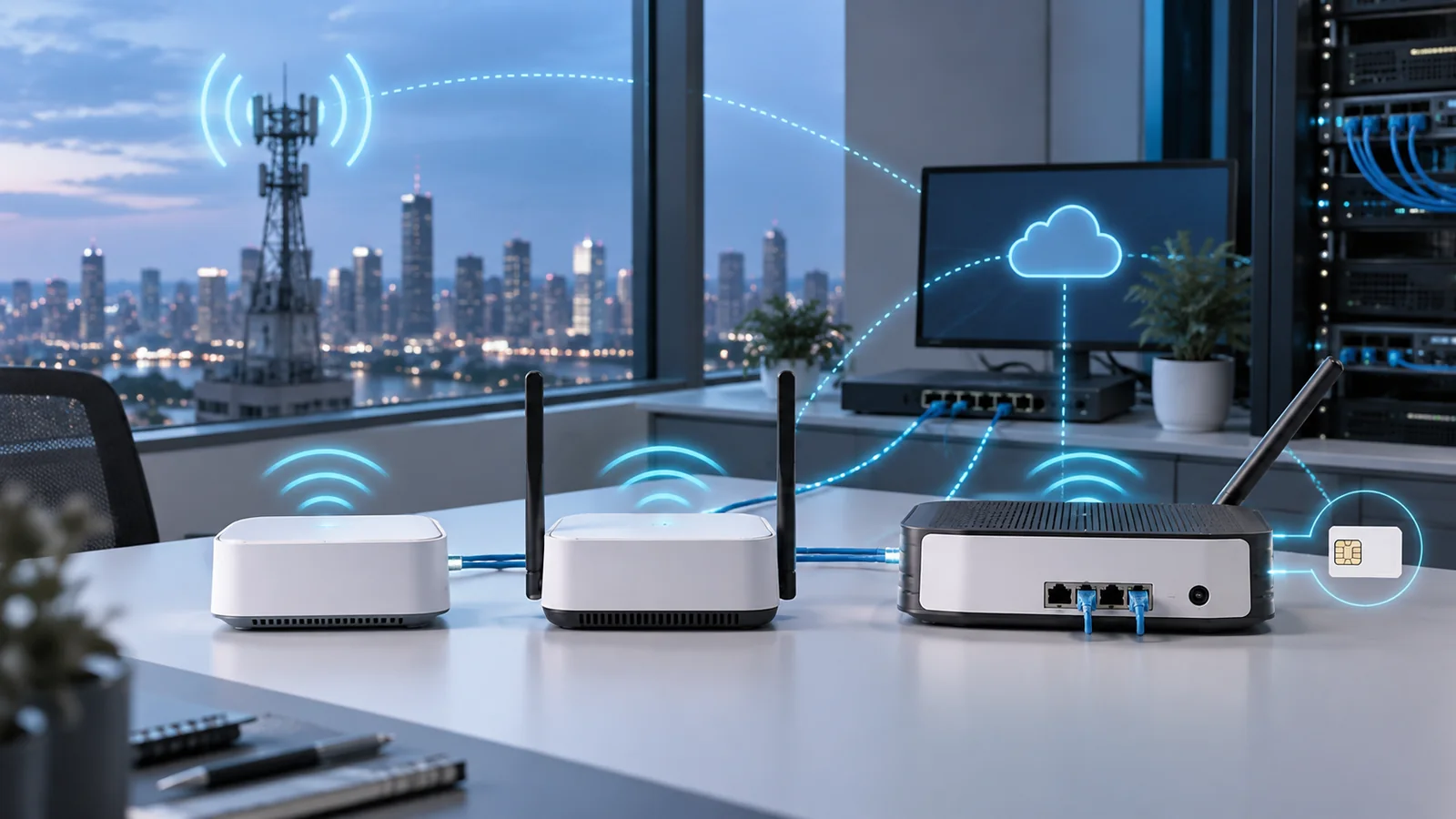
- WAN design: count copper, SFP or SFP+ handoffs, cellular failover and any requirement for more than two uplinks.
- LAN role: an MX is not a substitute for a full access-switch stack; integrated LAN and PoE ports are most useful in compact branches.
- Availability: rack mounting, redundant power and warm-spare operation matter at a hub even when raw throughput is modest.
Build a Requirements Workbook Before Comparing Models
A useful sizing workbook separates current measurements, future assumptions, and hard design constraints. Record peak inbound and outbound traffic, the 95th-percentile load, short bursts, concurrent clients, new connections, VPN peers, remote users, and expected growth. Then list the services that will process each traffic path. Internet browsing with intrusion prevention and content filtering has a different cost from an Auto VPN concentrator that performs little local security inspection.
Capture traffic direction as well as volume. A branch may send most SaaS traffic directly to the internet while tunneling only private applications to a hub. Another organization may backhaul all traffic through regional security points. The same circuit speed can therefore create very different workloads on the branch and hub appliances. Document which paths require decryption, inspection, logging, shaping, or failover.
Define non-performance constraints early. These include desktop or rack form factor, available power circuits, redundant power, copper or fiber handoffs, cellular backup, number of LAN segments, and environmental limits. A model can satisfy throughput but still fail the design because it lacks the required physical interface, spare power option, or serviceability.
Finally, mark every estimate with a source and date. Dashboard history, circuit graphs, security logs, device inventory, and business growth plans are stronger inputs than a generic users-per-appliance table. If a number is uncertain, show a range and size against the reasonable high case instead of hiding uncertainty inside an arbitrary multiplier.
Meraki MX Model Comparison
| Model family | Typical role | Why choose it | Watch for |
|---|---|---|---|
| MX67 / MX68 | Small office, retail, teleworker hub | Compact, simple branch connectivity; wireless/cellular variants on selected models | Limited expansion and less growth headroom |
| MX75 | Larger small branch | More LAN connectivity and a step up for busier sites | Desktop form factor; validate sustained security load |
| MX85 | Mid-size branch | 1U rack form and fiber WAN option | Choose it for interfaces and operations, not only user count |
| MX95 / MX105 | Large branch, campus edge, regional hub | Higher-capacity WAN connectivity and stronger resiliency options | Confirm optics, power and license tier in the bill of materials |
| MX250 / MX450 | Large VPN hub, data center edge | High tunnel and traffic scale, redundant infrastructure | Often best designed as a dedicated hub rather than an all-purpose LAN edge |
The table is a role map, not a substitute for a design. Current specifications and supported features can change with firmware, so confirm the live datasheet before placing an order.
MX67, MX68 and MX75 for Small Branches
The MX67 is the usual starting point for a straightforward small office. The MX67W adds integrated wireless, while cellular variants can simplify failover where a separate gateway is undesirable. The MX68 family adds more LAN connectivity and models with integrated wireless, cellular and PoE options, making it useful for compact sites where a small number of phones or access points must be powered locally.
The MX75 is the bridge between compact branch appliances and rack-mounted midrange models. Cisco positions it for larger small branches, and its additional port flexibility can reduce the number of separate components at a site. It is still a desktop appliance, so organizations with strict rack, dual-power or serviceability requirements often move to the MX85 even when the traffic estimate would fit an MX75.
MX85, MX95 and MX105 for Growing Sites
The MX85 introduces a rack-friendly 1U format and is a practical choice when a branch has outgrown desktop hardware. The MX95 and MX105 move further toward high-capacity branch and campus-edge use, with faster WAN connectivity and more room for inspected traffic, VPN growth and regional aggregation. The MX105 is especially relevant where redundant power is a requirement.
A common mistake is jumping from MX75 to MX95 only because the internet circuit is faster. Check whether the additional spend solves the actual bottleneck: encrypted VPN throughput, inspection load, session scale, interface speed or hardware redundancy. If the circuit is 2 Gbps but the organization routes only a fraction of traffic through the appliance, port speed and resiliency may matter more than headline firewall throughput.
MX250 and MX450 for VPN Hubs
MX250 and MX450 appliances are designed for large aggregation points, data center edges and Auto VPN concentrator roles. These models make sense when many sites terminate at one location, traffic is concentrated through shared services, or the design needs higher tunnel and session scale. In a distributed SD-WAN, the hub is often the point where under-sizing has the broadest impact: one overloaded concentrator can degrade many otherwise healthy branches.
Plan the hub as a system. Include upstream switch ports, optics, rack power, warm-spare cabling and failure behavior. For public-cloud connectivity, compare physical hub appliances with Meraki vMX rather than assuming the on-premises model should be replicated in a cloud environment.
Interfaces, Form Factor, and Resilience
WAN port speed is only one interface decision. Confirm whether each provider hands off copper or fiber, the required optic type, how circuits are presented during a failover, and whether a cellular path is integrated or external. On the LAN side, decide whether the appliance connects to one switch stack, two independent switches, or a routed core. Draw the physical cabling for both active and failed states.
Compact models can combine security, switching, wireless, or cellular capabilities in one device, which is attractive for small sites. The tradeoff is a larger failure domain: replacing or rebooting one appliance can affect several functions. A branch with strict uptime targets may prefer separate access switching and wireless even when an integrated model has enough ports.
Warm-spare design needs matching connectivity. Both appliances require the appropriate WAN and LAN paths, addressing, power, and dashboard configuration. Test what happens when an ISP circuit, switch link, appliance, or power source fails. A pair of firewalls connected through the same single upstream switch or power strip does not remove those shared failure points.
At hubs, include rack units, airflow, dual power feeds, optic spares, and replacement procedures. Check whether the surviving appliance and links can carry peak traffic during maintenance or failure. Resilience is not merely a checkbox on a quote; it is the ability of the complete path to continue meeting service requirements after a defined component fails.
Licensing and High Availability
MX hardware requires a matching Meraki license. Co-termination and per-device licensing use editions such as Enterprise, Advanced Security and Secure SD-WAN Plus; newer subscription licensing uses its own entitlement structure. The feature set and cost can change materially by edition, so use the companion Meraki licensing guide before comparing hardware-only prices.
Warm-spare high availability also affects the design and quote. Meraki documentation states that two MX appliances in a warm-spare pair generally consume one license under per-device licensing, but the exact licensing model and order should be confirmed for the organization before purchase. Hardware, support term, power supplies, cellular accessories and optics should appear as separate checklist items.
License edition should follow the required security and SD-WAN features. Avoid using the lowest license price in an early budget if the final design depends on capabilities in a higher edition. Align renewal dates with the organization's procurement calendar, record who owns renewals, and keep entitlement information with the appliance inventory. The full Meraki licensing guide explains co-termination, per-device, and subscription considerations in more detail.
Total Cost and Day-Two Operations
Compare the cost of a deployable system over a common term. Include both appliances for high availability, the selected license edition, subscription duration, optics, cellular modem or antennas, power accessories, rack hardware, implementation, and any upstream switching changes. A hardware-only MSRP comparison can reverse once security licensing and resilience are included.
Operational cost also differs by design. Standardizing on one or two models can simplify spares and training, but forcing every site onto the same appliance may waste subscription and hardware budget. A tiered standard for small, medium, and hub locations often balances consistency with capacity. Define an approved replacement path so a failed unit can be restored without redesigning the site.
Plan dashboard organization, templates, administrator roles, alert routing, firmware policy, change review, backups of critical documentation, and incident escalation before rollout. Cloud management removes local controller maintenance, but it does not remove the need for ownership and safe change practices. Pilot important firmware and policy changes on representative sites before scheduling a broad deployment.
Measure the deployed result. Track circuit use, loss and latency, VPN health, security events, application performance, failover tests, and capacity headroom. Revisit the workbook when traffic or business requirements change. An appliance selected with good evidence can still be outgrown if a site becomes a hub, adopts a faster circuit, or begins backhauling traffic that previously exited locally.
Meraki MX Buying Checklist
- Measure peak WAN usage and project circuit growth for the planned service life.
- List security features that will be enabled and size for inspected traffic.
- Count Auto VPN, remote-access and third-party VPN requirements.
- Verify copper, SFP/SFP+, PoE, cellular and rack requirements.
- Decide whether the site needs a warm spare and redundant power.
- Match every appliance to the correct license edition and term.
- Compare current hardware and license SKUs on https://globalpricelist.com/meraki before approving the reseller quote.
Ask resellers to state the performance and feature assumptions behind each recommendation. Require exact PIDs, quantities, terms, license editions, and dependencies in the bill of materials. This makes alternatives comparable and gives the technical team a record it can validate again before deployment.
Before placing the order, hold a short design review covering normal traffic, peak traffic, maintenance, and failure operation. Confirm who owns dashboard administration, security policy, firmware approval, alerts, carrier escalation, and subscription renewal. Record the management IP plan, circuit details, cabling diagram, upstream dependencies, recovery contacts, and acceptance tests for each site.
After installation, test both WAN circuits, warm-spare transition where used, Auto VPN convergence, remote access, critical SaaS and private applications, logging, and alert delivery. Save performance baselines while the site is healthy. Review headroom after the first busy period and again before circuit upgrades or major application changes. This closes the gap between a model that looks sufficient on paper and a branch service that remains supportable throughout its intended life.
Keep the approved workbook with the deployment record and update it after material changes. When a circuit, security policy, tunnel topology, or site role changes, repeat the capacity review instead of assuming the original model recommendation still applies. That small governance step can prevent emergency replacements and unplanned license changes.
When the branch needs cellular connectivity, compare Meraki MG41, MG51 and MG52 gateways as part of the WAN design rather than choosing the security appliance in isolation.
Sources
- MX Sizing Principles - Cisco Meraki
- MX Family Datasheet - Cisco Meraki
- MX and Z Security and SD-WAN Licensing - Cisco Meraki Documentation
FAQ
Which Meraki MX is best for a small branch?
MX67 and MX68 models suit many small branches, while MX75 adds capacity and port flexibility. The correct choice depends on inspected traffic, VPN usage, interfaces and growth rather than headcount alone.
What is the main difference between MX75 and MX85?
MX75 is a compact desktop appliance, while MX85 moves into a rack-mounted 1U format with different interface and deployment characteristics. Validate current performance and port specifications against the live datasheets.
Should I size an MX from firewall throughput?
No. Size from the expected real workload with the security, VPN and analytics features you plan to enable. Stateful firewall throughput alone can overstate usable capacity for a fully inspected deployment.
Do Meraki MX appliances need licenses?
Yes. A valid Meraki cloud license or subscription is required. Edition and term affect both features and total cost, so hardware and licensing should be quoted together.
Do two warm-spare MX appliances need two licenses?
Meraki documentation generally allows one license for a supported warm-spare pair under per-device licensing, but confirm the rule for the organization's exact licensing model and order.
Check Current Meraki Pricing
Browse the full, daily-updated Meraki GPL on GlobalPriceList.com.
View Meraki Price List See Meraki Price History