Meraki CW9172H vs CW9172I: Wi-Fi 7 AP Guide
Compare the Cisco Wireless CW9172H and CW9172I for hotel rooms, apartments, small branches and retail, including radios, Ethernet ports, PoE and licensing.
Key Points
- CW9172H is a wall-plate hospitality model with a 2.5GbE uplink, three 1GbE LAN ports and PoE output on one downstream port when adequately powered.
- CW9172I is an indoor omnidirectional model for small offices, retail and branch spaces where downstream room ports are not required.
- Both provide tri-band 2x2 Wi-Fi 7, up to 9 Gbps aggregate frame rate and unified hardware for Meraki cloud or Catalyst management.
- The H model is selected mainly for room connectivity and mounting; the I model is selected for conventional ceiling or wall coverage.
- A Cisco Networking Subscription or applicable Meraki license, the correct mount and a suitable PoE source belong in the complete order.
CW9172H and CW9172I bring Wi-Fi 7 into two different spaces. The CW9172H is a hospitality-style access point intended to serve a room and provide wired connections at the same location. The CW9172I is a conventional indoor access point for small offices, branches, retail and similar open areas. Their wireless class is close, so placement and Ethernet requirements usually decide the purchase.
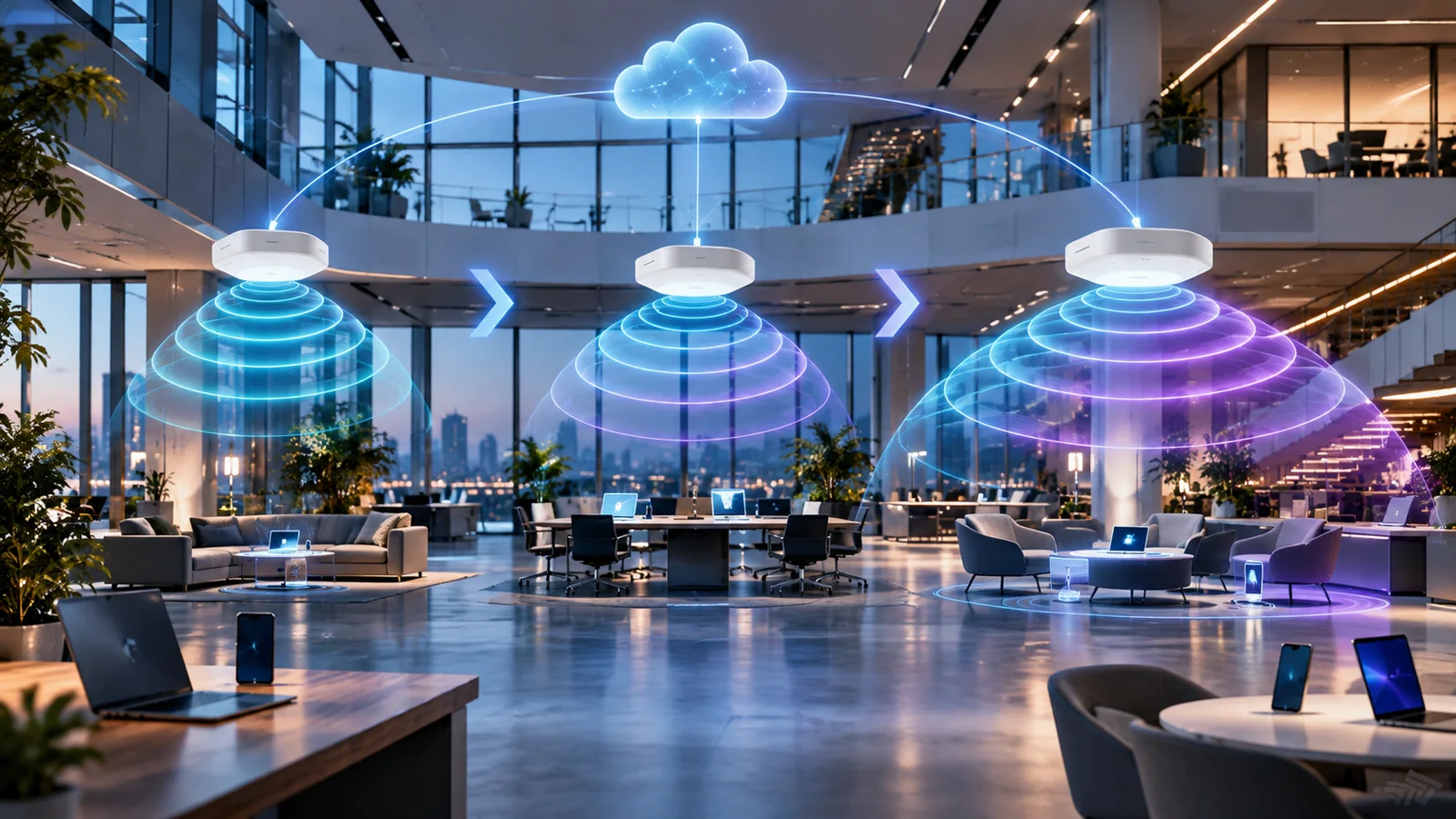
Both models use Cisco's unified wireless approach. The same hardware can operate with Meraki cloud management or a supported Catalyst 9800 deployment, subject to the correct subscription, software and onboarding process. That flexibility is valuable, but it does not make the two enclosures interchangeable.
Quick Answer: CW9172H or CW9172I?
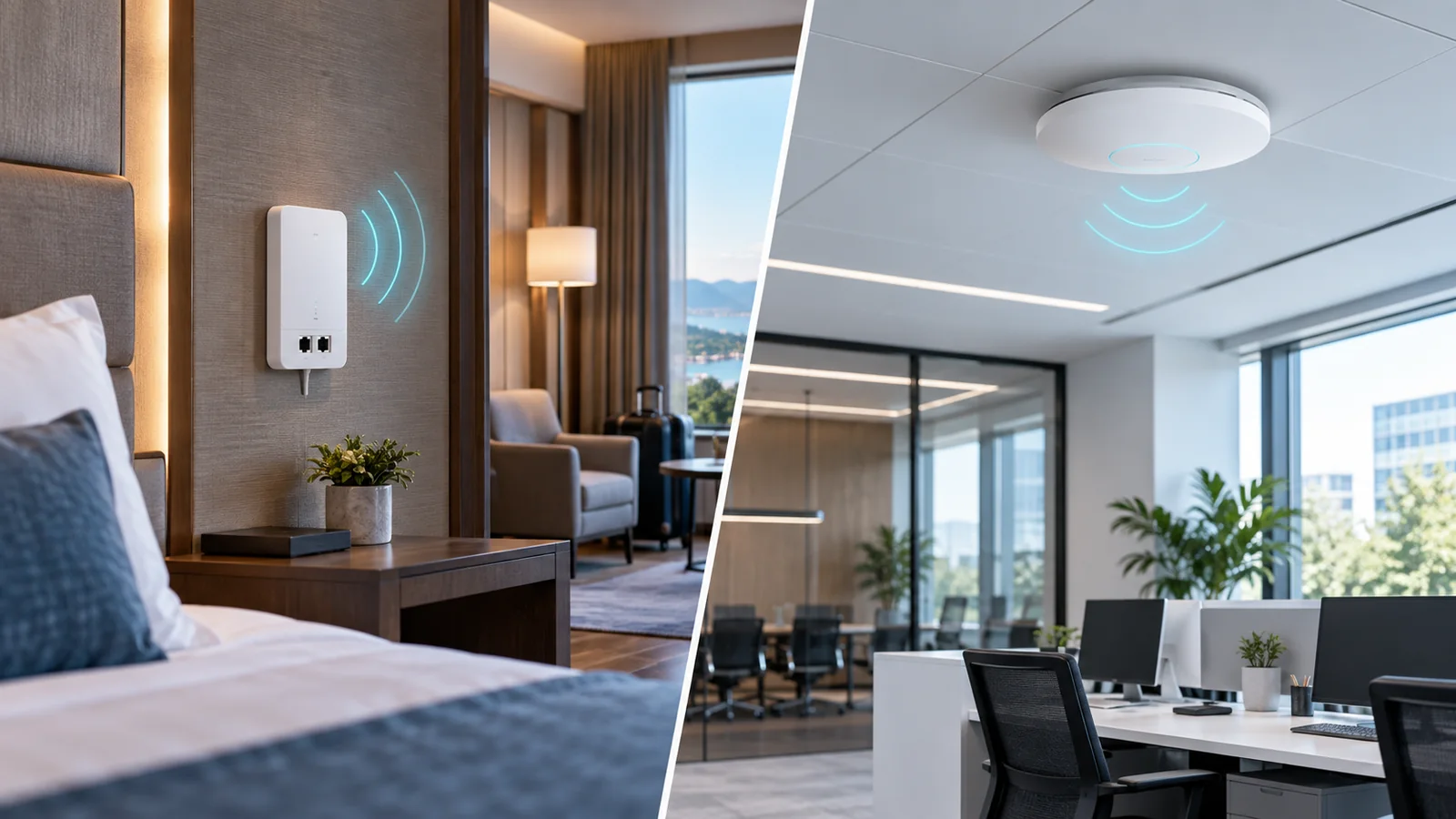
Choose CW9172H for hotel rooms, student housing, multi-dwelling units and compact offices where one access point should also provide local Ethernet connections. Its wall-oriented form factor, three downstream 1GbE LAN ports and pass-through port make it the purpose-built room option.
Choose CW9172I for a small branch, shop, classroom or office where the AP's job is primarily wireless coverage. It uses an integrated omnidirectional antenna and a single 2.5GbE uplink, avoiding the cost and installation complexity of unused room ports.
CW9172H vs CW9172I Comparison
| Feature | CW9172H | CW9172I |
|---|---|---|
| Primary use | Hospitality, MDU, dorm room, compact branch | Small office, retail, branch, classroom |
| Client radios | 2.4, 5 and 6 GHz; 2x2 on each band | |
| Aggregate frame rate | Up to 9 Gbps | |
| Uplink | 1 x 2.5GbE | 1 x 2.5GbE |
| Downstream Ethernet | 3 x 1GbE LAN plus pass-through; one LAN port supports PoE out | None |
| Mounting intent | Wall plate / in-room | Conventional indoor ceiling or wall coverage |
| Management | Meraki dashboard or supported Catalyst on-premises management | |
The published aggregate frame rate is a radio-layer total, not an application throughput promise. Client capability, channel width, interference, spectrum rules, airtime contention, power mode and the 2.5GbE wired uplink all affect real performance.
Radio Design and Wi-Fi 7 Performance
Each AP can serve 2.4 GHz, 5 GHz and 6 GHz clients concurrently with two spatial streams per band. Wi-Fi 7 capabilities such as Multi-Link Operation can improve efficiency and responsiveness when compatible clients, software and regulatory settings support them. A dedicated scanning radio supplies RF analytics and wireless intrusion detection, while an IoT radio supports Bluetooth Low Energy functions.
This is an efficient platform for rooms and modest-density areas, not a replacement for a higher-stream AP in an auditorium or busy open office. If the design expects many simultaneous high-throughput clients, compare the CW9176I and CW9178I instead of simply installing more CW9172 units without a capacity plan.
6 GHz availability is country-specific and requires compatible clients. Keep 5 GHz capacity in the design because many installed laptops, phones, televisions and IoT devices will not use 6 GHz. In hospitality, test the actual guest device mix and roaming behavior rather than sizing solely from maximum radio rates.
Ethernet Ports, PoE and Cabling
The CW9172H can replace a room access point and a small edge switch in the right design. Its 2.5GbE uplink connects to the access layer, while three 1GbE LAN ports can serve a television, phone, workstation or another room device. One LAN port can deliver PoE when the AP receives sufficient input power. The pass-through port supports cabling designs that need a physically separate path.
Do not assume PoE output is available under every power condition. Calculate the input power required for full radio operation and downstream power, confirm the supported injector or switch power class, and include the attached device's demand. Document which port powers which endpoint so a future room change does not exceed the budget.
The CW9172I is simpler: one multigigabit uplink carries management and client traffic. A 1GbE switch port can operate but may constrain a heavily used Wi-Fi 7 cell. Confirm multigigabit access switching, PoE delivery, cable category and the upstream oversubscription ratio as one design.
Which Deployment Fits Each Model?
Hotel and student housing: CW9172H places coverage and wired room services close to the user. Standardize the mounting height, cable box, port map and template across rooms, and validate that furniture or televisions do not block the intended RF pattern.
Small office and retail: CW9172I is the cleaner default when wired ports are already provided by an access switch. Use a survey to avoid placing an AP only where cabling is easiest.
Teleworker or executive room: CW9172H can consolidate local wired and wireless access, but business policy, secure tunneling, switch reachability and failure behavior should be designed before deployment.
Mixed property: It is reasonable to use CW9172H inside rooms and CW9172I in corridors, offices or small common areas. Larger event spaces may require CW9176I or CW9178I. A shared dashboard and subscription framework can keep operations consistent while the hardware follows each space.
Management and Licensing
Unified hardware allows the APs to be used with Meraki cloud management or a supported Catalyst 9800 environment. Choose the operating model before rollout because configuration workflow, monitoring, feature availability and migration steps differ. Verify the exact software release and country support for the desired mode.
Budget the required Cisco Networking Subscription or applicable Meraki license with the hardware. Match subscription tier and term across quotes, and include support, mounting brackets, injectors or switch upgrades. A low hardware price without its required entitlement and power accessories is not a complete comparison. The Meraki licensing guide explains the broader licensing models.
CW9172 Buying Checklist
- Map rooms and open areas separately; choose H for room ports and I for conventional coverage.
- Count wired endpoints and PoE-out demand at every CW9172H location.
- Confirm 2.5GbE switch ports, PoE class, cable quality and total switch power budget.
- Survey 2.4, 5 and 6 GHz coverage and capacity with the expected client mix.
- Select Meraki cloud or Catalyst management and validate software support.
- Include licenses, mounts, injectors, patch leads and spare units in the bill of materials.
- Pilot one representative room and one open area before a property-wide rollout.
Checking Current MSRP
Search the Meraki price list on GlobalPriceList.com using the exact AP, subscription and accessory product numbers. Compare complete, equal-term bills of materials rather than AP hardware alone. For higher-density areas, continue with the CW9176I vs CW9178I guide.
Sources
- CW9172H Datasheet - Cisco Meraki Documentation
- CW9172I Datasheet - Cisco Meraki Documentation
- MR Family Datasheet - Cisco Meraki
FAQ
What is the main difference between CW9172H and CW9172I?
CW9172H is a wall-plate hospitality AP with downstream Ethernet and optional PoE output. CW9172I is a conventional indoor AP for small offices, retail and branch coverage.
Do CW9172H and CW9172I support 6 GHz?
Yes. Both are tri-band Wi-Fi 7 access points, but 6 GHz operation depends on country regulations, software and compatible clients.
Can CW9172H power another device?
One downstream LAN port can provide PoE when the access point receives the required input power. Validate the complete PoE budget before ordering.
Can these access points use Meraki cloud management?
Yes. They use unified hardware that can support Meraki cloud or a supported Catalyst management mode with the correct subscription and software.
Which model is better for a hotel room?
CW9172H is normally the better fit because its wall-oriented design and local Ethernet ports are intended for hospitality and multi-dwelling rooms.
Check Current Meraki Pricing
Browse the full, daily-updated Meraki GPL on GlobalPriceList.com.
View Meraki Price List