Meraki CW9176I vs CW9178I: Wi-Fi 7 Compared
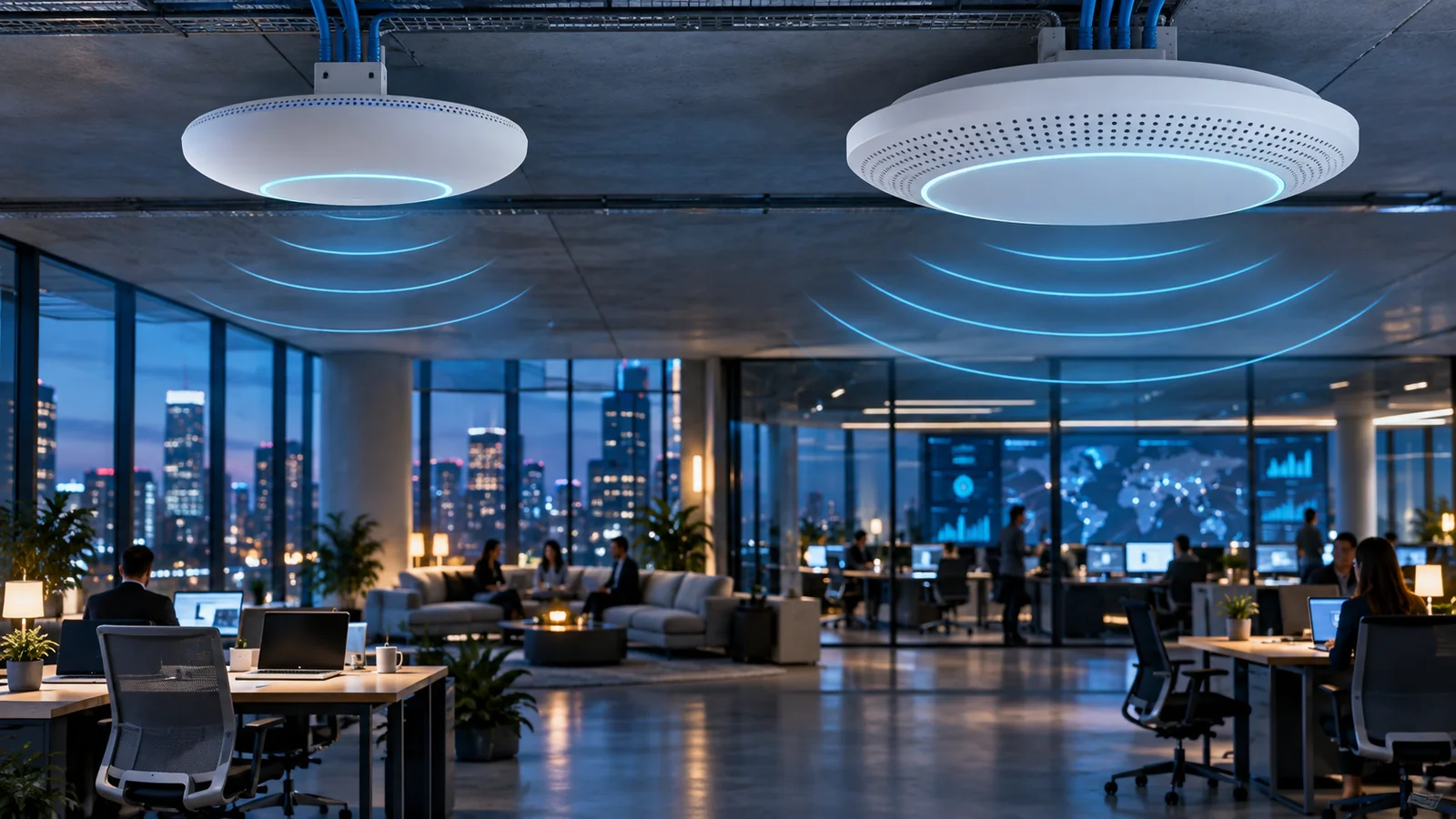
Compare CW9176I and CW9178I Wi-Fi 7 access points for enterprise offices, schools, healthcare and high-density venues, including radios, uplinks and PoE.
Key Points
- CW9176I is the high-performance default with three 4x4 client radios, 12 spatial streams and a single 10GbE multigigabit port.
- CW9178I is the ultra-high-density option with a flexible fourth client radio, up to 16 spatial streams and dual 10GbE ports.
- CW9178I can operate two 5 GHz radios in quad-radio mode, which can improve capacity where the RF plan and client distribution support it.
- Both use unified hardware for Meraki cloud or Catalyst management and require the correct networking subscription.
- Full capability depends on suitable 802.3bt power, multigigabit switching, country rules and a validated RF design.
CW9176I and CW9178I are both premium Wi-Fi 7 access points, but they target different density levels. The CW9176I is the practical high-performance choice for many enterprise offices, schools and healthcare spaces. The CW9178I adds a flexible fourth client radio, more spatial streams and a second 10GbE interface for the most demanding locations.
The larger model number is not automatically the better purchase. CW9178I earns its place when the design can use additional 5 GHz capacity, the switch can supply its power and uplinks, and client density justifies the cost. In ordinary rooms, a correctly placed CW9176I may deliver the same user experience with a simpler bill of materials.
Quick Answer: CW9176I or CW9178I?
Choose CW9176I for high-performance general enterprise coverage. It supplies three 4x4 client radios across 2.4, 5 and 6 GHz, up to 12 spatial streams and a 10GbE multigigabit uplink. It is the sensible baseline where density is high but not venue-scale.
Choose CW9178I for very high-density areas, critical applications or designs that can benefit from dual 5 GHz radios. Its quad-radio mode provides four 4x4 client radios, up to 16 spatial streams, a published aggregate frame rate up to 24 Gbps and two 10GbE ports.
CW9176I vs CW9178I Comparison
| Feature | CW9176I | CW9178I |
|---|---|---|
| Positioning | High-performance enterprise | Ultra-high-performance / highest density |
| Client-radio design | Tri-radio 4x4 | Tri-radio or quad-radio 4x4 |
| Maximum spatial streams | 12 | 16 in quad-radio mode |
| Maximum aggregate frame rate | Up to 18 Gbps | Up to 24 Gbps |
| Ethernet | 1 x 10GbE multigigabit | 2 x 10GbE multigigabit |
| High-density advantage | Strong tri-band capacity | Optional second 5 GHz client radio |
| Management | Meraki dashboard or supported Catalyst on-premises deployment | |
These maximum figures describe the platform, not guaranteed application throughput. Channel availability, regulatory domain, client radios, interference, channel width, retransmissions, airtime and wired design determine the usable result.
Radios, Spatial Streams and Capacity
CW9176I provides a balanced tri-band design: 4x4 operation on 2.4, 5 and 6 GHz. This is already substantial for an enterprise AP. It supports modern Wi-Fi 7 functions and includes dedicated scanning and IoT capabilities so client radios do not have to carry every monitoring task.
CW9178I can use a tri-radio configuration or split 5 GHz into two client-serving radios in quad-radio mode. The second 5 GHz radio is useful because large installed client populations still rely on 5 GHz even when 6 GHz is available. It can increase channel reuse and airtime capacity, but only when the RF plan assigns non-conflicting channels and the physical cell boundaries support reuse.
Do not size from spatial streams alone. Most client devices use two streams, and a single client cannot consume the sum of every AP radio. Higher radio count helps aggregate capacity across many clients. That is why CW9178I fits busy lecture halls, trading floors, large collaboration areas and other concentrated populations better than lightly occupied rooms.
Multi-Link Operation, 320 MHz channels and other Wi-Fi 7 features depend on clients, software and spectrum rules. In dense enterprise designs, narrower channels often produce more reusable cells and higher total capacity than a small number of very wide channels.
10GbE Uplinks and PoE Requirements
CW9176I uses one 10GbE-capable multigigabit interface. CW9178I provides two 10GbE-capable multigigabit interfaces, supporting cabling flexibility and supported resiliency designs. Two physical links should not be treated as an automatic doubling of client throughput; verify the exact supported link behavior for the chosen management mode and software.
Both APs deserve multigigabit access switching. A 1GbE connection may operate in some power and feature modes but can constrain aggregated traffic. Match port speed, PoE standard, switch power budget, uplink capacity and cable quality. Include the power required during full radio operation, not only the power that lets the AP boot.
CW9178I is especially sensitive to power planning. Cisco documents reduced radio capability and link speed under lower PoE classes. Use a supported 802.3bt source for the intended full configuration, and test power negotiation after installation. A premium AP running permanently in a reduced mode is an expensive design error.
Where Each Access Point Fits
Standard office floor: Start with CW9176I. Place APs from a predictive plan and validate after installation. CW9178I may be justified in concentrated collaboration zones but is rarely necessary at every desk bay.
Education and healthcare: Use expected concurrent devices, roaming, voice and critical application requirements. CW9176I suits many classrooms and clinical areas; CW9178I is more appropriate for the densest lecture or waiting spaces.
Auditorium or high-density event space: Evaluate CW9178I's dual-5-GHz mode as part of a capacity design. Antenna pattern, mounting height, seating geometry and channel reuse remain more important than the headline aggregate rate.
Mixed estate: A tiered design is often best: CW9172 models for rooms and small branches, CW9176I for general high-performance areas and CW9178I only at density hotspots. This reduces hardware, PoE and switching cost without lowering service where demand is ordinary.
Management and Licensing
Both APs use unified hardware that can connect to the Meraki dashboard or a supported Catalyst 9800 and Catalyst Center environment. Decide the management mode, feature requirements and migration plan before purchasing. Confirm country availability and the supported software release.
Include the required Cisco Networking Subscription or Meraki entitlement in every comparison. Normalize subscription tier and duration, support, mounts, injectors, switch ports and power upgrades. Review the Meraki licensing guide before comparing hardware-only prices.
Wi-Fi 7 Buying Checklist
- Measure peak concurrent clients and application demand by physical zone.
- Confirm whether a second 5 GHz client radio will improve the channel plan.
- Survey 2.4, 5 and 6 GHz and document country-specific 6 GHz availability.
- Provide supported multigigabit switch ports and the full required PoE class.
- Check access-switch uplinks and total PoE budget during failure conditions.
- Select management mode, subscription tier and term.
- Pilot representative client types, roaming, voice and high-load applications.
Checking Current MSRP
Use the Meraki catalog on GlobalPriceList.com to check exact AP and subscription product numbers. Compare a deployable system: access point, license, mount, PoE, switching and support. For smaller locations, see the CW9172H vs CW9172I guide.
Sources
- CW9176I / CW9176D1 Datasheet - Cisco Meraki Documentation
- CW9178I Datasheet - Cisco Meraki Documentation
- Wi-Fi 7 Access Points Overview - Cisco Meraki
FAQ
What is the main difference between CW9176I and CW9178I?
CW9176I is a tri-radio 12-stream high-performance AP. CW9178I can run four client radios with up to 16 streams and adds a second 10GbE interface for ultra-high-density designs.
Does CW9178I always use four client radios?
No. It supports tri-radio and quad-radio modes. Quad-radio operation splits 5 GHz into two client-serving radios and must fit the RF plan.
Is CW9178I always faster for each client?
No. Its main advantage is aggregate capacity for many clients. Individual performance still depends on client capability, channel conditions and the wired network.
Do these access points need 10GbE switches?
They can negotiate supported lower rates, but multigigabit switching avoids creating a permanent wired bottleneck and better matches their aggregate wireless capacity.
Can CW9176I and CW9178I use Meraki cloud?
Yes. Both support Meraki cloud or supported Catalyst management with the correct software and subscription.
Check Current Meraki Pricing
Browse the full, daily-updated Meraki GPL on GlobalPriceList.com.
View Meraki Price List