Meraki MR36 to CW9172I: Is a Wi-Fi 7 Upgrade Worth It?
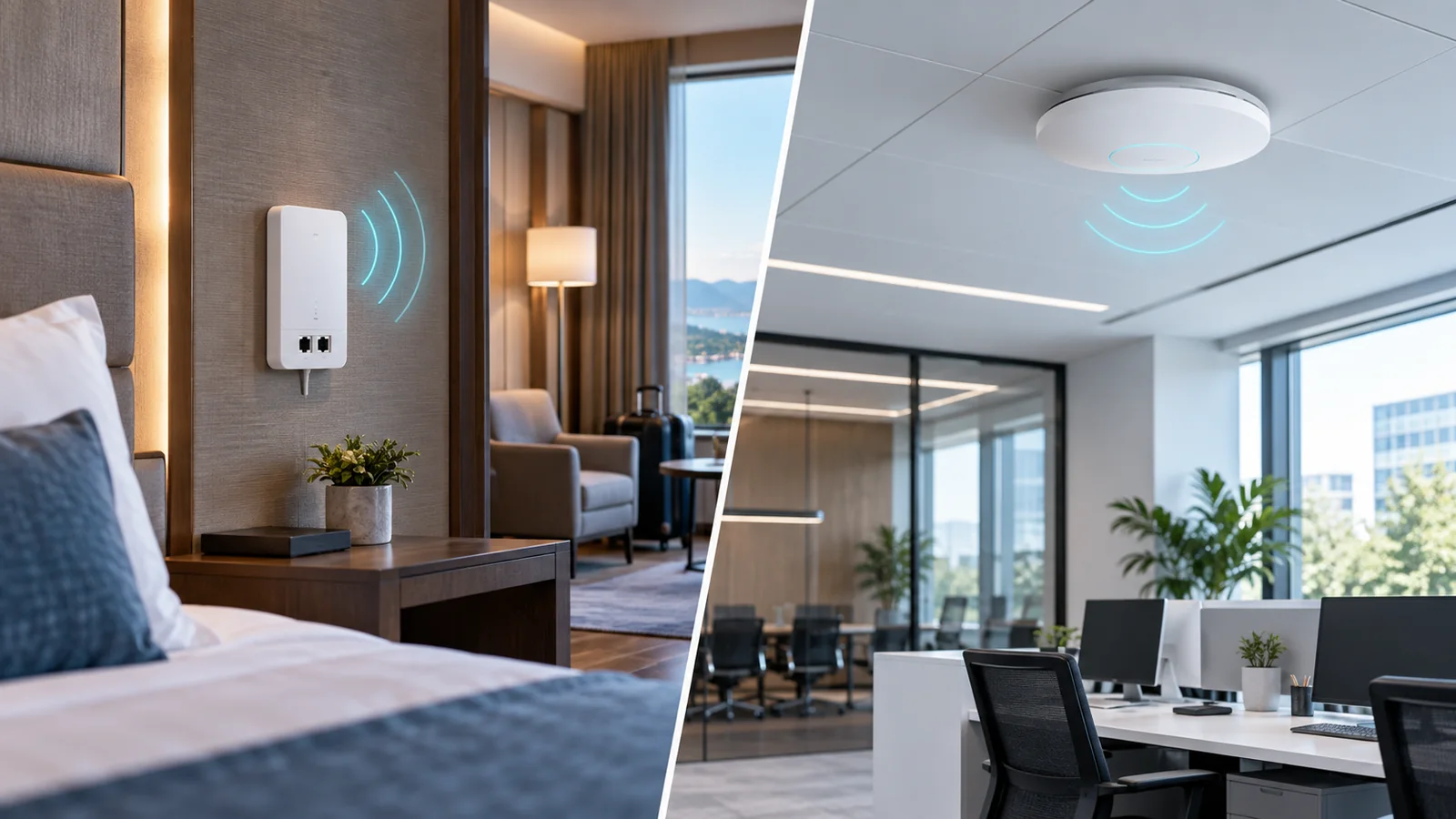
Evaluate an MR36 replacement by client capability, 6 GHz coverage, wired uplinks, power and licensing before moving to the CW9172I.
Key Points
- A Wi-Fi 7 upgrade needs a client and coverage plan, not just a newer access point.
- The CW9172I adds a 6 GHz deployment option and a multigigabit uplink.
- Check power, licensing and firmware before approving an installation.
- Pilot one representative area before replacing the whole fleet.
Consider replacing a Meraki MR36 with a CW9172I when your client fleet and coverage design can benefit from Wi-Fi 7 and 6 GHz. A newer AP is not, by itself, a solution for a slow WAN connection, poor placement or an unsuitable switch port. Identify the constraint before budgeting for a fleet replacement.
Use the Meraki price list to compare exact hardware and license SKUs. This guide focuses on upgrading an existing office deployment; our CW9172H vs CW9172I comparison covers the separate choice between wall-plate and general indoor designs.
What changes from MR36 to CW9172I?
The MR36 datasheet identifies a 2x2 Wi-Fi 6 AP serving 2.4 and 5 GHz. The CW9172I datasheet describes Wi-Fi 7 with a configurable tri-band 2x2 mode, plus a dual-band option with a 4x4 5 GHz radio when 6 GHz is disabled.
| Planning question | MR36 | CW9172I |
|---|---|---|
| Wireless generation | Wi-Fi 6 | Wi-Fi 7 |
| 6 GHz client service | No | Available in the applicable tri-band configuration |
| Wired uplink | 1GbE | Up to 2.5GbE |
| Decision focus | Current performance and coverage | Client readiness and supporting infrastructure |
Advertised aggregate radio rates are not the throughput of a single laptop. The application path also includes client capability, airtime, channel width, cabling, switching and the destination service.
Start with clients and coverage
Inventory the laptops, phones, scanners and IoT devices that matter to the site. Separate clients that can use 6 GHz from those remaining on 2.4 or 5 GHz. If most devices are older and the existing network meets its targets, a staged rollout can be more useful than replacing every AP immediately.
Survey representative rooms and work areas rather than assuming the old mounting positions provide the desired coverage on every band. Include actual walls, closed doors and the client devices staff carry. Verify country availability, security settings and software support for the intended radio configuration.
Check the switch, power and license
Audit the entire wired path. Confirm negotiated link speed, cable condition and switch capacity. A multigigabit AP connected to a Gigabit switch does not create a multigigabit uplink.
Check the target AP's documented power mode and the switch's per-port and total PoE budget. Do not approve an installation solely because the AP powers on. Verify the operating mode and features after it has joined the network.
The CW9172I documentation requires an applicable license. Ask the supplier to identify the entitlement for your organization's licensing model and the intended term. Our Meraki licensing guide provides context, but an existing license should not be assumed transferable without checking the replacement workflow.
Run a small migration pilot
- Record the baseline: application response, coverage complaints, roaming and uplink use during a busy period.
- Choose a representative area: include both modern and older clients.
- Verify configuration: compare SSIDs, VLANs, authentication, guest access and policy assignments.
- Test the working day: include calls, movement between APs and device reconnections.
- Keep a rollback path: preserve the old AP configuration and document how to restore service.
A successful adoption into Dashboard is only the start of acceptance. Record what improved and any client that behaved differently before extending the rollout.
Compare the installed cost
Compare hardware, licensing, mounts, power, switch changes and installation over the same period. Use the Meraki product and price catalog as a reference and request a complete supplier quote. List price alone does not capture the cost of preparing the building for the new AP.
Official sources
Published November 13, 2026. The cover is illustrative; no independent hardware benchmark is claimed.
FAQ
Should I replace a working MR36 immediately?
Not solely because a newer model exists. Measure current constraints and compare a targeted replacement with retaining the working deployment.
Will an older client gain 6 GHz access?
Only a client that supports the relevant band can use it. Check client radios, drivers and security compatibility.
Is CW9172I the same as CW9172H?
No. The I and H models have different deployment roles. The H is the wall-plate option with local wired ports.
Can I assume my current license covers the new AP?
Confirm the replacement entitlement and term for the organization licensing model before ordering.
Check Current Meraki Pricing
Browse the full, daily-updated Meraki GPL on GlobalPriceList.com.
View Meraki Price List See Meraki Price History