Cisco Meraki Licensing: Terms, Editions and Pricing
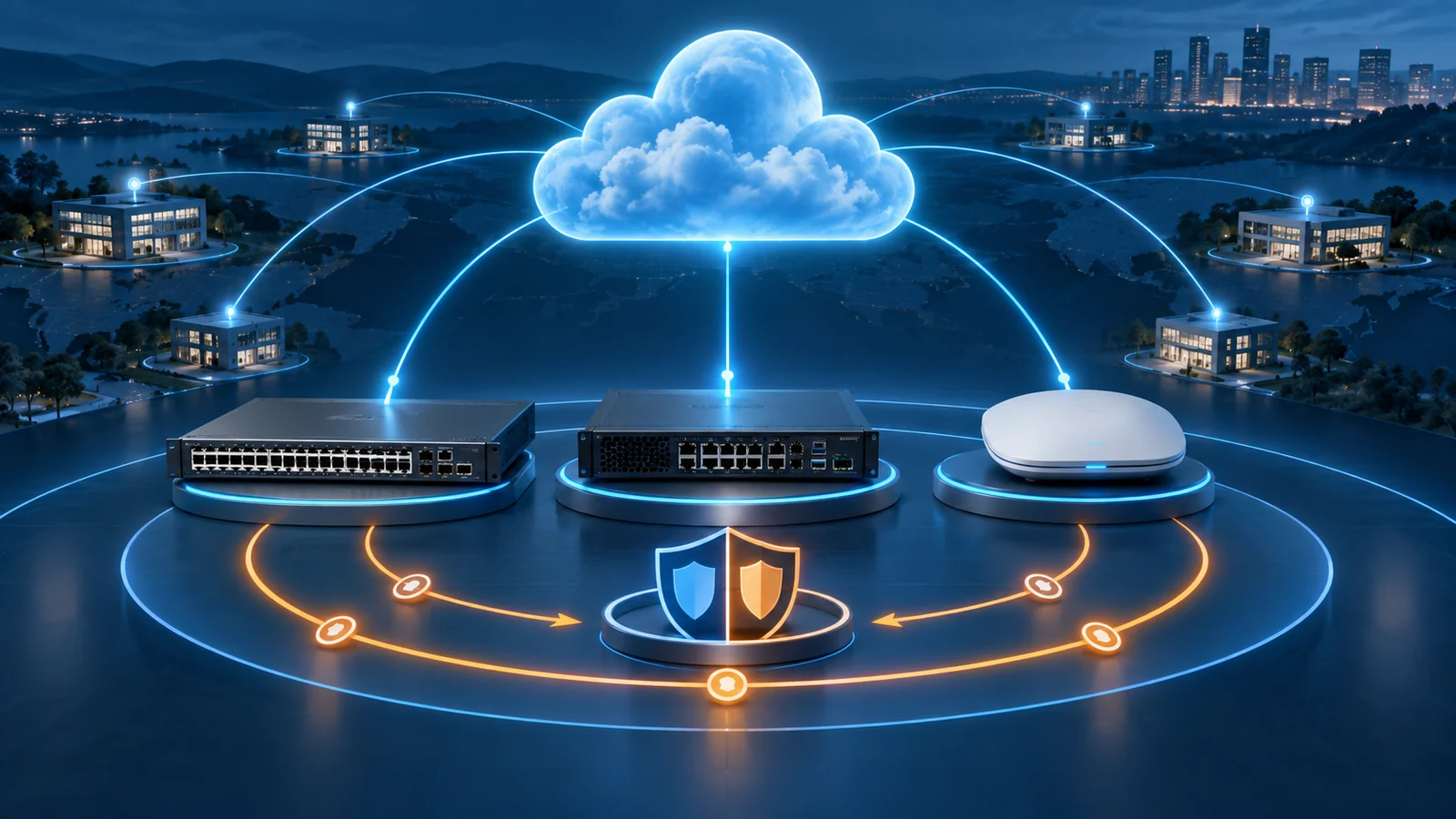
Every Meraki switch, firewall, and access point requires an active cloud license to keep working. Here is how per-device licensing, terms, tiers, and co-termination actually work.
Key Points
- Every Meraki MS switch, MX security appliance, and MR access point requires an active cloud license - there is no permanent, license-free ownership model.
- Licenses are sold in 1, 3, 5, 7, or 10-year terms; longer terms lower the effective annual cost but reduce flexibility.
- MX appliances need a tier choice - Enterprise or Advanced Security - which changes what security features are unlocked, not just support.
- Most Meraki organizations use co-termination, where every license in the org shares one blended expiration date.
- A lapsed license does not brick hardware immediately, but it does cut off cloud management, monitoring, alerts, and (eventually) key security services.
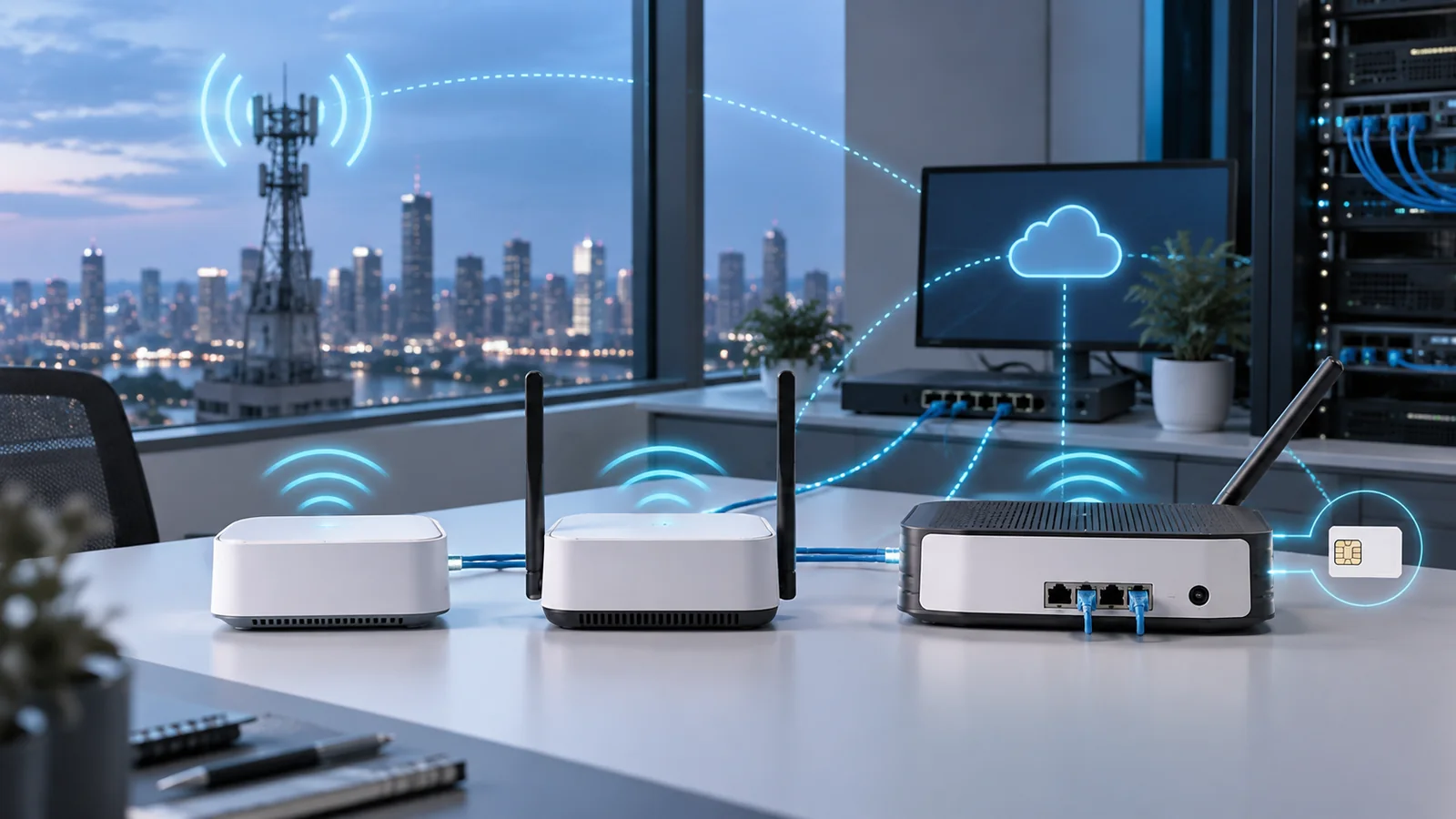
Cisco Meraki flips the traditional networking purchase model on its head. Instead of buying a switch, firewall, or access point once and owning it outright the way you would with a Cisco Catalyst switch or an ASA firewall, every Meraki device requires an active cloud licensing subscription to keep functioning past its initial grace period. For IT buyers used to Catalyst's perpetual-hardware-plus-optional-support-contract approach, Meraki's mandatory, term-based, per-device licensing can be confusing - and if it is not planned for correctly, it can turn into an expensive surprise. This guide walks through how Meraki licensing actually works: term lengths, license tiers, co-termination, what happens when a license lapses, and how to budget for renewals without getting caught off guard.
Why Every Meraki Device Needs a License
Meraki's entire value proposition is built around centralized, cloud-hosted management. Every MS switch, MX security appliance, MR access point, and other Meraki hardware phones home to the Meraki cloud dashboard, which is where you configure VLANs, firewall rules, SSIDs, and monitor performance, client activity, and alerts from a single pane of glass across every site in your organization. That cloud dashboard access is not a bolt-on convenience feature - it is the product. A license is what keeps a device connected to that dashboard, eligible for firmware updates, covered under Cisco TAC support, and (for MX appliances in particular) able to run the security services that come with the license tier.
This is a fundamentally different model from Cisco's traditional Catalyst switches or ASA firewalls, which run their own operating system locally and keep switching or routing traffic indefinitely whether or not you renew a support contract. A Catalyst 9300 with an expired SmartNet contract still forwards packets; it simply loses TAC support and software upgrade entitlement. A Meraki device without a valid license is a different story, because the cloud license is not just a support add-on - it is the mechanism that keeps the device centrally managed, updated, and (depending on the platform) fully functional. That distinction is the single biggest thing first-time Meraki buyers need to understand before they budget a project: the license is not optional, and it is not a one-time cost.
How Per-Device Cloud Licensing Works
When you purchase Meraki hardware, you also purchase a matching license SKU for each device - a switch license for each MS switch, an appliance license for each MX, and an access point license for each MR. When a device is added to your Meraki organization's inventory (via its serial number or order number), it draws from the pool of licenses available in that organization. In practice this means the license is tied to the organization and the device, not to a physical site, so hardware can be moved between locations within the same org without needing a new license.
Historically, all Meraki organizations used a model called co-termination, where every license in the org - regardless of device type or purchase date - shares a single blended expiration date (more on this below). More recently, Cisco introduced Per-Device Licensing (PDL) as an alternative model for newer organizations, where each device carries its own independent license and expiration date instead of a shared org-wide date. Which model an organization uses is typically set when the org is first created and is difficult to change afterward, so it is worth asking your reseller or partner which mode a new org will be provisioned under before you commit to a purchase, especially if you are merging acquired sites or multiple business units into one Meraki organization later.
Whichever mode you use, the practical purchasing exercise is the same: figure out how many switches, security appliances, and access points you are deploying, match each hardware SKU to its corresponding license SKU, and select a term length. Browsing current part numbers and MSRP before requesting a quote - for example on the https://globalpricelist.com/meraki product listing - makes it much easier to sanity-check what a reseller's quote should look like, since hardware and license line items are usually quoted separately and are easy to mix up.
Choosing a License Term: 1, 3, 5, 7, or 10 Years
Meraki licenses are sold in fixed term lengths - typically 1, 3, 5, 7, and 10 years, depending on the product line. The term you choose does not change what features you get; it only changes how long the license is valid for before it needs to be renewed. This makes the term decision mostly a financial and operational planning question rather than a technical one.
Longer terms generally lower the effective annual cost per device and reduce how often you have to touch a renewal purchase order, which matters if your organization's procurement process is slow or if pricing has a history of increasing year over year - locking in a longer term effectively hedges against future list-price increases. Shorter terms cost more per year but keep you flexible, which is useful if you expect to refresh hardware sooner than a full license cycle, are piloting Meraki before a larger rollout, or are not yet sure the platform fits your long-term architecture.
| Term | Best fit | Trade-off |
|---|---|---|
| 1 year | Pilots, short-term deployments, uncertain roadmaps | Highest effective annual cost, most renewal admin |
| 3 years | Standard refresh-cycle alignment for many SMB/mid-market networks | Balanced cost vs. flexibility |
| 5 years | Networks expected to stay on the same hardware generation for a while | Lower annual cost, less frequent renewals |
| 7 / 10 years | Long-horizon deployments, budget-locking against price increases | Lowest effective annual cost, least flexibility if plans change |
A practical rule of thumb: align the license term to your expected hardware refresh cycle. If you replace access points every five years, a 5-year AP license usually makes more sense than stacking three separate 1-year renewals, both financially and administratively.
MX License Tiers: Enterprise vs Advanced Security
Meraki MX security appliances add another decision on top of the term length: which license tier to buy. Unlike MS switches and MR access points, which generally have one license type per model, MX appliances are licensed at either the Enterprise or Advanced Security tier, and the tier determines which security features are actually unlocked on the device - not just support level.
Enterprise
The Enterprise tier is the baseline license for every MX appliance and covers the core feature set most organizations rely on day to day: SD-WAN capabilities (policy-based routing, VPN concentration, dynamic path selection across uplinks), site-to-site and client VPN, basic firewall and traffic shaping, content filtering, and standard cloud management and reporting through the dashboard. For many branch offices whose main requirement is reliable SD-WAN connectivity back to a hub or data center, Enterprise is sufficient.
Advanced Security
The Advanced Security tier includes everything in Enterprise plus a set of threat-focused services layered on top: intrusion detection and prevention (IDS/IPS, based on Snort signatures), Advanced Malware Protection (AMP) for file-based threat scanning, and additional content filtering and threat intelligence capabilities. Advanced Security costs more per device and per term than Enterprise, but for organizations handling sensitive data, subject to compliance requirements, or simply wanting defense-in-depth at the edge rather than relying solely on endpoint security, it is often worth the premium - particularly at sites without a local IT presence to catch problems manually.
| Feature | Enterprise | Advanced Security |
|---|---|---|
| SD-WAN / VPN (site-to-site & client) | Yes | Yes |
| Firewall & traffic shaping | Yes | Yes |
| Content filtering | Yes | Yes, with expanded threat intelligence |
| Intrusion detection/prevention (IDS/IPS) | No | Yes |
| Advanced Malware Protection (AMP) | No | Yes |
| Relative cost | Lower | Higher per device/term |
When comparing MX quotes across sites, check the tier line item as carefully as the appliance model itself - two quotes for the same MX hardware can differ substantially in price purely based on which license tier is attached. Current MSRP for MX appliances and their license tiers can be checked on the https://globalpricelist.com/meraki/security category page before you request a formal quote.
Co-Termination: Why All Your Licenses Share One Expiration Date
The default and still most common Meraki licensing model is co-termination, where every license purchased into an organization - switches, access points, security appliances, regardless of when each was bought - is blended into a single, shared expiration date for the entire org. When you add a new license mid-cycle (say, three new access points eight months into a five-year term), Meraki does not simply give that new license its own five-year clock. Instead, it recalculates a new blended end date for the whole organization based on the remaining value of existing licenses plus the newly added one.
The upside of co-termination is administrative simplicity: instead of tracking dozens of individual renewal dates across every switch, AP, and firewall in your organization, you track exactly one date. That single date is what shows up in the Meraki dashboard's license page, and it is the one number your IT or procurement team needs to calendar for renewal planning.
The downside is that co-termination math can be counterintuitive if you are not expecting it. Adding a handful of licenses mid-term shifts the blended date for every device already in the org, which can make it look like you are "losing" term on your existing licenses, or conversely gaining unexpected extension across the board. It also means a mid-cycle expansion often comes with a true-up cost that is not simply "new device price times remaining months" - it is a recalculation across the whole license pool. If your organization is growing quickly or merging with another Meraki deployment, it is worth having your reseller model out the blended date and any true-up cost before you place an order, rather than being surprised by the number on the renewal invoice. Organizations that expect frequent, staggered purchasing over time sometimes prefer the newer Per-Device Licensing model instead, precisely to avoid this blending effect - but as noted earlier, that choice is typically locked in when the organization is created.
What Happens When a Meraki License Lapses
Because Meraki licensing is mandatory rather than optional, letting a license expire has real operational consequences - though it is a staged process, not an instant shutdown. When an organization's license reaches its expiration date, Meraki typically provides a grace period (commonly around 30 days) during which the dashboard displays increasingly urgent warnings but devices continue to operate normally.
Once the grace period passes without renewal, the organization moves into a license-expired state. At that point:
- Devices generally keep passing traffic based on their last-known configuration - existing VPN tunnels, firewall rules, and SSIDs typically continue to function in the short term.
- Cloud management stops: you can no longer push new configuration changes to switches, MX appliances, or access points through the dashboard.
- Monitoring, alerting, and reporting are cut off, so you lose visibility into outages, client issues, or security events until the license is restored.
- Firmware updates and Cisco TAC support are no longer available for the affected devices.
- For MX appliances on the Advanced Security tier, threat-related services like IDS/IPS and AMP can stop updating their signature and reputation databases, weakening their effectiveness even if the features nominally remain enabled.
- Adding any new device to the organization is blocked until the license is brought current.
In short, a lapsed license does not "brick" hardware the way a hardware failure would, but it does quietly strip away the management visibility, support, and security currency that are the whole reason most organizations chose Meraki in the first place. For any organization relying on Meraki for security enforcement at the edge, treating the co-termination date as a hard deadline - not a soft one - is the safest approach.
How to Budget for Meraki Licensing
Because licensing is recurring and mandatory, it needs to be budgeted as an operating expense line item, not folded into a one-time hardware capital purchase and then forgotten. A few practical habits make this much easier to manage over time:
- Calculate total cost of ownership, not just device price. Compare hardware-plus-license-term as one bundled number when evaluating Meraki against alternatives like Catalyst, rather than comparing hardware sticker prices alone.
- Align term length to your refresh cycle. If you expect to replace switches or APs every three to five years, buying a matching term avoids paying for license years you will not use, or having to true up early.
- Calendar the co-termination date well in advance. Set a reminder at least 90 days before the org-wide expiration so procurement has time to process a renewal purchase order before the grace period starts counting down.
- Model mid-cycle expansions before ordering. If you are adding devices mid-term, ask your reseller for the recalculated blended expiration date and true-up cost up front rather than after the invoice arrives.
- Compare current MSRP across term lengths before renewing. Checking current pricing on https://globalpricelist.com/meraki for switches, security appliances, and access points side by side makes it easier to see whether a longer term genuinely saves money at today's prices.
- Budget by product line separately when planning larger refreshes. Switch licensing (https://globalpricelist.com/meraki/switches), security appliance licensing (https://globalpricelist.com/meraki/security), and wireless licensing (https://globalpricelist.com/meraki/wireless) often renew on different purchase histories even within the same co-term org, so breaking out the numbers by category avoids surprises in any one area.
Treated proactively, Meraki's licensing model is predictable - the co-termination date gives you one number to plan around, and longer terms give you a way to lock in pricing. The organizations that get burned are almost always the ones that treated the license as a one-time purchase instead of a recurring commitment.
If the license decision is tied to a security appliance refresh, continue with the Meraki MX series comparison to match the subscription plan to the appropriate hardware class.
Sources
- Cisco Meraki Licensing Overview - Cisco Meraki
- Cisco Meraki Support - Cisco Meraki
- Cisco Meraki - Cloud Managed Networking - Cisco Meraki
FAQ
Do I really need a license for every Meraki device?
Yes. Every Meraki MS switch, MX security appliance, and MR access point requires an active cloud license to remain fully managed, updated, and supported. Unlike traditional Cisco hardware, Meraki devices are not designed to run indefinitely without a valid license.
What is the difference between Enterprise and Advanced Security licenses on an MX?
Enterprise covers core SD-WAN, VPN, firewall, and content filtering features. Advanced Security adds intrusion detection/prevention (IDS/IPS) and Advanced Malware Protection (AMP) on top of everything in Enterprise, at a higher per-device cost.
What does co-termination mean in a Meraki organization?
Co-termination means every license in your Meraki organization - regardless of device type or purchase date - shares one blended expiration date. Adding new licenses mid-cycle recalculates that shared date rather than starting a separate clock.
What happens if a Meraki license expires and is not renewed?
There is typically a grace period (around 30 days) with dashboard warnings. After that, cloud management, monitoring, alerting, firmware updates, and TAC support stop, and new devices cannot be added, though existing configurations may continue passing traffic for a period.
Which license term should I choose - 1, 3, 5, 7, or 10 years?
Match the term to your expected hardware refresh cycle. Longer terms lower the effective annual cost and hedge against price increases; shorter terms cost more per year but keep you flexible if your plans might change.
Where can I check current Meraki license and hardware pricing?
GlobalPriceList.com maintains updated MSRP for Meraki switches, security appliances, and wireless access points, which makes it easier to compare hardware-plus-license bundles before requesting a reseller quote.
Check Current Meraki Pricing
Browse the full, daily-updated Meraki GPL on GlobalPriceList.com.
View Meraki Price List See Meraki Price History