Meraki CW9172I vs CW9176I: Wi-Fi 7, PoE and Uplinks

Choose between Meraki-managed CW9172I and CW9176I by busy-hour demand, radio configuration, PoE mode, wired uplinks and complete deployment cost.
Key Points
- Use measured demand to decide whether a higher-capacity AP is justified.
- The CW9176I uplink depends on its negotiated power mode.
- A larger radio configuration does not guarantee a faster connection for every laptop.
- Include licenses, switch power, cabling and installation in every quote.
Start with CW9172I for a conventional office or branch where its radio and uplink capabilities meet the measured demand. Evaluate CW9176I for busy shared spaces when the wireless workload and the supporting switch justify a higher-capacity AP. The deciding factor is often the power and network infrastructure behind the access point.
Our CW9172H vs CW9172I guide compares room-oriented and conventional mounting roles. This article takes the indoor CW9172I and compares its capacity tier with CW9176I. The cover is conceptual; the product cards use manufacturer imagery. We have not performed a laboratory throughput test.
CW9172I or CW9176I: Quick Answer
A branch with ordinary desk work and a suitable coverage plan may gain little from putting the larger model everywhere. A busy meeting area with simultaneous calls and large transfers deserves a capacity assessment. Choose AP locations and count from the floor plan, then assign hardware tiers to the actual demand in each zone.
Hardware Comparison for a Meraki-Managed Site
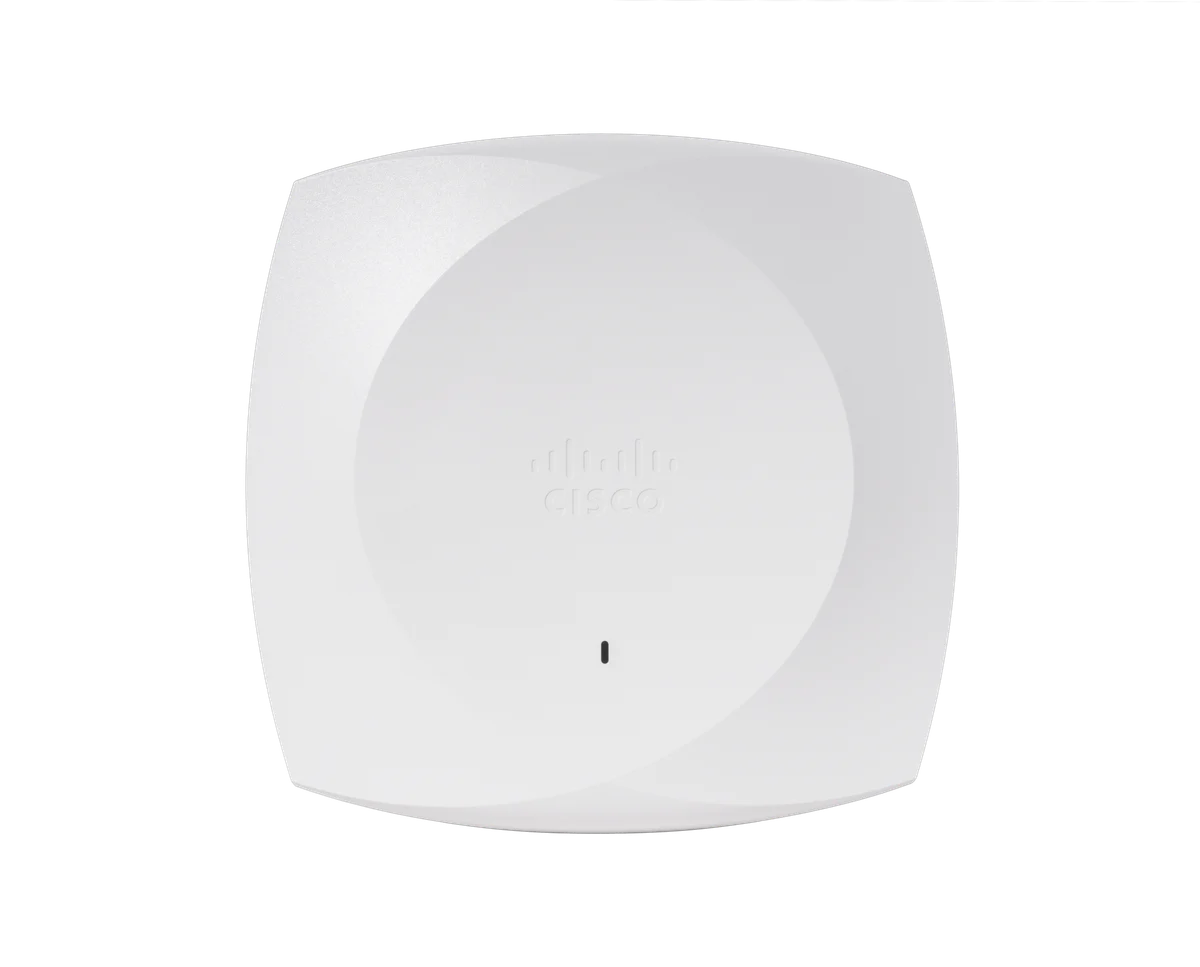
A conventional indoor AP for areas where a moderate-capacity design meets the workload.
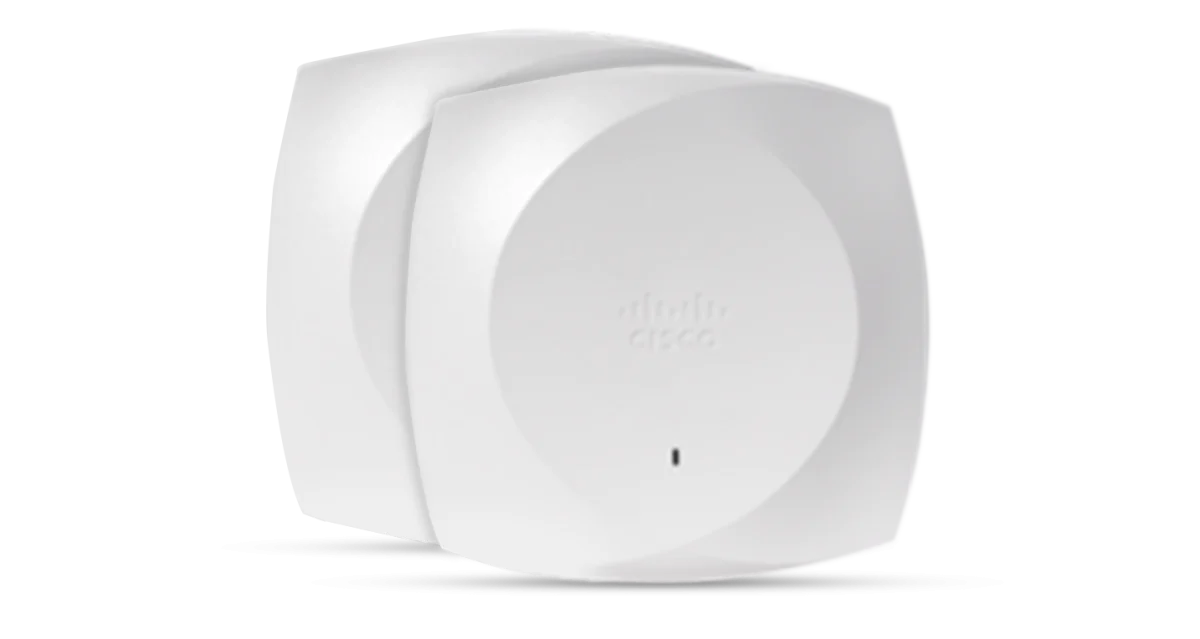
The CW9176I comparison below concerns the omnidirectional indoor model.
| Area | CW9172I | CW9176I |
|---|---|---|
| Wi-Fi generation | Wi-Fi 7 | Wi-Fi 7 |
| 2.4 / 5 / 6 GHz, tri-band mode | 2x2 / 2x2 / 2x2 | 4x4 / 4x4 / 4x4 with suitable power |
| Alternative CW9172I mode | 2.4 GHz 2x2 + 5 GHz 4x4; no active 6 GHz client radio | Compare the supported mode for your software |
| Physical Ethernet capability | One uplink, up to 2.5 GbE | One uplink, up to 10 GbE |
| On 802.3at PoE+ | Tri-band 2x2; up to 2.5 GbE | 2.4 GHz reduced to 2x2; uplink limited to 2.5 GbE |
| Antenna/model scope | Indoor omnidirectional model | CW9176I omnidirectional; D1 is a different antenna variant |
References: CW9172I Meraki datasheet, CW9176I Meraki datasheet and Cisco's 9172 / 9176 series power tables. Radio modes and feature support must match the management platform, software release and country of deployment.
PoE Is Part of the Performance Specification
Check the powered operating mode before treating a switch connection as a complete design. A port can provide a data link while supplying too little power for the intended configuration. Inspect the negotiated power and link speed during installation, rather than relying on the AP booting successfully.
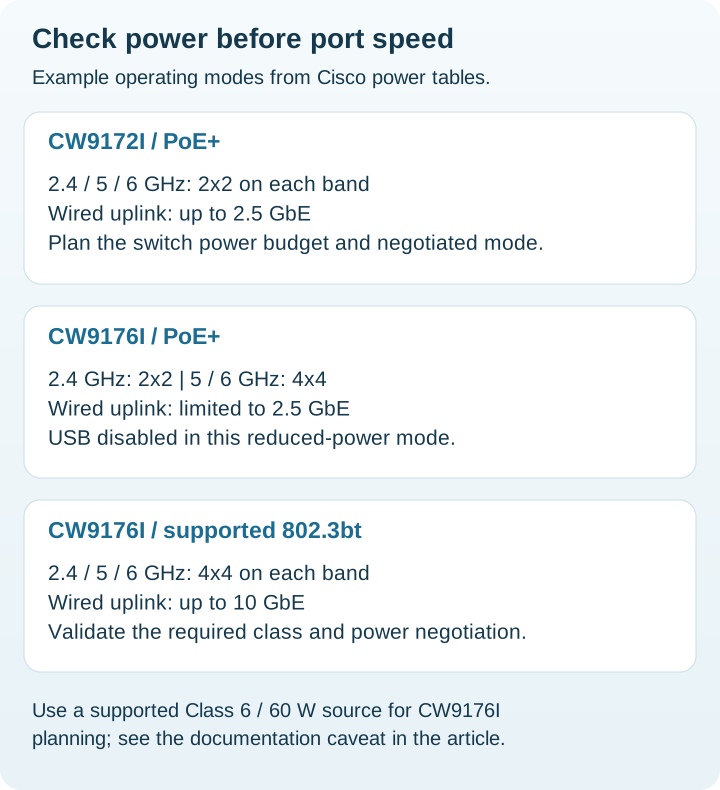
CW9176I power-class caveat: Cisco's published tables label the full mode as Class 5, while the Meraki datasheet also explicitly calls for a Class 6 source capable of supplying 60 W. For procurement, specify a supported 802.3bt Class 6 / 60 W source and validate negotiation with the selected software. Do not resolve this documentation difference by assuming any PoE++ port is sufficient.
That switch-side capability is not a claim that the AP continuously consumes 60 W. Keep power delivery, endpoint consumption and the switch's allocation rules separate. For several APs, check the total budget under the planned power-supply configuration and include other endpoints sharing the switch.
A legacy 802.3af connection is unsuitable for the intended Wi-Fi 7 service: the Cisco tables show severe restrictions on CW9172I and no active client radios on CW9176I. If reusing older switching, include a compatible power upgrade in the project.
More Spatial Streams Do Not Double Every Laptop's Speed
An AP's radio capability and a client's capability are different things. A two-stream laptop does not become a four-stream client when the AP changes. The practical question is whether the larger AP improves the experience of the devices active at the same time, with the channel plan and interference present at that location.
Inventory client adapters, drivers and band support. Test calls, file transfers and roaming with representative devices during a busy period. Avoid adding the advertised rates from several radios and presenting the result as the throughput available to one user.
If the site cannot use 6 GHz, review the supported dual-band option and its trade-offs before ordering. Do not assume a configuration that gives more resources to 5 GHz also preserves simultaneous 6 GHz service. For refreshes from older hardware, the MR36 to CW9172I upgrade guide covers client and migration planning.
Match the AP Tier to Each Physical Zone
| Area | Planning approach |
|---|---|
| Small branch or ordinary office | Start with the measured workload and a CW9172I coverage design |
| Busy meeting or collaboration space | Pilot CW9176I with suitable power and switching |
| Several rooms with difficult walls | Improve AP placement and cabling before moving every AP up a tier |
| Mixed office floor | Use different tiers where measurements justify them; retain a coordinated channel plan |
These are editorial starting points, not manufacturer capacity guarantees. Do not choose a universal users-per-AP threshold. A room full of idle phones and a room full of active video calls create different requirements, even when the connected-client count is identical.
For especially demanding areas, continue with the CW9176I vs CW9178I comparison. A higher tier still needs a suitable RF design and wired path.
Management and Licensing Belong in the Quote
These hardware families support Meraki cloud management or supported Catalyst deployments. This buying guide assumes Meraki management. Confirm the management mode, supported release, regulatory availability and applicable entitlement for the exact hardware before purchase.
Normalize license tier, term, support and renewal assumptions across suppliers. Our Meraki licensing guide explains why a hardware-only comparison can omit a material part of the deployment cost. Include mounting parts, injectors where needed, power cables and switch upgrades as separate lines.
Buying and Pilot Checklist
- Map concurrent demand and coverage gaps by room.
- Record client bands, adapters and application requirements.
- Verify the exact AP model, antenna type and management entitlement.
- Confirm power class, total switch budget and negotiated uplink speed.
- Validate the cable plant and access-switch upstream capacity.
- Pilot authentication, guest access, roaming and simultaneous traffic.
- Capture the working configuration, power mode and acceptance results.
Search the Meraki price list for the exact AP and subscription numbers. Prices update weekly and stock information daily; confirm the complete regional bundle and availability. An absent catalog result is a reason to obtain a supplier quote, not evidence that the model is unavailable.
Official Sources and Review Method
Specifications checked November 20, 2026. Buying scenarios are our analysis of deployment requirements; no measured performance results are claimed.
FAQ
Is CW9176I always faster than CW9172I?
No. Individual results depend on client capabilities, interference, channel settings, placement and the wired path. Evaluate the concurrent application workload.
Does CW9176I keep its 10G uplink on PoE+?
Cisco lists a 2.5G uplink in its 802.3at mode. Validate a supported 802.3bt power source and negotiated operating mode for the full configuration.
Can CW9172I use 4x4 at 5 GHz?
Yes, in its supported dual-band configuration. That differs from simultaneous tri-band operation, where each client band uses 2x2.
Are these APs usable without a management entitlement?
Budget the applicable Cisco subscription or Meraki access-point license for the selected management model, and confirm the exact entitlement with the supplier.
Check Current Meraki Pricing
Browse the full Meraki GPL on GlobalPriceList.com. Prices are updated weekly; stock information is updated daily.
View Meraki Price List See Meraki Price History