UniFi U7 Pro vs U7 Pro Max: Is the Upgrade Worth It?
Compare U7 Pro and U7 Pro Max by 5 GHz radios, spectral analysis, PoE, 2.5GbE uplinks and real deployment needs before paying for the higher tier.
Key Points
- Pro Max adds 5 GHz radio resources; both models already include 6 GHz.
- The wired uplink stays at 2.5 GbE on both APs.
- Choose around simultaneous demand and troubleshooting needs, not the Max name.
- Placement, compatible power and a good channel plan remain essential.
U7 Pro is the starting shortlist for an ordinary tri-band Wi-Fi 7 installation. U7 Pro Max is worth evaluating when a busy 5 GHz environment or a need for spectral analysis justifies its extra capabilities. Paying for Max does not automatically improve every device or every room.
If you are deciding whether to add 6 GHz at all, begin with our U7 Lite vs U7 Pro comparison. This guide addresses the next tier: two APs that both already provide tri-band Wi-Fi. The cover is an editorial illustration, and the product cards show manufacturer images. This is not a hands-on benchmark.
U7 Pro or Pro Max: Quick Answer
Keep U7 Pro on the shortlist when your survey, clients and expected traffic fit its capabilities. Consider Pro Max in shared workspaces with meaningful simultaneous 5 GHz traffic, especially if the extra RF visibility will be used by the person supporting the network. Test that hypothesis in the busy area before specifying the higher tier across an entire building.
U7 Pro vs U7 Pro Max Specifications
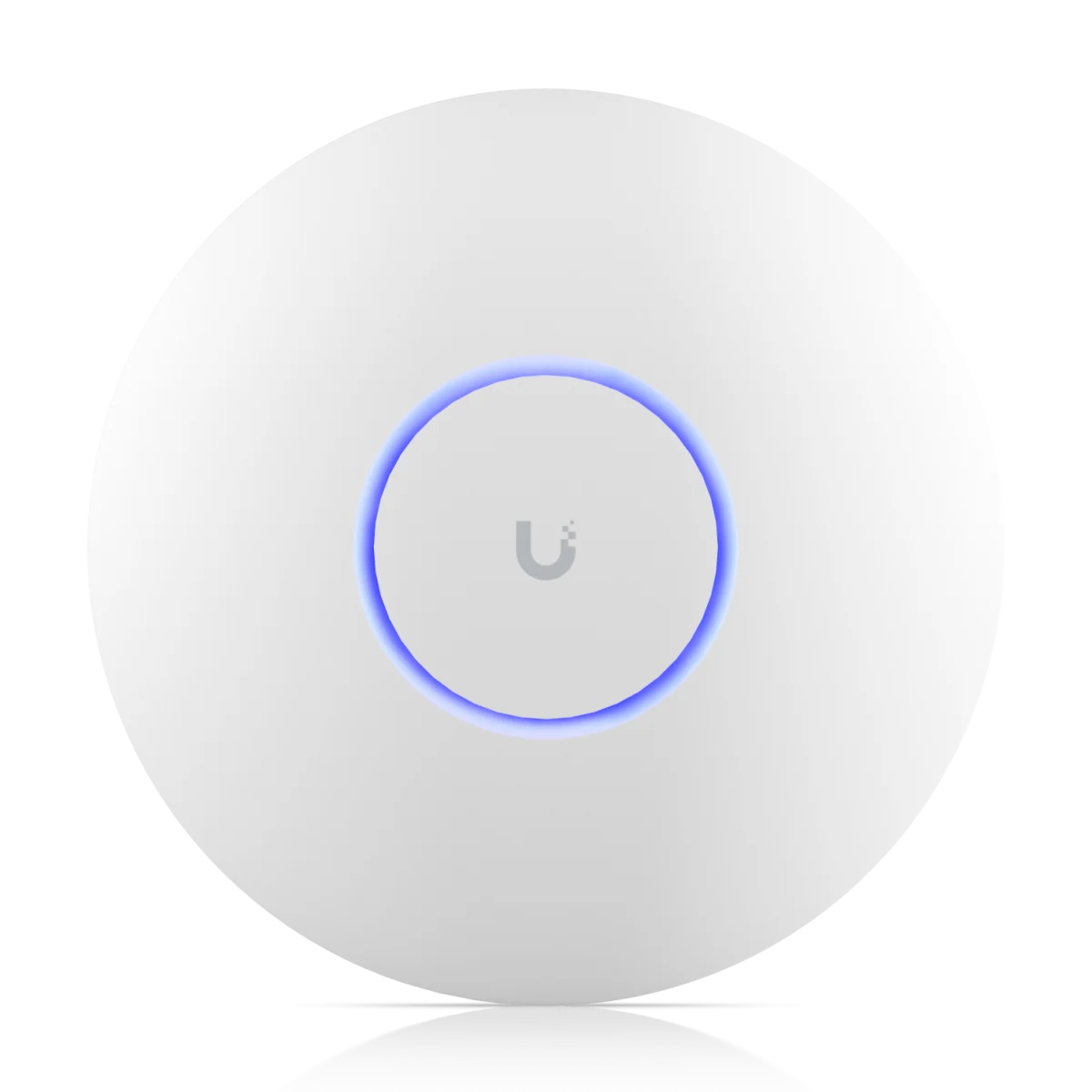
A Wi-Fi 7 AP to shortlist when its radio resources meet the coverage and workload plan.
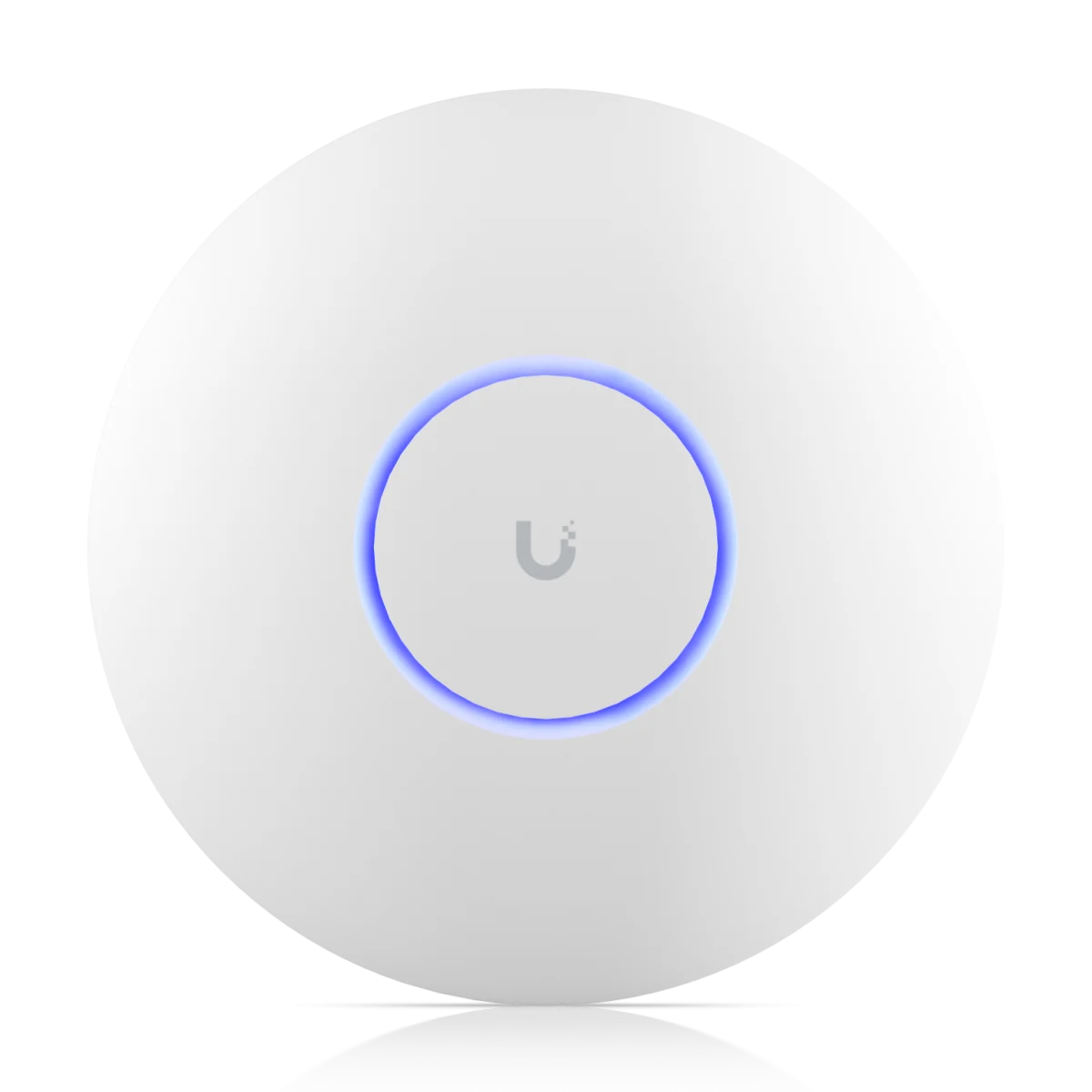
Adds 5 GHz spatial streams and real-time spectral analysis.
| Specification | U7 Pro | U7 Pro Max |
|---|---|---|
| Bands | 2.4, 5 and 6 GHz | 2.4, 5 and 6 GHz |
| 2.4 GHz radio | 2x2 | 2x2 |
| 5 GHz radio | 2x2 | 4x4 |
| 6 GHz radio | 2x2 | 2x2 |
| Total spatial streams | 6 across the radios | 8 across the radios |
| Wired uplink | One 1/2.5 GbE port | One 1/2.5 GbE port |
| Power method | PoE+ | PoE+ |
| Listed maximum consumption | 21 W | 25 W |
| Real-time spectral analysis | Not listed in the specification | Listed |
| Vendor coverage reference | 140 m² | 160 m² |
Sources: U7 Pro specifications and U7 Pro Max specifications, checked November 20, 2026. These are manufacturer specifications. Coverage references are not guarantees for a floor plan, and stream totals do not describe the link available to one client.
The Important Radio Difference Is at 5 GHz
Begin with the devices people actually use. A newer AP cannot add antennas, supported bands or spatial streams to an existing laptop. Record the client adapter, driver and application mix before deciding that a larger radio configuration will solve a performance complaint.
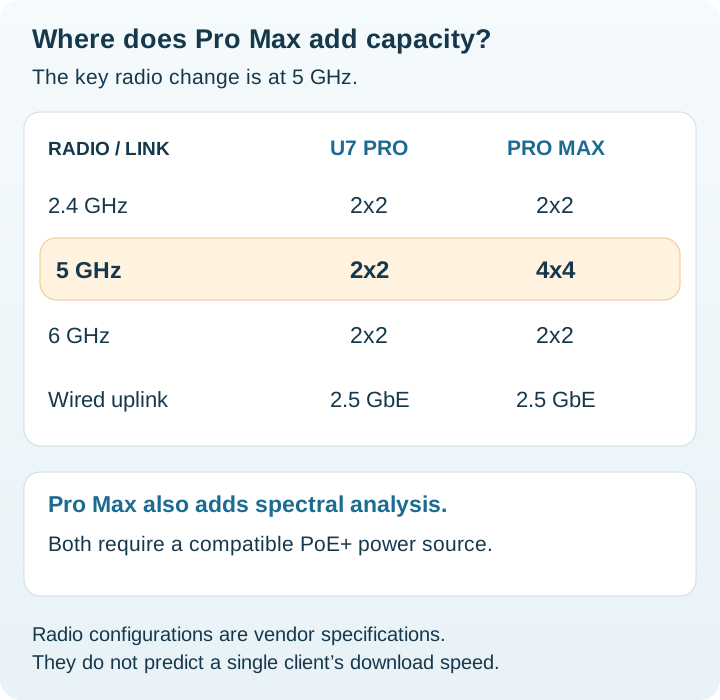
A site with many active 5 GHz clients has a different buying question from a home with a few lightly loaded devices. Run the intended calls and transfers concurrently rather than measuring one client beside the AP. Record latency, retries and application behavior as well as throughput.
For 6 GHz, check local availability, compatible clients and the supported security configuration. A client unable to use the band will not benefit from it simply because the AP supports Wi-Fi 7. Ubiquiti's 6 GHz setup guidance explains the deployment prerequisites.
When Spectral Analysis Is Useful
Additional RF visibility is most useful when someone will act on it. In a shared building with intermittent wireless problems, a support engineer may need to investigate interference alongside client and channel statistics. Treat the extra diagnostic capability as an operational tool with a defined use, rather than a speed multiplier.
A useful troubleshooting record includes the affected room, time, client, application and wired-network status. Correlate those observations with the available wireless diagnostics before changing channels or replacing equipment. A good radio does not resolve a slow DNS response, an overloaded internet link or an authentication problem.
PoE and the Wired Uplink Still Set Constraints
Check that every intended switch port or injector supports the required power standard and Ethernet rate. An injector can solve power delivery while leaving the data path at a lower speed; verify both specifications. Then check the upstream switch link and the destination server or internet service.
As an illustrative planning calculation, six APs at the listed maximum consumption represent 126 W for Pro or 150 W for Pro Max at the devices. Those are not typical measured loads or final switch allocation figures. Add delivery losses, other powered endpoints and the headroom required by the switch's power-management rules.
If your gateway is Dream Router 7, budget a suitable PoE+ source rather than assuming its powered output is sufficient. For an installation with independently positioned APs, see Dream Router 7 vs Cloud Gateway Fiber. These APs provide wireless access; routing and internet termination still need to be designed.
Upgrade the AP or Add Another Wired Location?
Separate a coverage problem from a capacity problem. A weak signal behind difficult walls may be better addressed by another properly placed wired AP. Congestion in one otherwise well-covered room requires a different assessment. Do not select the answer solely from the advertised coverage area.
| Observed problem | First thing to investigate |
|---|---|
| Weak signal in distant rooms | AP position, walls and a possible additional wired location |
| Poor performance only at busy times | Concurrent traffic, airtime use and upstream congestion |
| A slow local file transfer | Client capability, negotiated links and server or storage performance |
| Intermittent disruption in one area | Interference, retries and events correlated with the problem |
Adding APs also requires coordinated channels and power settings. More transmitters in the same space are not automatically helpful. Validate roaming and representative applications after the installation, and avoid increasing AP count without checking how the cells interact.
Compare Installed Cost and Define a Pilot
Include AP hardware, mounts, the PoE source, cabling, any switch changes, installation time and backup power. For a small site, compare the cost of Pro Max with the cost of improving placement. For a larger site, compare the support value of diagnostics with the team's ability to use them.
- Choose a representative busy room and record a baseline.
- Use comparable placement, channel settings and client workloads.
- Confirm the negotiated uplink and correct power delivery.
- Test simultaneous calls, transfers and roaming during realistic use.
- Accept the design against application needs, then document it.
Browse the Ubiquiti price list for exact model numbers and obtain comparable regional quotes. Prices update weekly and stock information daily; verify accessory inclusions and availability. Our UniFi UPS guide helps include the gateway and AP power source in the outage plan.
Official Sources and Review Method
Reviewed November 20, 2026. The buying scenarios, pilot checklist and power arithmetic are editorial analysis. No independent performance measurements or guaranteed client counts are claimed.
FAQ
Does U7 Pro Max add 6 GHz over U7 Pro?
No. Both include 6 GHz. The main stream-count increase is on the 5 GHz radio.
Does U7 Pro Max have a 10GbE uplink?
No. Both models have a single uplink rated for 1 or 2.5 GbE.
Can Dream Router 7 power either AP directly?
Both APs require PoE+. UDR7 has a PoE output rather than PoE+, so include an appropriate external power source.
Should I replace a working U7 Pro with Pro Max?
First identify a limitation in concurrent demand or a need for additional RF diagnostics. If the problem is coverage or an upstream bottleneck, address that part of the design before replacing the AP.
Check Current Ubiquiti Pricing
Browse the full Ubiquiti GPL on GlobalPriceList.com. Prices are updated weekly; stock information is updated daily.
View Ubiquiti Price List See Ubiquiti Price History