UniFi Dream Router 7 vs Cloud Gateway Fiber: Which Fits?
Compare UDR7 and UCG-Fiber by Wi-Fi placement, 10G ports, PoE, inspected routing and Protect storage, then price the complete installation.
Key Points
- UDR7 includes Wi-Fi; UCG-Fiber needs a separate access point for wireless service.
- A faster gateway cannot fix poor access-point placement or a slower client path.
- Compare WAN assignments, power compatibility and recording storage before ordering.
- Choose the complete network layout, then compare equal-scope quotes.
Choose Dream Router 7 when the gateway can also sit in a useful Wi-Fi location. Choose Cloud Gateway Fiber when you want to place access points separately and need a stronger wired routing platform. They solve different installation problems even though both are compact UniFi consoles.
This comparison follows our UniFi Express 7 vs Dream Router 7 guide. It addresses the next question: keep the radio inside the gateway, or separate the two? The cover is an editorial illustration; the product cards below show manufacturer images. This is a specification-based guide, not a hands-on benchmark.
UDR7 or UCG-Fiber: Quick Answer
For a small apartment or office with a centrally located internet handoff, UDR7 can reduce the equipment count. For an office with a wiring cupboard, several rooms or an existing AP installation, UCG-Fiber makes it easier to keep the gateway with the cables while placing Wi-Fi near the people using it. These are planning recommendations; a site survey and workload check determine the final choice.
Hardware and Port Comparison
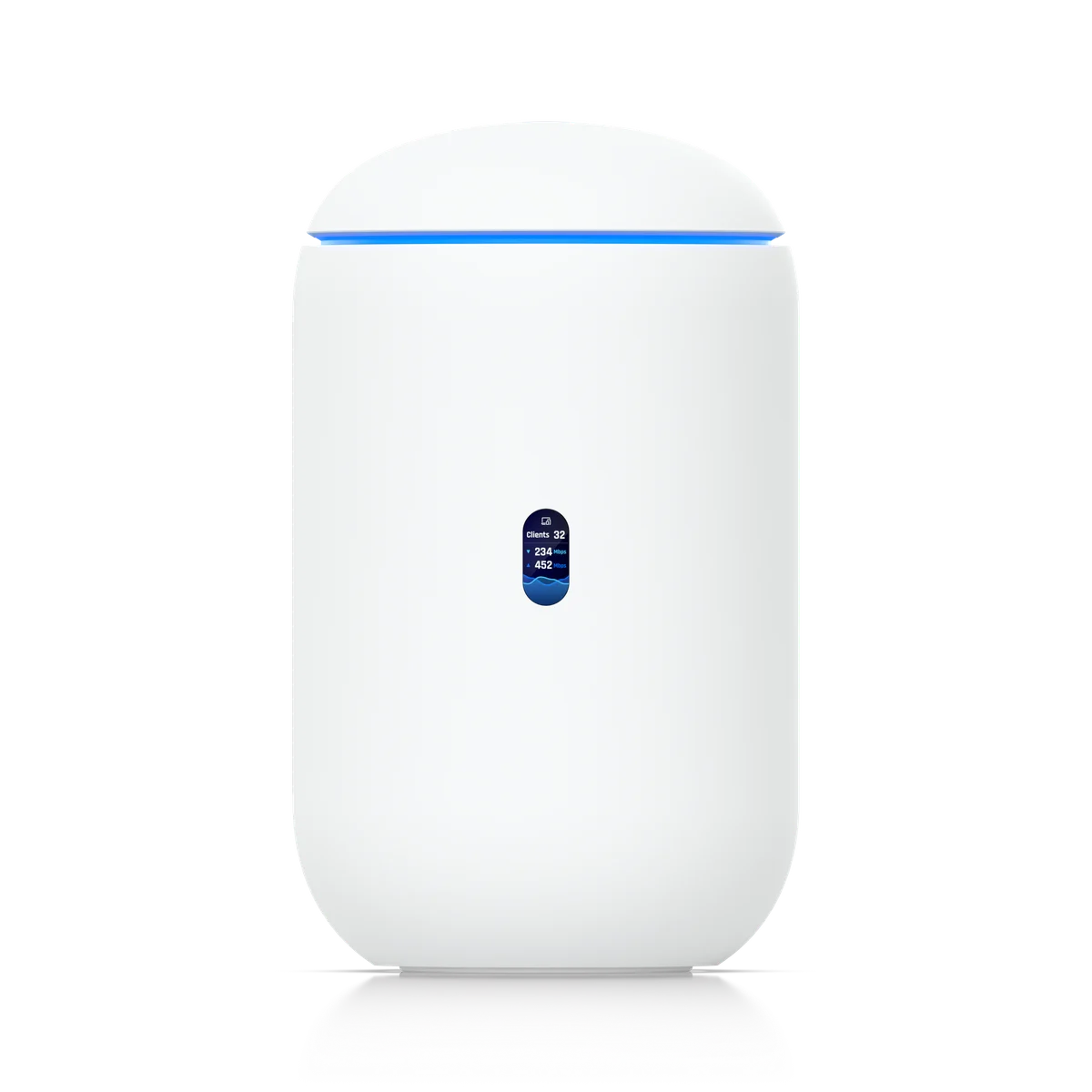
A compact console for an installation where the gateway is well placed for wireless coverage.
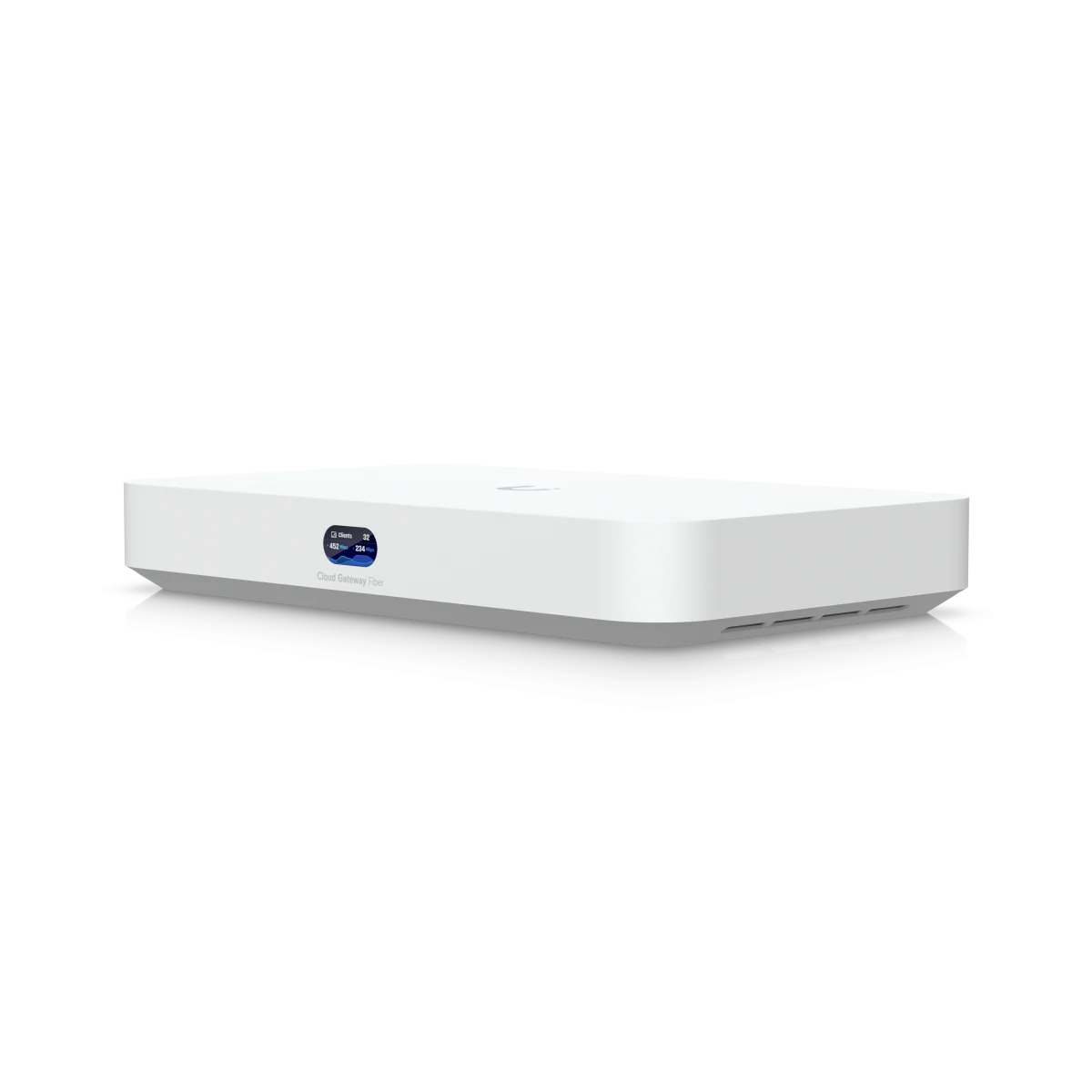
A wired console for sites using independently positioned access points.
| Decision point | Dream Router 7 | Cloud Gateway Fiber |
|---|---|---|
| Integrated Wi-Fi | Tri-band Wi-Fi 7 | None; separate AP required |
| Physical copper interfaces | 4 × 2.5 GbE | 4 × 2.5 GbE + 1 × 10 GbE |
| Physical SFP+ interfaces | 1 × 10G | 2 × 10G |
| Vendor IDS/IPS rating | 2.3 Gbps | 5 Gbps |
| Built-in powered output | One PoE port; 15.4 W budget | One PoE+ port; 30 W budget |
| Recording media | Pre-installed 64 GB microSD; card expansion | Selectable NVMe SSD, up to 2 TB |
| UniFi applications | Network, Protect, Access, Talk, Connect | Network, Protect, Access, Talk, Connect |
Hardware references: UDR7 technical specifications, UCG-Fiber technical specifications and the Ubiquiti compact gateway comparison, which identifies the single PoE+ output. Counts include WAN-assigned interfaces. A port used for the internet connection is not simultaneously a spare LAN port.
Separate the Wi-Fi Decision from the Internet Handoff
Mark the modem or ONT, cable termination point, work areas and difficult walls on a floor plan. If the internet entry point is behind furniture or inside a cupboard, paying for integrated Wi-Fi does not make that a good AP location. A cable to a well-positioned ceiling AP may improve the design more than choosing a different all-in-one router.
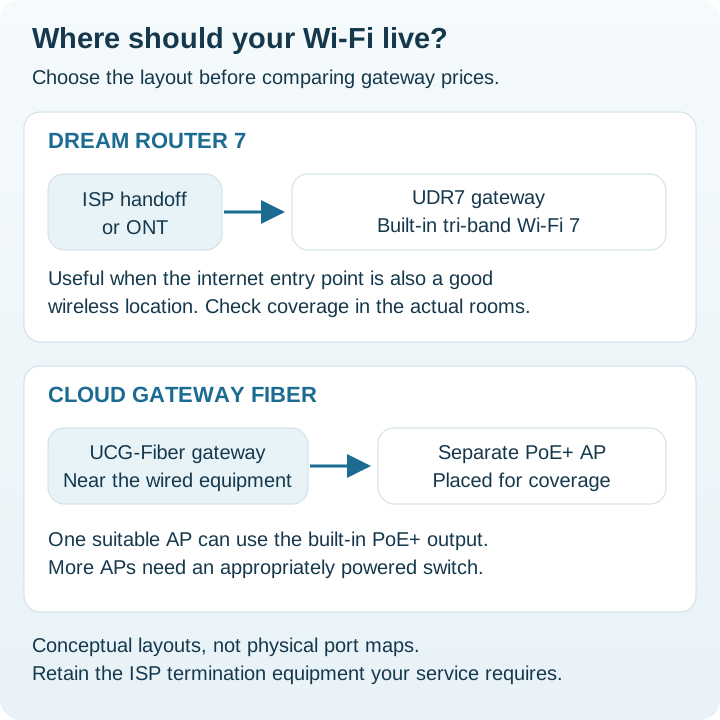
For an existing UDR7 installation, identify the actual shortcoming before replacing it. A weak signal in one room may call for a wired AP. A busy routed connection may call for more gateway capacity. Record the problem and the acceptance target so the purchase has a measurable purpose.
PoE Can Change the Access-Point Shopping List
Ethernet speed and power capability are separate checks. For a U7 Pro or U7 Pro Max, match the AP's PoE+ requirement to the source. Our U7 Pro vs U7 Pro Max comparison explains which radio differences matter after power and cabling are in place.
List every powered endpoint, including cameras and phones. One compatible output does not replace a multiport PoE switch. For a larger installation, size both the per-port allocation and the combined switch budget, and include the switch in the UPS load. Document the power source beside each device in the bill of materials.
Compare Recording Plans, Not Just App Support
Camera retention depends on camera count, resolution, recording policy and usable storage. Start with how many days must be retained, then check the console capacity guidance for the exact mix of applications. Supporting Protect does not mean every camera configuration or retention target will fit.
Ubiquiti offers UCG-Fiber with different storage selections. Its store notes that adding your own drive later requires the M.2 SSD Tray. Compare the no-storage and storage-equipped offers carefully and verify the supported drive arrangement before purchase. Source: UCG-Fiber store and storage options.
A 10G Port Is Not a 10 Gbps Security Guarantee
Use the listed inspection figures as manufacturer reference points, then test the intended traffic with the policies you will actually enable. Packet sizes, simultaneous applications, VPN traffic and traffic-management settings can change the result. This article does not substitute those ratings for independent measurements.
Trace a representative transfer from the client to its destination. Write the negotiated speed at the AP, switch uplink, gateway and server. A local NAS transfer staying within one switched network has different requirements from a transfer across VLANs or the internet. Upgrade the part of the path that limits the workload.
The word “Fiber” also does not establish compatibility with an ISP's optical access network. Confirm the provider's ONT requirements, handoff and authentication before planning a direct optical connection. Retain the provider equipment unless a supported alternative is explicitly available.
Compare the Complete Setup Cost
| Scenario | Starting shortlist | What to include |
|---|---|---|
| Small site with a central handoff | UDR7 | Coverage check, recording media and backup power |
| Existing APs and wired infrastructure | UCG-Fiber | Port assignments, optics or DACs and storage selection |
| Several rooms with new cabling | Either, with a coverage plan | AP locations, PoE switching, cabling and installation labor |
Ask for comparable quotes covering the gateway, APs, PoE source, storage, optics, mounts, cabling and UPS. For broader gateway choices, see Cloud Gateway Ultra vs Max vs Fiber; for a rack installation, compare UDR7 vs Dream Machine SE.
Browse the Ubiquiti price list and request an exact-model quote if the desired SKU is absent. Prices update weekly and stock information daily; confirm the bundle and availability with the supplier.
Official Sources and Review Method
Specifications checked November 20, 2026. Installation examples and buying recommendations are our editorial analysis.
FAQ
Does Cloud Gateway Fiber have built-in Wi-Fi?
No. Add a separate access point if the site needs wireless service.
Can Dream Router 7 power a U7 Pro directly?
Its PoE output is not a PoE+ source. Budget a compatible PoE+ switch or injector for U7 Pro.
Does UCG-Fiber replace an ISP fiber ONT?
Do not assume so. Confirm the provider handoff, authentication and supported optics. The product name does not establish compatibility with the provider network.
Which gateway should I choose for Protect?
Start with the required camera workload and retention period. Compare the supported recording media, capacity and exact storage bundle; consider a separate recorder when growth warrants it.
Check Current Ubiquiti Pricing
Browse the full Ubiquiti GPL on GlobalPriceList.com. Prices are updated weekly; stock information is updated daily.
View Ubiquiti Price List See Ubiquiti Price History