UniFi G6 Dome vs G6 Pro Dome vs G6 Edge Dome
Compare three UniFi 4K dome cameras by lens, sensor, PoE and recording architecture, including the G6 Edge Dome standalone option.
Key Points
- All three deliver 4K video, but the lens, sensor and deployment architecture differ.
- G6 Dome uses a fixed lens; Pro Dome and Edge Dome add 2.36x optical zoom and a larger sensor.
- G6 Edge Dome explicitly supports standalone operation with local storage and mobile app setup.
- Choose coverage and recording requirements first, then price cameras, power, mounts and storage together.
Choose G6 Dome for a fixed view, G6 Pro Dome when you need adjustable optical framing, and evaluate G6 Edge Dome when standalone recording or integrated Edge AI is part of the requirement. These are three different purchasing decisions even though every camera carries a 4K badge.
This guide compares the standard G6 Dome, G6 Pro Dome and G6 Edge Dome. The G6 Pro Dome is not the panoramic G6 Pro 360, and none of these three should be selected as a substitute for a 180-degree or 360-degree overview camera solely because it uses a dome enclosure.
G6 Dome vs Pro Dome vs Edge Dome: specifications
| Specification | G6 Dome | G6 Pro Dome | G6 Edge Dome |
|---|---|---|---|
| Resolution / maximum frame rate | 8MP 4K / 30 FPS | 8MP 4K / 30 FPS | 8MP 4K / 30 FPS |
| Sensor format | 1/1.8 inch | 1/1.2 inch | 1/1.2 inch |
| Lens | Fixed focal length | 2.36x optical zoom | 2.36x optical zoom |
| Horizontal field of view | 109.9 degrees | 113.8 wide to 45.5 tele | 113.8 wide to 45.5 tele |
| Published IR range | 30 m | 40 m | 40 m |
| Power / maximum consumption | PoE / 9.25 W | PoE+ / 15 W | PoE+ / 15 W |
| Ethernet | 10/100 MbE | GbE | GbE |
| Weather / impact rating | IP66 / IK10 | IP66 / IK10 | IP66 / IK10 |
Specifications come from the official G6 Dome, G6 Pro Dome and G6 Edge Dome technical pages. These are manufacturer specifications, not results from a hands-on comparative test.
What does the Pro or Edge lens change?
A fixed lens is straightforward when the mounting position already produces the view you need. Optical zoom gives you another installation variable: you can narrow the scene around an entrance, gate or other target area. That comes at the cost of seeing less of the surrounding area, so decide whether the camera is responsible for an overview or for detail at a particular location.
The Pro and Edge models share the listed sensor format and zoom range. The larger sensor is a reason to evaluate them for difficult lighting, but it does not prove a particular improvement in your scene. Mounting angle, exposure, motion and available light all affect the resulting recording. Ask for a nighttime sample with moving subjects at the intended target distance.
Similarly, an IR illumination range is not a guaranteed identification distance. A person may be visible without enough detail for reliable identification. Test the actual task, including backlighting, reflective surfaces and headlights where relevant. Avoid placing a dome where nearby walls or other surfaces dominate the infrared illumination.
Digital enlargement of stored video cannot recover detail that was never captured. If an important doorway occupies only a small portion of a wide scene, a closer camera or tighter optical view may solve the problem more directly than choosing a model with more analytics features.
G6 Edge Dome: the recording architecture matters
The official Edge Dome product page explicitly advertises standalone operation with local microSD storage, mobile app setup and an optional NVR. It also supports adoption to a compatible Cloud Gateway or NVR for centralized recording. The listed package includes 128 GB of preinstalled storage; confirm the regional bundle before ordering.
Ubiquiti also describes integrated semantic search and re-identification among its Edge AI capabilities. Treat these as workflow features to evaluate with representative recordings. Confirm the required software, deployment mode and operator access before making a purchasing decision around a specific search feature.
For a small installation, standalone recording can reduce the number of boxes to deploy. For a larger site, central recording can make retention, access and evidence export easier to administer. Local-only storage also means the recording medium is physically with the camera: consider what happens if the device is damaged or removed.
The Pro Dome technical sheet lists a microSD slot too. A slot by itself does not establish that the model offers the same standalone workflow as Edge. Verify the supported behavior in current software instead of assuming hardware similarities make the two recording architectures equivalent.
Budget the complete camera system
For Pro Dome and Edge Dome, match the published PoE+ requirement even though their listed maximum consumption is 15 W. Check each port and the aggregate switch budget. Include cable runs, mounts and weather protection appropriate to the installation, as well as power for any recording appliance.
Define retention before choosing media. As a planning example, a continuous stream averaging 8 Mb/s produces about 86.4 GB per day before overhead: 8 divided by 8, multiplied by 86,400 seconds. That is an illustrative calculation, not a measured bitrate for these cameras. Actual usage depends on encoding settings, scene activity and recording mode.
Calculate using the expected stream configuration and usable storage, then validate the result after installation. Include all cameras on a shared recorder. An advertised disk capacity or the presence of an SD card does not, by itself, establish how many days of useful footage will remain available.
For a gateway-based design, review our Dream Router 7 vs Dream Machine SE guide and verify the chosen console's camera capacity. Keep the camera, PoE switch and recorder on the intended backup-power path; our UniFi UPS guide covers that planning step.
Which dome camera should you buy?
G6 Dome: a defined view with an existing recording plan
Start here when a fixed view covers the target area and the installation already has a suitable Protect recording design. Spend the rest of the budget on placement, cabling and enough recording capacity rather than adding capabilities without a clear use.
G6 Pro Dome: more control over the captured scene
Shortlist Pro Dome when optical framing and low-light evaluation are the priorities. It is a useful comparison against standard Dome for an entrance or more demanding exterior view. Verify the nighttime result at the chosen zoom position before repeating the configuration across a site.
G6 Edge Dome: local recording or Edge AI is part of the brief
Evaluate Edge when its standalone option or integrated analytics changes how you intend to operate the system. If an existing NVR already satisfies the recording requirement, compare the additional workflow value carefully. The shared headline optical specifications mean Edge should not be purchased solely on an assumption that its lens is better than Pro Dome.
Request like-for-like quotes covering exact SKU, mounting accessories, power, storage, installation and handover. Use the Ubiquiti catalog to check available part numbers, then confirm current regional pricing and stock with the supplier.
Sources and review method
- Ubiquiti G6 Dome specifications.
- Ubiquiti G6 Pro Dome specifications.
- Ubiquiti G6 Edge Dome specifications.
- G6 Edge Dome product and deployment details.
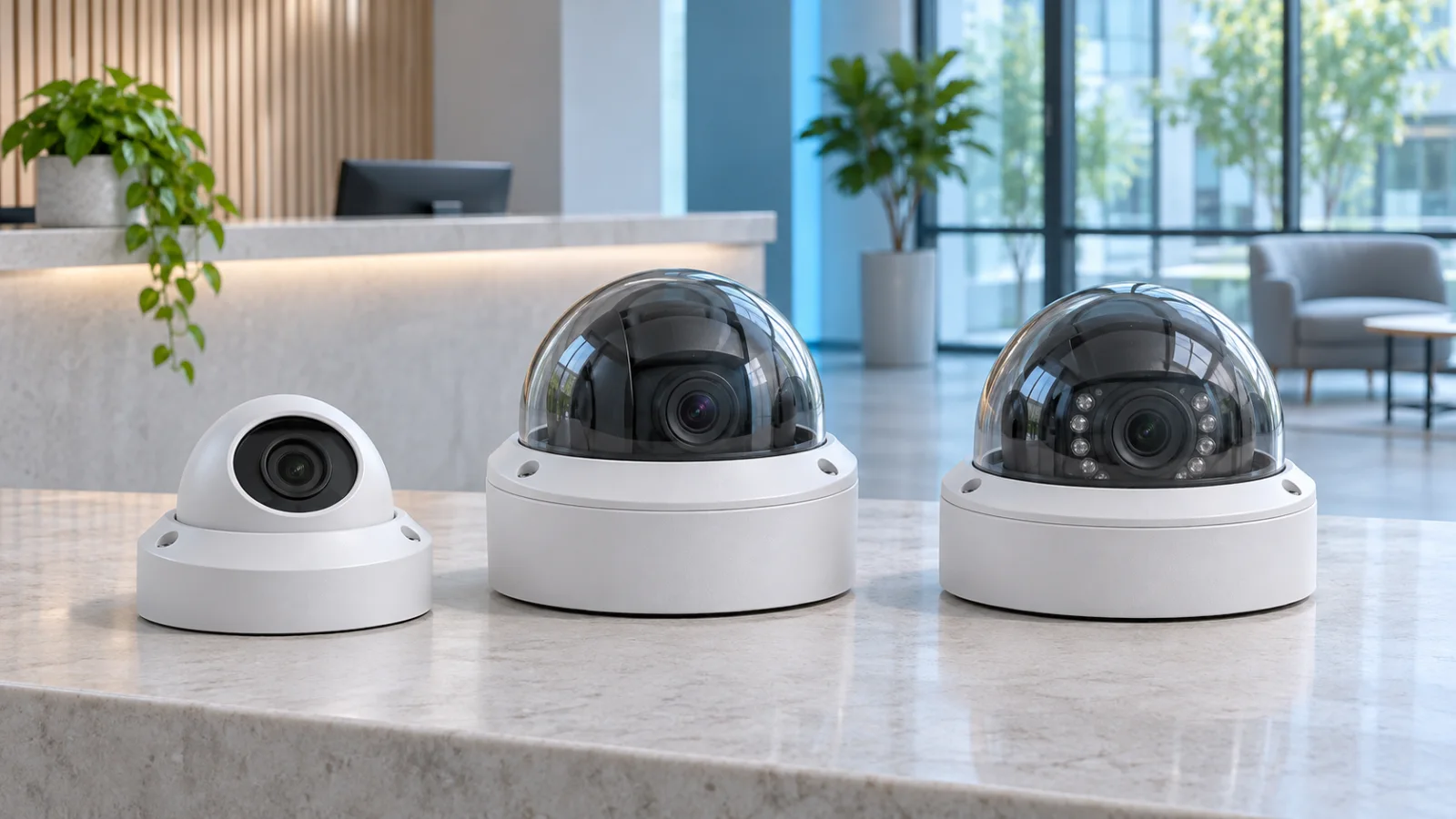
Specifications reviewed November 6, 2026. Deployment scenarios and cost considerations are editorial analysis. The cover illustrates generic dome cameras rather than exact product housings.
FAQ
What is the main difference between G6 Dome and G6 Pro Dome?
Pro Dome adds a larger sensor and 2.36x optical zoom. Standard G6 Dome uses a fixed lens. Compare the required view, lighting and power before choosing.
Can G6 Edge Dome work without an NVR?
Yes. Ubiquiti explicitly supports standalone operation with local microSD storage and mobile app setup. Confirm the current application requirements and storage bundle.
Is G6 Pro Dome the same as G6 Pro 360?
No. They are different models. Pro Dome uses an adjustable optical view; Pro 360 is a separate panoramic camera.
Does a 40 m IR range guarantee identification at 40 m?
No. Illumination range does not establish identification performance. Target size, motion, exposure, angle and scene lighting must be evaluated.
Check Current Ubiquiti Pricing
Browse the full, daily-updated Ubiquiti GPL on GlobalPriceList.com.
View Ubiquiti Price List See Ubiquiti Price History