UniFi UPS 2U & Tower Review
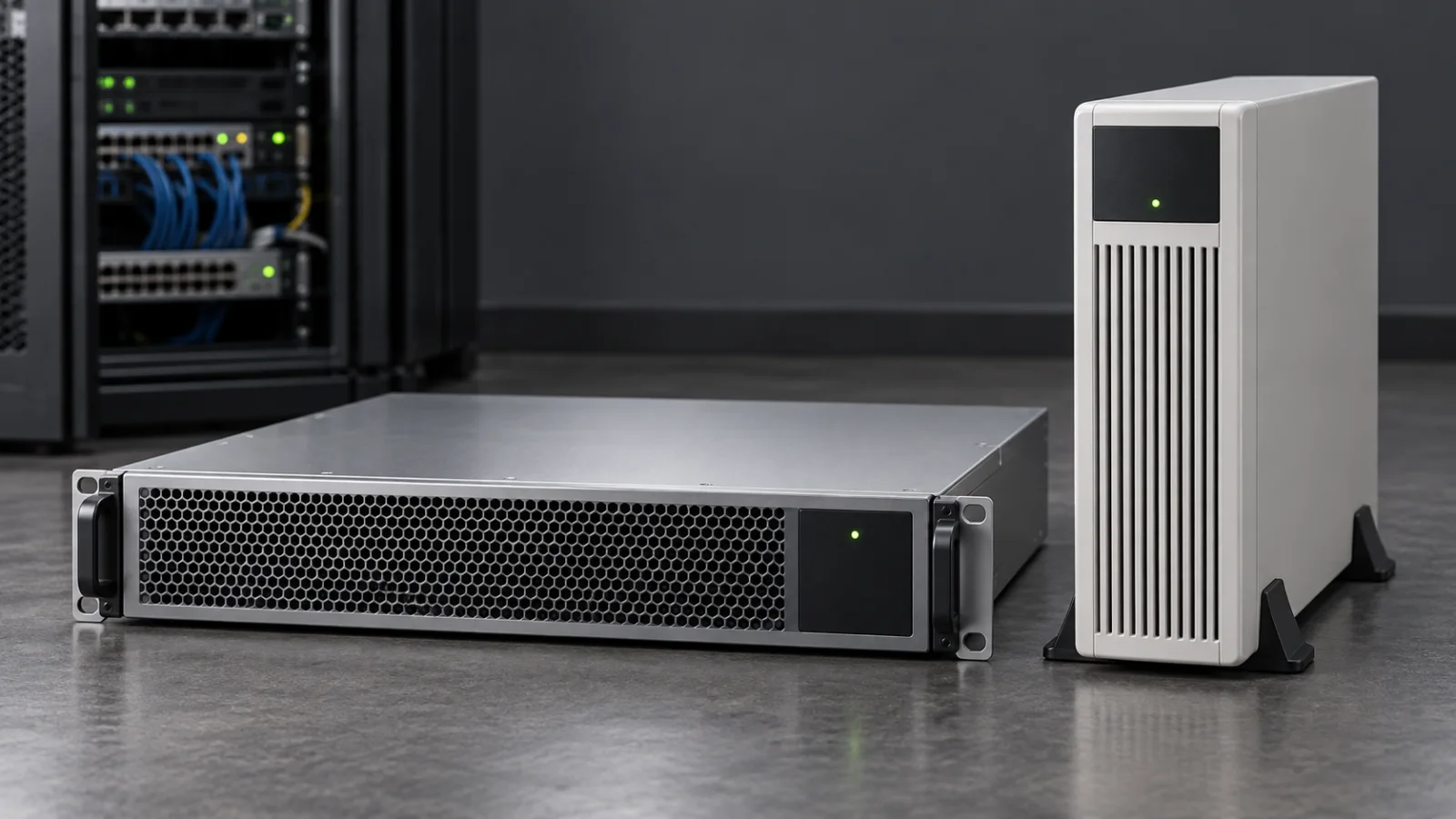
Compare UniFi UPS 2U and Tower for a complete outage plan: battery-backed outlets, measured load, runtime, graceful shutdown and recovery testing.
Key Points
- US specifications list UPS 2U at 1,000 W and Tower at 600 W; outlet count alone does not describe protected capacity.
- Battery-backed and surge-only outlets serve different purposes.
- Ubiquiti documents NUT compatibility, so third-party shutdown is a configuration question rather than a blanket UniFi-only restriction.
- Test the full outage and restoration sequence, including the network path used for shutdown commands.
The better UniFi UPS is the one that keeps the right equipment alive long enough to complete the site's outage plan. UPS 2U offers more load capacity in a rack format; Tower suits a smaller installation. Neither choice is complete until you identify the protected outlets, the required runtime and the behavior of the devices when electricity returns.
This review combines Ubiquiti's published information with an original deployment worksheet. It is not a hands-on battery test, and we do not claim measured runtime, noise or transfer performance. The cover depicts conceptual equipment. Specifications below refer to the cited US products; check voltage, receptacles and the exact regional SKU before ordering.
UPS 2U vs Tower: The Useful Numbers
| Item | UPS 2U | UPS Tower |
|---|---|---|
| Format | 2U rackmount | Upright desktop/tower |
| Rated capacity | 1,440 VA / 1,000 W | 1,000 VA / 600 W |
| Battery-backed outlets | 4 | 5 |
| Surge-only outlets | 4 | 5 |
| Battery energy | 216 Wh | 108 Wh |
| Published half-load runtime | 8 minutes at 500 W | 7 minutes at 300 W |
| Battery service description | Field-replaceable | Hot-swappable |
The runtime rows are not a same-load comparison: 500 W and 300 W are different test points. Do not conclude that the rack model provides only one extra minute for your equipment. Obtain the appropriate runtime information for the expected load, then validate the installed system.
Start With a Power Map of the Site
List the devices needed to keep the service usable, including dependencies that are easy to overlook. A router with battery backup is of little use for internet continuity if the optical terminal or modem loses power. A wireless AP stays alive only if its PoE source does. A recorder may need its storage, network switch and shutdown path available long enough to stop safely.
Divide equipment into three groups: must remain online, must shut down cleanly, and may lose power immediately. Put the first two groups into the protected-load calculation. Avoid spending scarce runtime on nonessential displays or accessories while omitting a small device in the communications chain.
If the gateway design is still undecided, our UniFi compact gateway comparison and Express 7 vs Dream Router 7 guide help identify the equipment that the UPS will support.
A Load Worksheet With a Real Decision Behind It
Use measured input power where possible. For a PoE switch, measure or estimate the complete switch input with its attached loads; do not add the APs again if they are already included in that number. Record normal and busy-period demand rather than copying only the largest number on a power supply label.
| Illustrative load | Assumed input | Purpose |
|---|---|---|
| ISP terminal and gateway | 35 W | Keep the WAN path available |
| PoE switch including attached APs | 110 W | Keep selected clients connected |
| Recorder or storage appliance | 65 W | Allow an orderly shutdown |
| Total | 210 W | Compare with runtime data at a relevant load |
These are hypothetical planning inputs, not measured consumption for particular UniFi products. At this load, the next question is not merely whether either UPS can supply the watts. It is how long the site needs to remain online and how much time the storage appliance needs to shut down. Check both watt and VA limits, startup behavior and growth margin.
If the requirement is a long outage rather than a short interruption, compare a larger battery system or another power-continuity design. A UPS selected only by its maximum watt rating can meet the load limit and still fall short of the required duration.
Graceful Shutdown and Third-Party Devices
Ubiquiti's current store pages advertise graceful shutdown for UNVR and UNAS, with UniFi OS 4.4.3 or newer required for that functionality. They also list NUT compatibility. The Power Tech overview describes a built-in NUT server for third-party systems, so “only works with UniFi” is too broad.
Separate three capabilities: supplying AC power, observing UPS status and initiating an orderly shutdown. A device can receive protected power without supporting the same monitoring or shutdown integration as another device. Confirm each role for every important load.
For a third-party server, establish who configures and maintains the receiving service. Document credentials, network access and the shutdown trigger. If the switch carrying UPS status goes down first, a software integration may not be able to complete its job. Include that management path in the battery-backed design.
NUT's upsmon documentation explains the monitoring and shutdown-controller role. It is not a universal guarantee that every operating system or appliance will work without configuration. Use the supported integration for the system and test its actual shutdown behavior.
Test the Return of Power, Not Only the Outage
An outage test is incomplete when it ends at “the server shut down.” Observe what happens when utility power returns after a brief interruption, after an orderly shutdown and after the battery is exhausted. Check UPS output behavior, device firmware settings and the order in which the network becomes available.
For an unattended branch, the acceptance requirement might be that the gateway, switch and recorder recover without a person visiting. For a home office, manual intervention may be acceptable. Write that expectation down before buying the UPS and validate it against the current configuration.
- Charge and configure the UPS according to the manufacturer instructions.
- Confirm that critical devices use battery-backed outlets.
- Verify normal monitoring and notifications.
- Perform a controlled loss-of-utility test during an approved window.
- Confirm shutdown behavior and the integrity of the protected workload.
- Restore power and record which devices recover automatically.
- Save the tested configuration and repeat checks after material changes.
Which Model Belongs on Your Shortlist?
Choose Tower for evaluation when the installation is small, sits outside a rack and fits the required load and runtime. The physical location still needs suitable ventilation, cable protection and access for battery service. More outlets do not imply more available battery energy.
Choose UPS 2U for evaluation when rack integration and the higher load capacity fit the site. Check rack support, space, cable routing and how battery maintenance will be performed. Include the supporting installation hardware in the quote.
Compare other UPS options when the load requires a different waveform, longer runtime, redundant power architecture or a particular monitoring protocol. Verify those requirements against the exact UPS specification rather than assuming every unit marketed for networking is equivalent.
Ubiquiti's power-redundancy guide distinguishes utility backup, power distribution and device power-supply redundancy. A PDU, redundant PSU arrangement and UPS solve different failure cases; combining them requires a deliberate design.
What to Include in the Purchase
Compare the unit, installation accessories, battery-service plan, regional electrical compatibility and the time needed to configure shutdown. Search the Ubiquiti price-list catalog for reference and confirm the final regional offer with the supplier. Keep taxes, surcharges and stock status separate from an advertised base price.
For an AP-heavy installation, use the U7 Lite vs U7 Pro comparison to plan endpoint power before sizing the UPS. The most useful purchase is a tested continuity plan with a suitable battery system, not simply the largest capacity label within budget.
Official Sources
FAQ
Does every UniFi UPS outlet provide battery backup?
No. The US UPS 2U has four battery-backed outlets and four surge-only outlets; the Tower has five of each. Connect critical loads to the correct group.
Can UniFi UPS work with non-Ubiquiti equipment?
Compatible electrical loads can be powered within the unit's specifications. Ubiquiti also documents a built-in NUT server for third-party shutdown integration; configure and test the receiving systems.
How long will it run my network?
Runtime depends on the actual load and battery condition. Use the vendor's runtime data for the chosen model and validate the assembled installation; VA or watt capacity alone does not tell you the runtime.
Will everything restart automatically after power returns?
Do not assume a universal result. Verify the current UPS settings, firmware and each attached device's power-restoration behavior in a controlled test.
Is SmartPower redundancy the same as a UPS?
No. Ubiquiti distinguishes battery backup for utility outages from redundant device-power arrangements. Design for the failure type you need to cover.
Check Current Ubiquiti Pricing
Browse the full, daily-updated Ubiquiti GPL on GlobalPriceList.com.
View Ubiquiti Price List