UniFi U7 Lite vs U7 Pro: Is 6 GHz Worth the Upgrade?
Compare U7 Lite and U7 Pro by radio bands, PoE requirements, 2.5GbE uplinks and deployment cost, with practical choices for homes and small offices.
Key Points
- U7 Lite uses 2.4 and 5 GHz; U7 Pro adds a 6 GHz radio.
- Both have a 2.5GbE uplink, so Pro is not an upgrade to 10GbE wired connectivity.
- The power requirement changes from PoE on Lite to PoE+ on Pro.
- Placement and client compatibility matter more than adding up maximum radio rates.
U7 Lite is the sensible shortlist when your clients and budget center on 2.4 and 5 GHz. U7 Pro earns its place when you can use 6 GHz and support the extra power requirement. Both are Wi-Fi 7 access points, but the badge alone does not describe the bands available to your devices.
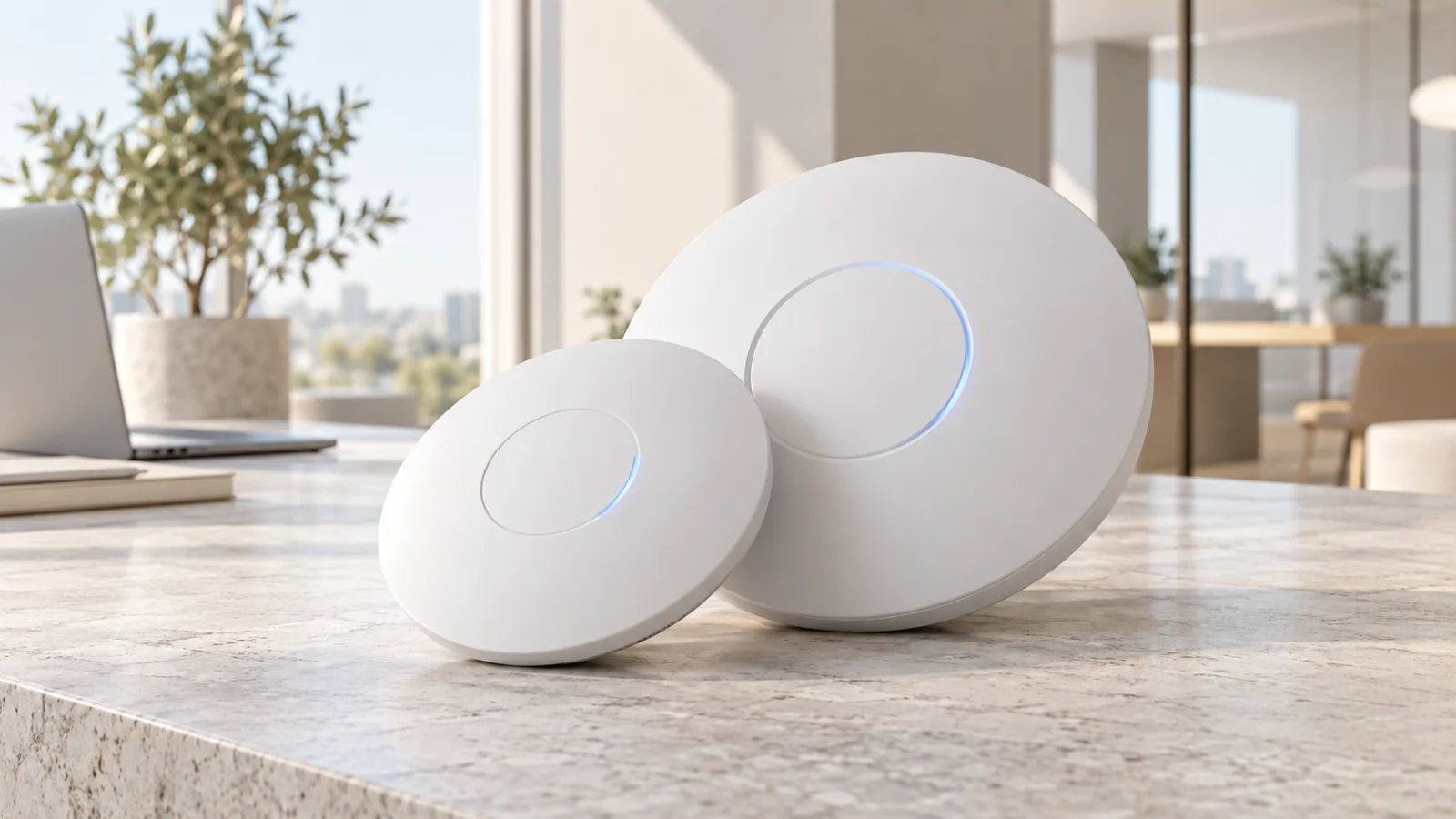
This is a specification-based buying comparison, not a laboratory throughput test. The cover shows conceptual access points. If you still need a router, start with the UniFi Express 7 vs Dream Router 7 guide; an AP and a gateway serve different roles.
U7 Lite vs U7 Pro at a Glance
| Specification | U7 Lite | U7 Pro |
|---|---|---|
| Radio bands | 2.4 and 5 GHz | 2.4, 5 and 6 GHz |
| Spatial streams, total | 4 | 6 |
| Wired uplink | 2.5GbE | 2.5GbE |
| Power method | PoE | PoE+ |
| Listed maximum power | 13 W | 21 W |
| Vendor coverage reference | 115 m² | 140 m² |
| Vendor client-count reference | 200+ | 300+ |
These are Ubiquiti specification figures, not a promise for a particular floor plan. Total streams span multiple radios; they are not all dedicated to a single laptop. Coverage and client-count labels also do not describe the experience of many simultaneously busy users.
When the Extra 6 GHz Radio Matters
The first useful question is how many of your important devices can actually use 6 GHz. Inventory the laptops and phones used for demanding tasks, then check their wireless adapters, software and regional support. A fleet of older clients can make the extra radio largely unused at installation.
Ubiquiti's 6 GHz guidance requires an appropriate AP, regional availability and compatible security settings, including WPA3 and protected management frames. Check the current UniFi configuration guidance for mixed-band networks and test older devices before changing the production SSID.
For an office replacing laptops over the next few years, the purchase can still make sense even if current adoption is modest. Write down the expected refresh schedule and the rooms where the new band will matter. That is a stronger justification than assuming every Wi-Fi 7 product offers the same experience.
For a home dominated by IoT devices and ordinary internet use, redirecting the price difference toward better placement or a second wired AP may be more useful. This is a design choice, not a universal claim that two inexpensive APs always beat one larger model.
One Pro or Two Lite Access Points?
Start with the floor plan. Mark the rooms where service is required, cable routes and the surfaces between the AP and users. Test at those locations rather than choosing an AP count from the area printed on a product page.
A central AP in an open room and an AP inside a utility cupboard are different installations even when the equipment is identical. If the gateway sits near the ISP entry point, its location may be poor for wireless coverage. A separately wired ceiling AP lets you put routing and Wi-Fi where each works best.
| Situation | Planning priority |
|---|---|
| Several rooms with difficult walls | Test AP positions and cabling before choosing a higher tier |
| Open office with compatible new clients | Evaluate the additional band and concurrent traffic |
| Mostly older or low-bandwidth devices | Prioritize stable coverage and an appropriate channel plan |
| Meeting rooms with bursts of use | Test simultaneous calls and transfers at busy times |
When adding APs, plan channels and transmit power together. More radios are not automatically an improvement if adjacent APs contend unnecessarily or clients remain attached to a distant one. Include a walk test and a busy-room test in acceptance.
The Switch and Power Budget Can Change the Winner
Before ordering, check both the per-port power capability and the total switch budget. A switch with enough compatible ports can still have insufficient power when cameras, phones and APs all draw power at once. Leave room for the planned endpoint count and the site's backup-power design.
As a simple sizing example, six APs at the listed maxima represent 78 W for Lite or 126 W for Pro at the devices, before power-delivery losses and any other powered equipment. This arithmetic is a planning comparison, not a measured typical load. Use the switch's own allocation rules for the final budget.
Then trace the data path: AP, access switch, upstream link, router or local server. The slowest relevant segment can limit the result. Buying a faster access port does little for a workload permanently bottlenecked elsewhere; conversely, local storage traffic can benefit from a faster LAN even when the internet connection is slower.
How These APs Fit Into a UniFi Network
An AP supplies wireless access. It does not remove the need to decide where routing, firewall policy and management live. Plan adoption, configuration backups and the administrative account before deploying multiple devices.
For modular installations, compare the Cloud Gateway Ultra, Max and Fiber options. For a compact site, the integrated wireless gateway comparison may be sufficient. Either way, adding an AP should solve a specific coverage or capacity problem rather than duplicate an existing radio without a plan.
For continuity during an outage, include the switch powering the AP as well as the router and ISP termination equipment. Our UniFi UPS 2U and Tower review explains how to map that power chain.
Compare Installed Cost, Not Just AP Price
A useful comparison includes the AP, a compatible power source, cabling, mounting, switch upgrades and installation labor. For several rooms, add the cost of pulling extra cables. For a retrofit, include the time needed to test clients and move existing SSIDs.
Search exact models in the Ubiquiti price-list catalog and obtain a regional quote. Prices and accessory inclusions can differ, so avoid comparing an AP-only offer with a package that includes power or installation.
Our practical recommendation is to choose Lite where its band plan and power requirements match the client population, and choose Pro where the extra band has a clear purpose. In both cases, budget enough time to validate the installation. A well-placed and correctly powered AP is a more defensible purchase than a premium model selected solely by its speed class.
Official Sources
FAQ
Does U7 Lite have 6 GHz?
No. Its radios cover 2.4 and 5 GHz. U7 Pro includes a separate 6 GHz radio.
Will U7 Pro improve every device?
No. The additional band is useful only to compatible clients in a suitable radio environment. Older clients do not gain 6 GHz capability by changing the access point.
Do I need a 2.5GbE switch?
To use a 2.5GbE wired path, the upstream port and cabling must support it. Decide whether that path benefits your workloads before upgrading the switch.
Can I connect either AP directly to an ISP line?
These are access points, not a complete replacement for a router or ISP termination device. Plan the gateway, switching and power separately.
Check Current Ubiquiti Pricing
Browse the full, daily-updated Ubiquiti GPL on GlobalPriceList.com.
View Ubiquiti Price List