Aruba CX 6100 vs 6200: Stacking, Routing and Buying Guide
Compare CX 6100 and CX 6200F for branch and campus access, including updated VSF support, routing requirements, PoE and complete installation cost.
Key Points
- CX 6100 now supports VSF with a qualifying software release; older comparisons that rule out stacking are outdated.
- Compare exact part numbers and software releases, especially when a quotation says only CX 6200.
- Routing requirements, stack size and available ports should drive the decision before price.
- Include optics, stacking links, PoE capacity, support and management in the installation budget.
Choose the Aruba CX 6100 when its routing, port and stack limits cover your access-layer design. Evaluate the CX 6200F when you need a larger VSF stack or routing features beyond that baseline. Neither decision should rest on the old claim that the 6100 cannot stack: current HPE documentation explicitly includes VSF support.
This guide compares the CX 6100 with the fixed CX 6200F models. A quote for a different 6200 variant needs its own hardware check; the family name alone does not establish power-supply design, port speeds or resilience. For the wider portfolio, start with our HPE Aruba CX switch series guide.
Aruba CX 6100 vs CX 6200F at a glance
| Decision | CX 6100 | CX 6200F |
|---|---|---|
| Typical shortlist | Branch and straightforward access networks | Access networks needing additional routing or stack scale |
| VSF member ceiling | 6, on supported software | 8 |
| Routing baseline | Static IPv4 and IPv6 routes | Includes single-area OSPF in the product reference |
| Ports and PoE | Check the exact model and aggregate power budget | Check the exact model and aggregate power budget |
| Purchase comparison | Complete installed configuration | Same port, power and support assumptions |
The stacking limits come from the AOS-CX 10.17 VSF topology guide. Routing capabilities should be checked against the intended release and platform, not inferred from a command appearing in a guide shared by several switch families.
Can the CX 6100 stack? Yes, with the right software
The CX 6100 QuickSpecs specify VSF from AOS-CX 10.16.1006, with up to six members in a chain or ring. There is also a model-mixing restriction: 12-port units stack with 12-port units, while 24- and 48-port units can stack together. Do not plan a mixed 12-port and 48-port stack.
For a new deployment, ask the supplier to confirm the shipping release and the supported upgrade path before installation. For an existing site, check the running software, configuration backup and maintenance window first. Feature availability in a new release does not mean the switch already installed in your rack has that feature enabled or configured.
A stack also needs a physical plan. Draw the links between members, mark the ports they consume and then count what remains for upstream connections. Assess what happens after a link or member fails. A larger stack is not automatically a better design if it concentrates too many important endpoints into one operational domain.
Compare the routing job before the model number
If a firewall or upstream distribution switch handles inter-VLAN routing and the access switches mainly carry VLANs, additional routing capability may add little value. If the access layer must exchange routes dynamically, document the required protocol and topology before choosing hardware. The 6200F product reference lists single-area OSPF; that is a concrete feature to evaluate against your design, rather than treating every Layer 3 switch as equivalent.
Keep client-port speeds separate from uplink speeds. A fast fiber uplink does not make every copper access port multigigabit. Write down the negotiated speed required by each access point, server or workstation and match it to the actual port specification.
PoE requires two checks: the power available to one endpoint and the total available across the switch. Build a device inventory that includes access points, phones and cameras, then allow for planned additions. A switch with enough physical ports can still run out of power. Our Instant On AP22 vs AP25 comparison illustrates why an AP change can affect both the PoE and Ethernet requirements.
Which switch fits your deployment?
Start with CX 6100 for a defined branch requirement
Consider a branch where a firewall owns the routed networks, the endpoint count is stable and the required stack fits the supported limits. In that situation, price a 6100 configuration against the same port count and power budget on the 6200F. Spend any saving where it addresses a real risk: spare optics, a replacement unit, better backup power or a support arrangement suited to the site.
Evaluate CX 6200F when the design calls for its capabilities
A site requiring seven or eight stack members has a clear reason to move beyond the 6100 ceiling. A documented routing requirement can be another. Ask the partner to map each requirement to the proposed SKU and software release. If the justification is only that the model number is higher, the design review is not finished.
For either choice, include an acceptance test: confirm VLAN reachability, endpoint power, uplink operation and recovery after a planned failure. Record the expected interruption and the result. This makes the purchasing decision accountable to service requirements rather than a feature checklist alone.
Compare complete quotes, not bare switch prices
- Hardware: exact SKU, port types, PoE budget, rack accessories and power cords.
- Connectivity: supported optics or cables for every uplink and VSF connection.
- Software: target release, required features and upgrade work.
- Operations: management method, support coverage, replacement timing and spare strategy.
- Commercial scope: currency, taxes, delivery and installation, with the same assumptions for both options.
Use the HPE Aruba price list as a catalog reference, then obtain a current quote for the exact configuration. List price is not a guaranteed transaction price. If Central is part of the design, review the Central licensing guide and itemize the applicable subscription separately.
Sources
- HPE CX 6100 QuickSpecs: routing baseline and VSF software/model restrictions.
- AOS-CX 10.17 VSF topology guide: member limits and topologies.
- HPE CX 6200F product features: routing functionality.
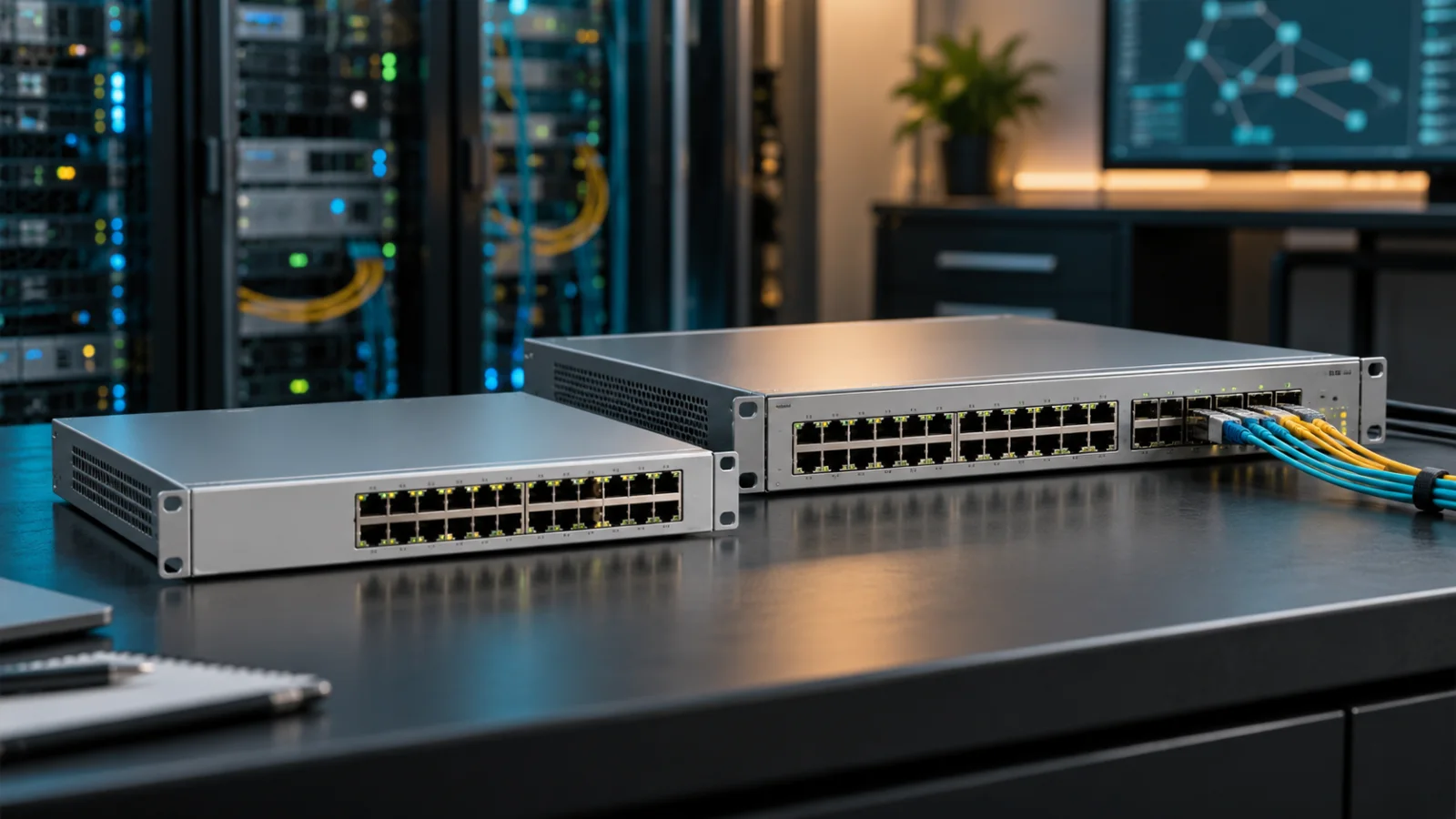
Specifications reviewed November 1, 2026. Cover image is an illustrative networking scene, not a photograph of these exact models.
FAQ
Does Aruba CX 6100 support stacking?
Yes. Current QuickSpecs specify up to six VSF members from AOS-CX 10.16.1006. Check the release and model-mixing restrictions before deployment.
How many switches can a CX 6200F stack contain?
The AOS-CX 10.17 VSF guide lists up to eight CX 6200F members in supported chain or ring topologies.
Is the CX 6200F always the better purchase?
No. It is worth evaluating when its routing or stack scale meets a requirement the proposed 6100 configuration cannot meet. Compare complete installed costs.
Can 12-port and 48-port CX 6100 switches share a VSF stack?
No. HPE specifies that 12-port models stack with 12-port models; 24- and 48-port models can be mixed with each other.
Check Current HPE Aruba Pricing
Browse the full, daily-updated HPE Aruba GPL on GlobalPriceList.com.
View HPE Aruba Price List See HPE Aruba Price History