Aruba Instant On AP22 vs AP25: Which Wi-Fi 6 AP to Buy?
Compare Instant On AP22 and AP25 radios, Ethernet uplinks and PoE needs, then decide whether the larger AP is worth the full installation cost.
Key Points
- AP22 is the simpler starting point for a Gigabit small-business network; AP25 adds radio and uplink headroom.
- AP25 supports a 2.5GbE uplink and 160 MHz channels, but the rest of the network and client capabilities determine the benefit.
- Check PoE before replacing AP22 with AP25: the published power requirements differ.
- Both are dual-band Wi-Fi 6 models. Neither adds a 6 GHz radio or Wi-Fi 7.
The Aruba Instant On AP22 is a sensible starting point for a small office built around Gigabit Ethernet. The AP25 is worth evaluating when you can use its additional radio capacity and faster wired uplink. Buying the larger model alone does not guarantee faster applications or solve poor coverage.
These products now appear under the HPE Networking Instant On name. This comparison concerns the ceiling/wall AP22 and AP25, not the differently designed AP22D. It also concerns the Instant On management environment; do not assume an enterprise Aruba Central purchasing plan applies simply because both products carry HPE branding.
AP22 vs AP25: the differences that affect a purchase
| Specification | Instant On AP22 | Instant On AP25 |
|---|---|---|
| Wi-Fi generation and bands | Wi-Fi 6; 2.4 and 5 GHz | Wi-Fi 6; 2.4 and 5 GHz |
| 5 GHz radio | 2x2 | 4x4 |
| 2.4 GHz radio | 2x2 | 2x2 |
| Maximum channel width | 80 MHz | 160 MHz |
| Ethernet uplink | 1GbE | 2.5GbE |
| Published PoE input | 802.3af, Class 3 | 802.3at, Class 4 |
Radio and power specifications are documented in the HPE Instant On Wi-Fi 6 QuickSpecs. The official AP22 and AP25 product pages provide the product positioning and connectivity details. Neither model supports the 6 GHz band; consider a different product if that is a requirement.
Will AP25 make every laptop faster?
Not necessarily. A client uses the capabilities it shares with the AP. A two-stream laptop does not become a four-stream device when connected to a 4x4 access point. The larger radio configuration is something to evaluate for the overall workload and mix of clients, rather than a promise that every connection doubles in speed.
Likewise, the AP25 ability to use 160 MHz channels is useful only when the client, regulatory domain and radio environment support that operating choice. A wider channel consumes more spectrum. In an office surrounded by other networks, a narrower channel plan may produce a more consistent result. Check spectrum conditions before making channel width the reason to upgrade.
Start with the symptom you are trying to fix. If users lose connectivity behind walls, placement and coverage deserve attention first. If signal is strong but a busy room slows down, investigate airtime use and simultaneous activity. If local transfers are fast but cloud applications are slow, examine the internet connection and upstream services before replacing the access points.
A useful comparison test uses representative laptops in the actual rooms, during realistic busy periods. Record application responsiveness, local transfer performance, roaming behavior and connection stability. Keep location and client hardware consistent between tests; a one-off speed test next to the AP is not a building-wide result.
Check the switch before upgrading the AP
The AP22 and AP25 have different published PoE requirements. Inventory the power standard available on each intended switch port, then check the total PoE budget for all connected devices. Confirm the exact ordering bundle as well: do not assume a separate power adapter is included.
For AP25, verify a complete 2.5GbE path at the access connection if that speed is part of your business case. A Gigabit-only switch port remains a Gigabit limit. An injector must support both the required power and the intended data rate, and the installed cable should be tested rather than judged only by its printed category.
The switch uplink, server connection and internet service can introduce other bottlenecks. For example, a team transferring large files to a local server has a different reason to seek extra wired capacity than a shop mainly processing small cloud transactions. Price the infrastructure work alongside the AP, not after ordering it.
If you are also changing enterprise access switches, our CX 6100 vs CX 6200 guide explains how to check ports, power and the complete quote. A shared manufacturer does not mean the AP and switch automatically share the same management platform.
When to choose AP22 or AP25
Choose AP22 for a well-planned, modest deployment
AP22 is a practical candidate where Gigabit access is sufficient, coverage has been planned and the workload is ordinary business traffic. A small professional office or a shop may get more value from correct AP placement and reliable cabling than from upgrading every location to a larger radio. Validate the busiest area before standardizing the order.
Choose AP25 when you can use the additional capacity
Shortlist AP25 for busier areas or demanding local traffic where the client mix and wired network can benefit. Include the cost of suitable PoE and multigigabit switching if they are missing. You do not have to justify the purchase by enabling the widest channel everywhere; the appropriate radio configuration depends on the site.
If the objective is 6 GHz access or Wi-Fi 7, neither product meets it. Our HPE Aruba Wi-Fi 6E vs Wi-Fi 7 guide covers enterprise alternatives. Those alternatives require a separate review of management, licensing and deployment requirements.
What should the quotation include?
- Exact regional SKU: confirm the regulatory domain and the AP model, including whether the quote says AP22 or AP22D.
- Power and mounting: list the supplied accessories and any separate adapters, injectors or mounting work.
- Network readiness: document the port speed, PoE standard, available power and cable test results.
- Deployment: include placement, configuration, guest-network requirements and acceptance testing.
- Ownership: identify the account owner, support route and replacement process.
Check the HPE Aruba catalog and list prices for the relevant part numbers, then compare current supplier quotes on the same scope. A lower AP price can become a higher installed cost if it omits power accessories or the work needed to deliver usable coverage.
Sources
- HPE Networking Instant On Wi-Fi 6 QuickSpecs: radios, channel widths, power requirements and model distinctions.
- HPE Instant On AP22 product page: connectivity and intended deployment.
- HPE Instant On AP25 product page: 2.5GbE, spatial streams and 160 MHz support.
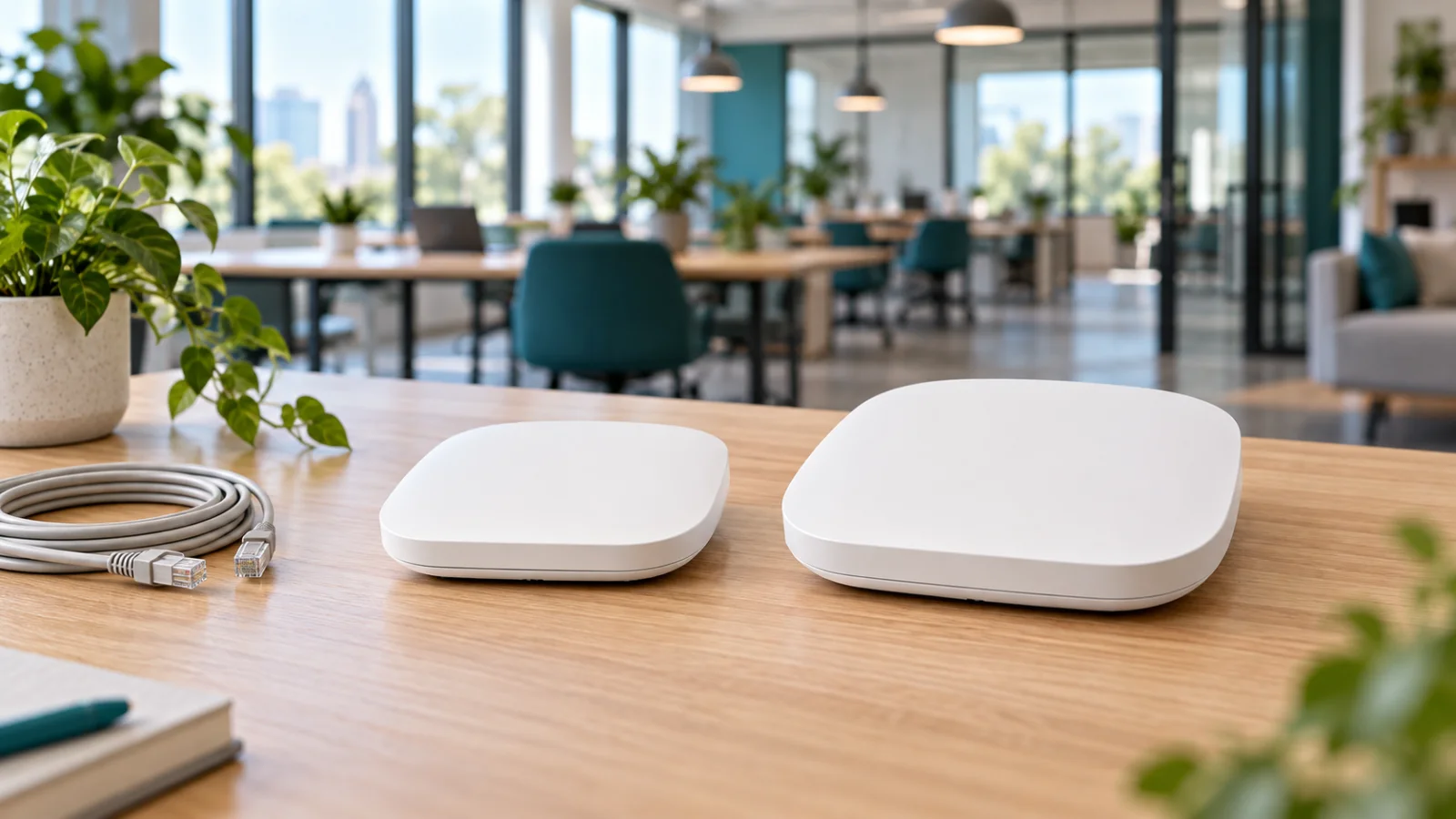
Specifications reviewed November 1, 2026. Cover image is illustrative and does not depict the exact product housings.
FAQ
Is Aruba Instant On AP25 better than AP22?
AP25 offers more radio and uplink capacity, but the benefit depends on clients, spectrum and the wired network. AP22 can be the better-value fit for a modest Gigabit deployment.
Does AP25 need PoE+?
HPE lists 802.3at Class 4 PoE for AP25, compared with 802.3af Class 3 for AP22. Check port capability and total switch power before purchasing.
Do AP22 or AP25 support 6 GHz?
No. Both are dual-band Wi-Fi 6 access points using 2.4 and 5 GHz. A 6 GHz requirement needs a different model.
Will a 2.5GbE AP25 uplink make the internet faster?
Only if the access uplink was a relevant bottleneck and the rest of the path supports more throughput. It does not increase the speed of the internet service itself.
Check Current HPE Aruba Pricing
Browse the full, daily-updated HPE Aruba GPL on GlobalPriceList.com.
View HPE Aruba Price List See HPE Aruba Price History