HPE Aruba Networking CX Switch Series Guide: Which Fits You?
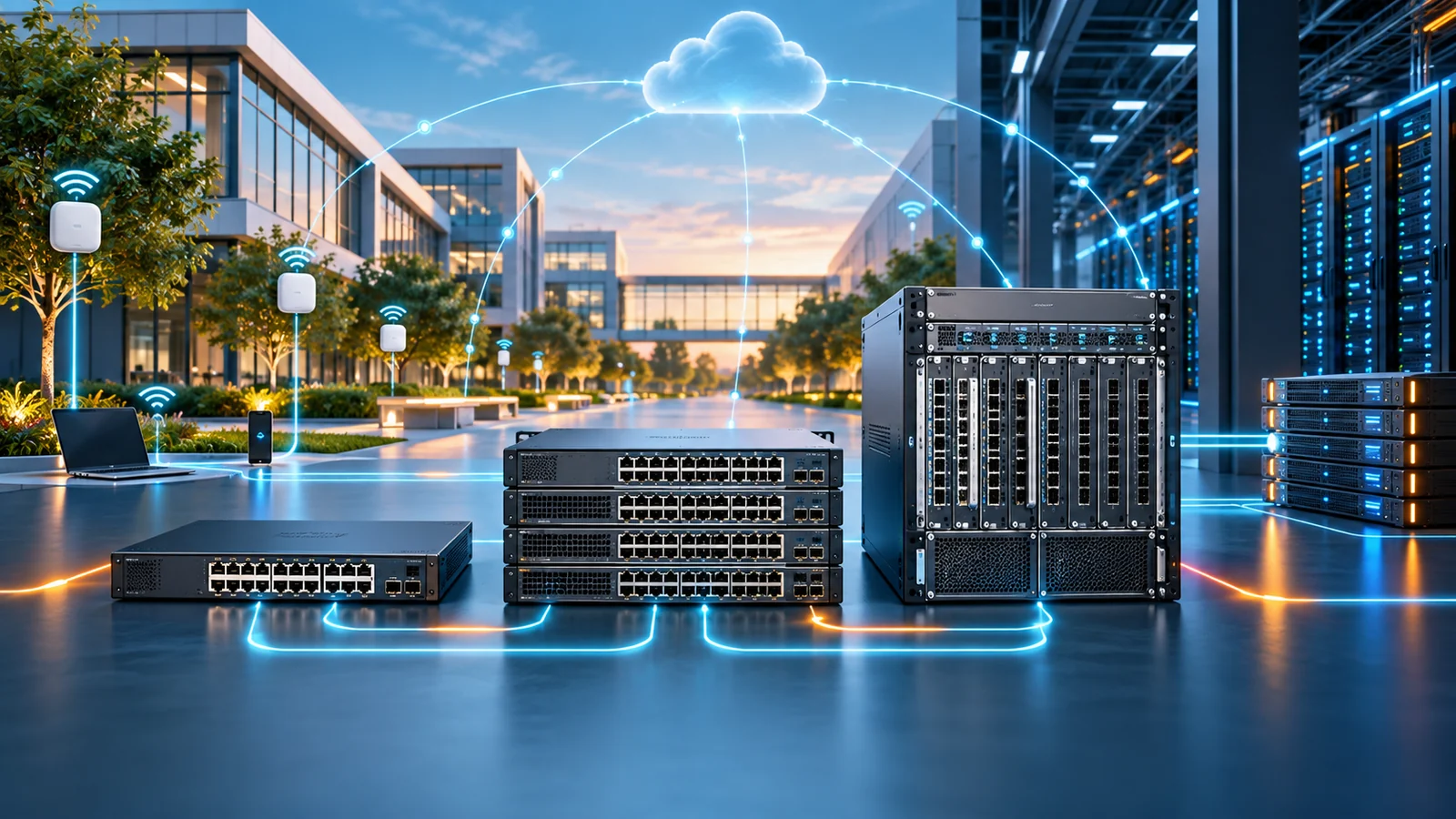
HPE Aruba Networking's CX line spans entry access to data center core. Here's how the 6000, 6100/6200, 6300/6400, and 8000/8300/9300 series differ - and where Aruba Central and GreenLake fit in.
Key Points
- CX 6000/6100/6200 cover entry and standard access; CX 6300/6400 handle aggregation and campus core; CX 8000/8300/9300 target data center and high-performance core roles.
- Every CX model runs ArubaOS-CX, a single modern OS with a shared API and analytics engine - unlike the older, more fragmented ArubaOS-Switch (Provision) line it replaced.
- Aruba Central is the common cloud dashboard across the whole CX line, plus Aruba access points and gateways, so one console can manage a full site.
- HPE GreenLake lets you consume CX hardware and Aruba Central licensing as a subscription instead of a capital purchase - useful for cash-flow and lifecycle reasons, not automatically cheaper.
- Matching series to layer (access vs. aggregation vs. core/data center) matters more than chasing the newest model number; oversizing the core is expensive, undersizing access is a recurring headache.
HPE's networking portfolio can get confusing fast once you get past the "Aruba" name on the box, because the CX family now spans everything from a modest fixed-configuration access switch for a small branch to a modular chassis built for a campus core, plus a separate line aimed squarely at the data center - all of it manageable from the same Aruba Central cloud console. This guide walks through where each CX series sits - 6000, 6100, 6200, 6300, 6400, 8000, 8300, and 9300 - and how HPE GreenLake subscription licensing changes the buying math compared to purchasing hardware outright.
The Aruba CX Series Lineup, Tier by Tier
Since HPE acquired Aruba Networks in 2015, the two companies' switching lines have gradually consolidated under a single brand - now marketed as HPE Aruba Networking - and, more importantly, a single operating system. Every switch in the CX family runs ArubaOS-CX, which replaced the older ArubaOS-Switch (sometimes called "Provision-based") software that ran on legacy models like the 2530 and 2930 series. That matters for buyers because it means the CX line shares one management model, one REST API, and one telemetry framework (the Network Analytics Engine, or NAE, which lets you script custom monitoring agents directly on the switch) across every tier, from the smallest access switch to the largest core chassis. You're not learning a different command syntax or a different management tool as you move up the stack, which was a real pain point with the older, more fragmented Aruba and HP ProCurve lineups.
With that shared foundation in mind, the practical differences between series come down to where each one is meant to sit in the network - access, aggregation/core, or data center - and the port density, stacking approach, and feature depth that go with that role.
Access: CX 6000, 6100, and 6200
The CX 6000, 6100, and 6200 series are Aruba's entry and standard access switches - the boxes that sit in a wiring closet and connect end-user devices, access points, phones, and printers to the rest of the network. The CX 6000 series sits at the entry end, aimed at small businesses, branch offices, and simple deployments where basic Layer 2 switching, PoE for a handful of access points or cameras, and straightforward setup matter more than advanced routing or segmentation features. The CX 6100 and 6200 series step up from there, adding more Layer 2 and basic Layer 3 capability, broader PoE budget options for denser deployments, and smart-managed feature sets that suit small-to-midsize branch and campus edge use cases without the complexity (or price) of a full aggregation-layer switch.
None of these three series is intended to anchor a large enterprise wiring closet on its own merits the way a bigger campus switch would - they're sized for branch and edge scenarios, or as a cost-conscious access layer underneath a stronger aggregation tier. If a site's access-layer needs are modest and unlikely to grow much (a small remote office, a retail location, a handful of APs), one of these three is usually the right starting point rather than over-buying into the 6300 series.
Aggregation and Campus Core: CX 6300 and 6400
The CX 6300 series is the workhorse aggregation and mid-size campus access switch in the lineup - a fixed-configuration switch that supports Aruba's Virtual Switching Framework (VSF) for stacking multiple physical units into a single logical switch, along with deeper Layer 3 routing, higher PoE budgets for power-hungry access points and cameras, and the segmentation features that mid-size and larger campuses tend to need as their networks mature. It's a natural fit either as a stronger access-layer switch in a demanding wiring closet, or as an aggregation point collecting traffic from several smaller access switches before it heads toward the core.
The CX 6400 series moves up to a modular chassis design built specifically for campus core and aggregation roles in larger environments. Instead of stacking fixed units together, it uses interchangeable line cards and redundant management/fabric modules inside a chassis, which gives you flexibility to mix port types and speeds as needs change, plus the kind of hardware redundancy (dual supervisors, redundant power and fans) that a campus core is expected to have. This is not a switch you'd put at the edge next to end-user devices - it's built for the role of aggregating traffic from many access switches and routing it efficiently across a campus.
Data Center and Core: CX 8000, 8300, and 9300
The CX 8000 series represents Aruba's newer generation of data center switching, built around the idea of simplified, more automated data center operations - including tighter integration with Aruba's security and segmentation tools and a design philosophy aimed at reducing the manual configuration overhead that traditional data center switch deployments often require. The CX 8300 series is a fixed-configuration data center switch aimed at leaf/spine and aggregation designs, offering high-density, high-speed fixed uplinks suited to connecting server racks and aggregating that traffic toward the core, without the modularity (or cost) of a full chassis platform.
The CX 9300 series occupies the high end of the fixed-configuration lineup, positioned as a campus and data-center-capable core switch for organizations that need serious core throughput without moving to a fully modular chassis. In practice, choosing between the 8300, 9300, and the modular 6400 for a core role comes down to how much port density and future modularity you need versus how much you want to simplify with a fixed-configuration box - a conversation worth having with an HPE Aruba partner rather than guessing from a spec sheet alone, since the right choice depends heavily on your specific east-west traffic patterns and growth plans.
| Series | Deployment layer | Typical use case |
|---|---|---|
| CX 6000 | Access (entry) | Small business / simple branch access |
| CX 6100 / 6200 | Access (standard) | Branch and campus edge with moderate PoE and feature needs |
| CX 6300 | Access / aggregation | Demanding wiring closets, stacked aggregation with VSF |
| CX 6400 | Campus core / aggregation | Modular chassis for larger campus core roles |
| CX 8300 | Data center aggregation | Fixed-configuration leaf/spine and aggregation |
| CX 8000 / 9300 | Data center & core | Higher-throughput data center and campus core roles |
Managing the Line with Aruba Central
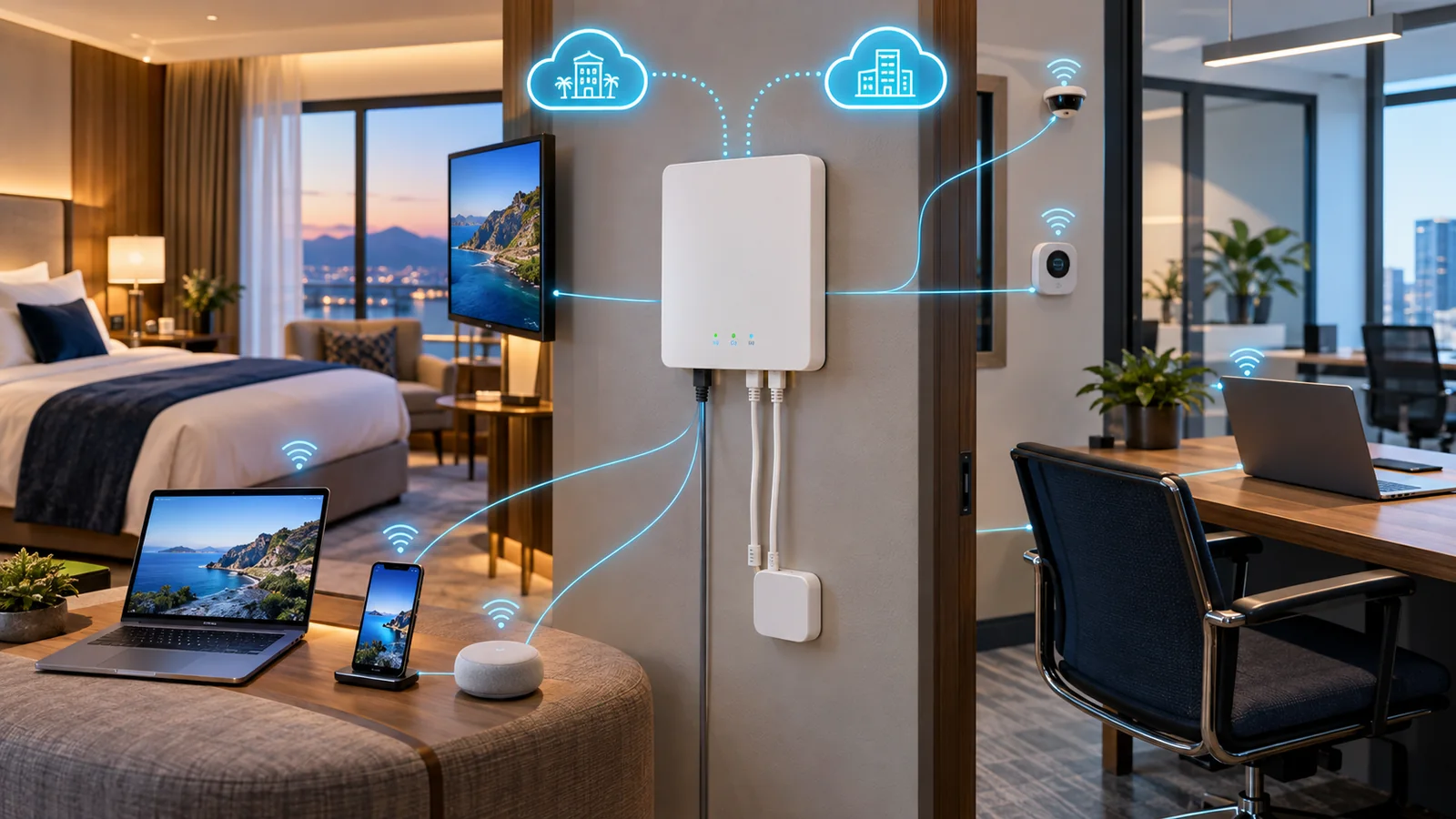
One of the strongest arguments for standardizing on HPE Aruba Networking gear - across CX switches, access points, and SD-WAN gateways alike - is Aruba Central, the vendor's cloud-based management platform. Instead of logging into individual switches or running a separate on-premises controller, Aruba Central gives you a single dashboard for configuration, monitoring, firmware management, and AI-driven insights across an entire site or multi-site organization. For IT teams managing several branch locations, that centralization is often as valuable as any individual switch's hardware specs, since it cuts down on the operational overhead of touching every device manually.
Aruba Central licensing is typically sold per device and tiered (foundation versus advanced tiers, depending on how much AIOps, analytics, and automation you want), and it's a separate line item from the switch hardware itself - similar in spirit to how Cisco ties Catalyst switches to DNA licensing. It's worth budgeting for Central licensing from the start of a CX deployment rather than treating it as an afterthought, since going without it means falling back to a more manual, switch-by-switch management approach that doesn't scale well past a handful of devices. You can browse the current CX switch options and confirm which models fit your management approach on the https://globalpricelist.com/hpe product listing before finalizing a design.
HPE GreenLake Subscription vs. Buying Hardware Outright
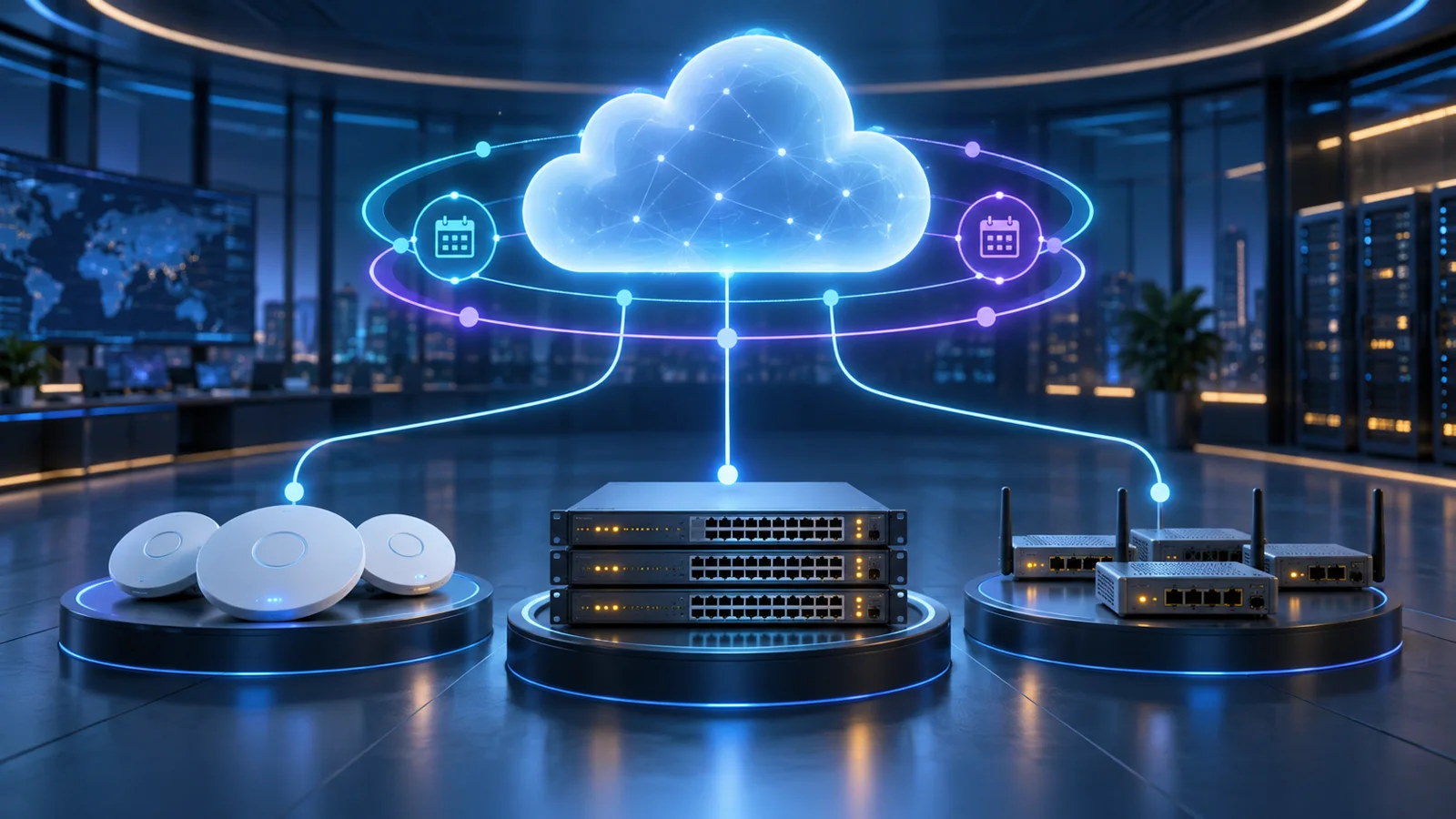
HPE GreenLake is the company's edge-to-cloud consumption model, and it extends to networking gear including the CX line: instead of a traditional capital purchase, you can subscribe to CX switches (and often bundle in Aruba Central licensing) as a pay-as-you-go service, with HPE or a partner handling lifecycle logistics like refresh timing and, depending on the specific offer, some level of support and monitoring. For organizations that prefer operating expense over capital expense - or that want predictable per-device costs baked into a subscription rather than a large upfront hardware bill - GreenLake can be an appealing way to consume the CX portfolio.
That said, GreenLake isn't automatically the cheaper path over the life of the equipment, and it isn't the right fit for every organization. Buying hardware outright still makes sense when you want to control the asset directly, when your organization has capital budget available and prefers to avoid an ongoing subscription commitment, or when your refresh cycles run longer than a typical GreenLake term and you'd rather amortize the hardware cost on your own schedule. The honest way to evaluate it is to compare total cost over your expected hardware lifespan - subscription cost including any bundled licensing and services versus hardware MSRP plus separately purchased Aruba Central licensing - rather than assuming either model wins by default. Checking current MSRP on the https://globalpricelist.com/hpe catalog is a useful first step in building that comparison, since it gives you the hardware-only baseline to weigh a GreenLake quote against.
How to Match a Series to Your Network
Rather than starting from a model number, it helps to start from the role a switch needs to play. A few questions tend to narrow things down quickly:
- What layer is this switch serving - end-user access, aggregation, campus core, or data center? That alone rules out most of the lineup.
- How much PoE power do you need per port, today and in a couple of years, especially if you're deploying newer Wi-Fi 6E or Wi-Fi 7 access points or PTZ cameras?
- Do you need stacking (VSF, available on the 6300) for resiliency and simplified management, or does a fixed or modular chassis (6400, 8300, 9300) better match the role?
- Will you manage this switch through Aruba Central from day one, or is it going into an environment with different management tooling already in place?
- Are you buying hardware outright, or is a GreenLake subscription a better fit for your budgeting approach?
As a general rule, it's safer to size the access layer close to current and near-term needs (since replacing a few access switches later is relatively low-risk) and to size the aggregation/core layer more conservatively toward future growth, since a core swap touches the whole site and is far more disruptive to redo. If you're genuinely unsure between two adjacent tiers - say, a 6200 versus a 6300 for a mid-size closet - it's usually worth the modest cost difference to buy the higher tier and get more headroom, particularly if PoE budget or future stacking needs are even a possibility.
Common Mistakes When Sizing a CX Deployment
A few patterns show up repeatedly when organizations get their CX sizing wrong. The most common is treating access and core decisions with the same level of urgency - rushing the access-layer purchase because it feels routine, while not spending enough time on core/aggregation sizing because it seems like "just a bigger switch." In reality, it's the reverse: a slightly undersized access switch is a manageable annoyance, while an undersized core or aggregation switch can bottleneck an entire site.
Another frequent mistake is forgetting to budget for Aruba Central licensing and, if applicable, GreenLake terms alongside the hardware MSRP. Quotes that show only switch hardware pricing without the associated licensing can make one vendor's proposal look artificially cheaper than a competing quote that already includes it - always confirm you're comparing like-for-like total cost, not just sticker price on the switch itself. Finally, some buyers assume every CX model supports the same stacking or high-availability approach; in practice, stacking (VSF) is specific to certain series like the 6300, while the 6400 and larger data center switches rely on chassis-level redundancy instead, so it's worth confirming the resiliency model for the specific series you're evaluating rather than assuming it carries over from one tier to the next.
Checking Current CX Pricing
Once you've narrowed down a series - or even a specific model within a series - the next practical step is checking current MSRP before you request quotes from a reseller. The https://globalpricelist.com/hpe catalog on GlobalPriceList.com is updated daily and lets you search by exact part number, which is a faster and more reliable way to get a current price baseline than relying on a vendor price sheet that may already be out of date. That baseline is especially useful when you're also weighing a GreenLake subscription quote against a straight hardware purchase, since you'll want an accurate hardware-only number to compare it to.
For a cross-vendor campus comparison, see the Cisco Catalyst 9200, 9300, and 9500 guide.
When cloud management is part of the design, review Aruba Central Foundation vs Advanced licensing alongside the switch hardware quote.
Sources
- HPE Aruba Networking Switches - HPE Aruba Networking
- Aruba CX Switches Overview - HPE Aruba Networking
- HPE GreenLake - HPE Aruba Networking
FAQ
What is the difference between HPE Aruba Networking and the old Aruba Networks brand?
HPE acquired Aruba Networks in 2015, and the two companies' switching lines have since consolidated under one brand - now marketed as HPE Aruba Networking - and one operating system, ArubaOS-CX, across the CX switch family.
Which CX series should I use for a standard office wiring closet?
For most mid-size wiring closets, the CX 6100, 6200, or 6300 series are the typical fit, depending on PoE budget and whether you need stacking (VSF, available on the 6300). Smaller branches or simpler needs are often well served by the CX 6000 series.
Do I have to use Aruba Central to manage CX switches?
Aruba Central is the primary cloud management platform across the CX line and the broader Aruba portfolio, and it's licensed separately per device, but it is not the only way to manage individual switches. Most organizations standardizing on Aruba gear across multiple sites do adopt Central for the centralized visibility it provides.
What is HPE GreenLake and is it required to buy CX switches?
HPE GreenLake is an edge-to-cloud consumption model that lets you subscribe to CX hardware and licensing as a pay-as-you-go service instead of a capital purchase. It's optional - you can still buy CX switches outright - and the better choice depends on your organization's budgeting preferences and refresh cycle.
Can CX 6300 or CX 6400 switches be stacked together?
The CX 6300 series supports Aruba's Virtual Switching Framework (VSF) for stacking multiple fixed units into one logical switch. The CX 6400 is a modular chassis design instead, so it achieves redundancy through dual management/fabric modules within the chassis rather than stacking separate physical units.
Where can I check current pricing for HPE Aruba CX switches?
GlobalPriceList.com's HPE catalog is updated daily and lets you search by exact part number to see current MSRP before requesting a reseller quote or comparing it against a GreenLake subscription offer.
Check Current HPE Aruba Pricing
Browse the full, daily-updated HPE Aruba GPL on GlobalPriceList.com.
View HPE Aruba Price List See HPE Aruba Price History