HPE Aruba Wi-Fi 6E vs Wi-Fi 7 APs
Compare HPE Aruba Networking 500, 600 and 700 Series access points by wireless generation, deployment type, IoT capabilities, uplinks and PoE.
Key Points
- Aruba 500 Series targets Wi-Fi 6, 600 Series adds 6 GHz with Wi-Fi 6E, and 700 Series moves to Wi-Fi 7.
- The correct AP tier depends on client density, antenna design, environment and lifecycle, not only the Wi-Fi generation badge.
- Wi-Fi 7 models can require multigigabit switching and larger PoE budgets to deliver their full capability.
- Campus, hospitality and hardened/outdoor APs solve different physical and RF problems and are not interchangeable.
- HPE Aruba Networking Central licensing and management should be budgeted with the hardware.
HPE Aruba Networking sells access points across several Wi-Fi generations and form factors. A 500 Series AP may still be the best value for a conventional office, while 600 Series brings 6 GHz through Wi-Fi 6E and 700 Series targets Wi-Fi 7 deployments. This guide explains the portfolio by role so buyers can compare useful capacity, infrastructure requirements and lifecycle instead of choosing only by model number.
Aruba 500, 600 and 700 Series Overview
| Series | Wireless generation | Primary reason to choose | Typical constraint |
|---|---|---|---|
| 500 Series | Wi-Fi 6 | Mature, cost-effective 2.4/5 GHz enterprise wireless | No 6 GHz radio |
| 600 Series | Wi-Fi 6E | Adds 6 GHz capacity for compatible clients | Benefit depends on 6E client population and local spectrum |
| 700 Series | Wi-Fi 7 | Newest features, higher capacity ceiling and long refresh horizon | Higher AP, switch-port and PoE requirements |
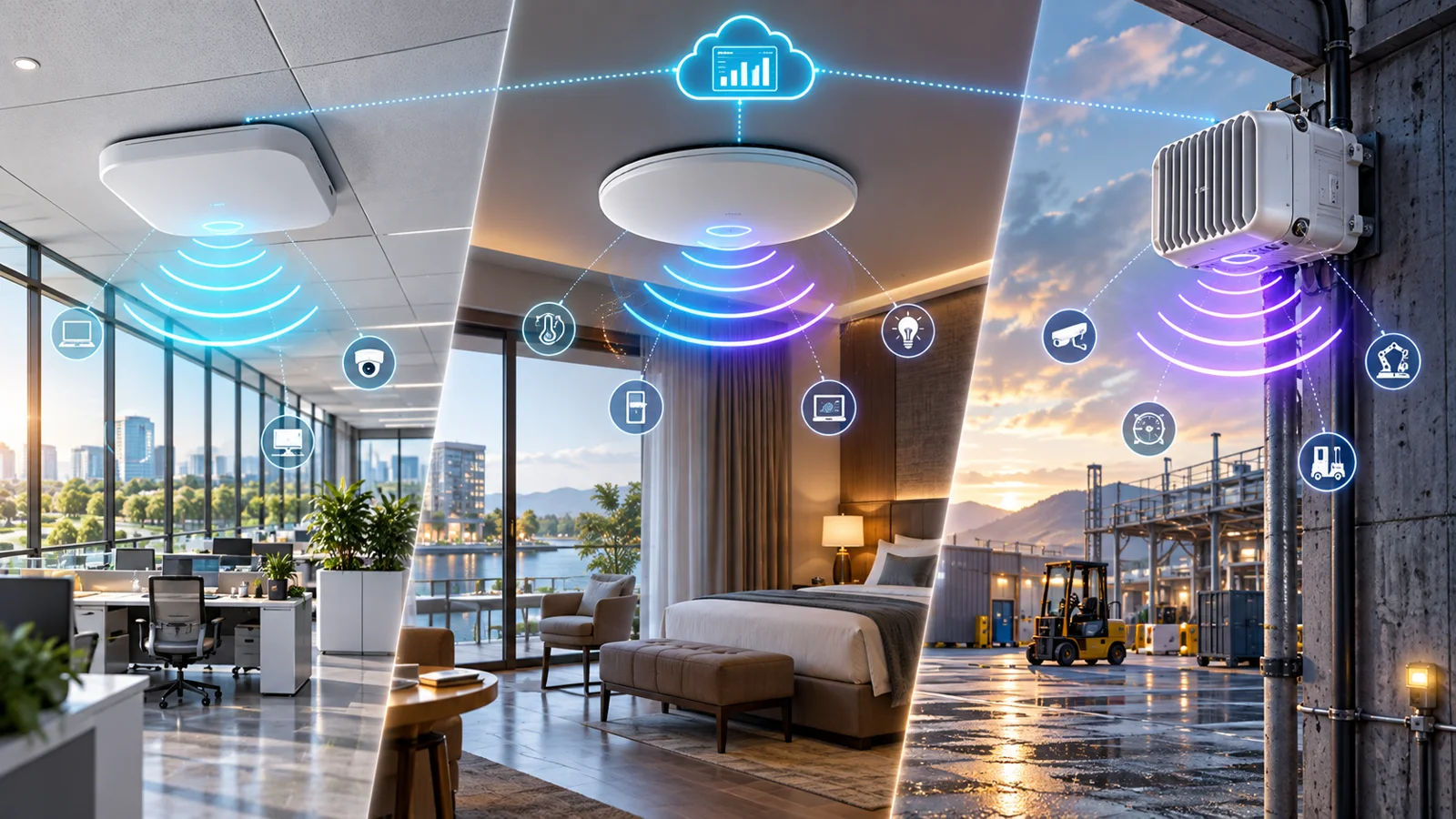
Each generation includes several performance tiers and deployment forms. The first question should be “what environment and client experience are we designing for?” rather than “what is the newest AP?” A low-density room, a stadium concourse and an industrial yard need different antennas, enclosures and radio designs even if all three use Wi-Fi 7.
Wi-Fi 6 vs Wi-Fi 6E vs Wi-Fi 7
Wi-Fi 6 improves efficiency in busy environments through technologies such as OFDMA and MU-MIMO. Wi-Fi 6E extends those capabilities into 6 GHz, creating more clean spectrum where regulations and client support allow it. Wi-Fi 7 adds features including Multi-Link Operation, 320 MHz channels and 4K QAM, increasing the possible throughput and reducing latency for capable clients.
The performance ceiling is not the same as production performance. Wide channels consume spectrum quickly, 6 GHz coverage differs from lower bands, and many installed clients remain on Wi-Fi 5 or Wi-Fi 6. A strong design usually uses narrower channels and more intentional cell sizes in dense areas rather than chasing the maximum single-client link rate.
Choosing the Right Aruba AP Tier
Choose 500 Series for mature, value-focused Wi-Fi 6
500 Series makes sense when the client fleet is primarily 2.4/5 GHz, the budget favors a mature platform, or the organization is expanding an existing Wi-Fi 6 design. It can also be a better match for branches where internet capacity and applications do not justify a 6 GHz refresh.
Choose 600 Series for a practical 6 GHz transition
600 Series is the natural step when the organization has a meaningful Wi-Fi 6E client population and needs more spectrum without committing to the highest Wi-Fi 7 infrastructure cost. It is often the value point for current enterprise laptops that support 6 GHz but do not yet use Wi-Fi 7 features.
Choose 700 Series for new, long-life and high-capacity designs
700 Series is easier to justify in new buildings, dense spaces, AI/IoT edge projects and refreshes expected to remain in service for many years. HPE highlights the 730 Series for campus Wi-Fi 7, including increased processing resources and IoT-oriented capabilities. Higher tiers such as 750 Series target more demanding capacity, while 760 Series addresses hardened environments.
Campus, Hospitality and Hardened APs
| Form | Designed for | Key selection question |
|---|---|---|
| Campus ceiling AP | Offices, schools, healthcare and general indoor spaces | Density, radio tier and internal vs external antennas |
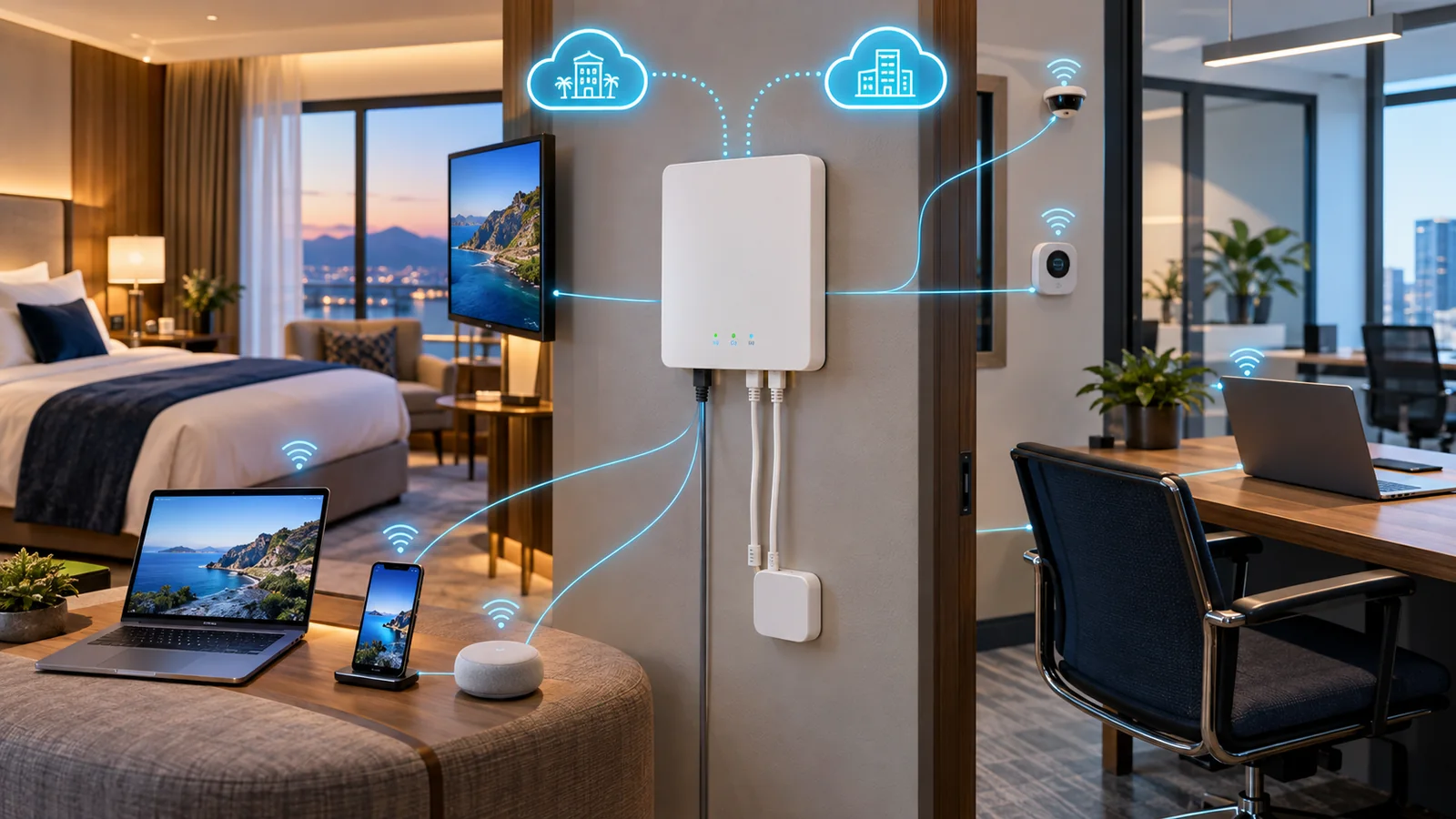
| Hospitality / remote AP | Hotel rooms, dorms and compact branches | Wall placement, downlink ports and local device connectivity |
| Hardened / outdoor AP | Warehouses, yards, industrial and public venues | Ingress rating, temperature, antennas and mounting |
Do not use a standard indoor AP in a location that needs environmental protection, and do not use a directional or external-antenna model without an RF plan. Regional regulatory domains also affect the orderable SKU and allowed 6 GHz behavior.
Multigigabit Ethernet, PoE and Cabling
Wi-Fi 6E and Wi-Fi 7 can move the bottleneck to the cable and switch. Check every proposed AP against the access-switch port speed, PoE class, switch power budget and cable category. Some APs can boot at reduced power but disable radios or features. Others can negotiate at 1 GbE even though their aggregate radio capacity is much higher.
For a large refresh, model the total PoE load with contingency, not just the nominal draw of one AP. The companion Aruba CX switch guide helps map access-layer models to multigigabit and campus requirements. Include UPS capacity and heat in dense closets.
Aruba Wireless Buying Checklist
- Inventory Wi-Fi 6, 6E and 7 client capability.
- Confirm local 6 GHz rules and the correct regulatory-domain SKU.
- Perform predictive design and on-site validation for coverage and capacity.
- Select campus, hospitality or hardened hardware for the physical environment.
- Verify Ethernet speed, cable category, PoE class and switch power budget.
- Include mounts, antennas, power injectors and Central licenses where required.
- Compare current HPE Aruba AP prices and part numbers on https://globalpricelist.com/hpe.
For hospitality rooms and wall-plate installations, see the HPE Networking AP-723H guide, which examines its management-platform choice and deployment role.
Sources
- HPE Aruba Networking Introduces Wi-Fi 7 Access Points - HPE
- HPE Aruba Networking 760 Series Overview - HPE
- Aruba Central Licensing Guide - HPE Aruba Networking
FAQ
What is the difference between Aruba 500, 600 and 700 Series APs?
At a high level, 500 Series is Wi-Fi 6, 600 Series is Wi-Fi 6E and 700 Series is Wi-Fi 7. Each series still contains different performance tiers and physical deployment types.
Is Aruba Wi-Fi 7 worth the cost?
It can be for a new building, long refresh cycle, dense environment or growing Wi-Fi 7 client fleet. Wi-Fi 6E may be better value when 6 GHz is the main requirement.
Do Aruba Wi-Fi 7 APs need multigigabit switches?
Many designs benefit from multigigabit ports to avoid a wired bottleneck. Check the exact AP uplink, PoE requirement, cable plant and expected aggregate traffic.
Can I use the same AP model indoors and outdoors?
Only use a model rated and designed for the environment. Outdoor and hardened spaces need appropriate ingress protection, temperature range, antennas and mounting.
Do Aruba APs require Aruba Central licenses?
Aruba Central management uses device subscriptions. Some APs also support other management architectures, so the required license depends on the chosen operating model.
Check Current HPE Aruba Pricing
Browse the full, daily-updated HPE Aruba GPL on GlobalPriceList.com.
View HPE Aruba Price List See HPE Aruba Price History