Zebra ZD421 vs ZD621 vs ZT231 vs ZT411
Compare Zebra desktop and industrial label printers by print volume, durability, resolution, RFID, media, and connectivity.
Key Points
- ZD421 is the general-purpose four-inch desktop choice for moderate print workflows.
- ZD621 is the premium desktop family and includes an RFID-capable ZD621R variant.
- ZT231 provides a metal light-industrial step up for busier shipping and manufacturing sites.
- ZT411 is better suited to higher-duty industrial operations and broader option requirements.
- Media, resolution, print method, connectivity, and service planning are as important as speed.
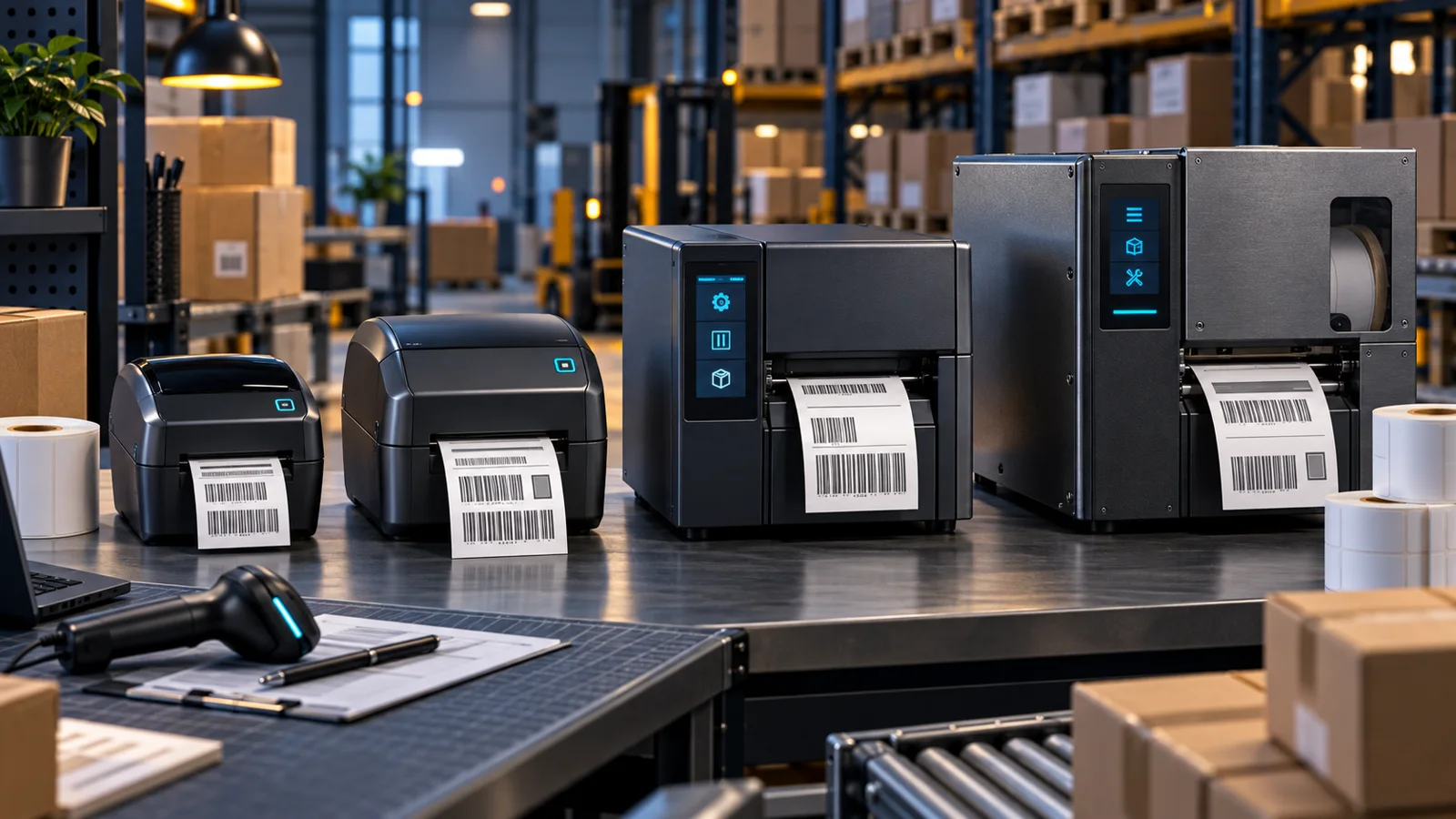
Zebra's ZD421 and ZD621 are desktop label printers, while ZT231 and ZT411 belong to the industrial class. They can all produce business labels, but they are not interchangeable. Print volume, duty cycle, media handling, resolution, connectivity, and environmental durability matter more than choosing the fastest number on a product page.
This guide compares the four families for retail, healthcare, warehouse, manufacturing, and shipping workflows. Once the right class is clear, use the current Zebra price list to verify the exact print technology, resolution, interface, and option code.
Desktop vs Industrial Label Printers
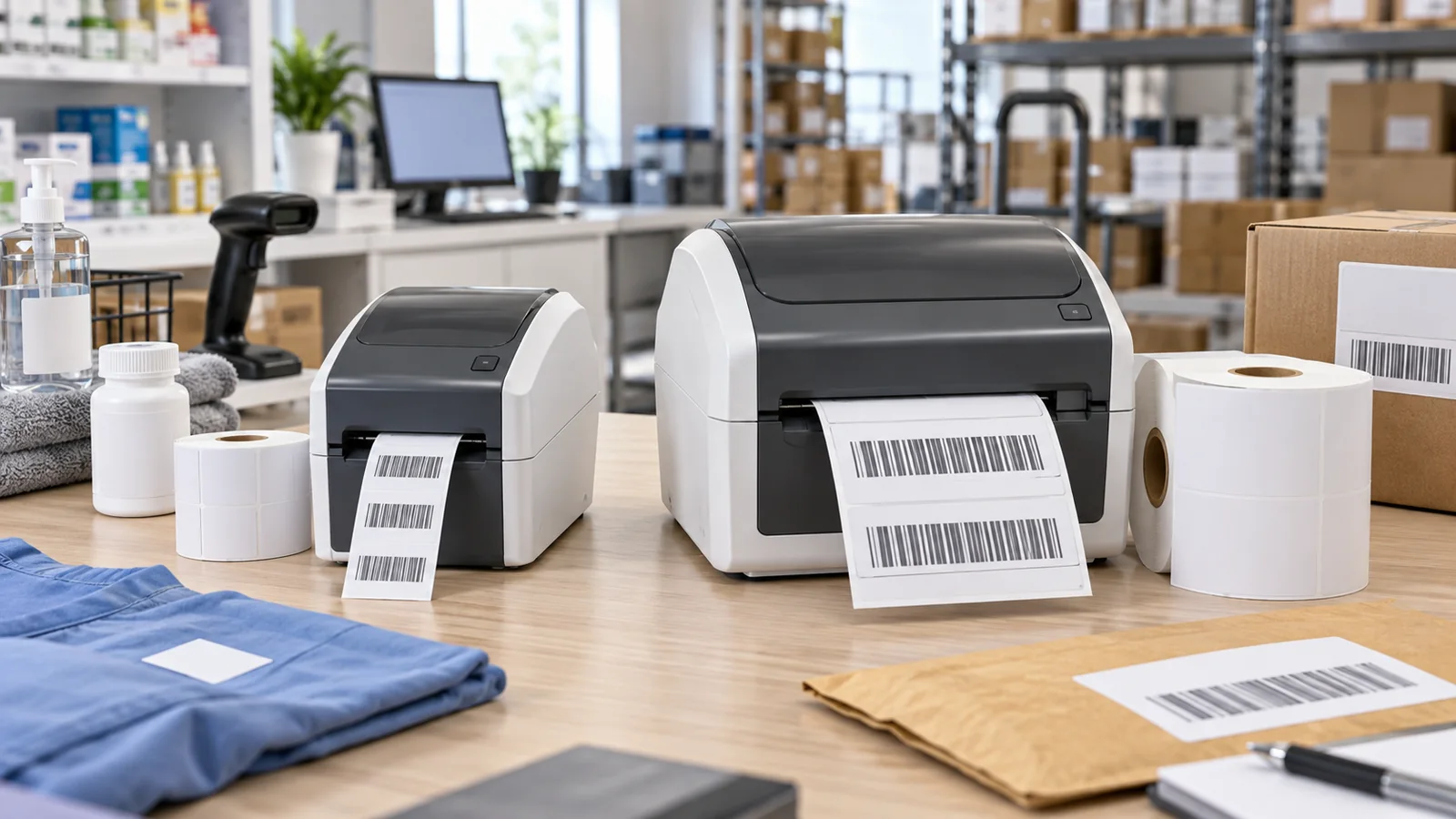
Desktop printers are compact and well suited to moderate, distributed print jobs at counters, workstations, labs, and small shipping areas. They use less space and are easier to place near the point of work. Industrial printers are built for longer shifts, higher volumes, harsher environments, and more demanding media handling.
A common mistake is buying a desktop model for a centralized packing line because its daily average appears modest. Print peaks, continuous operation, dust, vibration, label-roll changes, and operator handling can make an industrial chassis worthwhile even when the average label count looks manageable.
ZD421: Flexible General-Purpose Desktop Printing
ZD421 is the broad entry point for four-inch desktop label printing. Zebra offers direct thermal and thermal transfer variants, with 203 or 300 dpi options and a published maximum print speed of up to 6 inches per second on the 203 dpi configuration. Available connectivity depends on the exact configuration.
Choose ZD421 for standard shipping labels, retail back-office work, light manufacturing identification, and other moderate-volume workflows. Direct thermal is convenient for short-life labels such as receipts and many shipping labels; thermal transfer uses a ribbon and is better when labels need greater durability or resistance.
ZD621: Premium Desktop Features and RFID Options
ZD621 sits above ZD421 in the desktop range. It suits organizations that need a more capable desktop platform, more demanding workflow integration, or specialized variants. Zebra's documentation includes ZD621 and the ZD621R RFID model, making the family relevant where compact UHF RFID label encoding is required.
Do not select RFID by model name alone. Confirm tag type, inlay position, label construction, encoding workflow, middleware, and application compatibility. A short media validation with the exact label stock is essential before volume deployment.
ZT231: Light-Industrial Step Up
ZT231 is a practical bridge between desktop and heavier industrial printing. Zebra positions it as a light-industrial printer with a metal frame. The official specification lists print speeds up to 12 inches per second at 203 dpi, with optional wireless and RFID capabilities depending on configuration.
Choose ZT231 for busy shipping departments, warehouses, light manufacturing, and operations that need industrial construction without the capacity or option depth of a higher-tier ZT400 platform. Its faster workflow and sturdier design can reduce operator friction where desktop printers require frequent attention.
ZT411: Higher-Duty Industrial Platform
ZT411 belongs to the ZT400 industrial family and is intended for demanding operational environments. It is a stronger candidate for continuous production, warehouse labeling, manufacturing traceability, and applications that need a mature industrial platform with broader configuration options, including RFID variants.
The purchase should include media path, cutter or peeler needs, rewind behavior, connectivity, mounting location, and service access. Industrial printers are part of an operational system; downtime, spare units, printheads, platen rollers, and onsite service can matter more than the initial hardware price.
ZD421 vs ZD621 vs ZT231 vs ZT411
| Model family | Class | Best fit | Primary reason to choose |
|---|---|---|---|
| ZD421 | Desktop | General labels and shipping | Compact, flexible, cost-conscious deployment |
| ZD621 / ZD621R | Premium desktop | Advanced desktop and compact RFID | More capable workflow and specialized variants |
| ZT231 | Light industrial | Busy warehouse and light manufacturing | Metal construction and faster industrial workflow |
| ZT411 | Industrial | High-duty warehouse and manufacturing | Durability, options, and operational scale |
203, 300, or 600 dpi?
203 dpi is suitable for many standard shipping and inventory labels and usually provides the highest speed. Choose 300 dpi for smaller text, denser barcodes, or compact product labels. A 600 dpi configuration is useful only for very fine graphics, tiny text, or specialized high-density marks and is not available across every model.
Always test the smallest barcode and font at the intended print speed and on the real media. Higher resolution cannot compensate for poor label material, incorrect ribbon matching, damaged printheads, or an application that sends low-quality artwork.
Deployment and Connectivity Checklist
- Measure daily volume, peak-hour bursts, and continuous-duty periods.
- Choose direct thermal or thermal transfer based on label life and environment.
- Validate width, roll size, core, gap or mark sensing, adhesive, and ribbon.
- Select resolution using the smallest required barcode and text.
- Confirm USB, Ethernet, serial, Bluetooth, or Wi-Fi needs by exact SKU.
- Plan drivers, print language, device management, spares, and maintenance.
Wireless printers also depend on stable site coverage. If labels are generated over Wi-Fi, review the enterprise Wi-Fi access point guide and validate roaming and signal quality at each workstation.
For a compact desktop shortlist, compare Zebra ZD411 vs ZD421 to decide whether the label workflow requires a 2-inch or 4-inch printer.
Official Sources
FAQ
What is the main difference between Zebra ZD421 and ZT231?
ZD421 is a compact desktop printer for moderate workflows. ZT231 is a metal light-industrial printer intended for busier operations, longer shifts, and more demanding warehouse or manufacturing use.
Which Zebra printer supports RFID labels?
Zebra offers RFID-capable variants including ZD621R and models in the ZT400 RFID family. Confirm the exact SKU, tag and inlay compatibility, software workflow, and media through a real test.
Should I choose direct thermal or thermal transfer?
Direct thermal suits short-life labels and avoids ribbons. Thermal transfer is generally better when labels must last longer or resist heat, light, abrasion, or chemicals. Match the ribbon to the label material.
Is 300 dpi always better than 203 dpi?
No. 203 dpi is sufficient and often faster for many shipping labels. Choose 300 dpi for smaller text, dense barcodes, or compact labels, and validate the output with the real application and media.
Where can I compare current Zebra printer prices?
Use the Zebra catalog on GlobalPriceList.com to compare current part numbers and list prices, then confirm the exact resolution, print technology, connectivity, and included options with a reseller.
Check Current Zebra Pricing
Browse the full, daily-updated Zebra GPL on GlobalPriceList.com.
View Zebra Price List See Zebra Price History