Axis M vs P vs Q Series: IP Camera Buying Guide
Compare Axis M, P and Q camera families, understand model suffixes, and plan the lenses, recording, PoE and accessories behind a complete security camera budget.
Key Points
- M, P and Q describe product positioning; the exact model and generation determine the features you receive.
- M30 and M42 provide different starting points: compact fixed-lens domes versus varifocal domes with remote zoom and focus.
- P32 is a useful shortlist for versatile business surveillance; Q35 deserves a closer look for demanding outdoor scenes and specialized lens requirements.
- Compare a complete installation budget, including mounts, PoE, storage, recording software and commissioning.
Axis M vs P vs Q is a comparison of camera product tiers, not a fixed checklist of features. M is the affordability-focused line, P covers versatile advanced applications, and Q targets demanding, mission-critical video systems. Start with that positioning, then compare the exact camera, lens and generation against the scene you need to record.
For a first shortlist, consider M30 or M42 domes for cost-conscious installations, P32 for a broader business surveillance requirement, and Q35 when difficult outdoor conditions or specialized optics justify closer evaluation. These are buying starting points based on Axis's published positioning, not a recommendation that every site needs the same tier. Use the Axis price list alongside this guide to compare the actual part numbers in your quote.
Axis M vs P vs Q: What Is the Difference?
Axis's official naming guide establishes the three product positions. The table translates those positions into a practical purchasing shortlist. The dome families below are examples, rather than specifications for every M, P or Q camera.
| Product line | Buying starting point | Example families | Decision to verify |
|---|---|---|---|
| M | Budget-sensitive coverage with clearly defined scene requirements | M30, M42 | Does the lens, lighting performance and feature set meet the actual scene? |
| P | Versatile business surveillance across varied locations | P32 | Which indoor/outdoor variant, lens and generation fits each location? |
| Q | Demanding scenes where imaging or environmental requirements drive selection | Q35 | Which measurable requirement justifies the selected premium model? |
A newer M camera can include a capability that an older P or Q model lacks. Likewise, the same resolution does not make two cameras interchangeable. Compare recorded detail at the required distance, motion, illumination, lens coverage and installation conditions before comparing price.
When Should You Choose Axis M Series?
The AXIS M30 family is a useful starting point for compact, discreet dome installations. Axis lists fixed-focal options and models with edge analytics. In a small shop or office corridor, a fixed lens can simplify commissioning if its field of view already matches the area you need to cover.
However, M does not mean every camera has a fixed lens or lacks AI. The AXIS M42 family includes varifocal domes with remote zoom and focus, indoor and outdoor options, and deep-learning analytics. That makes M42 worth comparing when you need to adjust framing after mounting without automatically moving to another product line.
Practical buying rule: shortlist M when the selected model meets your evidence and installation requirements at an acceptable cost. Record a moving subject in the intended scene before accepting a lower-cost option. A clear daytime overview alone does not prove that the camera will provide useful footage after closing time.
When Is Axis P Series Worth Considering?
The AXIS P32 family provides indoor and outdoor dome choices, lens variants and advanced imaging options. Axis highlights technologies including Lightfinder 2.0, Forensic WDR and OptimizedIR in this family. Check the individual model data sheet for the combination supplied, especially when comparing different generations or regional stock.
For a business with entrances, loading areas and internal circulation routes, P32 is a useful comparison point. Build a shortlist by location: an entrance may need a different field of view and lighting setup from a long corridor. Keeping one vendor does not require buying the same lens or housing everywhere.
Practical buying rule: pay for P when the chosen model solves an identified requirement more effectively than the M alternative. Ask the installer to demonstrate the improvement in recorded footage or commissioning effort. Avoid approving an upgrade solely because the letter appears higher in the range.
For an existing P32 installation or a remaining-stock quote, see the P3265-LVE vs P3267-LVE vs P3268-LVE comparison for lens differences, WDR frame-rate limits and replacement paths.
When Does Axis Q Series Make Sense?
The AXIS Q35 family illustrates the Q position with outdoor domes built for demanding environments. Axis lists models with alternative lenses, including telephoto options on selected cameras, as well as an IR-shielded dome design intended to reduce reflections from rain and snow. The family also includes robust environmental protection and tamper-detection features.
Those differences can matter when a mounting point is exposed, a subject is far away, or a failed recording would leave a critical area without usable evidence. They do not mean every Q model is appropriate for every difficult scene. Confirm the precise lens, temperature range, ingress and impact ratings, power requirements and supported analytics for the part number you will receive.
Practical buying rule: specify Q where its particular capabilities satisfy a requirement that your lower-cost shortlist does not. A mixed design can be sensible: evaluate a premium camera at a demanding gate and more economical cameras in controlled indoor areas.
Axis Camera Model Names: What Do L, V and E Mean?
The suffix is worth checking before comparing two quotations. In Axis's network-camera naming guide, L indicates LED illumination, V indicates vandal resistance, and E indicates an outdoor-ready product. A combined suffix such as LVE brings these descriptors together. It does not specify the illumination distance, impact rating or operating temperature; those remain data-sheet checks.
The initial letter identifies the product line, while the following characters identify the family and model. Mk II marks a version. Record the full model name, lens option and orderable part number on the purchase order. Treat an abbreviated description such as “Axis 4 MP dome” as insufficient for a like-for-like price comparison.
Axis Camera Prices: Budget for the Complete System
There is no reliable single price for “an Axis M camera” or a universal percentage premium for P and Q. The exact model, lens, accessories, region and commercial terms affect the comparison. Search the Axis security product catalog by full model or part number and compare the listed reference price with a current supplier quote. Catalog list prices are not installed-system quotations.
| Budget item | What to put on the quote |
|---|---|
| Camera and optics | Full model, lens variant, quantity and included components |
| Mounting | Compatible wall, pole or ceiling hardware, adapters and junction boxes |
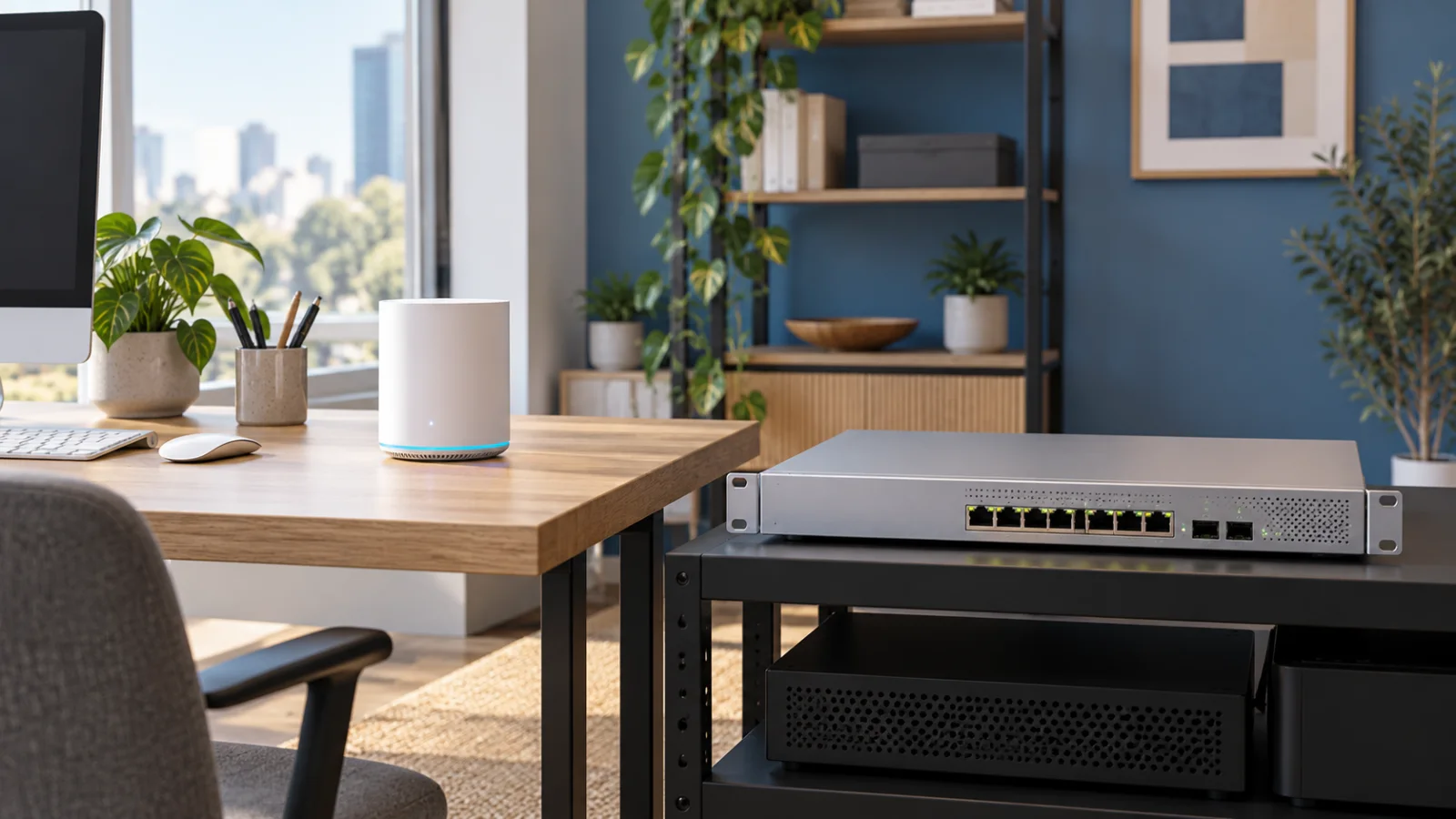
| Network and power | Cabling, switch ports, required PoE class, total power budget and backup power |
| Recording | Recorder or server, usable storage, recording schedule and retention target |
| Software and services | Selected VMS, applicable licenses, optional analytics and support terms |
| Installation | Access equipment, fitting, scene adjustment, acceptance testing and handover |
Check Axis accessories against the camera's compatibility list before ordering. A camera price that excludes the required mounting kit can produce a misleading comparison. Check the chosen video-management software separately as well: the M, P or Q letter is not a software licensing policy.
The AXIS Camera Station Edge vs Pro guide compares recording architecture, Core and Universal licenses, and the costs to include with the cameras.
For the network side of the installation, the NETGEAR unmanaged vs smart vs managed switch guide explains the management and PoE decisions to make before choosing the switch that powers the cameras.
Example planning calculation: assume eight cameras each average 4 Mbit/s and record continuously for 30 days. The video payload alone is approximately 10.37 TB in decimal units: 8 cameras × 4 Mbit/s × 86,400 seconds × 30 days ÷ 8 bits per byte. This is an illustrative assumption, not a measured Axis bitrate or a recorder recommendation. Add capacity for the storage layout and overhead, and validate the estimate with the actual scene, codec, frame rate and recording policy.
For context on recorded list-price changes, consult Axis price history. Use price history to understand the available catalog record; it does not establish a future discount or availability guarantee.
Six Checks Before Ordering an Axis Camera
- Define the evidence: write down what the operator must see, at what distance, and under which lighting conditions.
- Validate the view: check the lens and mounting position against the required coverage and detail.
- Test difficult scenes: review motion, backlighting and night footage with the intended settings.
- Check the complete SKU: verify housing, environmental ratings, power, mounting compatibility and model generation.
- Validate the system: confirm VMS compatibility, required analytics, recording performance, retention and licensing.
- Accept the installation: test playback and export, document settings, and confirm the device's software support status and update plan.
Use M, P and Q to narrow the search, then buy against the requirements for each camera location. The most useful comparison is the cost of an installation that delivers the required recording, including its supporting hardware and software.
Official Axis Sources
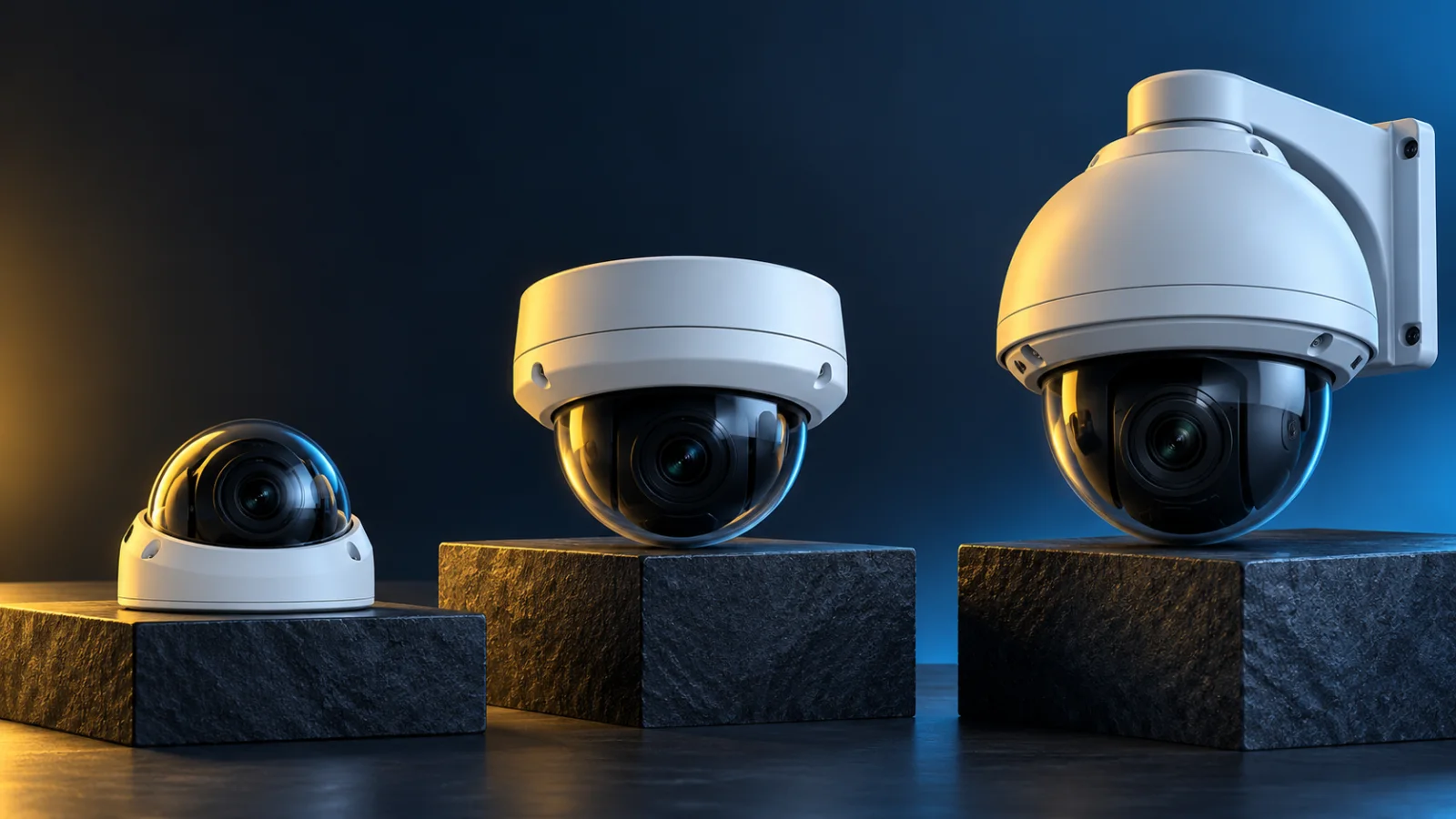
Product positioning and family descriptions were checked against the following official resources for this October 31, 2026 guide. The purchasing examples and budget checklist are independent editorial guidance. Family pages can include multiple generations; use the individual data sheet for the exact SKU. The cover is an illustrative image of generic cameras, not a photograph of the models discussed.
- Axis product naming structure guide — line positioning and model suffixes.
- AXIS M30 Dome Camera Series — compact dome family.
- AXIS M42 Dome Camera Series — varifocal dome family.
- AXIS P32 Dome Camera Series — versatile business dome family.
- AXIS Q35 Dome Camera Series — advanced outdoor dome family.
FAQ
What is the difference between Axis M, P and Q cameras?
M focuses on affordability, P on versatile advanced applications, and Q on demanding mission-critical systems. The exact model and generation determine the lens, imaging, analytics and environmental specifications.
Do Axis M cameras support AI analytics?
Selected M cameras do. The M30 and M42 families include models with edge analytics, and M42 includes deep-learning capabilities. Check the specific camera and application requirements before ordering.
Are all Axis M cameras fixed-lens cameras?
No. M30 includes fixed-focal options, while M42 includes varifocal domes with remote zoom and focus. Choose the lens around the required coverage and subject distance.
Is Axis Q always a better purchase than Axis P?
The right purchase depends on the scene. A Q model can justify its cost through particular imaging, lens or environmental capabilities, while a suitable P model may already meet the installation requirements.
What does LVE mean on an Axis camera?
In the network-camera naming guide, L indicates LED illumination, V vandal resistance and E outdoor readiness. Check the model data sheet for the actual illumination range and protection ratings.
Where can I compare Axis camera prices?
Search the Axis catalog on GlobalPriceList.com by model or part number. Compare reference list prices with current supplier quotes and include mounting, PoE, storage, software and installation in the final budget.
Check Current Axis Pricing
Browse the full, daily-updated Axis GPL on GlobalPriceList.com.
View Axis Price List See Axis Price History