Zebra ZD411 vs ZD421: Desktop Label Printer Guide
Compare Zebra ZD411 and ZD421 for 2-inch versus 4-inch labels, print methods, resolution, ribbons, connectivity and deployment fit.
Key Points
- ZD411 is the compact 2-inch desktop printer; ZD421 is the 4-inch model for common shipping and general business labels.
- Both families offer 203 or 300dpi models, direct thermal and thermal transfer choices, and Zebra ZPL/EPL compatibility.
- ZD421 thermal-transfer models accommodate broader media and longer ribbon options than the compact ZD411.
- Choose print width and method first, then resolution, connectivity, options and supplies by exact part number.
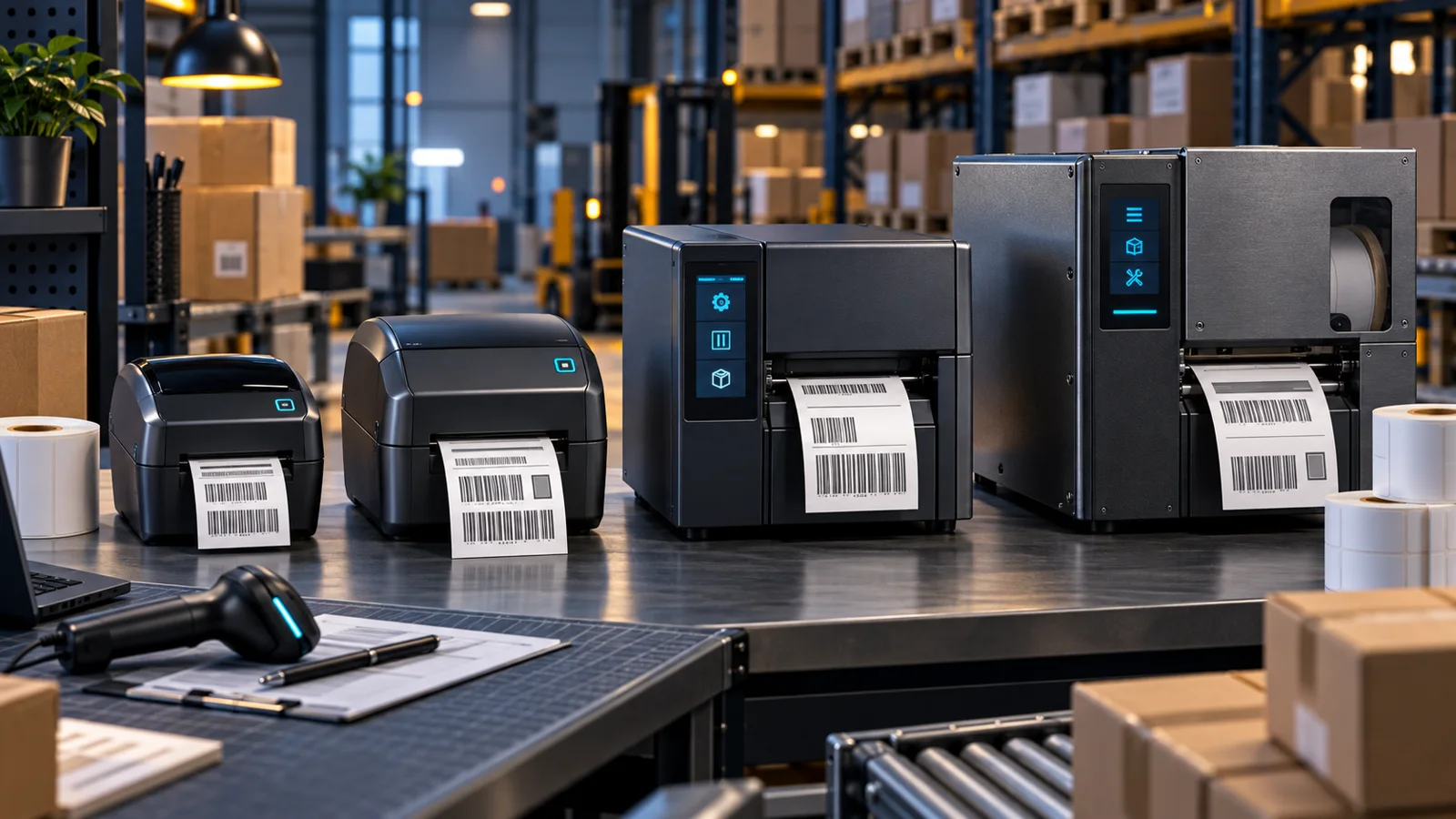
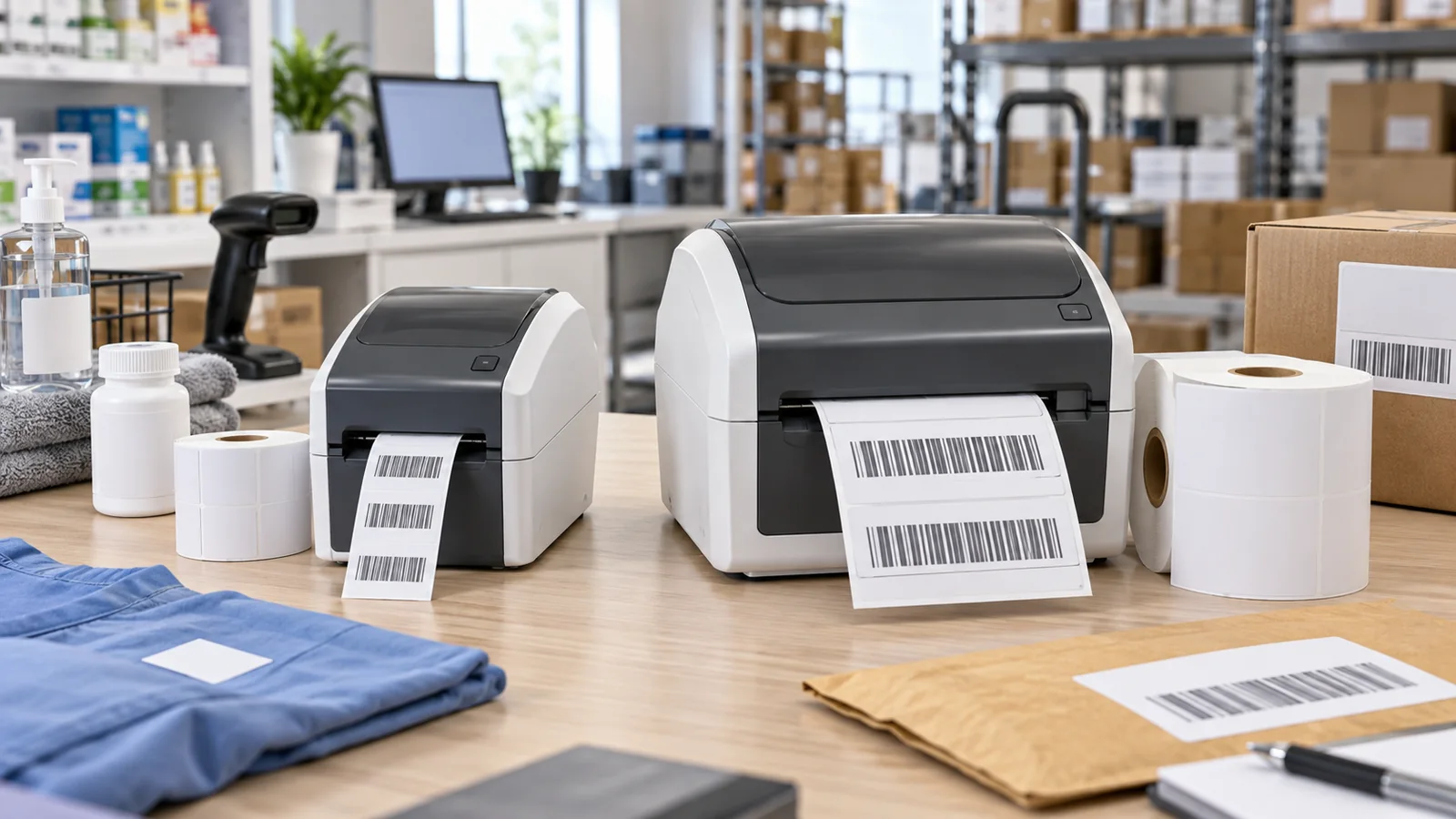
Zebra ZD411 and ZD421 share the same modern desktop-printer family, but the decision usually comes down to label width. ZD411 is the compact 2-inch platform for narrow labels, receipts and wristbands. ZD421 prints the common 4-inch format used for shipping, inventory and general identification.
ZD411 or ZD421: Quick Answer
Choose ZD411 when every approved label fits its narrow media path and desk space matters. Choose ZD421 when 4-inch shipping labels or a wider future media range is required. Buying a wider printer does not automatically improve quality; resolution, print method and supplies are separate decisions.
Print Width, Media and Ribbons
| Area | ZD411 | ZD421 |
|---|---|---|
| Width class | 2-inch compact | 4-inch desktop |
| Max width example | Up to about 2.2 inches, model dependent | Up to 4.09 inches at 203dpi |
| Print methods | Direct thermal or thermal transfer | Direct thermal or thermal transfer |
| Ribbon | Compact 74m class on TT models | 74m or 300m options on supported TT models |
| Typical role | Asset, specimen, shelf and narrow labels | Shipping, inventory and general labels |
Direct thermal uses heat-sensitive media and avoids ribbons, which is convenient for short-life shipping or receipt applications. Thermal transfer uses a ribbon and is preferable when labels must resist time, abrasion or environmental exposure. Match label face stock, adhesive and ribbon chemistry as a tested system.
ZD421's wider path and longer ribbon option can reduce operator changes in higher-volume work. ZD411 remains attractive where physical footprint and narrow media cost matter.
Resolution, Print Speed and Barcode Quality
Both lines offer 203dpi and 300dpi versions. Zebra lists up to 6 inches per second for 203dpi and up to 4 inches per second for 300dpi models. Higher resolution helps small text, dense barcodes and compact labels, but it may reduce throughput and requires the correct artwork.
Test the smallest production barcode with the actual scanner, applicator and surface. Quiet zones, contrast, heat settings and media consistency can matter more than a nominal resolution increase. Avoid scaling 203dpi label templates blindly onto a 300dpi printer.
Connectivity and Fleet Management
Standard connectivity includes USB and USB Host, while exact configurations can add Ethernet, serial or wireless. Current ZD421 options include Wi-Fi 6/6E with Bluetooth 5.3 or other wireless bundles depending on SKU and region. NFC Print Touch and Bluetooth Low Energy can simplify supported setup workflows.
Both support ZPL and EPL, helping replacement in existing Zebra environments. Driver, label-language and application compatibility must still be tested. A legacy EPL template may print, but fonts, darkness and calibration can require adjustment.
For fleet use, standardize firmware, media profiles, naming and spare-part strategy. Keep one known-good label and ribbon combination for diagnostics, and train operators to clean the printhead without damaging it.
Which Printer Should You Buy?
Healthcare and lab: ZD411 fits many wristband, specimen and small identification workflows; confirm healthcare-specific enclosure and power options where required.
Retail shelf and asset labels: ZD411 minimizes footprint if labels remain narrow.
Shipping and warehouse desk: ZD421 is the safer default for 4x6 shipping labels and mixed 4-inch media.
Durable identification: choose a thermal-transfer configuration and qualified supplies in either width.
Order by full part number. Resolution, print method, interface, color, regional power supply and accessories can differ while the front badge remains ZD411 or ZD421. For higher duty cycles, compare the Zebra desktop and industrial printer guide.
Supplies, Maintenance and Total Ownership
Printer cost is only the first budget line. Estimate annual labels, ribbons, printheads, platen rollers and cleaning supplies. A cheaper media formulation can increase darkness requirements or residue, reducing barcode consistency and component life.
Build a label approval sheet that records material, adhesive, dimensions, gap or mark type, ribbon and printer setting. This prevents a purchasing substitution from silently changing scan performance. For regulated or customer-facing labels, retain a verified sample and scanner result with the specification.
Operator workflow also affects uptime. Loading space and calibration should be tested at the real desk. Standardize a cleaning interval and keep the correct lint-free materials nearby. If a failed printer stops shipping, a preconfigured spare is more important than a small difference in purchase price.
Sources
- ZD400 Series Specifications — Zebra
- ZD421 Series Specifications — Zebra
FAQ
What is the main difference between ZD411 and ZD421?
ZD411 is a compact 2-inch printer, while ZD421 supports common 4-inch labels such as shipping formats.
Do both support thermal transfer?
Yes, both families have direct-thermal and thermal-transfer configurations; verify the exact part number.
Should I choose 203 or 300dpi?
Use 203dpi for general labels and faster output; choose 300dpi for small text or dense barcodes after testing the real design.
Can ZD411 and ZD421 use ZPL?
Yes. Both support Zebra ZPL and EPL printer languages.
Check Current Zebra Pricing
Browse the full, daily-updated Zebra GPL on GlobalPriceList.com.
View Zebra Price List