Juniper EX Series Switches Explained: Which Model Fits?

A buyer's breakdown of the Juniper EX Series - from the compact EX2300 to the EX9200 chassis - and how Junos OS and Mist AI change how you pick a switch.
Key Points
- Juniper EX switches span three layers: compact access (EX2300/EX3400), access/distribution (EX4100/EX4300/EX4400), and data center/core (EX4650/EX9200).
- Every EX model runs Junos OS, giving buyers one CLI and automation model whether they deploy a branch closet switch or a core chassis.
- Juniper Mist AI adds cloud-based wired assurance, anomaly detection, and the Marvis virtual assistant on top of newer EX models.
- EX4100 and EX4400 are Juniper's current-generation, Mist-native access switches and are gradually positioned ahead of the older EX3400 and EX4300.
- The right tier depends on deployment role - wiring closet, distribution, data center top-of-rack, or campus core - not on chasing the newest model number.
Juniper Networks has sold Ethernet switches under the EX Series name for well over a decade, and the lineup has grown into a fairly wide family covering everything from a 24-port closet switch to a chassis-based core platform. For IT buyers evaluating https://globalpricelist.com/juniper equipment, the challenge is rarely finding a switch that technically works - it is figuring out which EX model actually matches the role it will play in the network, and how Juniper's software stack changes the ownership experience once the hardware is racked. This guide walks through the EX Series tier by tier, explains where Junos OS and Mist AI fit in, and gives a practical framework for narrowing down a model before you go shopping.
EX Series Overview
The EX Series is Juniper's enterprise and campus Ethernet switching line, sitting alongside the QFX Series (which leans more heavily toward data center fabrics) and the ACX/MX Series (routing-focused platforms). Within EX, Juniper segments products by the role they are meant to play: fixed-configuration access switches for wiring closets, higher-capacity access and distribution switches for larger buildings or aggregation points, and purpose-built data center and core platforms for high-throughput environments.
What ties the whole family together is Junos OS, the same operating system Juniper uses across its switching, routing, and security portfolio. That consistency matters more than it might initially seem: a network engineer who is comfortable configuring an EX2300 in a branch office is not starting from scratch when they touch an EX9200 in a data center core, because the command syntax, configuration philosophy, and automation hooks are largely shared. Over the past several product generations, Juniper has also layered its Mist AI cloud platform on top of newer EX hardware, shifting day-to-day operations from box-by-box CLI work toward centralized, AI-assisted management for organizations that want it.
Buyers browsing https://globalpricelist.com/juniper/switches listings will typically see all of these families represented side by side, which is useful for comparing generations but can also make it harder to tell at a glance which switch belongs in which part of the network. The rest of this guide breaks that down by deployment layer.
EX Series Lineup by Deployment Layer
Rather than walking through EX models purely in numerical order, it is more useful to group them by where they typically sit in a network design: compact access, access/distribution, and data center/core.
Compact Access (EX2300/EX3400)
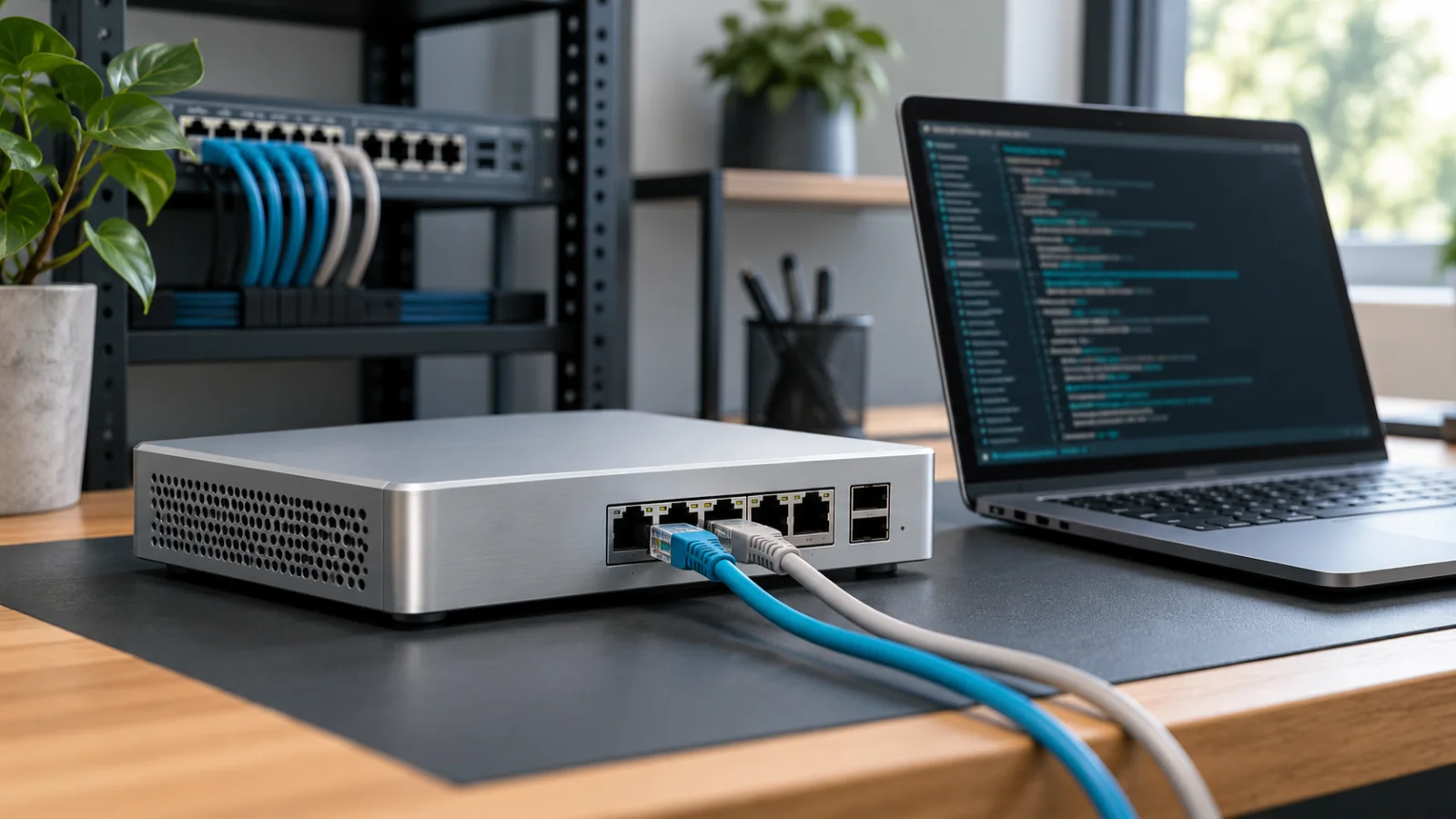
The EX2300 is Juniper's entry point into fixed-configuration access switching. It is aimed at wiring closets, small branch offices, and retail or remote sites where a compact, low-power switch needs to terminate end-user devices, phones, access points, and printers. EX2300 models are available in a range of port counts and with Power over Ethernet (PoE/PoE+) options for powering wireless access points and IP phones directly from the switch, and they support Virtual Chassis technology so multiple physical units can be managed and stacked as a single logical switch.
The EX3400 sits just above the EX2300 in the compact access tier. It targets similar use cases - branch and campus access - but is built for environments that need more scale, more uplink flexibility, or a larger Virtual Chassis footprint than the EX2300 comfortably provides. Both the EX2300 and EX3400 are well suited to organizations that need reliable, no-frills Ethernet access rather than dense uplink capacity or data-center-class throughput.
Access & Distribution (EX4100/EX4300/EX4400)
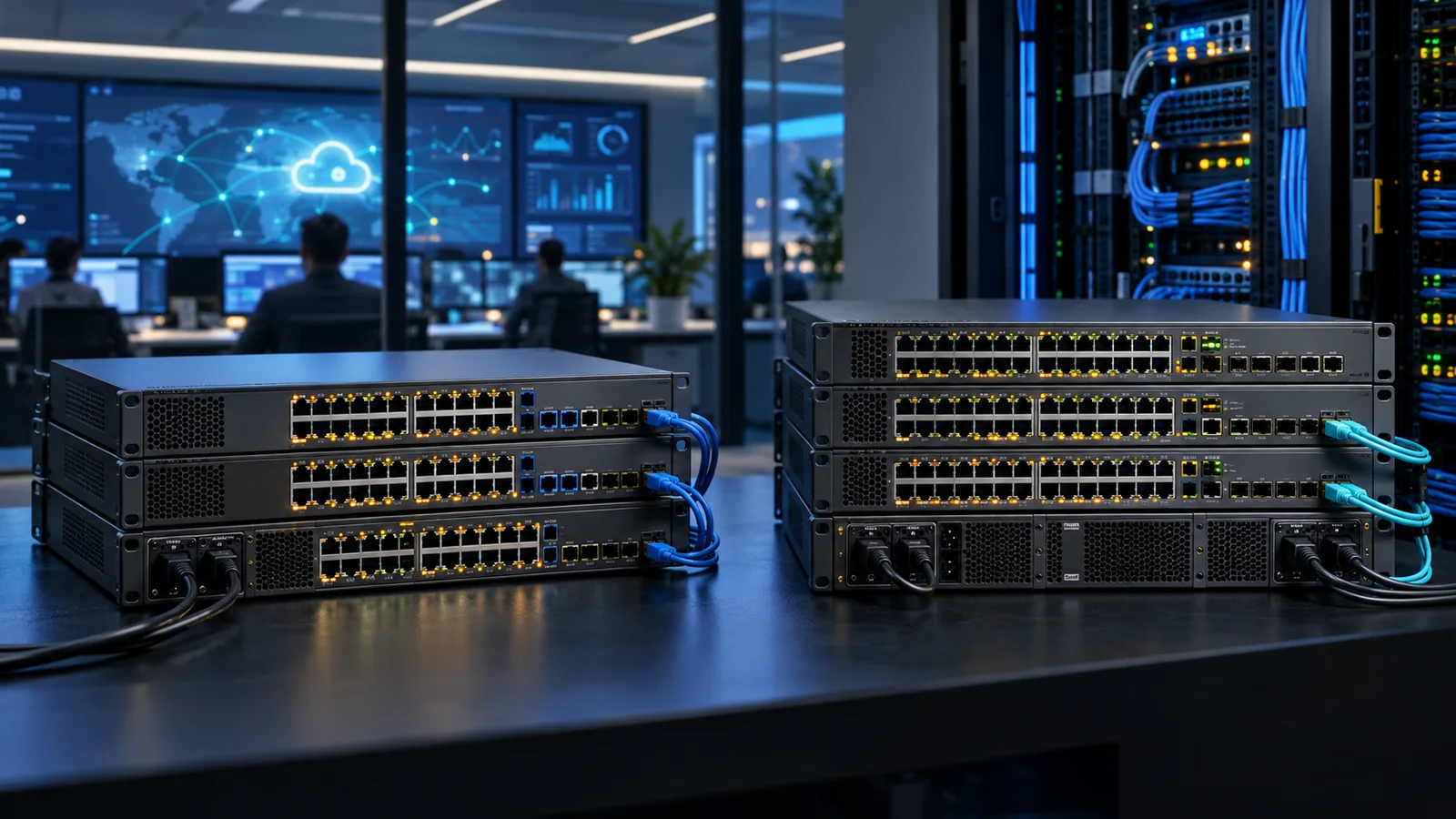
The EX4300 has historically been Juniper's workhorse access and aggregation switch, popular in mid-size and large campus deployments where a wiring closet needs higher port density, robust Virtual Chassis stacking, and 10GbE uplink options back to a distribution or core layer. It is frequently deployed as either an access switch handling a large number of end-user connections or as an aggregation point collecting traffic from several smaller access switches.
The EX4100 and EX4400 represent Juniper's current generation of access and access/distribution switches, designed from the outset to work natively with Juniper Mist AI cloud management. The EX4400 in particular is commonly positioned as the modern successor to the EX4300 role, with multigigabit PoE ports intended for high-power access points, IoT devices, and other endpoints that need more than standard PoE+ budgets. The EX4100 fills a similar cloud-native access role at a scale closer to the EX2300/EX3400 tier. For organizations standardizing on Mist-managed wired and wireless infrastructure, EX4100 and EX4400 switches are generally the more natural fit than their older counterparts, even though the EX3400 and EX4300 remain widely deployed and supported.
Data Center & Core (EX4650/EX9200)
The EX4650 is a high-density, high-speed fixed switch aimed at top-of-rack data center deployments and other environments that need dense 25GbE server-facing connectivity with higher-speed uplinks. It is the EX Series option for buyers who need data-center-class port speeds without moving into Juniper's QFX data center switching line.
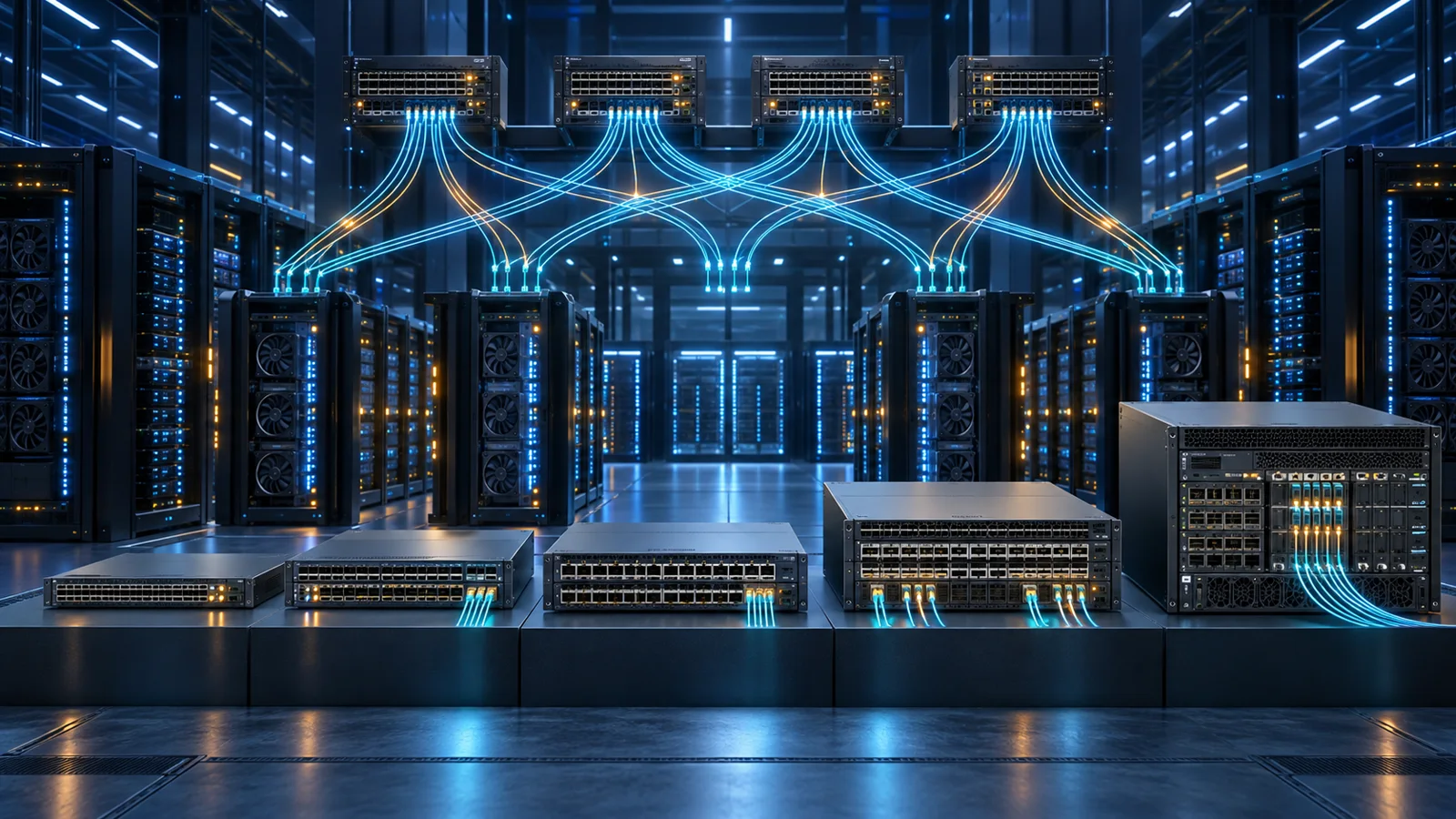
At the top of the family, the EX9200 is a modular chassis platform built for campus cores, aggregation layers, and large-scale environments that need high backplane capacity, slot-based flexibility, and long-term investment protection through line-card upgrades rather than full chassis replacement. The EX9200 is not a switch most organizations buy for a wiring closet; it is a core or aggregation platform meant to sit above a fleet of access switches - often EX4300, EX4100, or EX4400 units - and handle the aggregated traffic between them.
Comparing EX Series Tiers
The table below summarizes how the EX Series models line up by intended deployment role. It is meant as a directional comparison rather than a spec sheet - always confirm exact port counts, uplink options, and throughput figures against current Juniper documentation before finalizing a purchase.
| Deployment Layer | Typical Models | Primary Use Case | Mist AI Native |
|---|---|---|---|
| Compact access | EX2300, EX3400 | Wiring closets, small branch/retail sites, end-user and phone/AP connectivity | Supported via Mist wired assurance; not the newest generation |
| Access & distribution | EX4100, EX4300, EX4400 | Larger campus access, aggregation of smaller switches, higher-density closets | EX4100/EX4400 designed cloud-native; EX4300 supported via Mist wired assurance |
| Data center top-of-rack | EX4650 | Server-facing data center racks needing dense high-speed ports | Supported via Mist wired assurance |
| Core / aggregation chassis | EX9200 | Campus core, large-scale aggregation, modular long-term platform | Primarily managed via Junos CLI/automation rather than Mist cloud |
Junos OS and Mist AI-Driven Operations
Every switch in the EX Series runs Junos OS, Juniper's single network operating system that also powers its routers and security appliances. For buyers, the practical benefit of this shared OS is operational consistency: the same configuration hierarchy, the same automation interfaces (NETCONF, Junos PyEZ, Ansible modules), and the same general troubleshooting approach apply whether the switch in question is a small EX2300 in a branch closet or a large EX9200 chassis in a data center core. Teams that already run Junos elsewhere in their network - on an SRX firewall or an MX router, for example - typically find EX switches easier to fold into existing operational processes than introducing a completely different vendor's CLI.
On top of Junos, Juniper has increasingly pushed management toward Juniper Mist AI, its cloud-based operations platform. Originally built around AI-driven Wi-Fi management, Mist has extended "wired assurance" capabilities to EX switches, which means switches can be onboarded to the Mist cloud, monitored against defined service-level expectations (SLEs), and troubleshot with the help of Marvis, Juniper's virtual network assistant that uses natural-language queries and AI-driven root-cause analysis to help identify problems like flapping ports, PoE issues, or VLAN misconfigurations.
For an IT buyer, this means the purchasing decision is not purely about hardware specs anymore. A network standardizing on Mist for its wireless access points has a strong incentive to also run Mist-native EX switches such as the EX4100 or EX4400, so that wired and wireless telemetry show up in the same dashboard and Marvis can correlate issues across both. An organization that prefers traditional CLI-driven, on-box management - or that has strict requirements around not sending telemetry to a cloud service - may lean toward operating older or larger EX platforms, like the EX4300 or EX9200, primarily through direct Junos configuration and existing network management tools instead.
Choosing the Right Model for Your Deployment
With the lineup and software model in mind, picking an EX Series switch generally comes down to answering four questions:
- What layer is this switch serving? A wiring closet terminating desktops and phones has very different requirements than a top-of-rack switch feeding a virtualization cluster, or a core switch aggregating an entire building.
- How much port density and uplink capacity do you need? Compact access switches like the EX2300 and EX3400 are sized for smaller port counts and lighter uplink needs; EX4300/EX4100/EX4400 scale up for larger closets or aggregation roles; EX4650 and EX9200 exist because some environments need substantially more throughput than any access switch offers.
- Do you want cloud-based, AI-assisted operations? If Mist AI wired assurance and Marvis-driven troubleshooting are priorities, the EX4100 and EX4400 are the models built around that experience from the ground up, though Mist support extends to several other EX platforms as well.
- What is your PoE and power budget? Access points, IP phones, cameras, and increasingly IoT devices all draw power over Ethernet. Newer models with multigigabit PoE ports, like the EX4400, are worth considering if you are deploying Wi-Fi 6/6E or 7 access points that need higher power and bandwidth than older PoE+ ports comfortably deliver.
It is worth resisting the instinct to simply buy "the newest model number" across the board. A small branch office rarely needs EX4650-class port speeds, and a data center rack rarely benefits from a compact access switch's feature set. Matching the switch to the role - and only then comparing specific models within that tier - keeps both the design and the budget grounded.
Common Deployment Scenarios
A few recurring patterns show up repeatedly in real-world EX Series deployments:
- Branch office refresh: A small office with a handful of desks, a couple of access points, and a phone system typically fits well on an EX2300 or EX3400, often deployed as a single switch or a small Virtual Chassis pair for redundancy.
- Campus building access with Mist-managed Wi-Fi: Organizations already running Mist-managed access points for wireless frequently pair them with EX4100 or EX4400 switches at the access layer specifically so that wired assurance and AI-driven insights cover the whole edge of the network, not just Wi-Fi.
- Large campus with aggregation and a core: A bigger site might deploy EX4300 or EX4400 switches in wiring closets across several floors, aggregating up to EX9200 chassis switches at the building or campus core, taking advantage of Junos consistency across every layer.
- Data center server racks: Environments that need dense, high-speed top-of-rack connectivity for servers and storage - without moving fully into Juniper's QFX data center line - often turn to the EX4650 for that role.
- Mixed-generation environments: It is common, and entirely supported, to run older EX3400/EX4300 switches alongside newer EX4100/EX4400 units during a phased refresh, since Junos OS consistency and Mist wired assurance both extend across generations rather than forcing an all-or-nothing cutover.
Whichever scenario matches your environment, comparing current MSRP and availability across models is a useful final step before committing to a purchase order - https://globalpricelist.com/juniper listings and the broader https://globalpricelist.com/juniper/switches category are a reasonable starting point for checking where list pricing currently sits across the EX Series before you finalize a bill of materials.
Request an itemized bill of materials rather than pricing only the base switch. Validate power supplies, power cords, uplink modules, Virtual Chassis cables, optics, mounting hardware, licenses, cloud subscriptions, and support for each site. Check airflow and power redundancy for data-center or core roles, and calculate PoE demand for access deployments. Similar EX model names can represent different port speeds, power capabilities, and deployment assumptions.
Before approval, compare the chosen hardware with its expected software train and lifecycle. Confirm feature support, management compatibility, replacement strategy, and the effect of a member or uplink failure. If AI-assisted cloud operations are part of the design, use the Juniper AI networking and licensing guide to add per-device subscriptions and operating requirements to the budget.
For a focused campus-access shortlist, compare Juniper EX4100 and EX4400 by uplinks, endpoint power, resiliency and operational requirements.
Sources
- EX Series Ethernet Switches - Juniper Networks
- Products Overview - Juniper Networks
- Mist AI and Cloud - Juniper Networks
FAQ
What is the difference between the EX4300 and EX4400?
Both are access/distribution switches, but the EX4400 is the newer generation, built to work natively with Juniper Mist AI cloud management and offering multigigabit PoE ports suited to high-power access points and IoT devices. The EX4300 remains a widely deployed, capable access and aggregation switch, but the EX4400 is generally the platform Juniper positions for new cloud-managed deployments.
Do I need Juniper Mist AI to use an EX Series switch?
No. Every EX switch runs Junos OS and can be configured and managed directly through the traditional CLI or standard network management tools without Mist. Mist AI is an optional cloud layer that adds wired assurance, AI-driven troubleshooting through Marvis, and unified dashboards alongside Mist-managed wireless - useful for organizations that want it, but not a requirement to operate the hardware.
Which EX Series switch is best for a small office?
For a small branch or office with limited port counts and standard PoE needs, the EX2300 is typically the right starting point. The EX3400 is worth considering if you need more ports, more Virtual Chassis scale, or more uplink flexibility than the EX2300 comfortably provides.
Can EX Series switches be used in a data center?
Yes, though most EX models are designed for campus and branch access rather than data center fabrics. The EX4650 is the EX Series option purpose-built for top-of-rack data center use with dense high-speed ports; for larger data center fabric designs, Juniper's QFX Series is generally the more specialized choice.
What does the EX9200 add compared to fixed-configuration EX switches?
The EX9200 is a modular chassis platform rather than a fixed-configuration switch, meaning capacity and port types can be expanded or changed over time via line cards. It is intended for campus core or aggregation roles handling traffic from many access switches, rather than for directly connecting end-user devices.
Where can I compare current pricing across EX Series models?
GlobalPriceList.com maintains listings for Juniper networking equipment, including EX Series switches, which is a useful starting point for comparing current MSRP across models before finalizing a purchase.
Check Current Juniper Pricing
Browse the full, daily-updated Juniper GPL on GlobalPriceList.com.
View Juniper Price List See Juniper Price History