Juniper EX4100 vs EX4400: Campus Switch Comparison
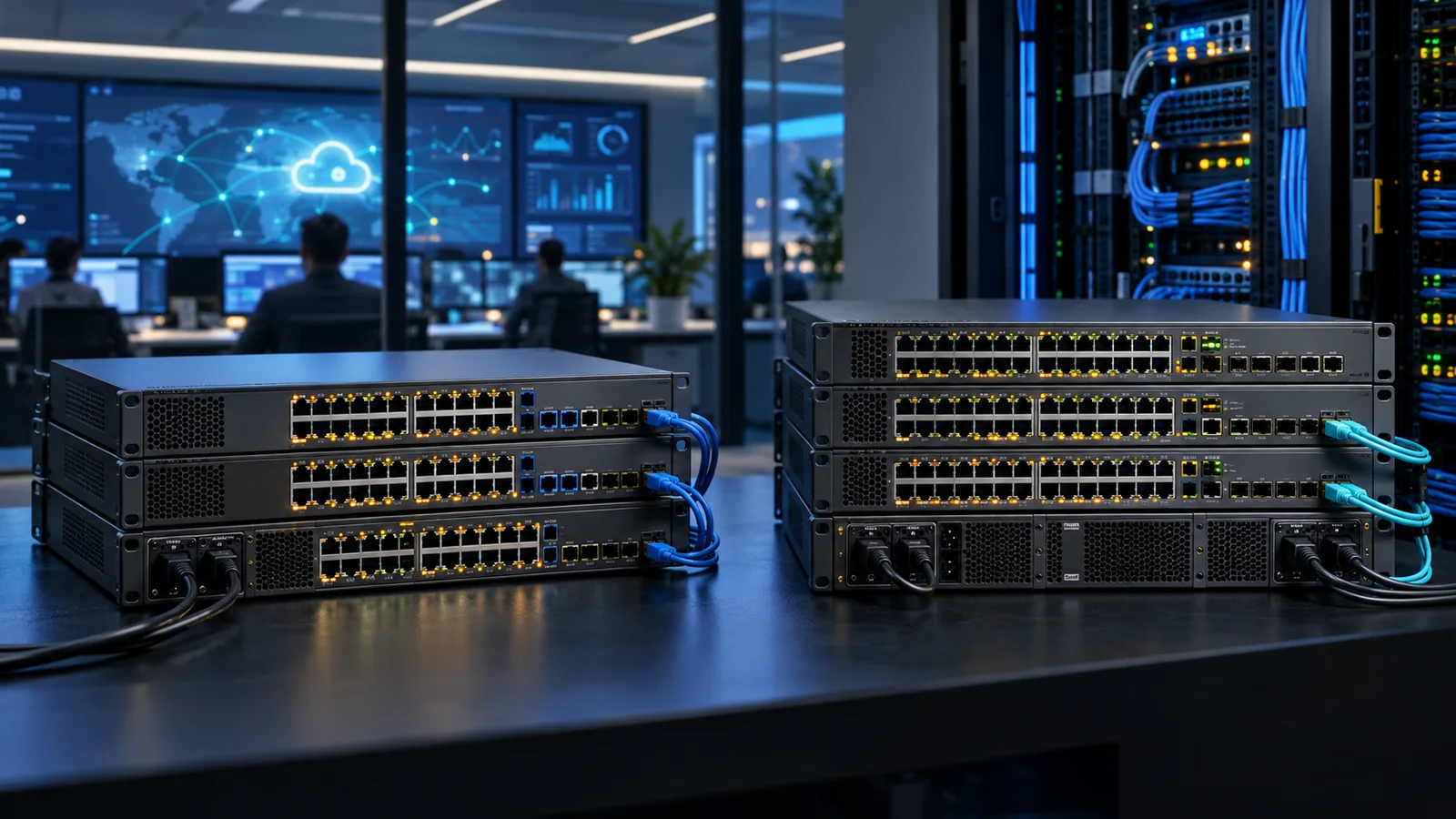
Compare Juniper EX4100 and EX4400 switches for port speed, PoE, resiliency, Virtual Chassis, Mist management and campus deployment roles.
Key Points
- EX4100 is the value-oriented branch and campus access family; EX4400 adds a more resilient hardware design and higher-performance options for demanding closets.
- Both families integrate with Juniper Mist Wired Assurance and can participate in supported Virtual Chassis designs of up to ten members.
- EX4100-P provides PoE+ while EX4100-MP adds multigigabit access and up to 90W PoE++; EX4400 also offers multigigabit and high-power PoE variants.
- Choose by endpoint speed, total PoE budget, uplink demand and redundancy—not by port count alone.
Juniper EX4100 and EX4400 are cloud-ready campus access switches that share Junos, Mist Wired Assurance integration, Virtual Chassis and EVPN-VXLAN capabilities. Their overlap can make them look interchangeable. In practice, EX4100 is the natural starting point for cost-conscious branch and mainstream access, while EX4400 is designed for closets that need greater resiliency, scale or performance headroom.
EX4100 or EX4400: The Quick Answer
Choose EX4100 for standard office access, branch sites and distributed deployments where the required copper speed, PoE budget and uplinks fit the selected model. Choose EX4400 for critical campus closets, dense multigigabit access, stronger component redundancy and designs with heavier uplink or segmentation requirements.
The model suffix matters as much as the family name. EX4100 variants include data-only, PoE+ and multigigabit PoE++ choices. EX4400 similarly spans different copper and fiber profiles. Always compare exact part numbers and power supplies.
EX4100 vs EX4400 Model Differences
| Decision area | EX4100 | EX4400 |
|---|---|---|
| Primary role | Branch and mainstream campus access | Higher-performance, resilient campus access |
| Access choices | 1GbE and multigigabit variants | Broad copper, multigigabit and fiber options |
| PoE | PoE+ or up to 90W PoE++ on supported MP models | PoE+/PoE++ depending on exact model |
| Resiliency | Model-specific fixed or field options | Redundant power and fan design on supported models |
| Operations | Mist Wired Assurance and Junos | Mist Wired Assurance and Junos |
| Stacking | Supported Virtual Chassis | Supported Virtual Chassis |
EX4400 should not be treated as an automatic upgrade for every closet. If a 48-port EX4100 supplies the right endpoint speeds and failure-state PoE budget, it can be the more efficient standard. EX4400 earns its place when the additional resiliency or platform capacity has a clear operational value.
PoE, Multigigabit and Uplinks
Begin with a port-by-port endpoint schedule. Phones and ordinary clients may need only 1GbE. Newer access points, workstations and edge systems can require 2.5GbE or faster. EX4100-P models provide conventional PoE+, while EX4100-MP models combine multigigabit access with high-power PoE++ for demanding wireless and IoT endpoints. Verify the corresponding EX4400 PID rather than assuming every member has the same port mix.
Calculate both per-port power and the total available budget with one supply unavailable. A switch supporting 90W on an individual port does not necessarily power every port at that level simultaneously. Include AP startup draw, cameras with heaters or illuminators and future device growth.
Uplinks should be sized for normal traffic and a failed-link condition. Confirm optic type, breakout support, distance, far-end compatibility and the uplink ports actually included with the selected switch. The complete bill of materials may need transceivers, Virtual Chassis cables, power supplies and rack accessories.
Mist Wired Assurance and Junos Operations
Both lines can be managed through Juniper Mist Wired Assurance, providing cloud-based configuration, telemetry and service-level visibility. A Wired Assurance subscription is required for the cloud service. Organizations can also operate Junos directly; the correct approach depends on the management architecture and licensing plan.
Virtual Chassis can combine supported switches into one logical system, with Juniper documenting up to ten homogeneous members for these families. Validate model mixing, Junos release, cabling topology and maintenance behavior before deployment. A complete ring and physically diverse cable paths reduce avoidable failure risks.
For fabric-based campus designs, both families can participate in EVPN-VXLAN architectures. Feature availability and scale are release- and model-dependent, so validate the intended topology against current Juniper documentation.
Which Switch Fits Each Deployment?
Branch office: EX4100 is usually the first choice when local access is straightforward and centralized Mist operations are desired. Size WAN dependency and local survivability separately.
Standard campus closet: Compare EX4100-P with the relevant EX4400 access model. Select EX4400 where replaceable redundant components, greater uplink capacity or long-term scale justify the premium.
Wi-Fi 6E/7 edge: Prioritize multigigabit ports and PoE++ rather than family name. Audit cable quality and distribution bandwidth so the AP is not constrained upstream.
Critical building: EX4400 is often the stronger fit when hardware redundancy and higher availability are mandatory. Availability still depends on dual power feeds, uplink diversity and a tested operating procedure.
Designing for Availability
Hardware redundancy protects only the components actually duplicated. For a critical closet, map power supplies to separate circuits, distribute uplinks across independent paths and verify that the remaining PoE budget supports priority endpoints after a failure. Document which devices may shed load.
A Virtual Chassis simplifies management, but software upgrades and shared control still need a maintenance plan. Test expected behavior with the selected Junos release and topology. Keep console access and a known-good configuration available if the cloud path or management network is unavailable.
Standardize sparing by exact role. A spare that lacks the needed multigigabit ports, PoE class or uplink optics may restore basic connectivity but not full service. Record replacement and Mist adoption steps before an outage.
Buying Checklist
- Count 1GbE, multigigabit and fiber endpoints.
- Calculate normal and single-PSU-failure PoE requirements.
- Choose 24/48-port density with sensible growth capacity.
- Map uplink speed, optics and distribution ports.
- Decide standalone, Virtual Chassis or EVPN-VXLAN architecture.
- Include Mist Wired Assurance subscriptions where cloud management is required.
- Validate Junos, optics and accessory compatibility by exact PID.
For the wider portfolio, see the Juniper EX Series guide and compare current part numbers in the Juniper switch catalog.
Sources
- EX4100 System Overview — Juniper Networks
- EX4400 System Overview — Juniper Networks
- Virtual Chassis in Mist — Juniper Networks
FAQ
What is the main difference between EX4100 and EX4400?
EX4100 targets value-oriented branch and mainstream access, while EX4400 provides stronger resiliency and performance options for demanding campus closets.
Do EX4100 and EX4400 support Mist?
Yes. Both can use Juniper Mist Wired Assurance with the appropriate subscription and supported software.
Which model is better for Wi-Fi 7?
Choose the exact multigigabit PoE++ model that meets the AP speed and power requirement; both family name and suffix must be verified.
Can these switches form a Virtual Chassis?
Yes. Juniper supports Virtual Chassis configurations, with up to ten supported homogeneous members for these families.
Check Current Juniper Pricing
Browse the full, daily-updated Juniper GPL on GlobalPriceList.com.
View Juniper Price List