Jabra Teams vs UC: Which Headset Version Should You Buy?
Choose the right Jabra Teams or UC variant by meeting platform, call controls, USB connection and included adapter, then compare exact part numbers.
Key Points
- Start with the communication platform your organization actually uses, then confirm the exact certified variant.
- Teams certification concerns the supported meeting experience; it is not a separate sound-quality tier.
- USB connector, adapter, charging accessories and wearing style are independent purchasing choices.
- Pilot audio and call controls on the actual laptop and application before placing a fleet order.
Choose a Microsoft Teams-certified Jabra variant when Teams is your main calling platform and its integrated controls matter. Start with a compatible UC variant when another business calling platform is the primary tool. For a workplace that uses several applications, test the actual workflow before standardizing.
The useful question is not simply whether a headset produces sound in an application. It is whether incoming calls, microphone selection, mute state and headset buttons behave predictably on your computers. Once you have defined that requirement, use the Jabra price list to compare the exact Teams and UC part numbers.
What is the difference between Jabra Teams and UC?
UC means unified communications. In Jabra product listings, it distinguishes a general communications variant from a Microsoft-focused one. According to Jabra's variant guidance, Teams versions add a supported plug-and-play experience, with Teams interactions such as a dedicated button and notifications where implemented. A UC device can be selected manually in Teams; it does not become unusable just because it lacks the Teams designation.
Jabra also says that an MS variant used with another softphone should provide audio and standard features similarly to a UC variant. That is not a promise that every button works in every browser, operating system or calling application. Check the exact device and software combination.
| Question | What to check |
|---|---|
| Is Teams the primary calling tool? | Exact Teams-certified model and supported connection method |
| Is another platform primary? | UC compatibility with that platform and its desktop or browser client |
| Do staff switch between applications? | Incoming-call behavior, mute synchronization and answer/end controls |
| Are two quotes for the same product? | Full part number, connector, adapter and accessory bundle |
Do not treat the Teams badge as evidence that one version has better microphones or stronger noise cancellation. Assess acoustic performance and comfort at the model level, and certification at the workflow level. Our Evolve3 75 vs 85 guide covers a separate decision: choosing the headset design itself.
Choose by the working day, not just the application list
Teams is the standard company platform
Shortlist the certified Teams variant and check it against Microsoft's certified-device list. Write down whether the intended connection is wired USB, an included adapter or supported direct Bluetooth. A similar family name on an online listing is not sufficient confirmation of the configuration you are buying.
Another softphone handles most calls
Start with the UC option supported by your platform. Ask the supplier to demonstrate the controls that matter to the user: answering without opening the app, ending a call, and seeing an accurate mute state. Occasional Teams meetings do not automatically justify replacing a headset that already satisfies the primary workflow.
Users run multiple calling applications
Test this explicitly. Microsoft documents limitations with certified-peripheral button controls when third-party conferencing applications run at the same time. If audio works but the answer button behaves inconsistently, compare a single-app test with the normal multi-app setup before blaming the headset hardware.
Teams or UC does not decide USB-A, USB-C or Bluetooth
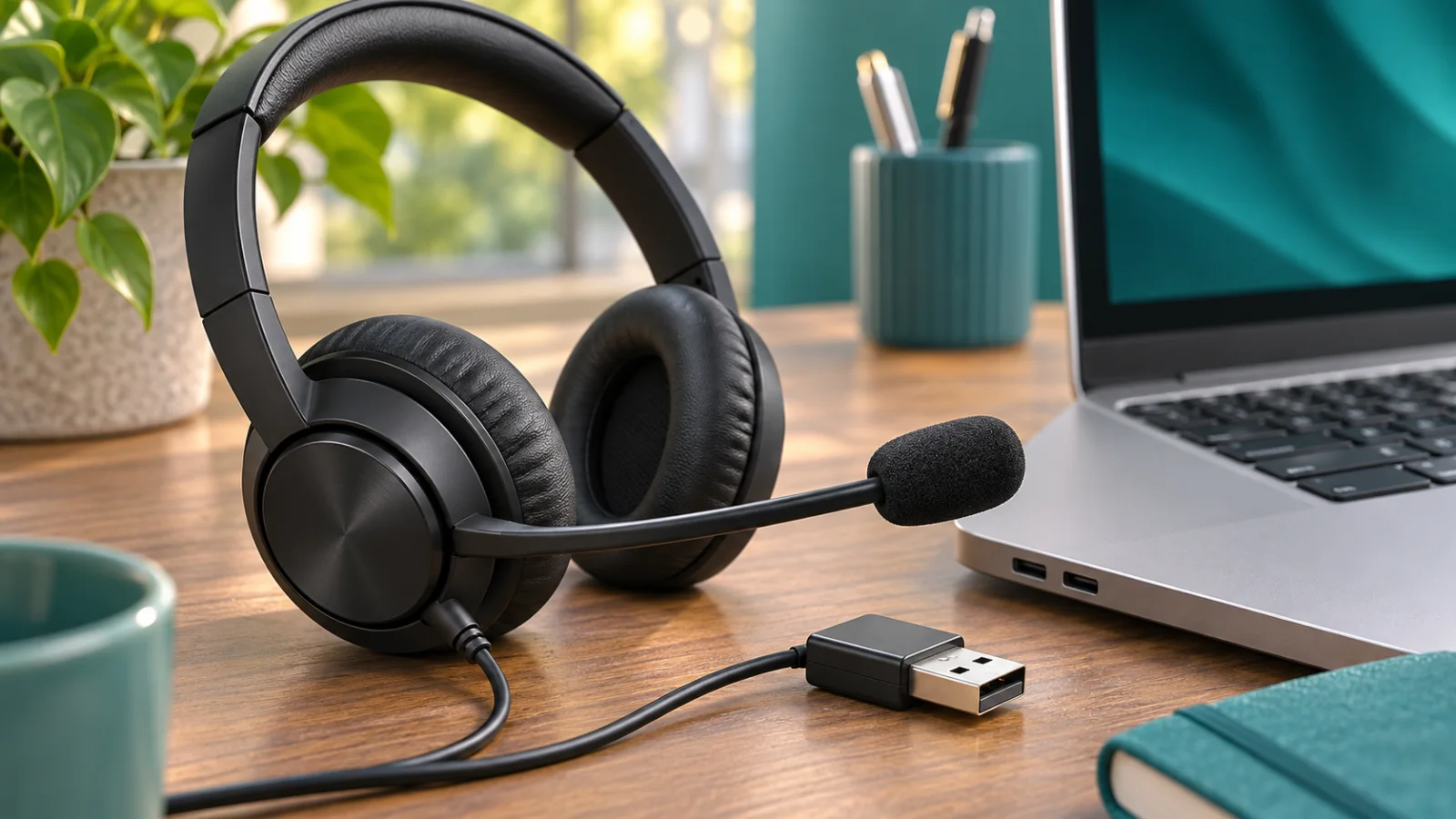
These are separate choices. A user with USB-C-only laptops needs a suitable connection even if the headset certification is correct. A desk that relies on a dock should be tested with that dock. Confirm whether a wireless bundle includes a Link adapter and which connector it uses; do not assume all listings include the same accessories.
Jabra's Link adapter guidance explains the role of the supplied adapter in computer-softphone integration. For models supplied with one, use that supported path as the starting point. Newer direct-Bluetooth certifications must be checked for the specific headset and host configuration; avoid applying older adapter advice as a universal rule to every model.
A short acceptance test prevents a long support queue
- Connect as users will: same laptop, dock and adapter arrangement.
- Check both audio directions: confirm the headset microphone is actually selected, rather than the laptop microphone.
- Test controls: answer, end, mute and unmute, including the application indicator.
- Repeat after reconnecting: include laptop sleep, a dock reconnection and the next incoming call.
- Test the normal app mix: include the secondary meeting platform if employees use one.
Record the exact model, firmware and application versions alongside the result. Jabra Direct provides firmware and settings tools for supported devices. Coordinate deployment with IT where devices or updates are centrally managed.
If the microphone fails during the pilot, follow our Jabra microphone troubleshooting guide before changing the purchasing decision. A permission or input-selection problem is a different issue from choosing the wrong hardware.
Compare complete Jabra prices and bundles
Request like-for-like quotes containing the full SKU, Teams or UC variant, mono or stereo configuration, connector, wireless adapter, charging accessories and support terms. Separate optional accessories from the base headset so a cheaper listing does not conceal an incomplete deployment.
Use the Jabra price list and product catalog as the reference for part-number comparisons, then confirm regional availability and the final supplier price. List price is not a guaranteed transaction price. For model selection across different working styles, see our Evolve2, Engage and Speak2 buying guide.
Official sources
- Jabra: Teams-certified and UC variants.
- Microsoft: certified Teams devices and peripheral limitations.
- Jabra: included Link Bluetooth adapter.
- Jabra Direct.
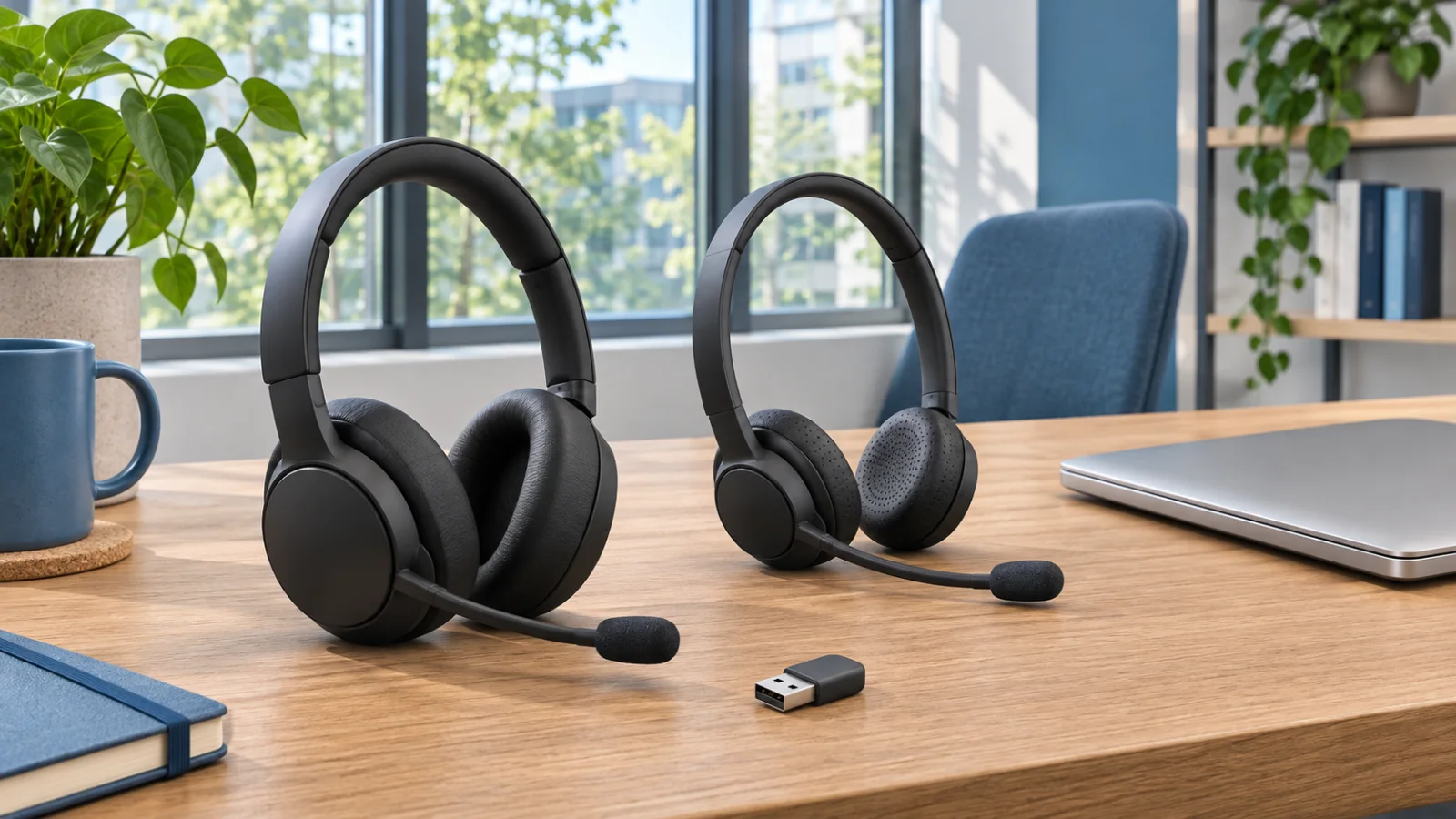
Reviewed November 9, 2026. The cover is an illustrative office-headset scene, not an exact product photograph.
FAQ
Can a Jabra UC headset work with Microsoft Teams?
Yes, a compatible UC headset can be selected for audio in Teams. Do not assume it provides the same certified plug-and-play controls as the Teams variant.
Can a Teams-certified Jabra headset work with other calling apps?
Jabra says an MS variant should provide audio and standard features similarly to UC in another softphone. Verify the exact application and connection, especially for call controls.
Does the Teams version have better sound?
The Teams label identifies certification and integration, not a sound-quality tier. Compare the model specifications and test the headset in the intended workplace.
Where can I compare Teams and UC prices?
Compare full part numbers in the GlobalPriceList Jabra catalog, including the USB connector, adapter and accessory bundle, then request a current supplier quote.
Check Current Jabra Pricing
Browse the full, daily-updated Jabra GPL on GlobalPriceList.com.
View Jabra Price List See Jabra Price History