Jabra Evolve3 75 vs 85: Which Headset Fits Your Workday?
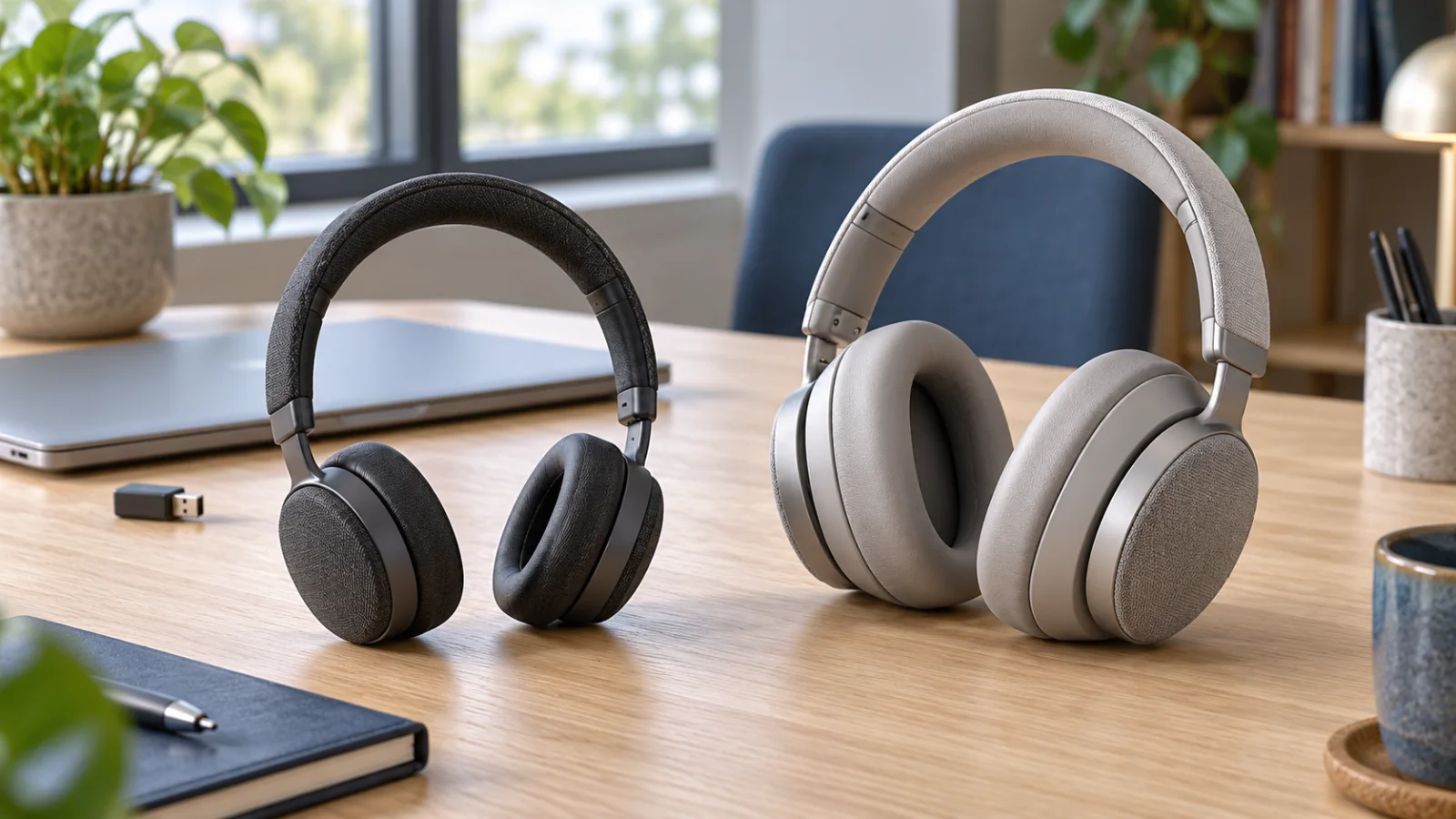
Compare Evolve3 75 and 85 by on-ear versus over-ear fit, real battery conditions, boomless microphones and the exact Teams or UC bundle your team needs.
Key Points
- Evolve3 75 rests on the ears; Evolve3 85 surrounds them. Fit is the first decision, not the model number.
- Compare talk time with ANC and the busylight enabled, rather than using the much larger music-playback figure.
- Both use a boomless microphone design; assess what the remote listener hears separately from your own noise cancellation.
- Confirm the exact Teams or UC variant, adapter connector and charging accessories before ordering.
The Quick Buying Decision
Shortlist Jabra Evolve3 75 if you prefer an on-ear headset; shortlist Evolve3 85 if you want earcups that surround your ears. Then test the fit and call workflow. Paying for the higher model makes sense only when its differences solve a problem your team actually has.
Jabra introduced the Evolve3 series in January 2026 with a microphone-arm-free design. That makes this a useful new option alongside the older models in our Evolve2 55 vs 65 Flex vs 75 comparison. This article is a specification-based buying guide, not a hands-on acoustic or endurance test. The cover is a conceptual illustration, not an exact photograph of either product.
Evolve3 75 vs 85 at a Glance
The following manufacturer specifications were checked on October 29, 2026. Battery figures are “up to” values under the stated conditions; actual use can differ.
| Decision point | Evolve3 75 | Evolve3 85 |
|---|---|---|
| Wearing style | On-ear | Over-ear |
| Listed weight | 180 g | 220 g |
| Microphone design | Boomless, Jabra ClearVoice | Boomless, Jabra ClearVoice |
| Noise cancellation | Adaptive Jabra Advanced ANC | Adaptive Jabra Advanced ANC |
| Talk time: ANC and busylight on | Up to 18 hours | Up to 21 hours |
| Talk time: ANC and busylight off | Up to 22 hours | Up to 25 hours |
| Music: ANC off | Up to 110 hours | Up to 120 hours |
| Charging | USB-C and wireless support | USB-C and wireless support |
| Charging pad | SKU dependent | SKU dependent |
Sources: Jabra's Evolve3 75 specification sheet and Evolve3 85 specification sheet. Matching feature names do not establish identical performance in every environment.
Choose the Fit Before the Feature List
On-ear and over-ear describe where the cushions sit. They do not tell you which headset a particular employee can wear comfortably for an afternoon. Head shape, glasses, ear size and personal preference can outweigh a small weight difference.
For a worker who frequently moves between short meetings and desk tasks, test how easily the headset comes on and off and whether it stays comfortable through repeated use. For someone who spends long blocks concentrating, test the fit for a full working session, including with their usual glasses. Avoid selecting a model from a two-minute demonstration.
Our recommendation is to offer both fits during a pilot when the workforce is mixed. Standardizing the ordering process does not require forcing every employee into one earcup shape. A small number of approved variants can be easier to support than repeated exceptions after a one-model rollout.
Boomless Calls: Test Both Sides of the Conversation
Both models use Jabra ClearVoice processing and microphones integrated into the headset. Jabra describes the system as using deep learning to separate speech from background noise. Treat that as a capability to evaluate, not a promise that every sound in every office disappears.
There are two separate outcomes: how clearly you hear the meeting and how clearly the other person hears you. ANC addresses your listening environment; microphone noise reduction addresses transmitted speech. A headset can feel quiet to the wearer while the remote participant still reports distracting noise.
Use the same short script on each candidate in a quiet room, near normal office conversation and during a representative remote-work call. Ask the listener to assess word clarity, clipping and distracting changes in background sound. Keep the computer, app and network consistent so the comparison does not accidentally measure something else.
Also test mute recognition. Without a visible boom position as a cue, users need to be comfortable with the actual button, indicator and meeting-app behavior. Include a deliberate mute and unmute check in training rather than assuming everyone will discover the controls during a customer call.
Read the Battery Conditions
The headline music figure is not a reasonable proxy for a meeting-heavy week. Compare like-for-like call conditions and decide how often users can charge at their desks. The 85's additional published call endurance may matter to a mobile worker; it may be much less valuable to somebody who routinely charges every evening.
Build the pilot around the real calendar: calls, breaks, mobile switching and the settings people intend to keep enabled. Record the starting and ending charge after a normal day. This gives a more useful answer than translating a maximum laboratory figure into a guaranteed number of working days.
Wireless charging capability and a charging pad in the box are different purchasing questions. List the required accessories explicitly. If a user has two desks, consider where charging should happen and whether the extra accessory actually simplifies the routine.
Teams, UC and the Adapter in the Box
Jabra lists Teams certification and some associated features as variant dependent. Its specification sheets identify a Link 390 Bluetooth adapter in the package and USB-A or USB-C adapter options. Choose the complete part number, not just “Evolve3 85” on a purchase request.
| Check on the quote | Why it matters |
|---|---|
| Teams or UC variant | Match the organization's meeting platform and required controls |
| Adapter connector | Match the laptop and docking arrangement actually issued |
| Charging accessories | Avoid comparing a headset-only offer with a larger bundle |
| Management and updates | Confirm the supported software and administrative process |
| Service and replacement parts | Understand the support route after deployment |
Validate the exact daily workflow: join a meeting, answer a call, mute, switch to the phone and reconnect after the computer wakes. Include the actual operating system, collaboration client and any virtual-desktop arrangement. A certification badge is useful, but it does not replace a pilot of your deployment.
For centralized administration, Jabra describes management through its Jabra Plus suite. Confirm current application support, device enrollment and update ownership with IT. Avoid assuming that a supported mobile application and an enterprise deployment tool provide the same controls.
Should You Replace an Evolve2?
Start with the complaint, not the release date. If a working Evolve2 already provides acceptable comfort and clear calls, a fleet-wide replacement needs a specific benefit. If users dislike the boom design, need a different fit or struggle with their current routine, an Evolve3 trial has a clearer purpose.
Compare against the device users actually have. Ask the same remote listener to evaluate both, keep the same call application, and include a full day of wearing comfort. Do not interpret a newer generation name as proof of better results for every employee.
If the role is dominated by desk-phone or contact-center workflows, revisit the Evolve2, Engage and Speak2 family guide before choosing between these two headsets. The correct device category matters more than a premium tier within the wrong category.
A Five-Day Pilot Before a Team Rollout
- Day one — fit: Record comfort after a normal block of work, including use with glasses.
- Day two — transmitted voice: Compare calls from the places employees actually use.
- Day three — controls: Verify join, answer, mute, device switching and reconnect behavior.
- Day four — endurance: Track charge through the real meeting schedule with normal settings.
- Day five — support: Confirm updates, reset or recovery instructions and the help-desk handover.
Set acceptance criteria before collecting preferences. “Clear enough for customer calls in our office” is a testable requirement; “sounds premium” is not. Keep fit feedback alongside the technical results so a successful connection does not hide an uncomfortable device.
Compare the Complete Cost
Compare the exact headset variant, adapter, charging accessories, service terms and replacement parts. Add setup and support effort for a larger rollout. Check the Jabra price-list catalog for part-number research, then obtain a current regional quote and confirm availability.
Choose 75 when its on-ear fit and call endurance meet the requirement. Choose 85 when the over-ear fit or additional published endurance is useful enough to justify the complete cost. For a mixed team, a controlled choice between the two may produce better adoption than declaring one universal winner.
Official Sources
FAQ
What is the main difference between Jabra Evolve3 75 and 85?
Evolve3 75 has an on-ear design, while Evolve3 85 has an over-ear design. The 85 also has a higher published talk-time maximum. Try the fit before deciding that the higher model is better for every user.
How long do they last on calls with ANC enabled?
Jabra lists up to 18 hours for Evolve3 75 and up to 21 hours for Evolve3 85 with ANC and the busylight on. These are manufacturer maxima, not measured results from this article.
Do the Evolve3 75 and 85 have a microphone boom?
No. Both use microphones integrated into the headset and Jabra ClearVoice processing rather than a conventional visible boom arm. Evaluate call quality in the actual working environment.
Is a wireless charging pad included?
Do not assume so. Both specification sheets list wireless charging support, but the charging pad is SKU dependent. Confirm the exact bundle on the supplier quote.
Should a Teams organization choose the Teams version?
Start with the Teams-certified variant and verify the required call controls on the actual computer and deployment environment. Certification and some Teams features depend on the variant; confirm the exact part number.
Is this a hands-on review?
No. It is an original comparison based on Jabra documentation and practical purchasing scenarios. We have not physically tested comfort, microphone performance or battery endurance.
Check Current Jabra Pricing
Browse the full, daily-updated Jabra GPL on GlobalPriceList.com.
View Jabra Price List