Jabra Evolve2 vs Engage vs Speak2: Buying Guide
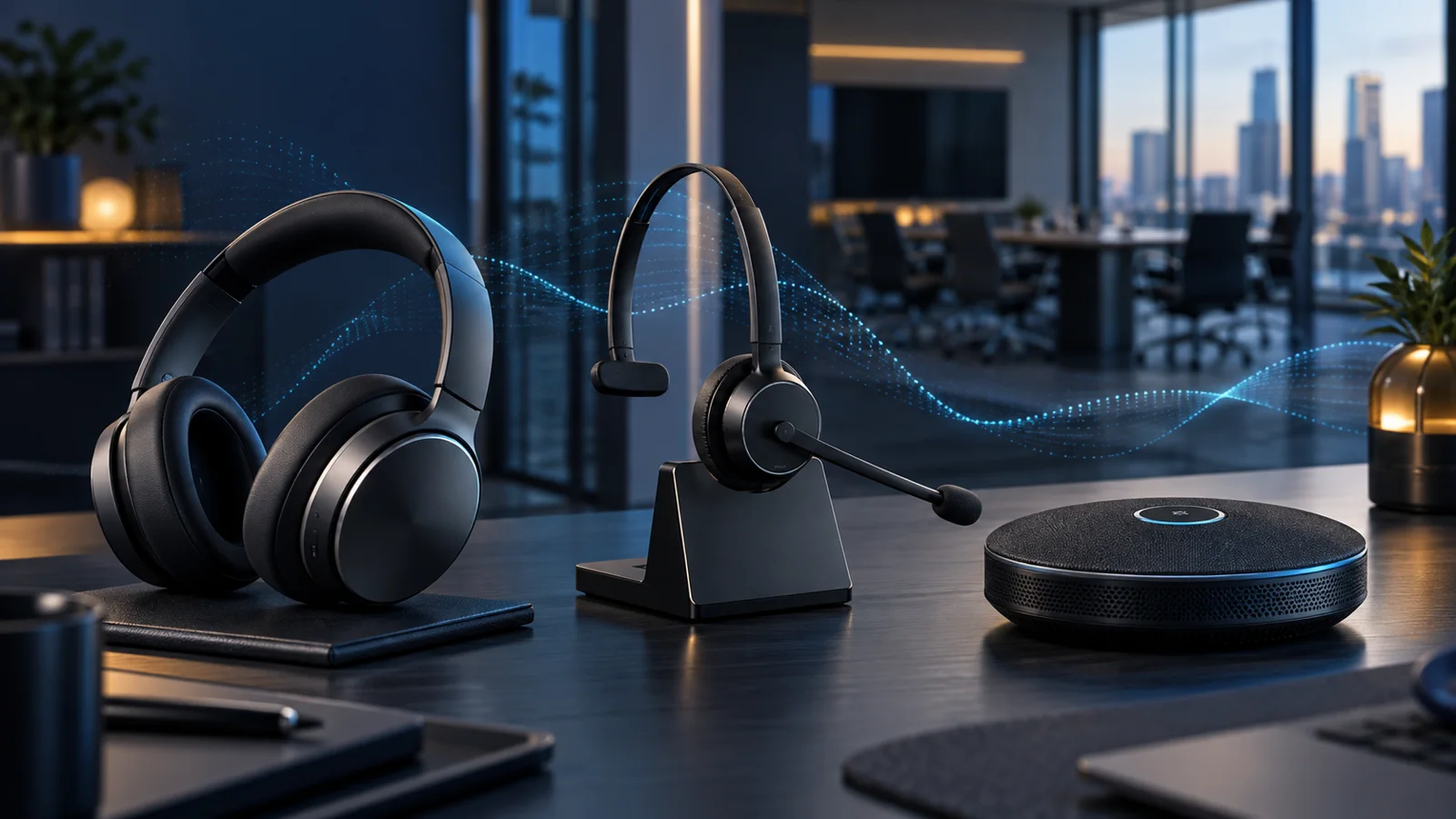
Compare Jabra Evolve2, Engage, and Speak2 for hybrid work, contact centers, private offices, and huddle rooms.
Key Points
- Evolve2 is the broad hybrid-work choice for calls, focus, and media.
- Engage prioritizes voice-intensive contact-center and desk-phone workflows.
- Speak2 is suited to small shared meetings and private mobile work, not crowded open offices.
- USB type, wireless adapter, platform certification, and included accessories must be checked by SKU.
- A real-user pilot is the safest way to validate comfort and microphone performance before volume purchase.
Jabra's business audio range covers three different jobs that are often mixed together during purchasing: personal headsets for hybrid work, call-focused headsets for busy customer conversations, and speakerphones for rooms or shared desks. The best model is therefore not simply the newest or most expensive one. It is the device that matches where people work, how long they wear it, and whether microphone consistency or open-room collaboration matters most.
This guide compares the Evolve2, Engage, and Speak2 families, then turns those differences into a practical selection process. Before ordering, use the current Jabra price list to check exact part numbers, connection type, certification, and included accessories.
What Each Jabra Family Is Designed For
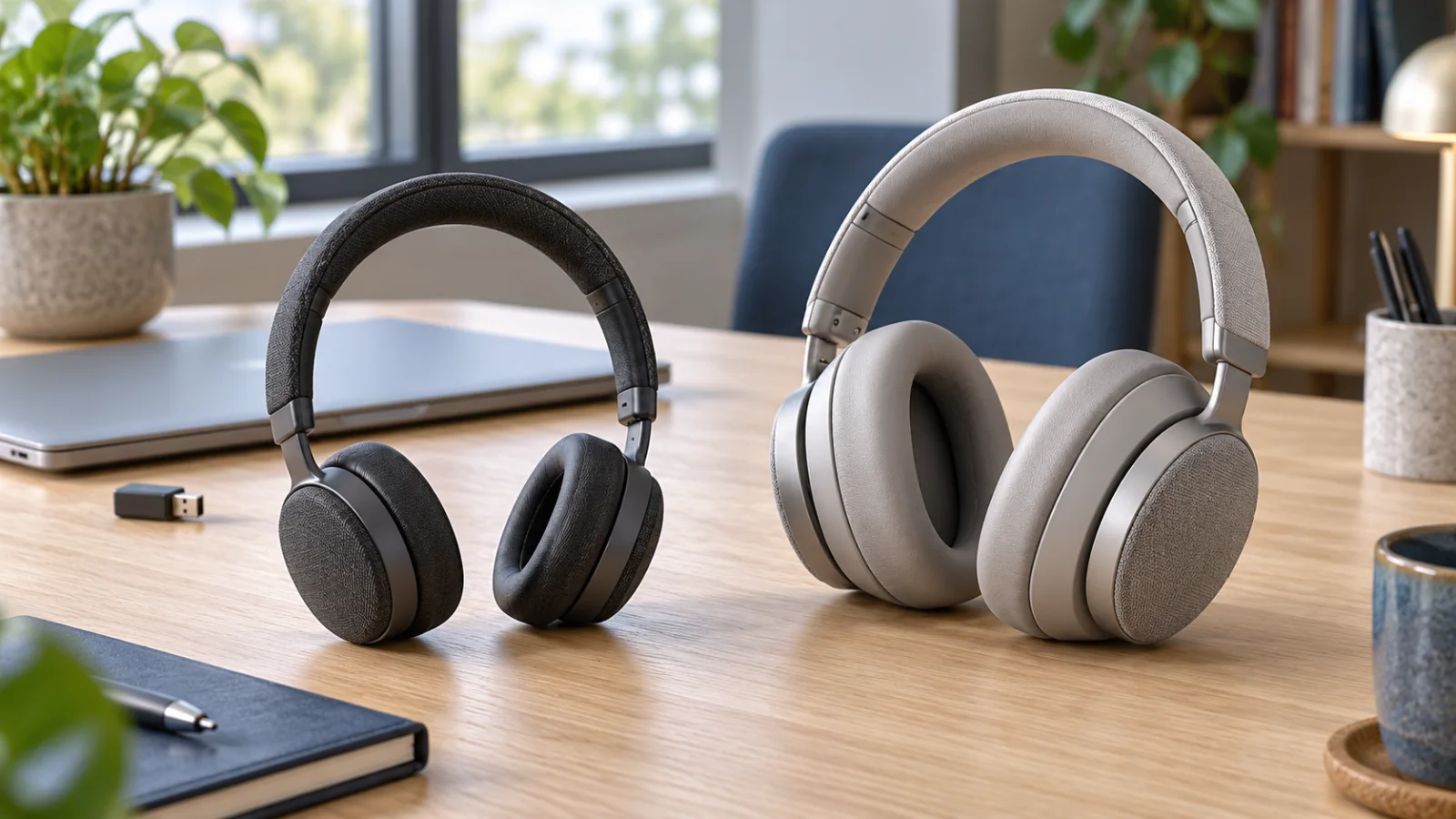
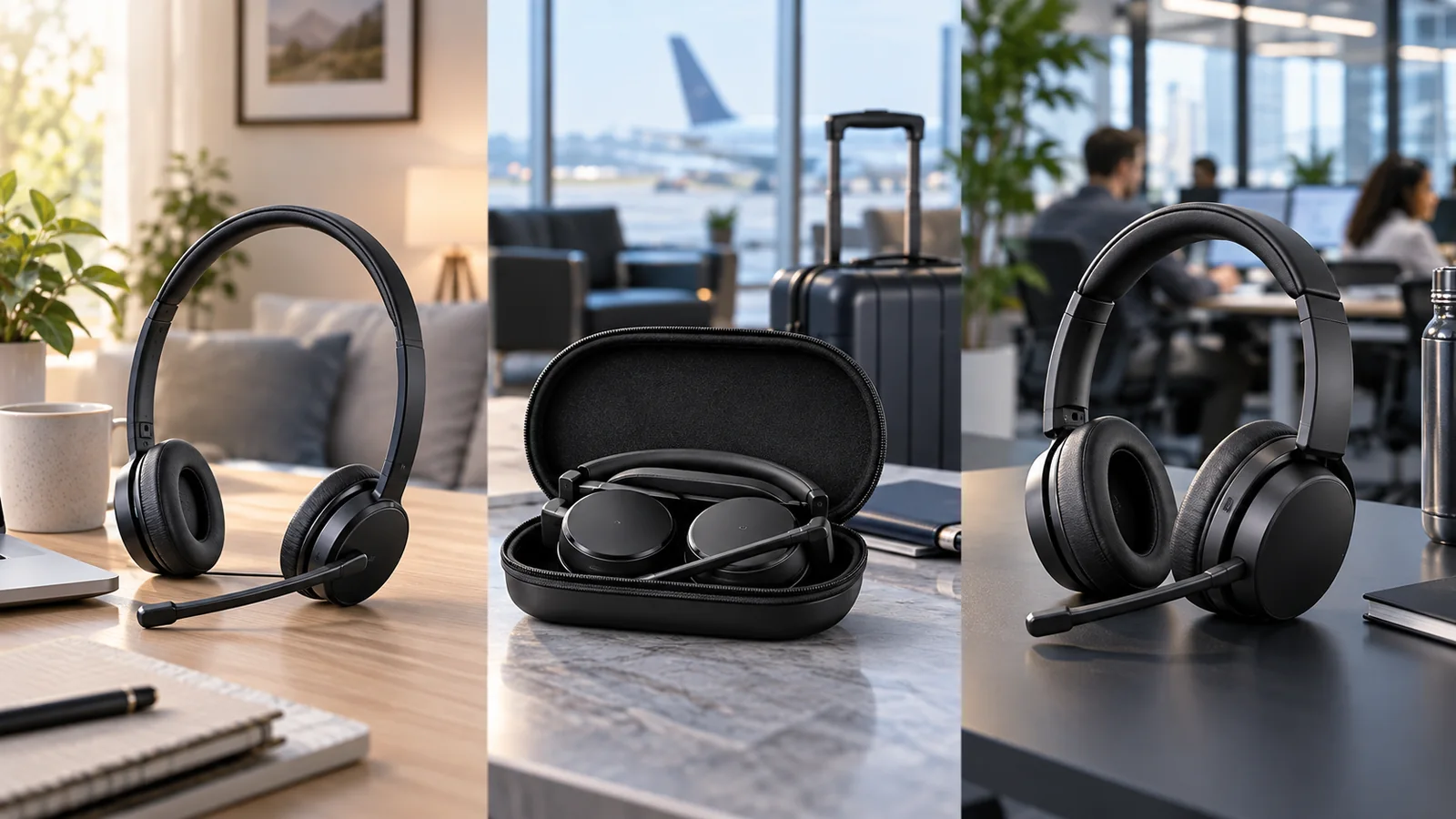
Evolve2 is the broad hybrid-work family. It is intended for employees who move between focused work, calls, music, and video meetings. Depending on the model, the range includes mono or stereo wearing styles, wireless or wired connectivity, and active noise cancellation. Evolve2 is usually the starting point for general office staff, managers, and mobile knowledge workers.
Engage is built around voice-intensive work. Contact-center agents, reception teams, dispatchers, and service desks usually care more about microphone performance, call controls, wearing comfort, and predictable desk connectivity than music playback. Engage models address that environment with wired and wireless options, including models designed for professional desk-phone and computer workflows.
Speak2 is a portable speakerphone family rather than a headset. It makes sense when several people need to join the same meeting from a huddle space, or when an individual prefers an open audio experience at a private desk. A speakerphone is convenient, but it cannot provide the same privacy or acoustic isolation as a headset in a crowded office.
When Evolve2 Is the Right Choice
Choose Evolve2 when one device must cover calls, concentration, and media throughout the day. A stereo model is generally better for focus and listening, while a mono model leaves one ear open for awareness. Wireless versions reduce cable clutter and support movement; wired versions simplify charging and device management.
The important buying details are often hidden in the suffixes and bundles. Confirm whether the SKU is USB-A or USB-C, whether it includes a charging stand, and whether it is certified for the collaboration platform used by the organization. Also check the supplied wireless adapter rather than assuming every Bluetooth bundle is identical. For office-wide rollouts, standardizing on one connector and one certification reduces help-desk friction.
Headset performance also depends on the network behind the call. If users report unstable meetings rather than poor local audio, review Wi-Fi capacity and roaming as well as the endpoint. The Cisco Wi-Fi 6E and Wi-Fi 7 access point guide explains the infrastructure side of that decision.
When Engage Fits Better
Engage is the better shortlist for roles where every conversation is business-critical. In a contact center, microphone positioning, background-noise control, all-day comfort, and reliable call handling generally outweigh entertainment features. Wired options can suit fixed desks and controlled workstations, while wireless Engage models are useful when agents or reception staff need to move away from the desk without abandoning a call.
Map the headset to the actual telephony environment before choosing a SKU. Some deployments are computer-only; others combine a softphone, mobile device, and traditional desk phone. The number and type of connections required should drive the base or adapter choice. Platform certification matters too, but certification is not a replacement for checking compatibility with the exact phone model, operating system, and call-control software.
When Speak2 Is the Better Tool
Speak2 works well for small-group meetings, temporary rooms, and mobile professionals who want better pickup and playback than a laptop can provide. The family includes models aimed at different levels of portability and meeting performance. It is particularly useful where installing a permanent room system would be excessive.
Do not treat a speakerphone as a universal replacement for headsets. In an open-plan office, several simultaneous speakerphone calls create echo, privacy, and distraction problems. A simple policy works well: headsets for shared spaces and confidential calls; speakerphones for enclosed desks, huddle rooms, or small groups.
Evolve2 vs Engage vs Speak2
| Family | Best fit | Primary strength | Watch for |
|---|---|---|---|
| Evolve2 | Hybrid and general office work | Balanced calls, focus, and media | Wearing style, USB type, adapter, platform bundle |
| Engage | Contact center, reception, service desk | Voice-first professional workflows | Desk-phone/softphone compatibility and base connections |
| Speak2 | Huddle rooms and private mobile work | Fast shared-room collaboration | Room acoustics, privacy, and simultaneous calls nearby |
A Practical Jabra Purchasing Checklist
- Define the environment: open office, private room, home office, contact center, or mobile work.
- Choose the wearing format: mono, stereo, convertible headset, or speakerphone.
- List every connection: computer, desk phone, mobile device, and required USB connector.
- Confirm collaboration certification: select the SKU aligned with the organization's meeting and calling platform.
- Standardize accessories: adapters, charging stands, replacement cushions, and cables should be included in total cost.
- Pilot with real users: test comfort and microphone results across a full shift before a large deployment.
For most mixed office fleets, Evolve2 is the default, Engage is the specialist choice for high-call-volume roles, and Speak2 fills shared-room and portable-conference needs. That role-based approach is more reliable than trying to force a single device type on every employee.
Once you have narrowed the requirement to a wireless office headset, use the Evolve2 55 vs 65 Flex vs 75 comparison to evaluate portability, comfort and deployment fit.
For the newer boomless hybrid-work options, see our Jabra Evolve3 75 vs 85 buying guide. It compares on-ear and over-ear fit and provides a practical team-pilot checklist.
Official Sources
FAQ
Which Jabra family is best for hybrid work?
Evolve2 is usually the best starting point because it balances calls, focused work, and media. Choose the exact model by wearing style, wireless needs, connector, and platform certification.
Is Jabra Engage only for contact centers?
No. Engage also suits reception, dispatch, service-desk, and other call-intensive roles. Its voice-first design is valuable wherever consistent call handling matters more than entertainment features.
Can Speak2 replace office headsets?
Only in suitable spaces. Speak2 is useful in huddle rooms and private offices, but headsets remain better for privacy and simultaneous calls in open-plan environments.
Does Microsoft Teams or UC certification matter?
Yes. Certification can affect call controls and the supported user experience, so match the SKU to the platform used by the organization and verify compatibility with the exact endpoint.
Where can I compare current Jabra part numbers and prices?
Use the Jabra catalog on GlobalPriceList.com to compare current part numbers and list prices, then confirm local availability and support with an authorized reseller.
Check Current Jabra Pricing
Browse the full, daily-updated Jabra GPL on GlobalPriceList.com.
View Jabra Price List See Jabra Price History