HPE AP-723H PoE Requirements: Power and Room Deployment Guide
Plan AP-723H switch power, room Ethernet connections and a pilot deployment before ordering hospitality access points and accessories.
Key Points
- Use the documented power mode rather than treating any PoE source as equivalent.
- AP-723H downstream data ports do not power endpoint devices.
- Count room endpoint power and switch capacity separately.
- Pilot real room applications before purchasing a full building rollout.
HPE AP-723H operates without power restrictions on 802.3at Class 4 PoE or supported DC power, but its downstream Ethernet ports do not supply PoE. That distinction matters when a room design includes a telephone, camera or other powered endpoint. Budget for the complete room rather than assuming the AP replaces a small PoE switch.
This guide covers installation planning. For radios and platform selection, see the AP-723H product guide. Use the HPE Aruba price list to identify AP, mount and power part numbers.
Which power source does AP-723H require?
According to the official AP-723H power guide, the E0 port accepts PoE. The supported AP-AC2-48C adapter is an alternative when PoE is unavailable. With both sources present, DC takes priority and the AP can switch to PoE if DC fails.
| Power arrangement | Documented behavior | Installation check |
|---|---|---|
| 802.3at Class 4 | Unrestricted operation | Confirm negotiation and switch capacity |
| Supported DC adapter | Unrestricted operation | Include adapter and suitable room power |
| 802.3af Class 3 | USB disabled | Check whether the planned USB function is needed |
| Downstream Ethernet | No PoE output | Power connected endpoints separately |
Intelligent Power Monitoring can manage power preferences through the supported AP management software. Confirm the effective restrictions in the chosen deployment, rather than assuming a powered-on AP is operating exactly as intended.
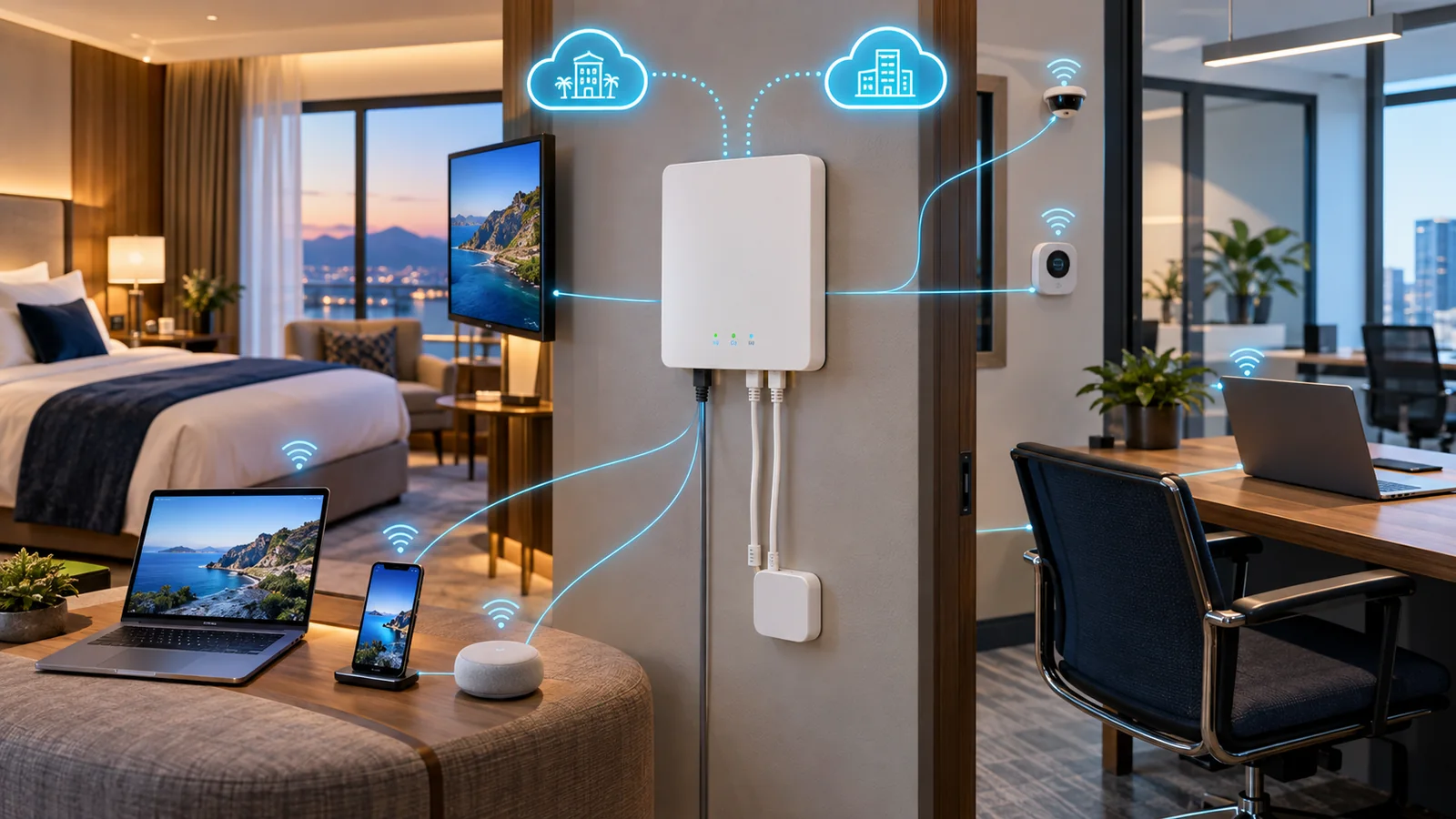
Map every device in the room
List the television, telephone, workstation and room-control devices that need wired access. For each, record its data port, VLAN, power source and support owner. A data connection and a power connection are different requirements.
For example, an IP phone may need an injector or a separate PoE switch connection even though a local AP port can carry its traffic. A television with its own mains supply has a different requirement. Validate the exact endpoint before purchasing accessories for every room.
Also check physical access: wall-box depth, cable bend space, mounting position and whether guests can unplug critical leads. Include the selected mount in the quote and test the room arrangement before repeating it throughout the building.
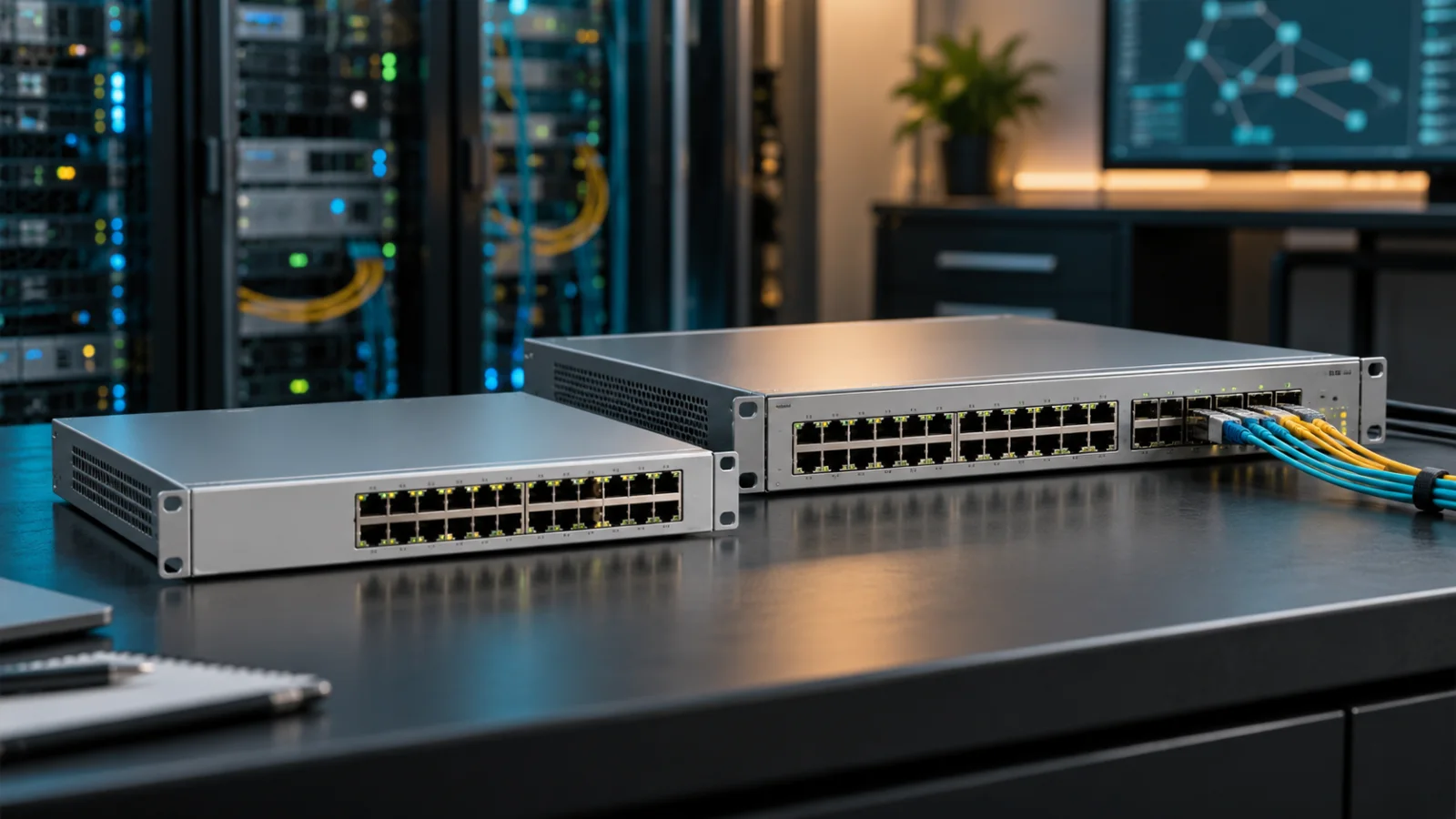
Check per-port power and the total switch budget
A switch may support the desired PoE class on individual ports while lacking enough total capacity for all connected devices. Build a power allocation using the switch's documented budgeting method and the actual mix of APs, phones and cameras.
As a budgeting illustration, reserving 30 W at the switch for each of 24 AP ports requires 720 W before other devices and design headroom. This is an allocation example, not a claim that every AP-723H continuously draws 30 W. Check the real switch's available budget and behavior under the planned power-supply arrangement.
Verify Ethernet separately. Record the negotiated uplink speed and inspect cabling for errors. A working network link does not establish that the power allocation is correct, and sufficient PoE does not establish that the link runs at the intended speed.
Pilot a room before rolling out a floor
- Connect the AP to the proposed switch and installed cabling.
- Confirm power mode, uplink speed and management connectivity.
- Attach all intended wired endpoints with their own power arrangements.
- Test guest onboarding, staff access and approved room applications.
- Check reboot recovery and any planned DC-to-PoE failover.
- Record the accepted wiring, SKU list and support procedure.
Include both wireless and wired policy tests. The Aruba CX VLAN guide explains access and trunk concepts, but the actual AP port configuration must match the selected management platform and network design.
Compare the complete room cost
Itemize the AP, mount, licensing, supported power accessories, switch capacity and installation work. Compare these in the HPE Aruba catalog and price list, then request current availability and a complete quote. Do not treat an AP-only list price as the installed cost of a working room.
Official source
HPE Networking AP-723H hardware guide: power sources, restrictions and downlink behavior.
Published November 14, 2026. The power-budget calculation is an illustrative planning example. The cover is an illustrative networking image.
FAQ
Does AP-723H need PoE+?
HPE documents unrestricted operation with 802.3at Class 4 PoE or supported DC power. With 802.3af Class 3, USB is disabled.
Can AP-723H power an IP phone through a downstream port?
No. Its downlink ports do not provide PoE output, so the phone needs an appropriate separate power source.
Can I use any DC adapter?
Use the supported adapter and electrical specification in the hardware guide; do not select an arbitrary adapter by connector shape.
Does a 2.5GbE link prove power is sufficient?
No. Link speed and power negotiation are separate checks. Validate both on the installed switch and cable.
Check Current HPE Aruba Pricing
Browse the full, daily-updated HPE Aruba GPL on GlobalPriceList.com.
View HPE Aruba Price List See HPE Aruba Price History