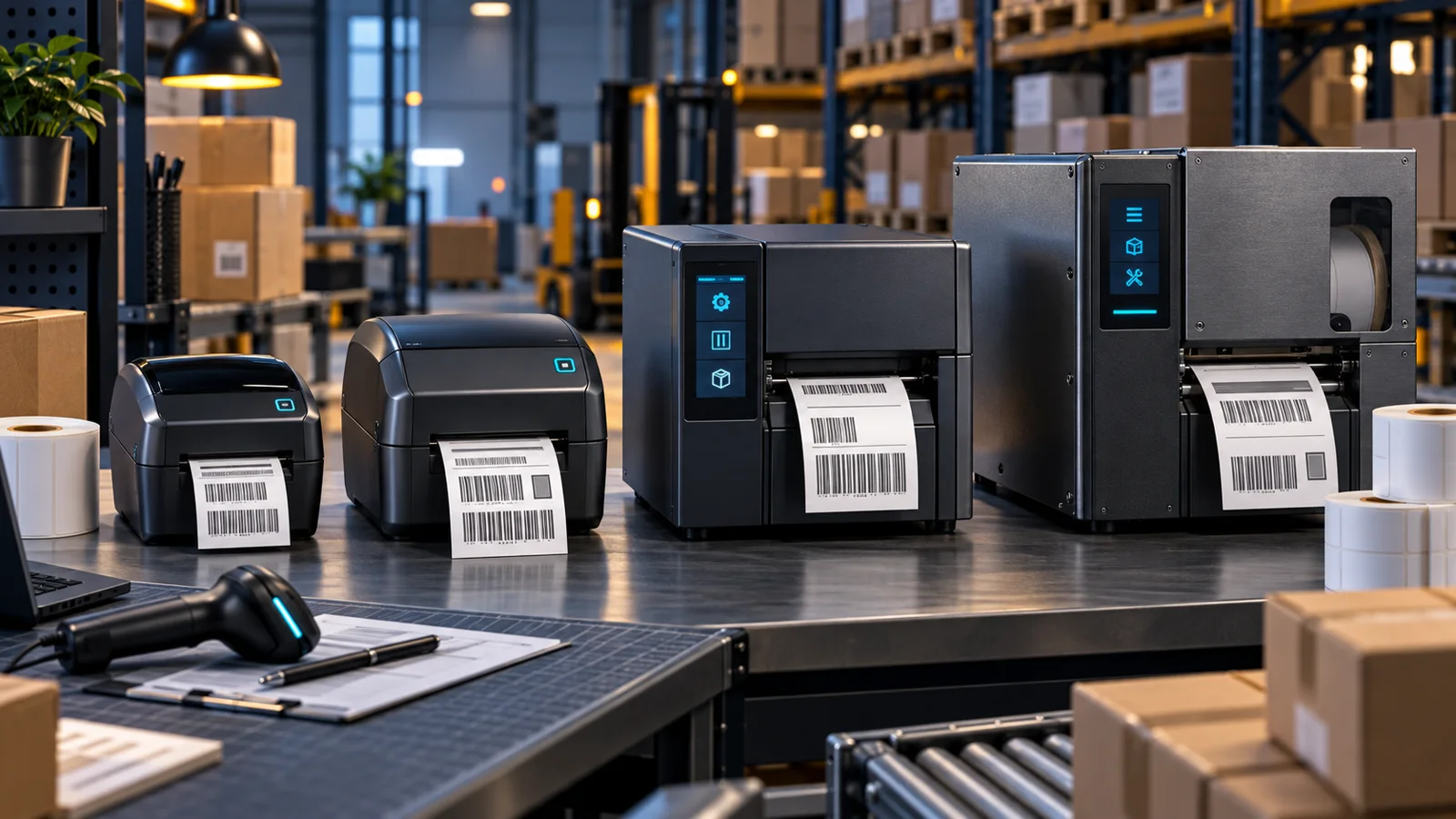
Zebra 203 vs 300 DPI: Which Label Printer Resolution Do You Need?
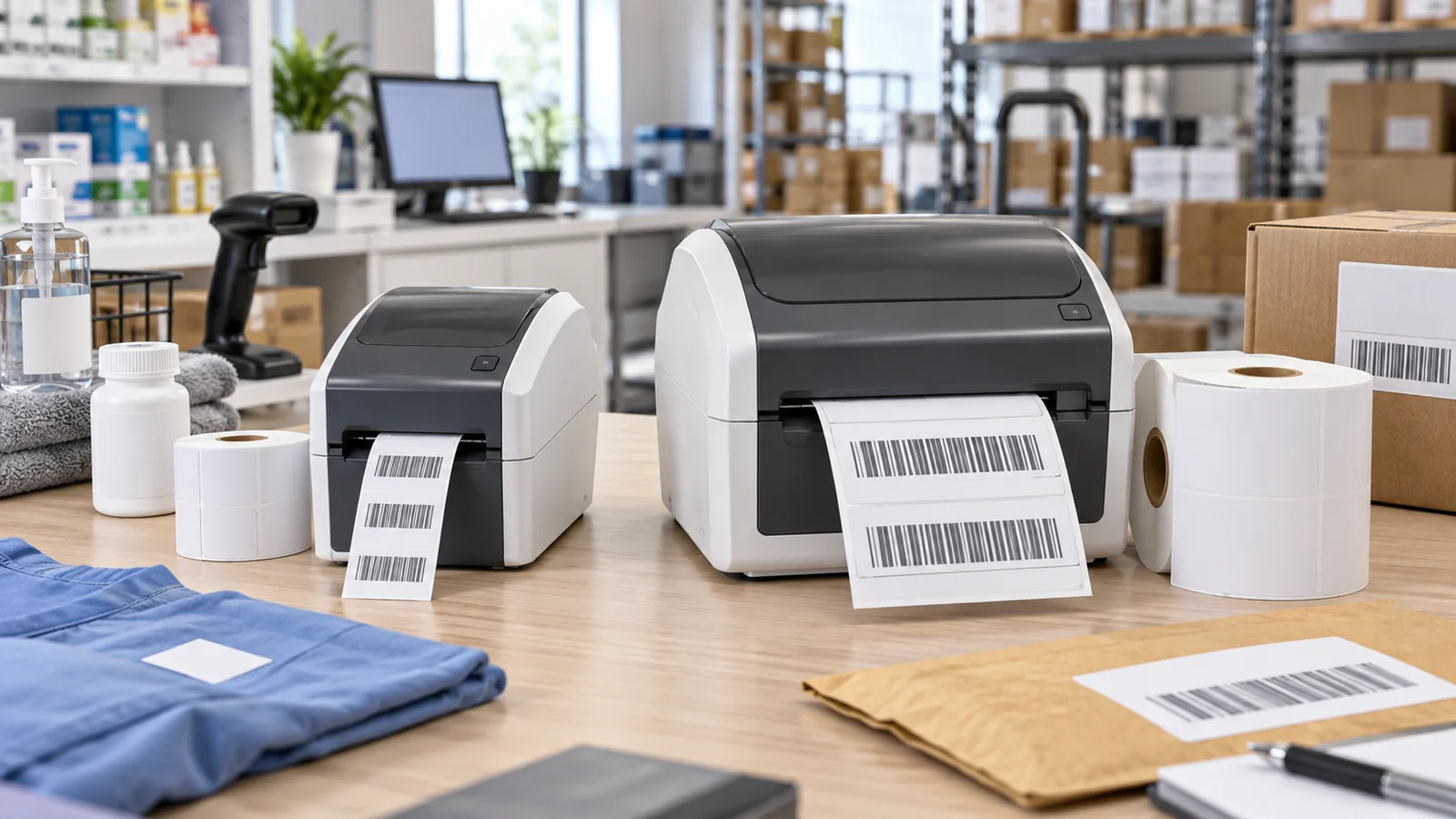
Choose Zebra printer resolution by barcode size, text, template compatibility and scanning tests rather than assuming higher DPI is always necessary.
Key Points
- Choose resolution around the actual label layout and required barcode size.
- Higher resolution does not correct poor media, missing quiet zones or an unsuitable template.
- A dot-based label format may need redesign when the printhead resolution changes.
- Test the final label with the intended scanners before buying a fleet.
Choose 203 or 300 dpi by the smallest barcode and text your label must print reliably. A higher-resolution printer can reproduce finer detail, but it is not automatically the better purchase for every shipping or warehouse task. The useful result is a readable label that scans correctly throughout its working life.
Use the Zebra price list to compare the exact resolution and print-method variants. A family name such as ZD421 does not, by itself, identify which printhead configuration is included.
What is the difference between 203 and 300 dpi?
DPI describes dots per inch. Zebra lists the ZD421 with 203 dpi, approximately 8 dots/mm, and 300 dpi, approximately 12 dots/mm, in its product specifications. More dots in the same distance allow finer placement of printed detail.
| Requirement | What to evaluate |
|---|---|
| Ordinary-sized shipping or stock labels | Whether 203 dpi meets the approved layout and scanning requirement |
| Small labels with dense information | Whether 300 dpi provides the needed detail without shrinking below barcode requirements |
| Existing dot-based templates | Physical output dimensions on the new printer |
| High-volume production | Accepted output at the required print speed |
Do not confuse resolution with printing method. Direct thermal and thermal transfer concern how the image is produced and which supplies are used. Our direct thermal vs thermal transfer guide covers that separate decision.
Start with the barcode requirement
Obtain the required symbology, data length, minimum bar or module size and quiet zones from the application or receiving organization. A visually sharp barcode can still fail if its geometry is wrong. Higher DPI does not give permission to squeeze a barcode into any available gap.
Use the real template, including the longest expected product description and variable data. Test the output with the scanners used at receiving, dispatch or point of sale. Where a formal barcode grade is required, use the specified verification process rather than treating one successful scan as certification.
Check templates when changing resolution
A label layout expressed in printer dots needs particular attention during migration. As a nominal calculation, 406 dots span two inches at 203 dpi but only about 1.35 inches at 300 dpi. Sending unchanged dot coordinates can therefore change the physical layout rather than simply making it sharper.
Regenerate or adapt the format through the supported label software and validate its output. Check page dimensions, margins, orientation, barcode size and font rendering. Do not rely on a driver resolution dropdown to change the physical capabilities of the printhead.
Keep an approved template version for each supported printer configuration. If multiple sites share a label application, document how the correct format is selected so a replacement unit does not silently print a smaller label.
Consider speed, supplies and maintenance together
Check the manufacturer's speed specification for the precise printer and resolution. Zebra's ZD400 specification sheet separates model configurations; do not assume one headline speed applies to every variant.
Run the pilot at the intended production speed using the final label stock and ribbon where applicable. Inspect for smearing, weak print, damaged bars and alignment issues. A media or maintenance problem should be diagnosed before replacing a working printer with a higher-DPI model.
A five-step purchasing test
- Collect the approved label dimensions and barcode requirements.
- Print the same real application on the proposed 203 and 300 dpi configurations.
- Check physical dimensions and readable text before scanning.
- Repeat scanning after the handling or storage conditions the label will encounter.
- Record the accepted printer SKU, supplies, settings and template version.
For a width comparison, see ZD411 vs ZD421. Resolution cannot make a printer accept a label wider than its supported media path.
Compare the complete printing setup
Compare printer resolution, printing method, connection options, accessories, supplies and support in the Zebra product and price catalog. Add template conversion and validation work when replacing an installed fleet. List price is a starting reference; confirm the final configuration and current supplier quote.
Official sources
- Zebra ZD421 product specifications
- Zebra ZD400 series specification sheet
- Zebra ZD421 and ZD621 user guide
Published November 16, 2026. Calculations illustrate resolution scaling; no independent printer benchmark is claimed. The cover is illustrative.
FAQ
Is 300 dpi always better than 203 dpi?
It can reproduce finer detail, but a correctly designed 203 dpi label may already satisfy the application. Compare actual output and required print speed.
Can I use the same ZPL format on both resolutions?
Not without checking its dimensions. Coordinates and sizes expressed in dots can produce a different physical layout on another resolution.
Does changing a driver setting make a 203 dpi printer a 300 dpi printer?
No. The printer hardware must support the selected resolution. Confirm the exact model configuration and supported conversion options.
Which resolution should I choose for a shipping label?
Test the carrier-approved template on the proposed printer. If the required barcode and text remain compliant and readable, higher resolution may not add value.
Check Current Zebra Pricing
Browse the full, daily-updated Zebra GPL on GlobalPriceList.com.
View Zebra Price List See Zebra Price History