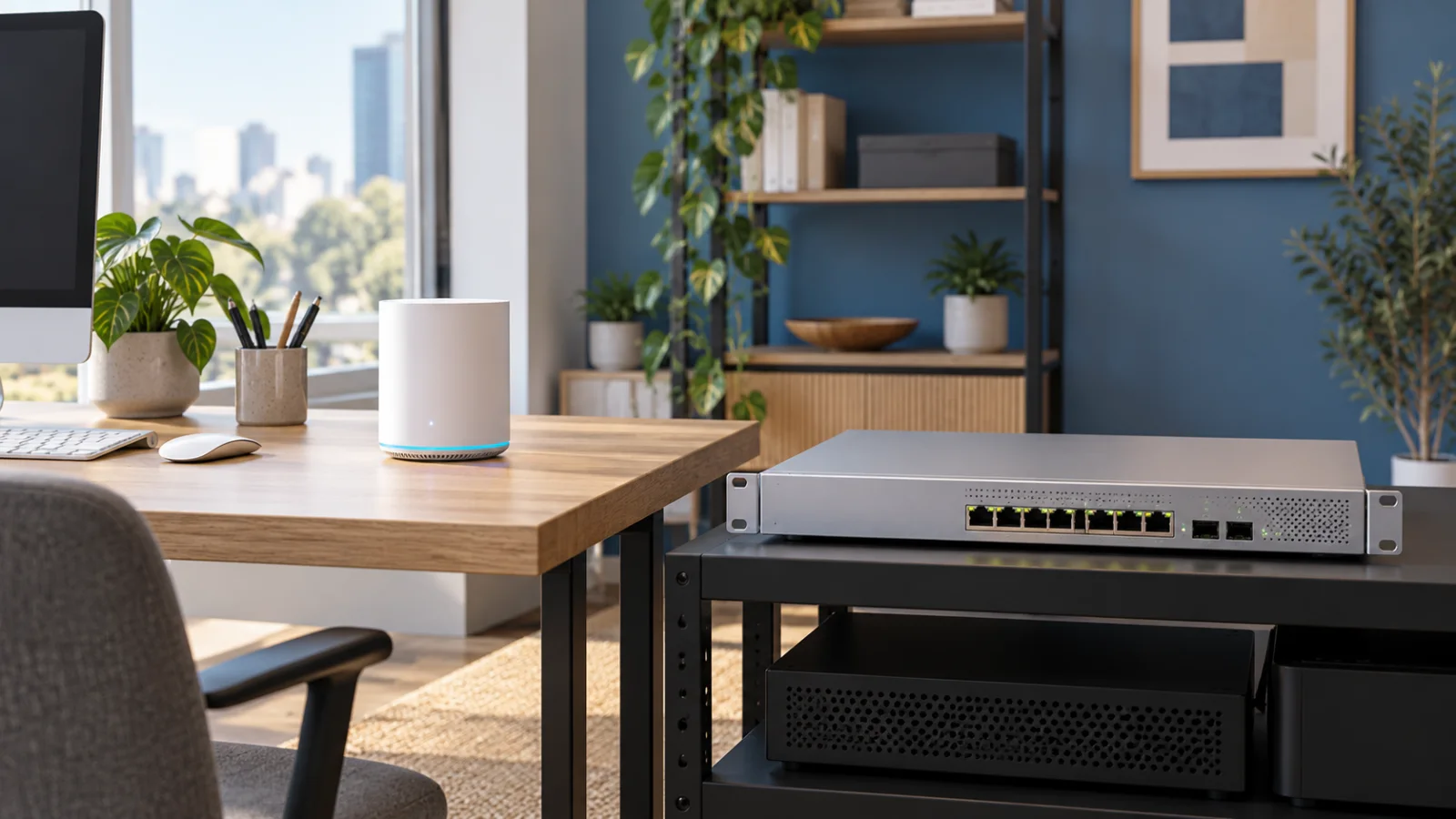
NETGEAR Switches: Unmanaged vs Smart vs Managed
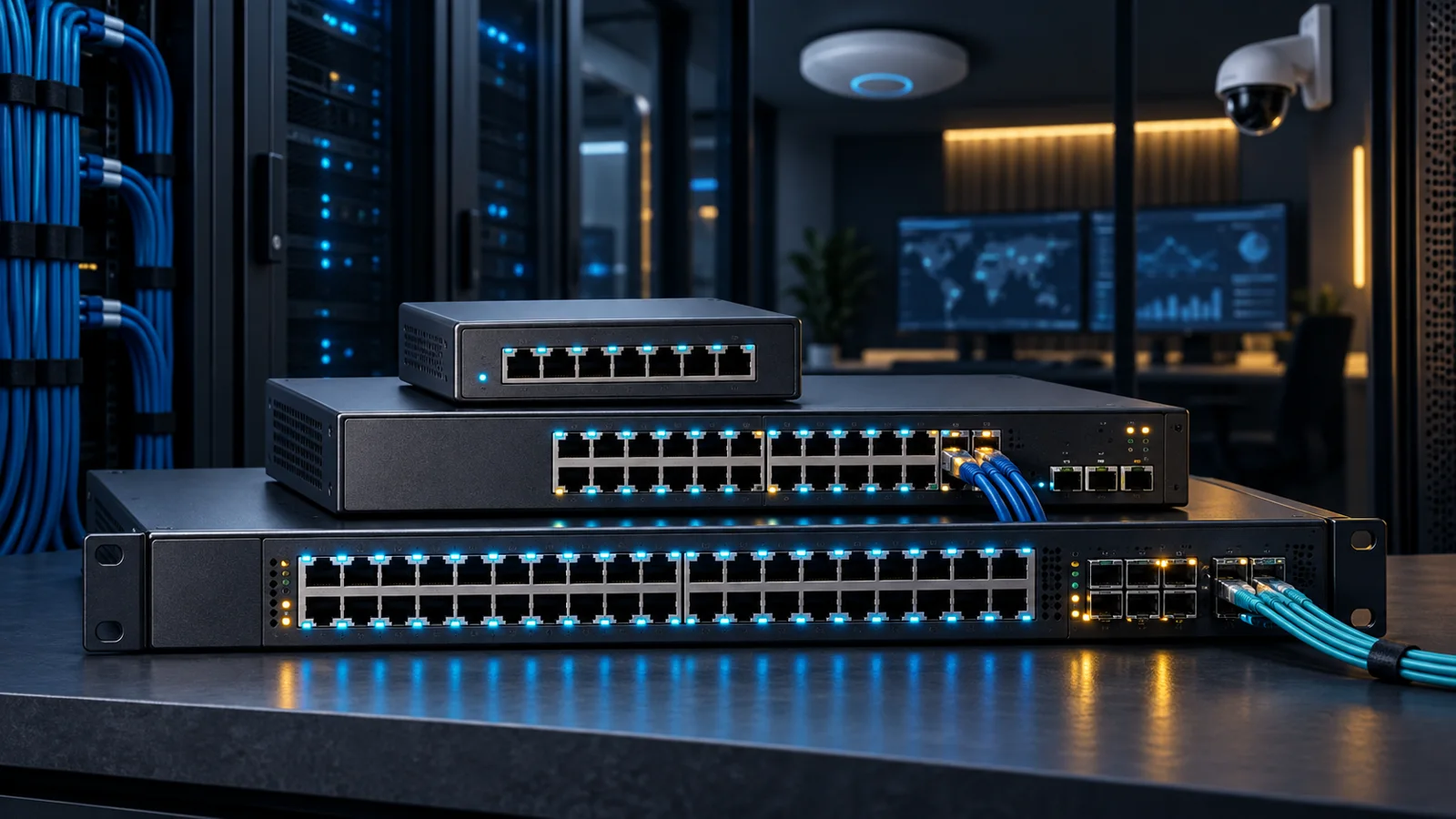
Compare NETGEAR unmanaged, smart, cloud-managed, and fully managed switches by control, PoE, uplinks, and network scale.
Key Points
- Unmanaged switches fit only simple networks that do not need segmentation or visibility.
- Smart Managed is often the best balance for small and midsize business access layers.
- Fully managed platforms are justified by routing, resilience, stacking, or professional AV requirements.
- PoE planning must include total watt budget, per-port power, and future headroom.
- Multi-gigabit access ports need appropriately sized SFP+ or faster uplinks.
NETGEAR's business switch catalog ranges from plug-and-play desktop units to fully managed Layer 3 platforms. The difficult part is not finding enough Ethernet ports; it is selecting the right management tier, PoE budget, and uplink speed without paying for controls the network will never use.
This guide compares unmanaged, Easy Smart, Smart Managed, cloud-managed, and fully managed switches. Once the class is clear, use the current NETGEAR price list to compare exact port, PoE, and uplink configurations.
NETGEAR Management Tiers Explained
Unmanaged switches provide basic Ethernet connectivity with no configuration interface. They are appropriate for simple edge expansion where VLANs, traffic prioritization, link aggregation, and remote monitoring are unnecessary.
Easy Smart Managed switches add a lightweight set of controls for smaller networks. Depending on the model, this tier can provide practical features such as VLANs, quality of service, and basic monitoring without the complexity of a full enterprise platform.
Smart switches offer broader Layer 2 and selected Layer 3 capabilities for growing small and midsize networks. They are often the best value when an organization needs segmentation, link aggregation, PoE control, and stronger visibility but does not require a high-availability campus core.
Smart Cloud Managed switches add cloud-based monitoring and administration on supported models. They are useful for distributed sites where centralized visibility matters more than deep local command-line workflows.
Fully managed switches are intended for demanding access, aggregation, AV-over-IP, and enterprise deployments. Families such as M4300 provide richer Layer 3 features, stacking options, and higher-speed designs that belong in a different class from desktop unmanaged switches.
When Unmanaged Is Enough
An unmanaged switch is a good choice for a small isolated workgroup, a lab bench, or adding a few wired devices behind an already-managed access port. It minimizes setup and usually has the lowest acquisition cost.
The limitation is operational. Without VLAN configuration or switch-level visibility, troubleshooting and segmentation must happen elsewhere. An unmanaged switch should not be used to bypass a network design that requires separate voice, guest, camera, or corporate traffic. As soon as segmentation, remote status, or controlled PoE becomes a requirement, move up a tier.
When Smart Managed Is the Sweet Spot
Smart Managed models fit offices that need meaningful network control without the full cost or operational depth of an enterprise platform. Common requirements include VLANs, link aggregation, loop prevention, traffic prioritization, PoE scheduling, and faster SFP or SFP+ uplinks.
This tier works particularly well for access switching in small and midsize businesses. It also creates a sensible comparison point with other managed access families. For a more enterprise-oriented reference, see the Cisco Catalyst 9200 vs 9300 vs 9500 guide.
When Fully Managed Is Justified
Choose a fully managed switch when the network requires advanced routing, resilient stacking, redundant architecture, multicast control for professional AV, or deeper operational tooling. This class is better suited to aggregation, larger access layers, and environments where downtime or uncontrolled traffic has a measurable business impact.
Advanced features only help when the organization can configure and maintain them. Account for software, support, spares, documentation, and staff skills as part of total cost. A simpler switch that is properly monitored can be safer than a feature-rich platform nobody manages consistently.
PoE, Multi-Gigabit, and Uplinks
Power over Ethernet must be sized in watts, not merely by counting PoE-labeled ports. Add the maximum expected draw of access points, cameras, phones, and IoT endpoints, then leave headroom. Check both the total switch budget and the power available per port, including whether PoE+ or higher-power standards are required.
For a surveillance deployment, define the cameras before finalizing switch power and recording capacity. The Axis M vs P vs Q camera buying guide covers camera selection and the supporting installation budget.
Multi-gigabit access ports are useful for newer wireless access points and high-performance endpoints that exceed 1 Gbps without requiring fiber to the desk. The uplink must also keep pace: a switch full of multi-gigabit clients can be constrained by a single 1G uplink. Plan SFP+ or faster aggregation where traffic concentration justifies it.
Which NETGEAR Switch Class Fits?
| Class | Best for | Management depth | Typical trigger to move up |
|---|---|---|---|
| Unmanaged | Simple edge expansion | None | Need VLANs, monitoring, or PoE control |
| Easy Smart | Small networks needing basic control | Light | Need broader Layer 2/Layer 3 features |
| Smart Managed | SMB access switching | Moderate | Need resilient stacking or advanced routing |
| Smart Cloud Managed | Distributed small sites | Central cloud visibility | Need deeper enterprise operations |
| Fully Managed | Enterprise, aggregation, AV | Advanced | Selected for architecture, not convenience |
Switch Buying Checklist
- Count active ports, growth ports, and uplinks separately.
- Define VLAN, routing, aggregation, redundancy, and monitoring needs.
- Calculate total PoE load and per-port power requirements with headroom.
- Match access speed to endpoint capability and uplink speed to aggregate traffic.
- Check fan noise and airflow for office or studio installation.
- Confirm management method, support coverage, warranty, and spare strategy.
For a small office, Smart Managed is often the practical middle ground. Unmanaged remains valid for truly simple extensions, while Fully Managed should be chosen when the network design—not a feature checklist—requires enterprise resilience and control.
For a wireless refresh using the same access layer, review NETGEAR WBE710 vs WBE750 before finalizing AP power and uplink requirements.
Official Sources
FAQ
What is the main difference between unmanaged and Smart Managed NETGEAR switches?
Unmanaged switches provide basic connectivity with no configuration. Smart Managed models add controls such as VLANs, traffic prioritization, aggregation, monitoring, and PoE management, depending on the model.
When should I buy a fully managed switch?
Choose fully managed when the design requires advanced routing, resilient stacking, stronger redundancy, multicast control, or enterprise operations. Do not pay for that tier if the network only needs basic VLAN and PoE controls.
How do I calculate the required PoE budget?
Add the maximum expected power draw of all powered devices, verify the required PoE standard per port, and keep headroom for startup peaks and future endpoints. Check both total switch budget and per-port limits.
Do Wi-Fi 6E or Wi-Fi 7 access points need multi-gigabit ports?
Some high-performance access points can exceed 1 Gbps and benefit from 2.5G or faster Ethernet. Confirm the access point specification and ensure the switch uplink can carry the resulting aggregate traffic.
Where can I compare current NETGEAR switch prices?
Use the NETGEAR catalog on GlobalPriceList.com to compare current part numbers and list prices, then confirm availability, licensing, and support with a regional reseller.
Check Current Netgear Pricing
Browse the full, daily-updated Netgear GPL on GlobalPriceList.com.
View Netgear Price List See Netgear Price History