MikroTik hAP vs RB5009 vs CCR vs CRS: Buying Guide
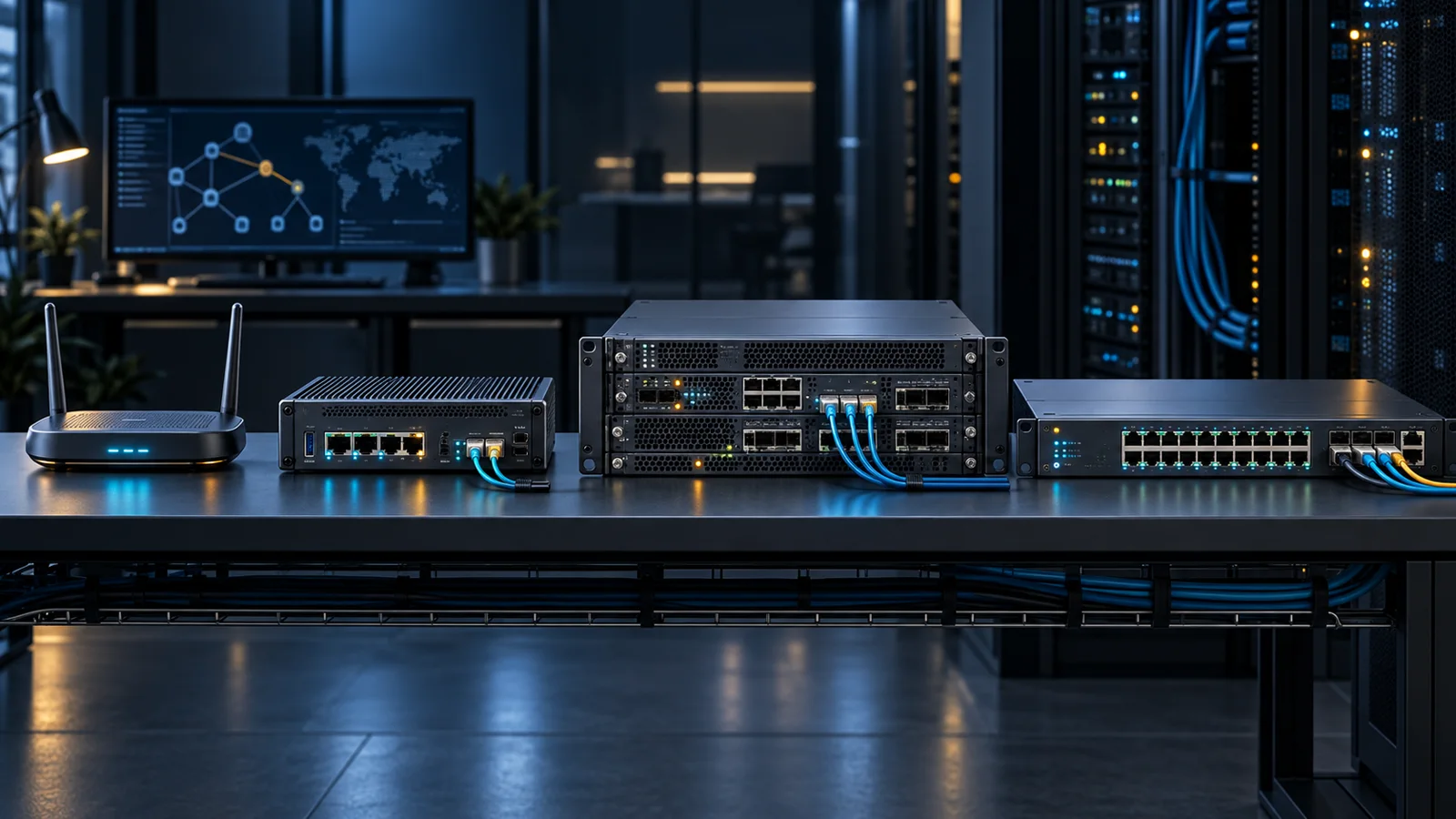
Learn when to choose a MikroTik hAP, RB5009, CCR router, or CRS switch and avoid mixing routing and switching roles.
Key Points
- hAP combines RouterOS routing and Wi-Fi for compact sites.
- RB5009 is a compact wired router with multi-gigabit and SFP+ connectivity.
- CCR is the routing family for higher scale, heavier traffic, and richer interface options.
- CRS is primarily a switch family; feature availability does not guarantee line-rate CPU processing.
- Select by network role and feature-enabled workload, not by port count or model name alone.
MikroTik uses several product families that can look similar in a catalog but serve very different network roles. hAP devices combine routing and wireless access for small sites, RB5009 is a compact high-performance wired router, CCR is the Cloud Core Router family for heavier routing, and CRS is primarily a switch family. Buying by port count alone can therefore lead to the wrong platform.
This guide explains the role of each family, how RouterOS and SwOS affect the decision, and which checks matter before purchase. Exact configurations change by model, so use the current MikroTik price list to validate the part number after choosing the right class.
The Four Families in One Minute
- hAP: compact router and wireless access point for homes, small offices, labs, and branch edges.
- RB5009: compact wired RouterOS appliance with faster uplink options for advanced small-site or prosumer routing.
- CCR: higher-capacity RouterOS routers for aggregation, ISP, campus, data-center edge, and larger routing tables or tunnel loads.
- CRS: Cloud Router Switch devices built mainly for switching density and Layer 2 features, with selected Layer 3 capability depending on hardware and configuration.
The central distinction is router versus switch. A CRS may run RouterOS, but that does not automatically make it the best replacement for a router when firewalling, NAT, VPN, queues, or complex routing must run at high throughput.
Choose hAP for an All-in-One Small Site
The hAP family is the easiest entry point when a location needs one device for internet routing, Ethernet, and Wi-Fi. Models such as the hAP ax line add current-generation wireless capabilities while retaining RouterOS flexibility. They suit home offices, small branches, training labs, and technical users who want more routing control than a basic consumer gateway typically offers.
Check the radio generation, band support, Ethernet port speed, PoE options, memory, and RouterOS license level of the exact model. Wireless coverage still depends on placement and building materials; a powerful router hidden in a cabinet is not a substitute for a properly planned multi-access-point deployment.
Choose RB5009 for Compact Wired Routing
RB5009 is a strong fit when Wi-Fi is handled separately and the site needs a compact RouterOS gateway. The official RB5009UG+S+IN specification lists seven Gigabit Ethernet ports, one 2.5 Gigabit Ethernet port, and one 10 Gigabit SFP+ cage. That mix supports a faster WAN or aggregation uplink while preserving multiple copper ports for local networks.
This class is useful for advanced branch routing, multiple VLANs, policy control, VPN termination, and small rack deployments. It is also a natural companion to dedicated access points and switches. If you are comparing an integrated network stack, the UniFi Cloud Gateway comparison provides a useful contrast between RouterOS flexibility and UniFi's controller-led experience.
Choose CCR for Heavier Routing
CCR models step up routing scale, interface density, and hardware capacity. The family includes very different layouts: some models favor many copper ports, while others concentrate on 10G or 25G fiber interfaces. CCR is the family to evaluate for ISP aggregation, larger campus edges, demanding VPN deployments, high-throughput firewalling, and networks with more substantial routing requirements.
Do not select a CCR only because it is 'faster.' Match interface types, redundant power needs, rack format, CPU architecture, memory, and realistic feature-enabled throughput. RouterOS features can place very different loads on hardware, so raw forwarding figures do not describe every firewall, tunnel, queue, or encrypted workload.
Choose CRS for Switching
CRS products are generally the better fit when the primary requirement is connecting many endpoints, building VLANs, or aggregating access switches. For example, the official CRS326-24G-2S+IN specification provides 24 Gigabit Ethernet ports and two 10G SFP+ cages and supports dual boot between RouterOS and SwOS.
SwOS offers a focused switching interface, while RouterOS exposes a broader feature set. The key purchasing lesson is to verify which functions are hardware-offloaded on the chosen model. A feature available in the configuration interface may perform very differently when processed by the CPU instead of the switch chip.
hAP vs RB5009 vs CCR vs CRS
| Family | Primary role | Typical deployment | Main buying check |
|---|---|---|---|
| hAP | Router + Wi-Fi | Home, small office, lab | Radio, coverage, Ethernet and PoE |
| RB5009 | Compact wired router | Advanced branch or prosumer edge | 2.5G/10G uplinks and power options |
| CCR | High-capacity router | ISP, campus, data-center edge | Interfaces, workload throughput, redundancy |
| CRS | Managed switch | Access and aggregation switching | Switch-chip offload and uplink design |
MikroTik Selection Checklist
- Write down the primary job: wireless gateway, wired router, core router, or switch.
- Map every required copper and fiber port, including speed and transceiver type.
- Estimate routed, encrypted, filtered, and switched traffic separately.
- Confirm which features are hardware-offloaded on the exact CRS model.
- Check RouterOS license level, supported software branch, power inputs, and PoE behavior.
- Plan a configuration backup, update process, and a tested rollback path before deployment.
A small network can combine these families effectively: an RB5009 or hAP at the edge, CRS at access or aggregation, and CCR only when routing scale warrants it. Separating roles produces a clearer design and makes future upgrades more predictable.
For current compact wireless options, read our hAP be lite review and hAP be³ Media planning guide. If cellular WAN is the requirement, compare the Chateau 5G R17 ax instead.
For a compact Wi-Fi 6 installation with a fiber uplink, see our hAP ax S review. It explains SFP compatibility, copper port limits and passive PoE planning.
Official Sources
FAQ
Is a MikroTik CRS a router or a switch?
CRS means Cloud Router Switch, but the family is primarily designed for switching. RouterOS may expose routing features, yet performance depends on switch-chip offload and CPU processing, so verify the exact workload and model.
When should I choose RB5009 instead of hAP?
Choose RB5009 when Wi-Fi is handled by separate access points and you want a compact wired RouterOS gateway with faster uplink options and more advanced branch routing capacity.
When is a CCR necessary?
Evaluate CCR for ISP aggregation, larger campus or data-center edges, demanding tunnel and firewall workloads, or when you need the interface density and capacity offered by Cloud Core Router models.
What is the difference between RouterOS and SwOS?
RouterOS is MikroTik’s full network operating system for routing, firewalling, VPN, switching, and management. SwOS is a simpler interface focused on managed switching and is available on selected switch models.
Where can I check current MikroTik prices?
Use the MikroTik catalog on GlobalPriceList.com to compare current part numbers and list prices, then verify regional availability and warranty terms with a reseller.
Check Current Mikrotik Pricing
Browse the full, daily-updated Mikrotik GPL on GlobalPriceList.com.
View Mikrotik Price List See Mikrotik Price History