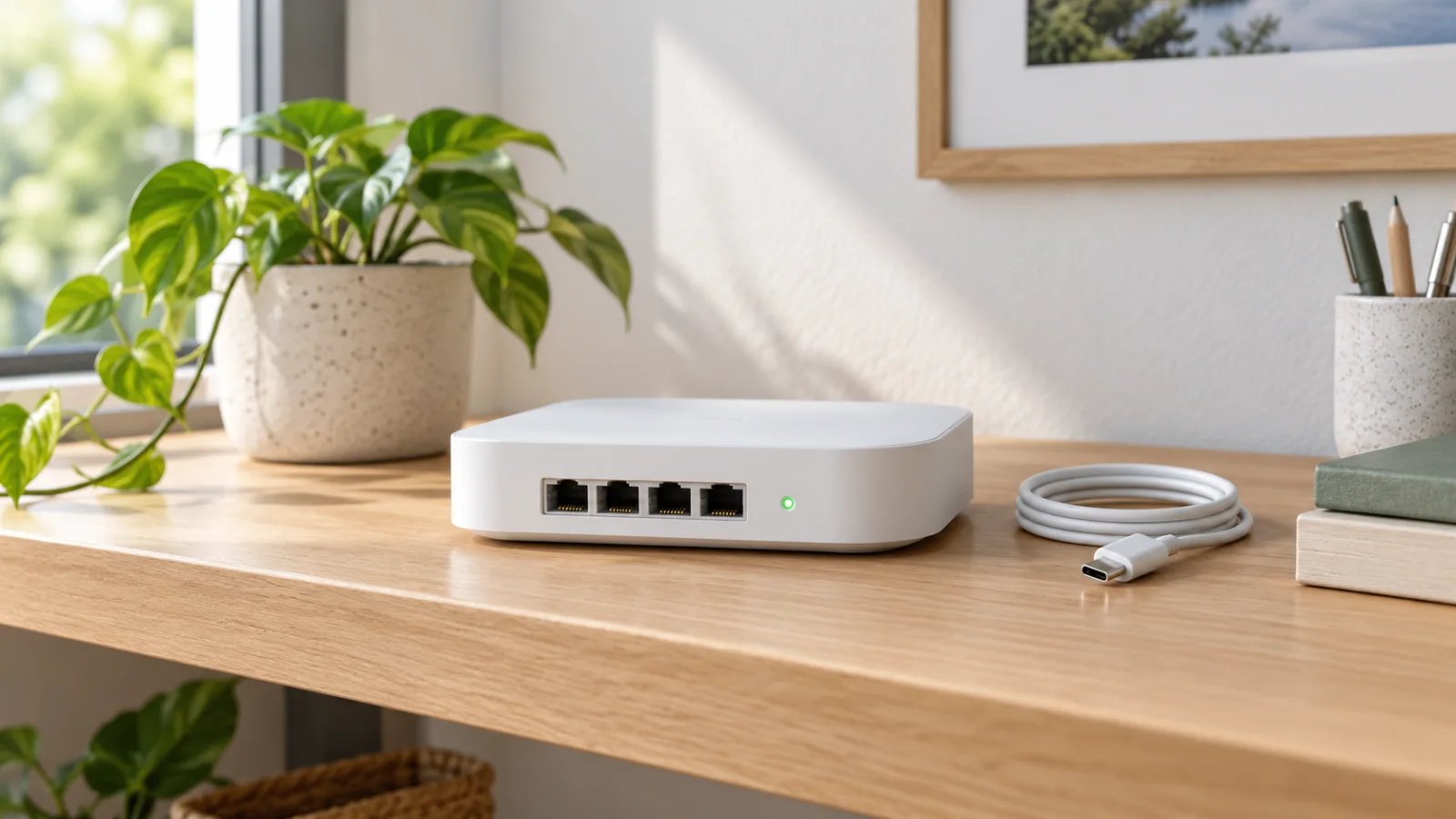
MikroTik hAP be³ Media: Wi-Fi 7 Router and Media Hub
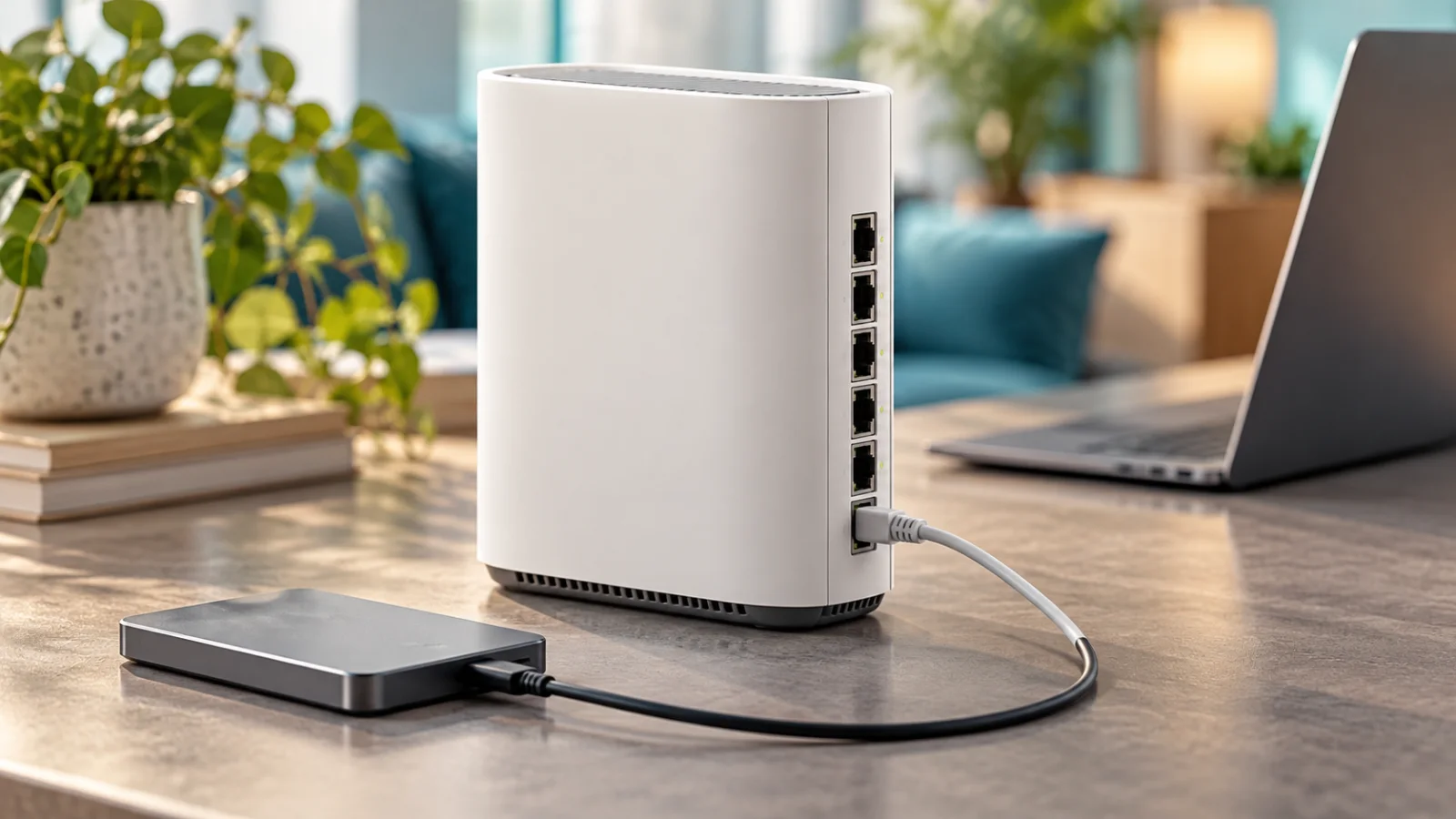
Evaluate hAP be³ Media as a network design: tri-band Wi-Fi 7, five 2.5G ports and local services, with a workload budget and a clear recovery plan.
Key Points
- The hAP be³ Media combines tri-band Wi-Fi 7 with five 2.5G Ethernet ports.
- Shared hardware means network and local-service workloads need a common resource and recovery plan.
- Container support is an optional deployment capability, not proof that every application will fit or run safely.
- Confirm availability and release support with the supplier; the official page still carries a coming-soon notice.
The hAP be³ Media is most interesting when several devices would otherwise be needed for a small technical network. Its attraction is consolidation: faster wired connectivity, wireless access and the possibility of local services in one platform. The tradeoff is that those roles share resources, maintenance windows and a recovery path.
This is a specification-based planning review, not a physical benchmark or a claim of tested media-server performance. The cover is conceptual hardware. MikroTik's official page still includes a “Coming soon” notice at our review; verify delivery and regional availability before tying a project schedule to it.
What the Platform Brings Together
| Item | Published specification |
|---|---|
| Product code | MA53UG+HbeH |
| Wireless | Tri-band Wi-Fi 7, 2 × 2 per band |
| Ethernet | Five 2.5GbE ports |
| CPU / RAM | Quad-core ARM64 up to 1.5 GHz / 2 GB |
| Internal storage | 512 MB NAND |
| Expansion | USB and microSD |
| Automation radios | Thread and Bluetooth 5.4 |
| Operating system | RouterOS v7, license level 6 |
| Power input | DC jack or 802.3af/at PoE input |
MikroTik also advertises container support. Each of these capabilities should be treated as a design input, not as a promise that every proposed combination of services will run without compromise.
Design the Network First, Then Add Services
Begin with the minimum network that must remain available: WAN access, local addressing, routing, wireless and management. Establish a stable baseline before adding containers or storage workloads. This makes a later performance or reliability change easier to attribute.
Write down which failures are acceptable. In a home lab, restarting the router while experimenting with a service may be harmless. In a small office, the same action can interrupt calls, payment systems and remote access. The business context determines whether consolidation is useful.
| Role | Question before consolidation |
|---|---|
| Internet gateway | Who can restore connectivity when the configuration fails? |
| Wireless access | Is the router's required physical location also a good radio location? |
| Local application | Can it be restarted or updated without disrupting essential networking? |
| File storage | Where is the independent backup, and how is it restored? |
| Smart-home integration | Which controller and software complete the intended workflow? |
Five Faster Ports Change the Topology Options
Multiple 2.5G interfaces offer more flexibility than a design with one faster port and several Gigabit connections. You can plan a faster WAN handoff alongside faster local endpoints without making the same single-port tradeoff. That still does not prove that every routed workload will run at the sum of all interface rates.
Trace each demanding path. A workstation reading from local storage may have different requirements from internet traffic passing through firewall rules or a VPN. Test those paths separately, then together. Record the configuration and packet-processing features used in each test.
For a small office, consider whether an external switch is still needed for port count, endpoint power or physical placement. An integrated port layout can simplify a desk installation while being insufficient for a building with several cable runs. Our MikroTik router and switch family guide helps compare a modular arrangement.
Use 6 GHz Where the Clients Can Benefit
A tri-band design should be evaluated against the actual client population and room layout. Identify which devices support the additional band, where they are used and whether the required regional and security settings are available. Older devices remain part of the network and still need an appropriate plan.
Do not choose a central gateway location solely for tidy cabling if that leaves wireless clients poorly served. You may still need separate access points. Conversely, a well-placed integrated device can reduce equipment count in a compact open space.
Keep advertised wireless class, negotiated link rate and useful application throughput separate in your evaluation. A client speed display is not a file-transfer result, and a one-client result does not predict a busy household or meeting room. Test the workload the purchase is intended to improve.
If the extra band and additional faster ports are unnecessary, compare the hAP be lite review before paying for a platform whose capacity you will not use.
Budget Containers as Shared Workloads
RouterOS container documentation describes a feature that must be enabled deliberately and highlights the implications of running third-party software on the router. Treat a container as maintained software with an owner, not a free appliance hidden inside the device.
For each proposed service, record its architecture, memory demand, storage growth, network exposure and update process. Allocate a conservative resource budget and monitor it under concurrent network traffic. An idle demonstration is not an acceptance test for a service that will run continuously.
Keep a simple fallback: know how to stop the optional service and return to the network-only baseline. Store its configuration and data backups away from the router. If a local application becomes essential, reassess whether a separate host provides a clearer maintenance and failure boundary.
For example, a lightweight internal utility with an easy restore process is a different proposition from a large media library with demanding processing and persistent data. We do not infer transcoding performance, application compatibility or storage throughput from the word “Media.” Those require workload-specific evidence.
Storage and Smart-Home Expectations
USB and card connectivity do not by themselves create a complete NAS design. Decide where application data lives, how growth is monitored, what happens when a storage device fails and how the data is restored. Keep router configuration backups distinct from application-data backups.
The presence of Thread hardware similarly does not prove that every automation ecosystem or accessory will work without additional software. List the intended devices and controller workflow, then verify the currently supported integration. Avoid buying around a future feature unless the project can tolerate that dependency.
For a household, the useful question is who maintains these services when the technically interested owner is away. For an office, document that responsibility formally. Consolidation saves space only when the resulting operational complexity remains manageable.
A Deployment Test That Matches the Purchase
- Establish basic routing, wired connectivity and Wi-Fi with optional services disabled.
- Measure representative local and internet traffic from the actual client locations.
- Add one optional service at a time and record resource use.
- Repeat network tests while storage and application workloads are active.
- Test a restart, configuration recovery and application-data restore.
- Confirm the power arrangement and safe behavior during an interruption.
- Document the approved software versions and the person responsible for updates.
For comparison with a different management approach, see our UniFi integrated-gateway guide. Compare the operating model and required applications, not only port counts.
The Buying Verdict
Shortlist hAP be³ Media when its combined roles match a real plan and someone can own the configuration, testing and maintenance. Choose a modular design when independent recovery, specialized storage or simpler support is more important than reducing the number of boxes.
Include external storage, any switch or AP, suitable power, backups and setup time in the budget. Look up the exact model in the MikroTik price-list catalog, then confirm availability and the regional offer. The strongest reason to buy is a well-defined workload that benefits from consolidation, not the assumption that every advertised capability should be enabled at once.
Official Sources
FAQ
Does hAP be³ Media include 6 GHz?
Yes. MikroTik lists 2.4, 5 and 6 GHz radios. Confirm regional availability and compatible clients for the installation.
Can it replace a dedicated NAS?
Storage connectivity alone does not establish equivalent redundancy, capacity, performance or recovery. Compare the intended workload and backup design before consolidating storage onto the router.
Will any container image run on it?
No such guarantee follows from container support. Check architecture, dependencies, memory, storage, networking and the current RouterOS documentation.
Is hAP be³ Media available immediately?
The official product page checked for this guide still includes a coming-soon notice. Confirm stock, regional SKU and delivery timing directly with the supplier.
How is it different from hAP be lite?
Its broader radio and wired-port layout targets a different deployment. The lite model is the smaller dual-band option with only one 2.5G port; compare complete workloads rather than the family name.
Check Current Mikrotik Pricing
Browse the full, daily-updated Mikrotik GPL on GlobalPriceList.com.
View Mikrotik Price List