MikroTik hAP be lite (A42G-HbeP) Review
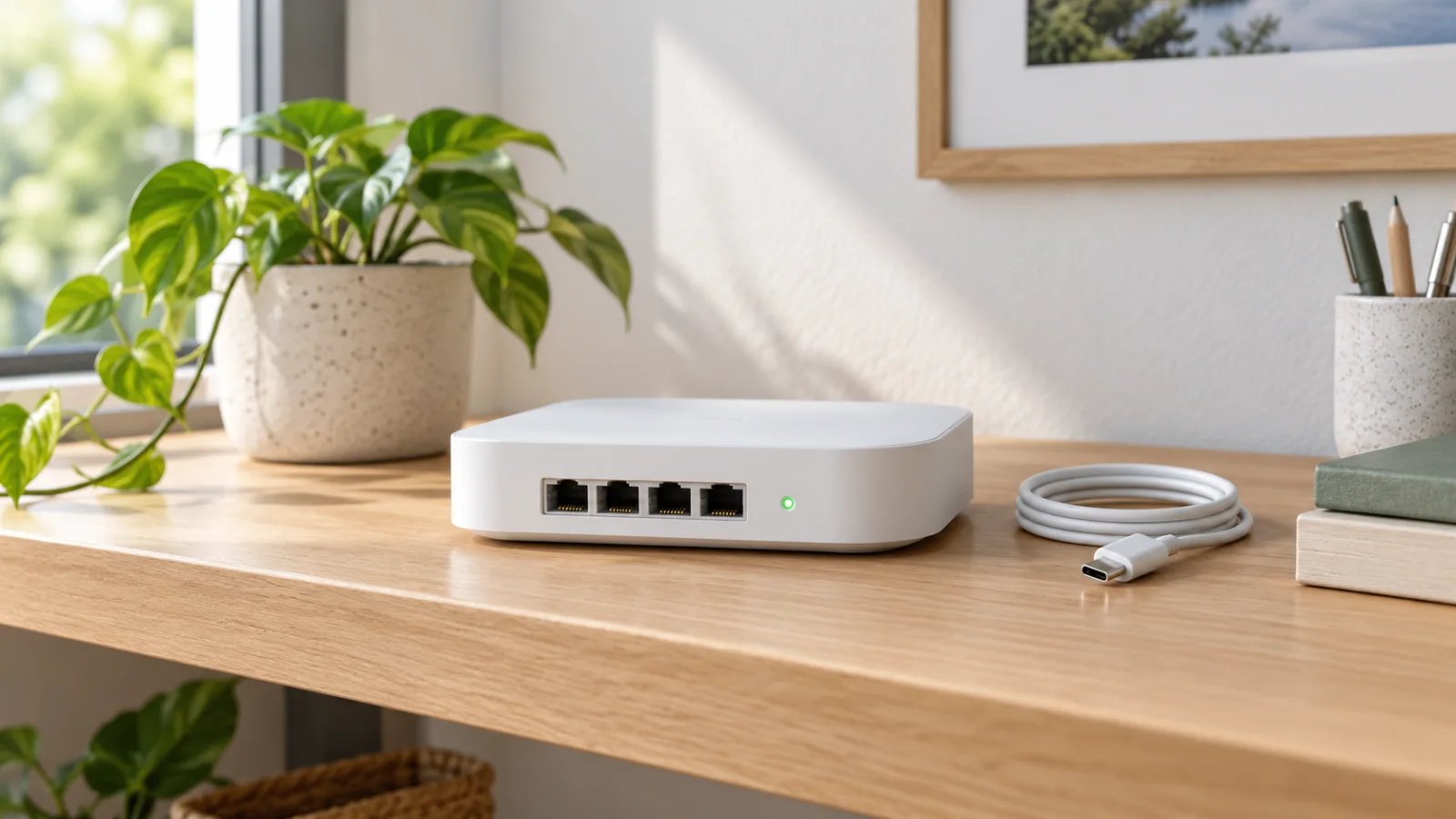
A deployment-focused review of hAP be lite: decide where its single 2.5G port belongs, whether your clients need 6 GHz, and what RouterOS adds to the purchase.
Key Points
- The hAP be lite is a dual-band Wi-Fi 7 device; a Wi-Fi 7 label does not imply a 6 GHz radio.
- One 2.5G port requires a deliberate WAN-versus-LAN decision.
- RouterOS flexibility is valuable when someone can configure, document and maintain the network.
- Compare complete installation cost and tested workloads, not the BE3600 label alone.
The hAP be lite makes the most sense when you want a small RouterOS network with a clear plan for its one faster Ethernet port. The interesting purchase question is not whether Wi-Fi 7 is newer. It is whether this combination of wireless, port layout and administrative control solves your particular bottleneck at an acceptable total cost.
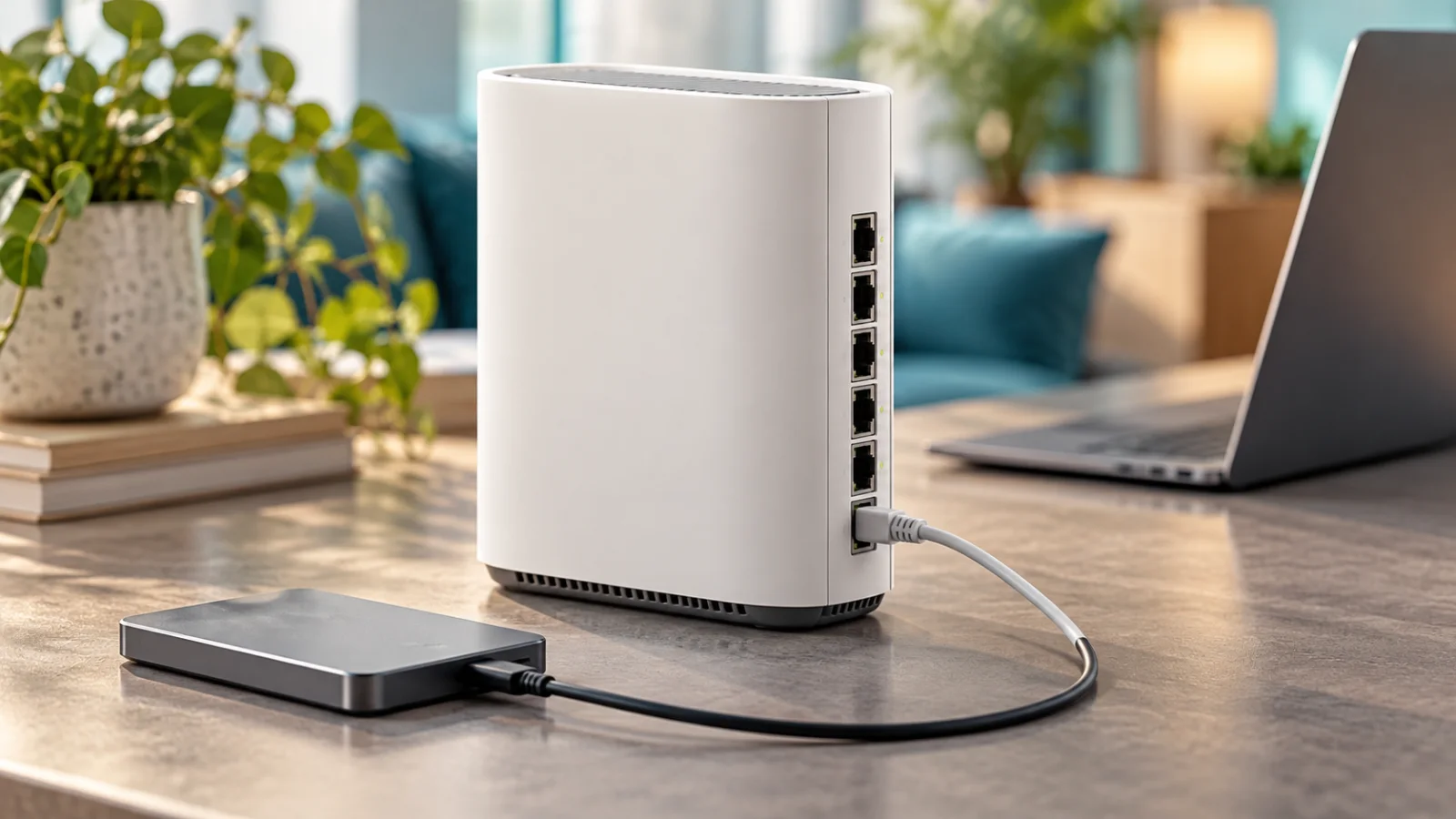
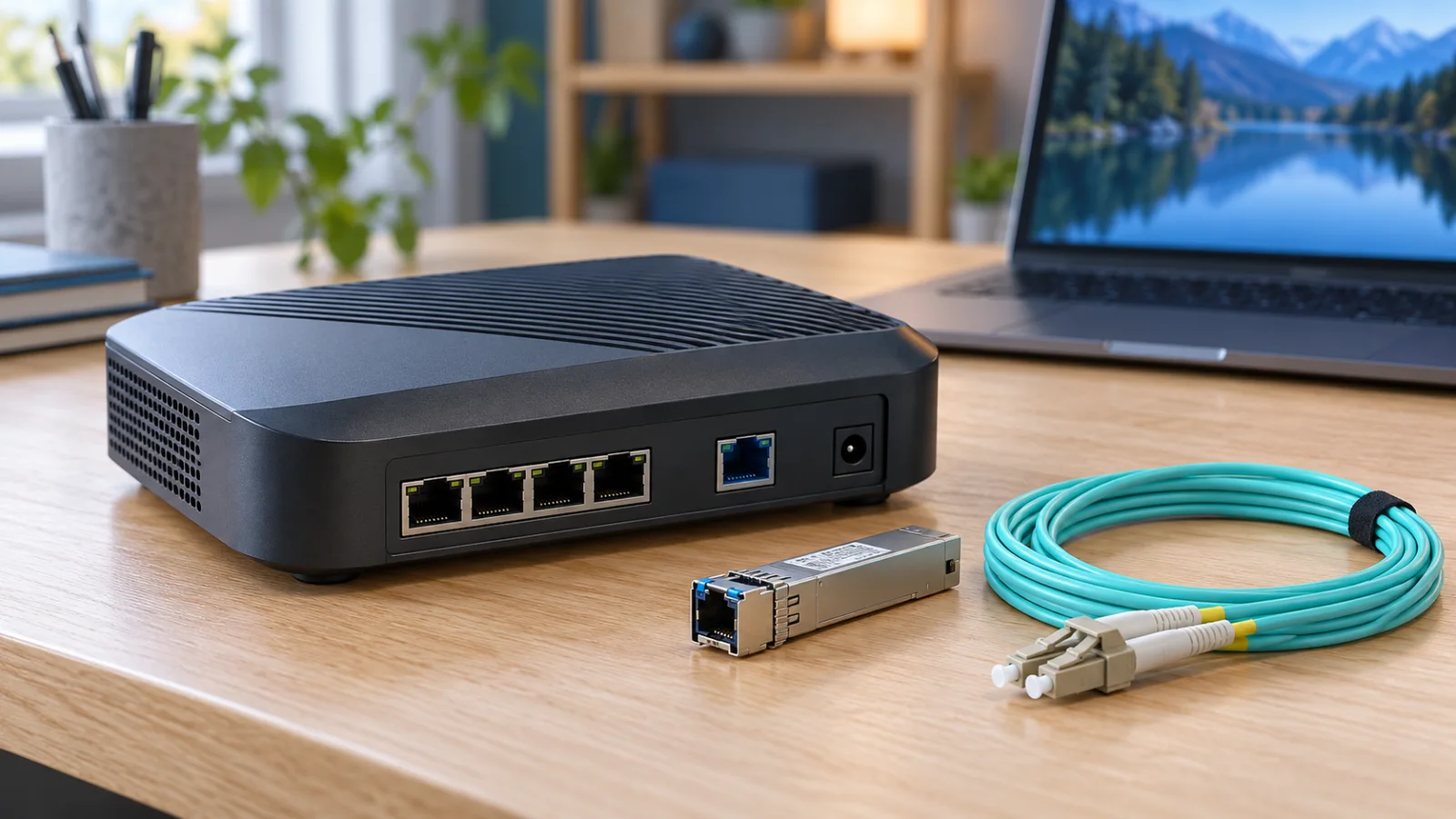
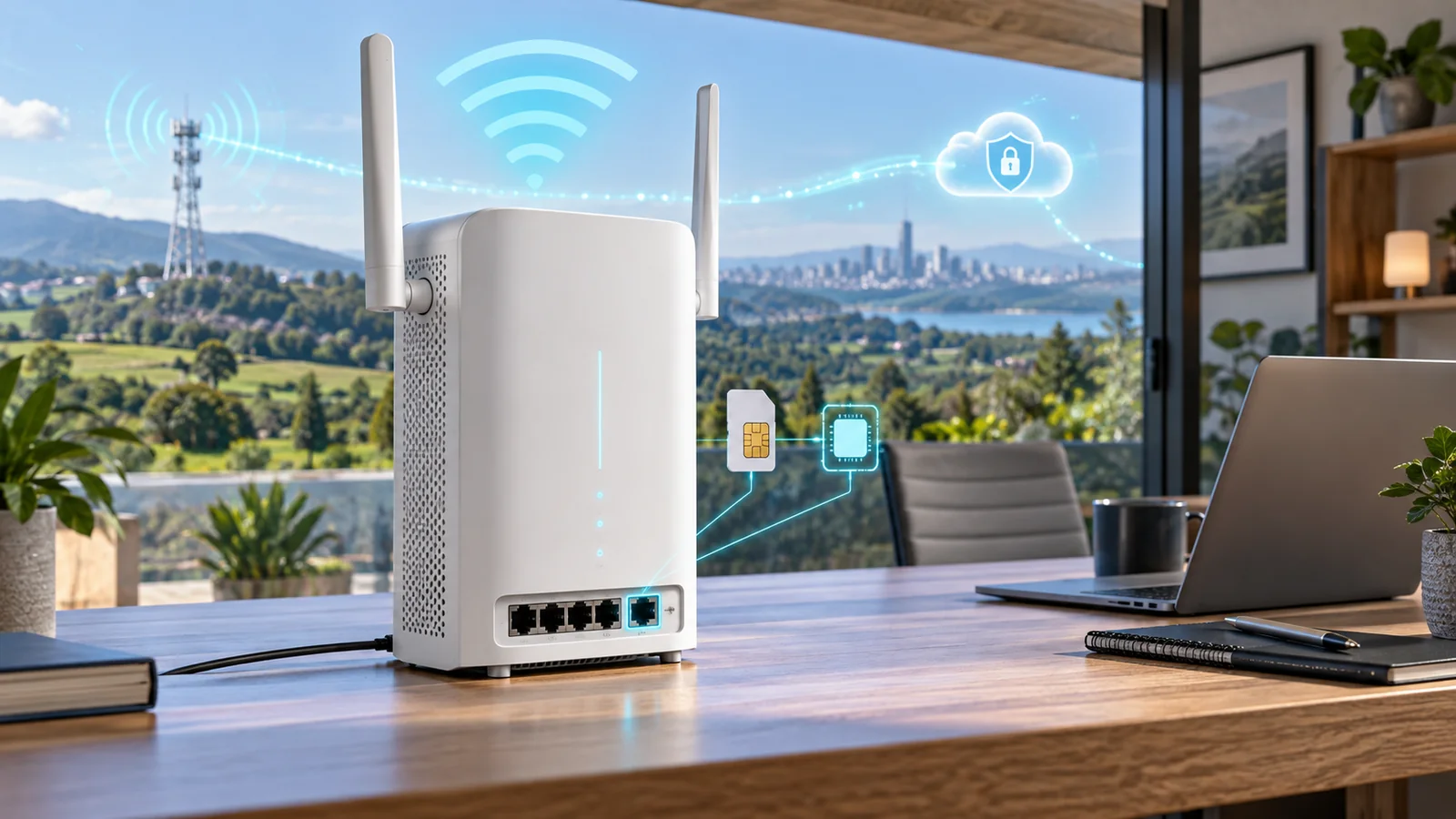
This review uses manufacturer specifications and original deployment scenarios. We have not performed physical throughput, range or endurance testing. The cover is conceptual equipment. For the wider MikroTik range, see our hAP, RB5009, CCR and CRS guide.
The Hardware You Are Actually Buying
| Item | hAP be lite |
|---|---|
| Product code | A42G-HbeP |
| Wireless bands | 2.4 and 5 GHz, Wi-Fi 7 |
| Ethernet | One 2.5G port and three Gigabit ports |
| CPU | Dual-core, 950 MHz |
| Memory / internal storage | 512 MB RAM / 128 MB NAND |
| Software | RouterOS v7, license level 4 |
| Power | 5 V USB-C; listed maximum 12 W |
| Cooling | Passive |
MikroTik lists a BE3600 wireless class and Multi-Link Operation support. Those labels describe wireless capabilities; they are not an application-throughput guarantee. Confirm the exact regional product and software support when ordering.
The One-Port Decision: WAN or LAN?
Draw the network before choosing where the 2.5G interface goes. If the ISP presents a faster-than-gigabit Ethernet handoff, using it for WAN can be logical. However, each directly attached Gigabit client still has its own link limit. A faster WAN does not turn every remaining port into a 2.5G connection.
If the internet service is slower but a local server or upstream switch is the important destination, the faster port may be more useful on the LAN side. The correct choice depends on traffic paths, not on which socket was labeled WAN in an example configuration.
| Illustrative deployment | Port-planning question |
|---|---|
| Faster ISP handoff, mostly wireless clients | Can the complete routing and radio path deliver the required workload? |
| Gigabit internet with local storage | Would a faster LAN uplink serve more useful traffic? |
| Separate router with hAP used for Wi-Fi | Where should the AP uplink connect and who owns routing? |
| Several multigigabit wired devices | Is a model with more native faster ports a better starting point? |
Do not count aggregate vendor test figures as the speed available to one client. For a purchase acceptance test, define a real source, destination and application. Test with the firewall, routing and other features you intend to keep enabled.
Wi-Fi 7 Without 6 GHz: Is That a Problem?
It is a problem only if the missing band is part of your requirement. Inventory the clients first. A network serving older phones, printers and ordinary office devices may gain little from paying for a band those clients cannot use. A deployment built around new 6 GHz-capable laptops has a different starting point.
Separate coverage complaints from capacity complaints. If one room has poor signal because the router sits behind dense obstacles, a newer standard may leave the basic problem unchanged. Try a better position or plan a wired AP. If performance collapses only when several clients are busy, test that concurrent workload rather than an isolated speed test.
MLO also requires compatible clients and appropriate software. Treat it as a capability to validate, not a blanket promise of doubled speed or lower latency for every device. Keep a list of tested clients so a future firmware change has a known baseline.
For a higher-tier MikroTik option, compare the hAP be³ Media deployment review. For a separate-AP architecture, our UniFi U7 Lite vs U7 Pro comparison illustrates the different gateway, AP and power decisions.
What RouterOS Adds to the Cost Equation
The value of a configurable router depends partly on the person maintaining it. A technically capable owner may value detailed control and repeatable configuration. A small business with no network administrator may place greater value on a simpler support arrangement. Neither preference is wrong, but the hardware price alone does not capture the difference.
MikroTik's first-time configuration guide covers access, the default configuration and the basic network setup. Start with the appropriate official instructions for the installed software. Avoid pasting a configuration designed for a different port layout or driver family.
Before changing the topology, establish a recovery method and save a configuration backup. Keep administrative access restricted to the intended management network. Document which device supplies addressing, which device routes traffic and how the site is recovered if the configuration is lost.
For an installation used as an AP behind another router, review those responsibilities explicitly. Unplanned overlapping DHCP services or an unnecessary additional routed boundary can complicate troubleshooting. The design should explain where each service lives.
USB-C Power and Everyday Placement
The published power specification is useful for planning a compact installation, but connector shape alone does not establish that any charger or cable is suitable. Use the specified supply and verify stable operation with the intended power source. Include it in the installation inventory so a future replacement is straightforward.
Keep the unit accessible for recovery and avoid burying it among cables or behind metal equipment. Record the tested location and orientation. If the router must be moved for furniture or cabling changes, repeat the wireless checks in the rooms that matter.
For mobile internet as the primary requirement, this is a different purchase category. Review the Chateau 5G R17 ax guide before trying to solve a cellular deployment with an ordinary Ethernet router.
A Practical First-Week Acceptance Test
- Wired baseline: Test a wired client first so WAN and Wi-Fi problems are not confused.
- Room coverage: Test the same client in the locations where people actually work.
- Busy period: Run representative calls and transfers together.
- Policy: Confirm that guest and management access match the intended design.
- Recovery: Verify configuration backup and administrator access after a restart.
- Maintenance: Record the software version, update process and responsible person.
Choose pass conditions before testing. “Feels faster” is difficult to troubleshoot later; a stable video call in the back room while another device transfers files is a repeatable business requirement. A failed test should guide placement or design changes rather than immediately trigger another hardware purchase.
If a fiber uplink and more Gigabit sockets matter more than the Wi-Fi generation, compare our hAP ax S review. Its SFP-based layout answers a different requirement from the native 2.5G copper port on hAP be lite.
Who Should Buy It, and Who Should Look Higher?
Shortlist hAP be lite for a compact, cost-conscious RouterOS installation whose port plan and radio bands match the workload. Look higher when several faster wired connections, a 6 GHz radio or a different operational model are already required.
Build the total from the router, any extra switch or AP, cabling, setup time and support. Compare exact part numbers in the MikroTik price-list catalog, then obtain a supplier quote. A low device price is most valuable when it does not create an immediate need for additional hardware or ongoing troubleshooting.
Official Sources
FAQ
Does hAP be lite support 6 GHz Wi-Fi?
No. It operates on 2.4 and 5 GHz. Consider a tri-band model if 6 GHz is a requirement.
Can I use 2.5G for both WAN and a wired LAN device?
The unit has only one 2.5G Ethernet port. You cannot create two separate native 2.5G Ethernet connections from that single port; plan the topology or choose different hardware.
Is this a hands-on performance review?
No. This is a specification-based deployment review. Published speed classes are not presented as measured application or VPN throughput.
Is RouterOS included?
MikroTik lists RouterOS v7 with license level 4 for this model. Check separately for any services, installation or support included in the supplier's offer.
Should I replace a working Wi-Fi 6 router immediately?
Only if the replacement solves a defined problem such as required functionality, port connectivity or a validated wireless need. First rule out placement and upstream bottlenecks.
Check Current Mikrotik Pricing
Browse the full, daily-updated Mikrotik GPL on GlobalPriceList.com.
View Mikrotik Price List