Juniper Mist AP Comparison: Wi-Fi 6E vs 7
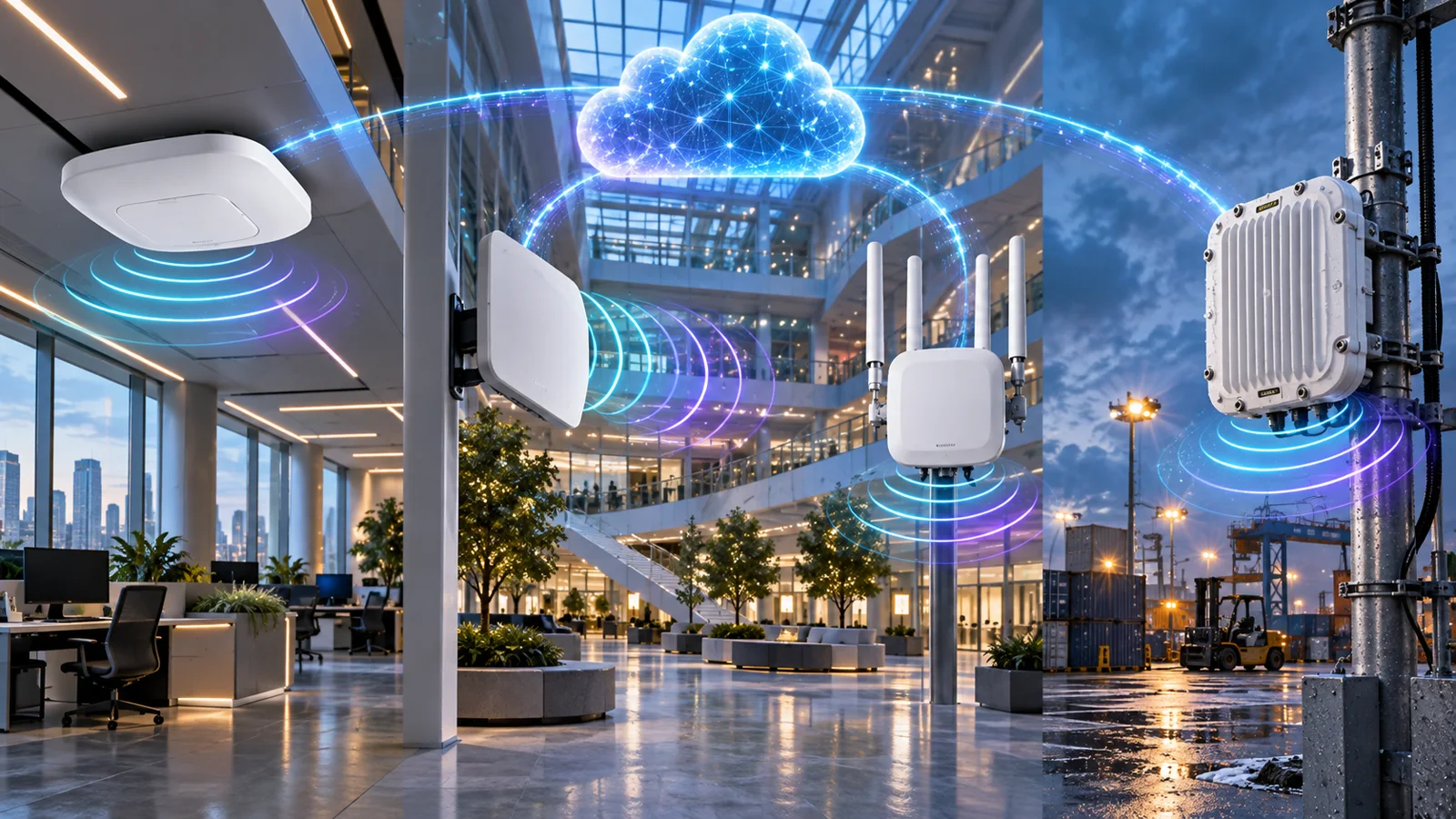
Compare Juniper Mist AP24, AP34, AP45, AP64, AP36, AP37, AP47 and AP66 access points by generation, radio tier, environment and use case.
Key Points
- Juniper Mist Wi-Fi 6E models include AP24, AP34, AP45 and AP64; Wi-Fi 7 models include AP36, AP37, AP47 and AP66.
- AP47 is the high-performance indoor Wi-Fi 7 platform, while AP36/AP37 cover lower tiers and AP66 serves rugged indoor/outdoor use.
- Dedicated scanning radios preserve visibility and radio-resource management while client-serving radios carry traffic.
- Antenna type, location services, wired uplink and PoE can matter more than maximum spatial-stream count.
- Mist Wi-Fi Assurance subscriptions are part of the operating model and should be priced with every AP.
Juniper's Mist-managed access-point portfolio now spans Wi-Fi 6E and Wi-Fi 7 across indoor, directional, external-antenna and rugged models. The naming does not form one simple performance ladder, so choosing an AP requires matching radio tier, antenna pattern, environment and wired infrastructure. This comparison maps AP24, AP34, AP45, AP64, AP36, AP37, AP47 and AP66 to practical deployment roles.
Juniper Mist AP Portfolio Map
| Generation | Indoor models | Rugged model | Primary reason to choose |
|---|---|---|---|
| Wi-Fi 6E | AP24, AP34, AP45 | AP64 | 6 GHz capacity with a mature 802.11ax client base |
| Wi-Fi 7 | AP36, AP37, AP47 | AP66 | New 802.11be features and a longer performance horizon |
Within each generation, model position matters. A high-performance Wi-Fi 6E AP can be a better fit than an entry Wi-Fi 7 AP for a specific density, antenna or location-services requirement. Compare the whole design rather than the standard name alone.
Check Client and Spectrum Readiness
Inventory client capabilities before selecting an access-point generation. Record support for 6 GHz, Wi-Fi 7, WPA3, channel width, spatial streams, and current driver versions. Separate managed laptops and phones from scanners, printers, voice handsets, building systems, and long-lived IoT devices. Older clients can connect to a modern AP on compatible bands, but they cannot use generation-specific features.
Six-gigahertz operation depends on local regulation. Available channels, power levels, indoor or outdoor rules, and regional SKUs vary by country. Confirm the regulatory domain for every deployment and do not reuse a channel plan across countries without review. Outdoor 6 GHz may introduce additional coordination or power requirements depending on jurisdiction.
Security and onboarding also need validation. Test WPA3, enterprise authentication, certificates, guest workflows, and device onboarding with representative clients. A radio upgrade can expose old drivers or certificate processes that worked on 2.4/5 GHz but prevent a smooth 6 GHz transition.
Map client replacement timing to the AP lifecycle. If most devices will remain on 5 GHz for years, better placement and channel reuse may provide more value than the highest Wi-Fi 7 tier. If a new building will operate for seven years and the client fleet is changing quickly, the longer capability horizon can justify newer hardware.
Juniper Mist Wi-Fi 6E Models
AP24 is positioned for cost-conscious or lower-demand indoor deployments. AP34 serves mainstream enterprise coverage, while AP45 is the high-performance Wi-Fi 6E option with a richer radio and location-services profile. AP64 brings Wi-Fi 6E to rugged indoor/outdoor environments.
Wi-Fi 6E is a strong choice when the client fleet already supports 6 GHz but Wi-Fi 7 adoption is still limited. It can also reduce the cost of switching and PoE upgrades compared with the highest Wi-Fi 7 tier. Check local 6 GHz rules and regional SKUs, because available spectrum and power differ by country.
Juniper Mist Wi-Fi 7 Models
AP36 and AP37 cover lower and performance-oriented indoor Wi-Fi 7 roles, while AP47 is the high-performance indoor platform. AP66 provides a rugged tri-band Wi-Fi 7 option for campus quads, covered walkways, warehouses and semi-industrial spaces.
Juniper's current family comparison describes AP47 as 4x4:4 across its data-serving radios, AP37/AP36 as 4x4:4 on 5/6 GHz with 2x2:2 on 2.4 GHz, and AP66 as 2x2:2. All four include a dedicated scanning radio, allowing radio-resource management, security and analytics to continue without consuming a client-serving radio.
Why AP47 Is the High-Performance Choice
AP47 supports simultaneous 2.4, 5 and 6 GHz operation with three data radios and a fourth dedicated scanning radio. Juniper also supports alternative radio modes for demanding environments. AP47 can use 320 MHz channels and 4K QAM where clients and regulations support them, and it provides dual Ethernet inputs for PoE redundancy and hitless failover when correctly designed.
The family includes AP47 with internal omnidirectional antennas, AP47D with internal directional antennas and AP47E with external antennas. Those variants are not cosmetic. Directional and external antennas should be selected from a predictive model and site survey, especially in lecture halls, warehouses and high-ceiling spaces.
AP47 also exposes two multigigabit Ethernet ports. Juniper documents support for dual uplinks and PoE redundancy when the switching design is built correctly. Both links must use the required Layer 2 connectivity, and the AP switch ports, power, cabling, and failure domains should be planned together. Dual ports do not create resilience if both terminate on the same unprotected infrastructure.
Location capabilities can be another reason to select the higher tier. The official family comparison lists vBLE and UWB on AP47, while other models offer different combinations of Bluetooth, sensors, and location features. Define the required use case—wayfinding, asset visibility, engagement, or simple presence—before paying for hardware and service capabilities that the application will not use.
RF Design, Channel Width, and Capacity
Start with coverage, capacity, roaming, application, and location requirements. Use accurate floor plans, wall materials, ceiling heights, antenna patterns, and permitted power levels in the predictive design. Validate critical or complex areas with an onsite survey. A fixed square-foot-per-AP rule cannot account for dense rooms, absorbing materials, directional coverage, or interference.
Wider channels increase the peak rate of a compatible client but reduce the number of reusable channels. In high-density offices, classrooms, and venues, narrower channels may deliver better aggregate capacity and more predictable roaming. A 320 MHz channel is useful only where spectrum, client support, interference, and the wired path justify it.
Plan each band separately. Two-gigahertz service may remain necessary for IoT and legacy devices, 5 GHz will carry a large installed base, and 6 GHz can serve modern clients with cleaner spectrum. Establish minimum data rates and band preferences carefully. Aggressively removing legacy rates can improve airtime efficiency but may disconnect required devices.
Capacity should be based on concurrent active clients and application demand, not room occupancy alone. Voice, video, exams, design files, and dense collaboration can produce very different traffic. Include WAN and application capacity in the model so a faster WLAN does not merely reveal an upstream bottleneck.
Switching, PoE, Cabling, and Mounting
High-capacity APs can require multigigabit switch ports and higher PoE classes. Verify the preferred and minimum power modes for the exact model, then calculate total closet power under normal operation and a failed power-supply scenario. A switch may support the required class on one port but lack enough aggregate budget for every AP and camera.
Test existing cabling for the intended link rate. Cable category alone does not guarantee successful multigigabit negotiation; distance, termination, bundles, and damage matter. Record every AP's switch port, negotiated speed, power state, and cable result during acceptance. This prevents wired faults from being misdiagnosed as radio problems.
Include mounts and adapters in the bill of materials. Ceiling grid, wall, pole, outdoor, directional, and external-antenna installations use different hardware and safety considerations. Confirm that the antenna orientation in the field matches the RF design. A high-performance directional AP mounted like an omnidirectional model can create coverage gaps.
Where AP47 dual Ethernet and PoE failover are used, connect and test both paths as a resilience feature. Validate VLAN consistency, switch behavior, power transition, and monitoring. The design should state whether the goal is link, switch, or power redundancy and remove shared dependencies accordingly.
What Matters Beyond Wi-Fi Generation
- Client mix: Wi-Fi 7 features require Wi-Fi 7 clients; older clients still benefit from a well-designed cell but not every new capability.
- Antenna pattern: omnidirectional, directional and external antennas shape the usable cell.
- Wired uplink: multigigabit switching may be needed to avoid constraining high-capacity APs.
- PoE: validate the preferred power mode and total closet budget.
- Location and IoT: vBLE, UWB, 802.15.4 and related radios differ by model and may drive the choice.
- Environment: only hardened models should be used where temperature, moisture or dust requires them.
Mist Wi-Fi Assurance adds service-level expectations, visibility and AI-assisted troubleshooting to the hardware. The broader Mist AI guide explains the cloud and subscription model.
Subscriptions and Day-Two Operations
Juniper documents Wi-Fi Assurance as the mandatory cloud subscription for its access points. Subscription usage is based on the active device count rather than permanently bound to one serial number, which helps with spares and replacements. Confirm the term, support, and optional services for every active AP in the design.
Marvis, Premium Analytics, location, engagement, and asset services can add separate capabilities and commercial lines. Do not assume they are included with the base assurance service. Map each operational or business requirement to the current subscription and compare all proposals over the same term.
Define organizations, sites, templates, administrator roles, firmware policy, alerts, API access, and escalation before mass deployment. Cloud management reduces local-controller work but does not replace change review or ownership. Use a representative pilot group for firmware and configuration changes before applying them across every site.
Maintain an inventory linking serial number, model, site, exact location, switch port, cable test, mount, subscription, and renewal date. Review radio utilization, SLEs, power, link speed, and client capability periodically. A successful rollout remains measurable and supportable after installation.
AP Selection Examples
Mainstream indoor office: AP34 can fit moderate-density Wi-Fi 6E coverage where 2x2:2 radios and internal antennas meet the design. AP45 becomes relevant when higher radio capacity, antenna options, or richer location capabilities are required. Price both with switching, PoE, mounts, and subscriptions.
Long-life high-density indoor deployment: AP47 can provide the higher Wi-Fi 7 capability ceiling, flexible antenna variants, location features, and dual Ethernet options. Use AP37 or AP36 where the capacity and feature profile fits without the top-tier cost. The model decision should come from the RF and wired design.
Rugged environment: AP64 serves rugged Wi-Fi 6E use cases, while AP66 provides a rugged Wi-Fi 7 path. Confirm temperature, moisture, dust, mounting, antenna pattern, surge protection, power, and local outdoor 6 GHz rules. Rugged enclosure alone does not complete an outdoor design.
Warehouse or directional coverage: AP47D or AP47E variants may fit specific aisles, high ceilings, or external-antenna requirements. Model the antenna and mounting height, validate with a survey, and avoid choosing directional hardware solely because it appears more powerful.
Mist AP Buying Checklist
- Inventory Wi-Fi 6E and Wi-Fi 7 client adoption.
- Confirm regulatory domain and 6 GHz availability.
- Choose indoor, directional, external-antenna or rugged form factor.
- Model AP count and placement for capacity, not just coverage.
- Verify switch-port speed, PoE and cabling for every location.
- Include Wi-Fi Assurance, Marvis or analytics subscriptions required by the design.
- Compare current Juniper Mist AP SKUs on https://globalpricelist.com/juniper-mist.
Request an itemized quote covering AP model and regional PID, antenna variant, mounts, adapters, switches, power supplies, cabling remediation, base assurance, optional subscriptions, support, and implementation. Keep every alternative on the same term and service scope.
Pilot representative clients, authentication, roaming, voice, guest access, IoT, location services, and failure behavior. Accept the design from measured connection success, latency, loss, roaming, capacity, and operational workflows—not a single close-range speed test.
Save a dated acceptance package containing floor plans, predictive and onsite survey results, AP locations, antenna orientation, channel and power policy, switch-port mappings, cable tests, license inventory, and known exceptions. That baseline makes later troubleshooting more reliable when walls, furniture, client mix, or application demand changes.
After rollout, review client distribution by band and generation, connection success, authentication and DHCP timing, roaming, retransmissions, channel utilization, switch negotiation, and power state. Tune from measured evidence and validate changes on a small group first. A premium radio cannot compensate for a poor channel plan, failed cable, insufficient PoE, or an onboarding problem.
Plan the adjacent switching layer with the Juniper EX guide and use the Wired Assurance guide when wired and wireless operations will share the cloud workflow. This closes the common SEO and design gap between an AP comparison and the infrastructure required to operate the selected model.
Before purchase, confirm the current regional PID, lifecycle, delivery time, mount, power mode, subscription term, and support coverage with an authorized reseller. Similar model names can represent different antenna or regulatory variants, so substitutions require technical review.
Retest the final installed model whenever antenna, mounting height, switch power, or regional configuration changes.
Sources
- Juniper Wi-Fi Access Points - HPE Juniper Networking
- AP47 Access Point Overview - Juniper Networks
- AP47 and Juniper AP Family Datasheet - Juniper Networks
- Mist Wi-Fi Assurance Overview - Juniper Networks
FAQ
Which Juniper Mist APs support Wi-Fi 7?
The current family includes AP36, AP37 and AP47 for indoor Wi-Fi 7 and AP66 for rugged indoor/outdoor deployments.
What is the difference between AP37 and AP47?
AP47 is the higher-performance platform with 4x4:4 data radios, flexible radio modes, richer location capabilities and multiple antenna variants. AP37 targets a lower performance tier.
Which Juniper Mist AP is for outdoor use?
AP64 serves rugged Wi-Fi 6E deployments and AP66 serves rugged Wi-Fi 7 deployments. Confirm enclosure, antenna and mounting requirements for the site.
Do Mist APs require a subscription?
Mist cloud management and Wi-Fi Assurance are subscription services. Include the correct per-AP term and any optional Marvis or analytics services.
Is Wi-Fi 7 better than Wi-Fi 6E for every office?
No. Client support, density, spectrum, uplinks, PoE and lifecycle determine value. Wi-Fi 6E can be the better purchase for a mainstream client fleet and constrained budget.
Check Current Juniper Mist Pricing
Browse the full, daily-updated Juniper Mist GPL on GlobalPriceList.com.
View Juniper Mist Price List See Juniper Mist Price HistoryRelated Articles


Juniper Mist Wired Assurance Guide