AXIS Camera Station Edge vs Pro: Licensing and Costs
Choose between edge-based recording and a server-based VMS. Compare storage, offline operation, Core and Universal licenses, and the full installation budget.
Key Points
- Edge avoids a dedicated recording server and includes its base VMS licenses with supported Axis devices.
- Pro is server-based and suits requirements such as integrated access control, advanced operation and supported third-party cameras.
- Pro licensing depends on the recording server: supported Axis recorder bundles and third-party server subscriptions follow different models.
- Recording storage, remote access and optional cloud services are separate budget and design decisions.
Choose AXIS Camera Station Edge when you want a straightforward Axis recording system without a dedicated VMS server; evaluate AXIS Camera Station Pro when the operator workflow needs a server-based platform. The decision depends on device compatibility, recording design, access control and software requirements, not just the number of cameras.
The licensing question comes next. Edge includes its base VMS licenses with Axis devices, while Pro has different options for Axis recording servers and third-party server hardware. This guide explains those distinctions so you can compare a complete installation quote with the Axis product price list. Product and licensing references were reviewed on October 31, 2026.
AXIS Camera Station Edge vs Pro at a Glance
| Decision | Camera Station Edge | Camera Station Pro |
|---|---|---|
| Architecture | Edge-device recording and cloud-connected management | Server-based VMS with optional cloud connectivity |
| Dedicated VMS server | Not required | Required |
| Main purchasing question | Do the supported devices and available workflows meet the site requirements? | Which server, license model and operator capabilities are required? |
| Typical recording design | Supported surveillance cards or compatible Axis recorders | Storage designed around the selected server and recording architecture |
| Base VMS licensing | Included with Axis devices | Hardware-tied or subscription, depending on server choice |
| System integration | Check each required device and function against Edge support | Evaluate integrated access control, action rules and supported third-party cameras |
Both products can be relevant to a small installation. A site with few cameras can still need advanced integration, while a larger set of simple viewing tasks does not automatically justify a more complex platform. Write down what the operator must do before selecting the edition.
When AXIS Camera Station Edge Fits
Axis positions Edge around live viewing, recording search and video export with a low-maintenance setup. It is a sensible starting point for a shop or small office where staff mainly review incidents and check the premises remotely. Its included VMS license does not remove the need to buy suitable storage, cameras, networking and installation services.
For example, a retail owner may need to find a delivery incident, save a clip and grant a manager access. Before ordering, demonstrate those three tasks using the intended client. Add a test for the longest expected retention period and a named person responsible for monitoring storage health. This produces a better buying decision than treating “no server” as a complete specification.
Match the camera to the scene independently of the software choice. Our Axis M, P and Q camera guide explains the hardware tiers, and the P3265-LVE vs P3267-LVE vs P3268-LVE comparison addresses existing P32 installations and replacement planning.
When AXIS Camera Station Pro Fits
Pro is worth evaluating when you need the capabilities of a server-based system, including integrated access control, richer action rules, Active Directory support or supported third-party cameras. The official Pro product page describes those functions; their relevance depends on the actual deployment and software version.
A staffed security desk is a useful example. Operators may need to investigate events, manage access and export evidence while recording continues. Include concurrent operator activity in the hardware design, rather than sizing the server only for camera count. Define the failure and recovery process as part of the purchase: who restores service, where configuration backups live, and how an operator retrieves recordings during maintenance.
A server also creates an ownership commitment. Budget for the operating system, updates, storage replacement, backup procedures and support. Pro can be the right choice, but those responsibilities should have an owner before the installation is handed over.
Camera Station Pro Licensing: Core vs Universal
In the Pro installation guide, Core covers Axis devices and Universal covers third-party devices. A license does not establish camera compatibility: confirm the exact device and required functions before ordering it.
For third-party servers and virtual machines, Axis lists one-year and five-year licenses. Eligible Axis recording-server bundles include Core licenses tied to the recorder, with expansion options for additional devices. Check the bundled quantity and server model; do not infer a Pro entitlement simply because a recorder carries the Axis name.
| Deployment | License | Part number |
|---|---|---|
| Third-party server / VM | Core, 1 year / 5 years | 02990-001 / 02991-001 |
| Third-party server / VM | Universal, 1 year / 5 years | 02992-001 / 02993-001 |
| Eligible Axis recording server | Core NVR expansion | 02994-001 |
| Eligible Axis recording server | Universal NVR expansion | 02995-001 |
| Eligible Axis recording server | Core-to-Universal NVR upgrade | 02996-001 |
These identifiers are listed on the Pro support page. Use the exact part number when checking the Axis license catalog or requesting a quote; availability in a particular catalog can vary.
Hardware lifetime is not an unrestricted transferable license. Axis's license guide distinguishes hardware-bound entitlements from subscriptions and explains allocation through License Manager. Include hardware replacement and subscription renewal in the ownership plan.
Recording Storage and Internet Access Are Separate Decisions
Edge's camera-to-cloud management does not mean every recording is automatically stored in the cloud. Supported local recording options include AXIS Surveillance Cards and compatible Axis recorders. Check the current compatibility list and any optional cloud-service terms separately.
The Edge manual requires internet access for setup and management. Its offline mode must be enabled while online and provides live view and recordings without configuration changes. Axis describes it as a fallback rather than a permanent disconnected operating mode. Test that fallback with the actual operator account before handover.
For either system, define where the recording resides, what happens when a camera or recorder fails, and how an exported clip is retained. Remote access, local retention and an independent copy are three distinct requirements. A quotation should state which of them it actually provides.
How to Compare Edge and Pro Costs Fairly
Ask for quotes with the same camera positions, recording quality and retention target. Then separate the following costs so an included license or a discounted recorder does not hide an omitted requirement.
| Cost item | What the quote should specify |
|---|---|
| Cameras and installation | Models, lens variants, mounts, cabling, power and commissioning |
| Recording hardware | Cards, recorder or server, usable storage and replacement provision |
| VMS licensing | Device types and quantities, included licenses, expansions and term |
| Optional services | Analytics, cloud services and support, if actually required |
| Operating cost | Administration, updates, renewals, storage servicing and recovery work |
For an illustrative five-year comparison, request the full five-year subscription cost for a third-party Pro server and compare it with an eligible Axis recording-server bundle plus any expansion licenses. Use the same retention and service assumptions in both quotes. Do not assume that buying a five-year term creates a specific discount without a supplier quotation.
Edge can reduce dedicated-server work, but the recording media and network still need monitoring. Pro may cost more to operate while delivering functions the site requires. The useful comparison is the cost of meeting the agreed workflow over the intended service period.
Before Deployment or Upgrade
- Inventory the devices: record exact cameras, firmware, recorders, integrations and required functions.
- Demonstrate the workflow: test playback, search, permissions, export and any access-control operation.
- Confirm the license bill: identify server type, included quantities, extra licenses and subscription term.
- Validate recording: test retention, storage failure alerts, simultaneous clients and recovery.
- Review release-specific changes: read the upgrade notice and release notes before changing a working system.
Current upgrade check: at this guide's October 31, 2026 review, Axis publishes a specific Camera Station Pro 6.19 upgrade notice. It describes changes affecting cloud-storage configuration, web-based multi-server functions and remote management. If those functions are part of your acceptance criteria, follow the current notice before selecting an upgrade version.
Official Axis Sources
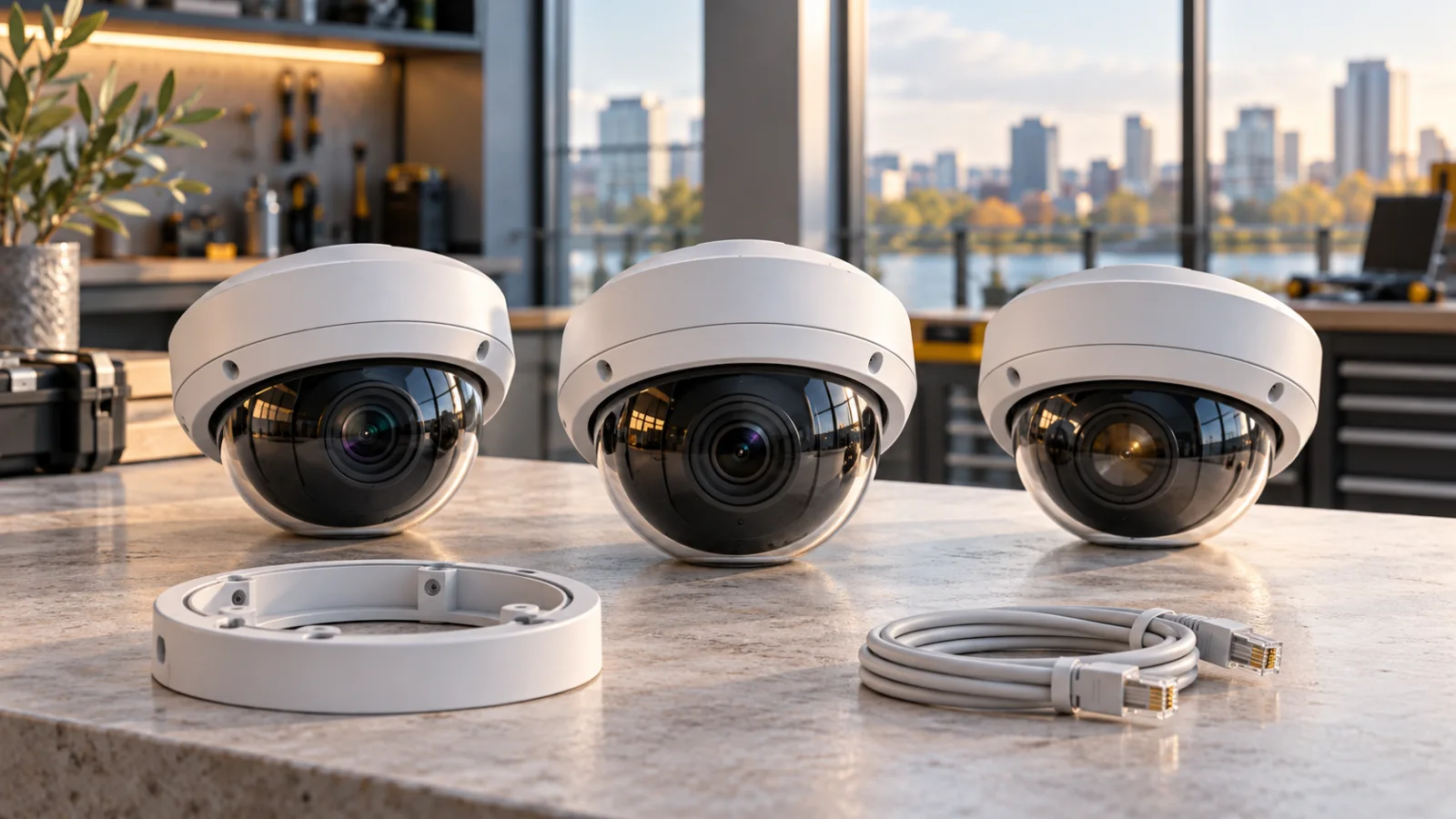
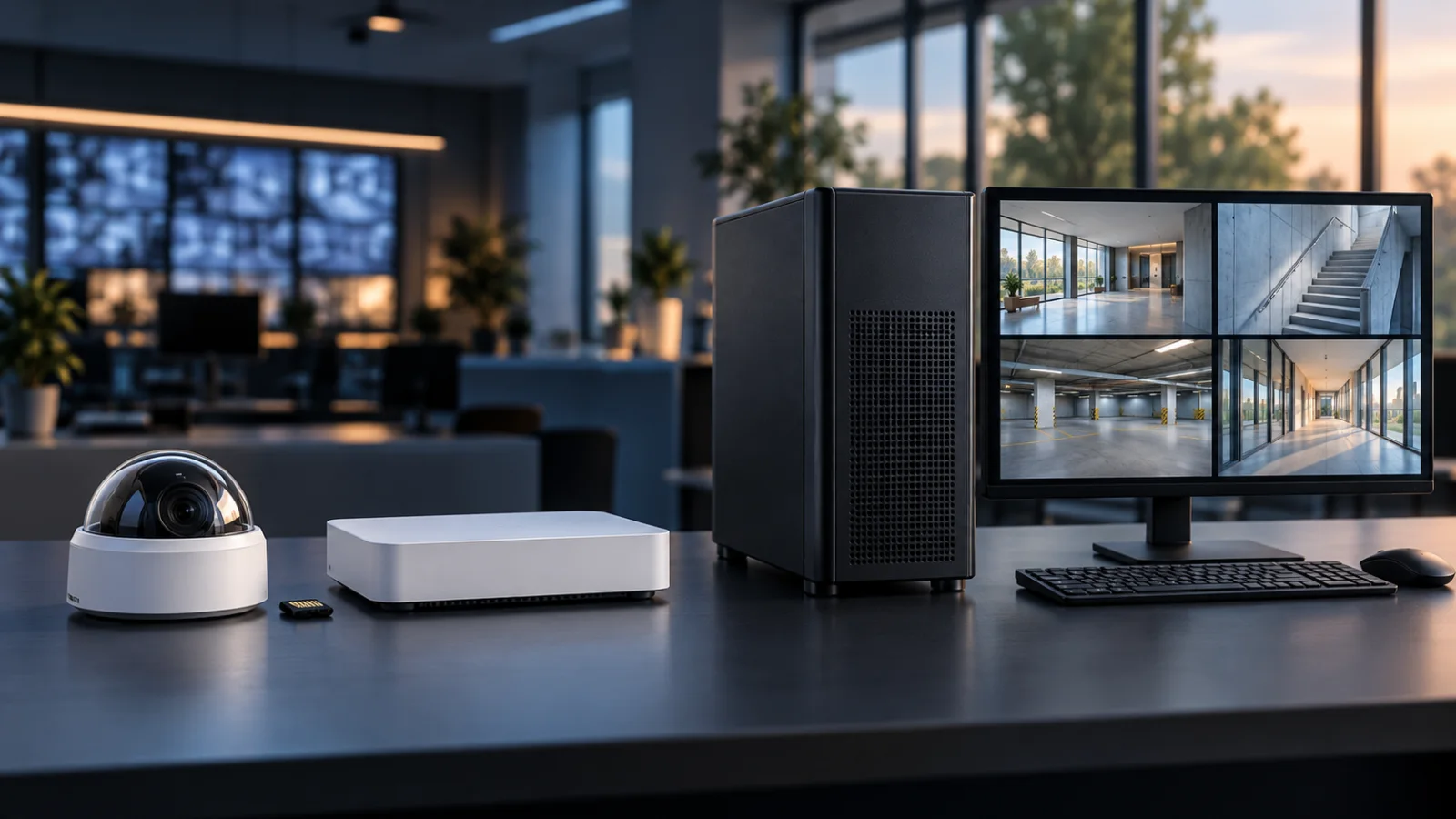
Architecture, licensing and compatibility facts were checked against the official references below. Cost scenarios and buying recommendations are independent editorial guidance. The cover is a conceptual illustration of generic equipment, not an Axis software screenshot or an exact product photograph.
- Camera Station Edge — architecture and included VMS licensing.
- Edge manual — supported recording media, internet requirements and offline mode.
- Camera Station Pro — server-based operation and integrations.
- Pro installation and migration guide — deployment and licensing requirements.
- Pro support and license part numbers — orderable licensing options.
- Axis license guide — subscription and hardware-bound entitlements.
- Pro 6.19 upgrade notice — version-specific changes to verify before upgrading.
FAQ
Is AXIS Camera Station Edge free?
Its base VMS licenses are included with Axis devices. Cameras, storage, networking, installation and any optional paid services remain separate budget items.
Does AXIS Camera Station Pro require an annual subscription?
The answer depends on the server. Third-party server deployments use term licenses, while eligible Axis recording-server bundles have hardware-tied licenses. Check the recorder model, included quantity and any expansion requirements.
What is the difference between Core and Universal licenses?
Core is for Axis devices and Universal is for third-party devices in Camera Station Pro. Verify device compatibility as well as the required license.
Does Camera Station Edge need a recording server?
It does not require a dedicated VMS server. It records using supported storage such as surveillance cards or compatible Axis recorders.
Can Camera Station Edge work without internet?
Setup and management need internet access. An offline mode enabled in advance allows local live view and recordings with limitations; Axis does not position it as a permanent disconnected mode.
Does buying a Universal license make every third-party camera compatible?
No. A license provides the required entitlement; it does not guarantee that a particular camera or every feature of that camera is supported. Validate the exact device before ordering.
Check Current Axis Pricing
Browse the full, daily-updated Axis GPL on GlobalPriceList.com.
View Axis Price List See Axis Price History