Juniper SRX Series Firewall Comparison

Compare Juniper SRX300, SRX1500, SRX1600, SRX2300, SRX4100, SRX4200, SRX4600 and SRX4700 by branch, campus and data-center role.
Key Points
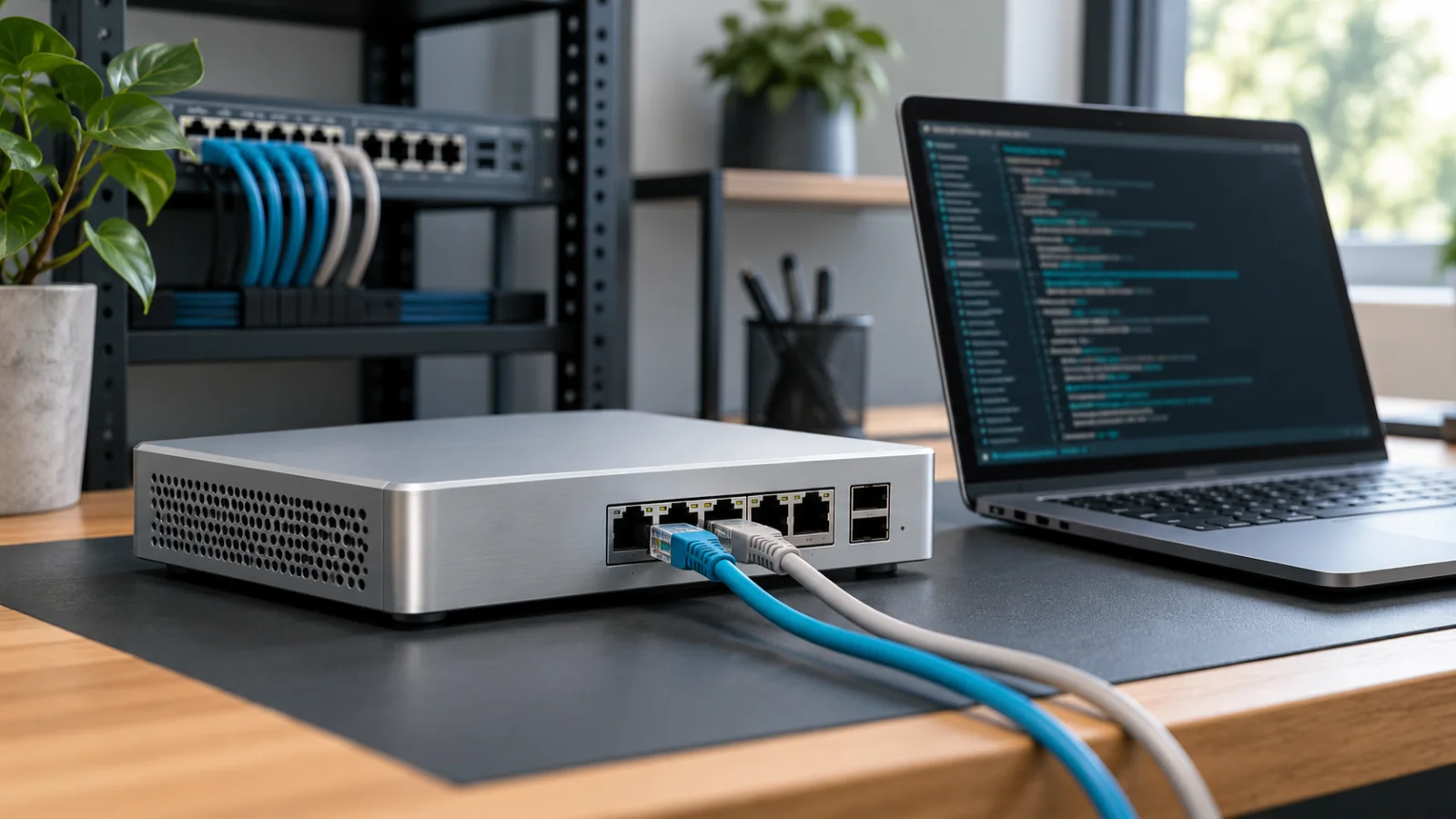
- SRX300 family appliances serve distributed branches; SRX1500/1600/2300 cover larger branch and campus edge; SRX4000 platforms target data-center and high-scale roles.
- Compare IMIX, IPsec and security-services performance rather than relying on large-packet firewall throughput.
- Interface density, PoE, expansion modules, redundant power and rack requirements can decide the platform before throughput does.
- Junos feature licensing, security subscriptions and Mist WAN Assurance are separate commercial decisions from the base appliance.
- High availability should be designed around failure domains, cabling and session behavior, not simply buying two identical boxes.
Juniper SRX Series spans compact branch gateways, campus-edge firewalls and high-throughput data-center platforms. The same SRX name therefore covers radically different roles. This guide maps the current family from SRX300-class branches through SRX4700-scale environments and explains which performance and licensing questions matter before a quote is approved.
How to Compare Juniper SRX Firewalls
Start with the traffic that will actually receive security processing. Large-packet firewall throughput is useful for platform orientation, but branch internet traffic is mixed in size and often uses IPsec, application identification, IPS, antivirus, URL filtering and TLS inspection. Juniper publishes multiple metrics because each feature path consumes different resources.
- IMIX and security performance: closer to a mixed production workload than maximum firewall throughput.
- IPsec scale: important for SD-WAN, site-to-site VPN and remote access.
- Sessions and connections per second: critical for public services, dense campuses and busy hubs.
- Interfaces: count copper, SFP/SFP28/QSFP, WAN modules and required port speeds.
- Resiliency: check redundant power, clustering support and maintenance behavior.
Build the SRX Requirements and Sizing Model
Collect traffic measurements before choosing a platform. Record inbound and outbound peaks, the 95th percentile, short bursts, packet-size mix, concurrent sessions, new connections per second, VPN tunnels, remote users, and expected growth. Separate internet, private WAN, data-center, guest, and inter-zone traffic because each path may use a different inspection policy.
List every enabled service for each path: stateful firewalling, application identification, intrusion prevention, antivirus, URL filtering, TLS decryption, IPsec, NAT, logging, and SD-WAN. A headline firewall figure measured with large packets is not a reliable estimate for a policy that decrypts and inspects mixed internet traffic. Size against Juniper's closest relevant metric and retain margin for updates and growth.
Define routing and segmentation requirements. Count zones, virtual routers or routing instances, dynamic routing peers, VLANs, NAT rules, address objects, and security policies. Check IPv4 and IPv6 together. A device can meet throughput while falling short on interfaces, route scale, session scale, or operational complexity.
Model the failed state. If two appliances form a cluster, each node and its surviving links should carry the required production load during maintenance or failure. Include a simultaneous traffic peak where the business requires it. Document which failures the design protects against: appliance, power supply, circuit, optic, switch, rack, or site.
Juniper SRX Series Map
| Platform group | Typical role | Selection focus |
|---|---|---|
| SRX300 / 320 / 340 / 345 / 380 | Small to large branch | Ports, PoE/module needs, VPN and inspected throughput |
| SRX550 | Modular branch | Interface expansion and installed-base compatibility |
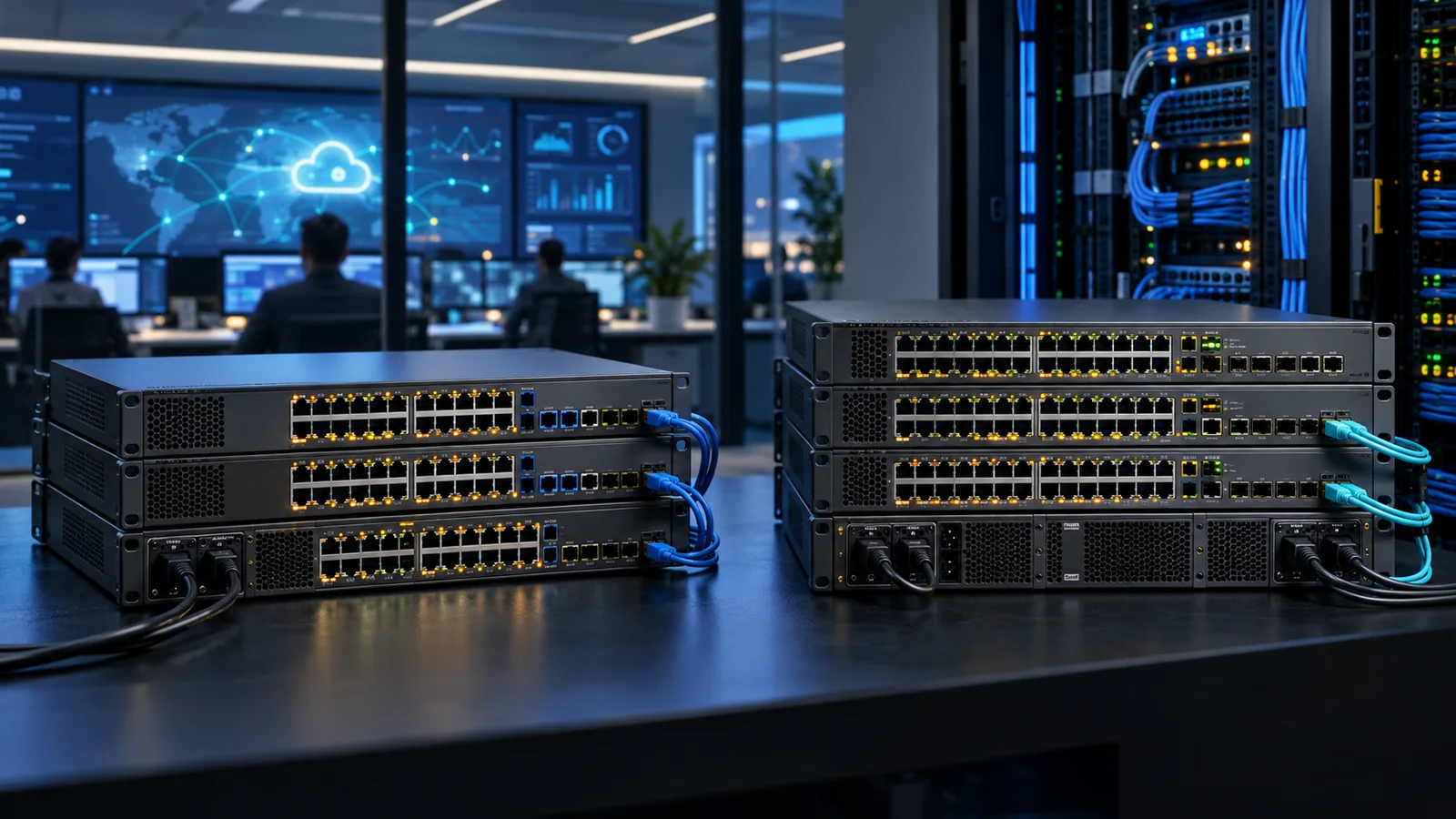
| SRX1500 / 1600 / 2300 | Large branch, campus or regional edge | Higher security throughput, faster interfaces and growth |
| SRX4100 / 4200 / 4300 | Enterprise/data-center edge | Session scale, clustering and data-center connectivity |
| SRX4600 / 4700 | High-capacity data center and service edge | Very high throughput, interface density and service scale |
| vSRX | Private/public cloud and NFV | Virtual CPU, licensing, cloud architecture and throughput tier |
SRX300 Family for Branch Networks
The SRX300 family scales through SRX320, SRX340, SRX345 and SRX380. Juniper's current comparison lists up to 1.9 Gbps firewall throughput for SRX300/320, around 4.7-5 Gbps for SRX340/345 and 20 Gbps for SRX380, with much lower figures for IPS and mixed security workloads. That gap is why a raw firewall number should not be used for an inspected internet edge.
Smaller models fit retail, remote offices and simple branches. SRX340 and SRX345 add capacity and interface options for larger sites. SRX380 brings 10GbE connectivity and materially more headroom while remaining in the branch family. If integrated PoE or specialized WAN modules are needed, verify the specific chassis rather than assuming the whole family has the same ports.
Branch selection is often decided by physical requirements. Confirm copper and fiber handoffs, LTE or external cellular design, switch ports, optional modules, rack format, power inputs, and local replacement procedures. An integrated branch gateway can reduce components, but it also concentrates routing, security, and sometimes switching into one failure domain.
For a fleet, define standard site tiers rather than selecting each appliance from scratch. A small, medium, and large branch profile can simplify templates, spares, support, and capacity reviews. Allow exceptions where traffic, interfaces, or availability justify them, and record the reason so later replacements preserve the design intent.
SRX1500, SRX1600 and SRX2300
These platforms bridge the gap between branch appliances and the SRX4000 data-center class. They suit regional hubs, larger campuses and internet edges that need higher inspected throughput, faster interfaces and more sessions than the SRX300 family. SRX1600 and SRX2300 are newer platforms to evaluate for greenfield designs, while SRX1500 may remain relevant in existing standards and installed environments.
At this tier, plan for high availability, redundant upstream paths and maintenance. The right appliance is the one that meets the security workload after a failure, not only when both cluster members and all circuits are healthy.
Regional and campus edges frequently aggregate traffic from smaller sites, which changes the workload. Count remote VPN and SD-WAN paths, central internet breakout, shared services, and east-west segmentation separately. Check whether faster interfaces solve the real constraint or simply move the bottleneck to inspection, logging, or an upstream circuit.
Greenfield designs should compare the newer platforms with current software and management requirements, while installed environments must include migration effort and compatibility. A higher model number is not by itself a reason to replace a stable standard; lifecycle, capacity, support, and operational benefits should justify the change.
SRX4000 Platforms for Data Centers
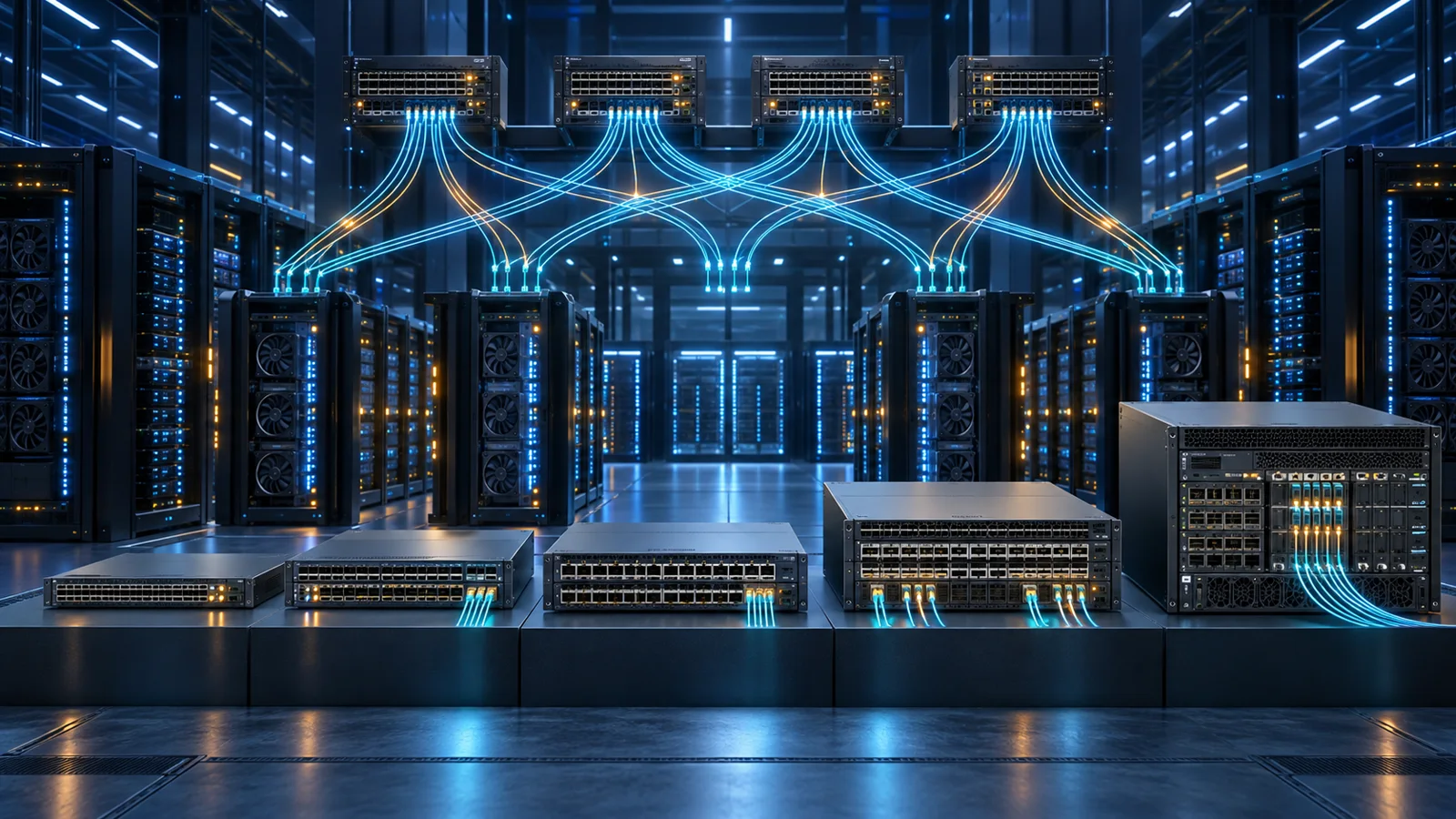
SRX4100, SRX4200, SRX4300, SRX4600 and SRX4700 target progressively larger enterprise and data-center workloads. Juniper's published comparisons show large jumps in firewall, VPN and session scale across this group. The decision is commonly driven by interface speed, traffic growth, east-west segmentation, internet edge capacity, connection rate and cluster design.
Do not treat a data-center firewall as an isolated appliance. Validate switch fabric connectivity, routing convergence, optics, link aggregation, failure behavior, logging capacity and security-management scale. A larger chassis does not repair a design with a single upstream failure domain.
Connection rate and session scale can dominate at public application edges even when bandwidth is moderate. East-west segmentation may create many short flows, while internet services may produce large NAT and logging volumes. Model the expected policy and traffic distribution rather than dividing aggregate throughput evenly across interfaces.
For SRX5000-class or large fixed-platform designs, include chassis components, cards, fabric, power, cooling, and spares where applicable. Validate control-plane and data-plane redundancy, software upgrade method, and how traffic drains during maintenance. The total installed system is the comparison unit, not the base chassis or appliance PID.
Security Services and TLS Inspection
Continuously updated security services can include intrusion prevention, application security, antivirus or malware protection, URL categorization, and threat intelligence. Map each required outcome to the current Juniper subscription and supported platform. Do not assume that a hardware bundle includes every service or that a base Junos license covers cloud-delivered intelligence.
TLS inspection needs a separate capacity and governance decision. Decryption adds processing load and depends on cipher support, certificate deployment, privacy policy, bypass rules, and application compatibility. Estimate the percentage of traffic that will be decrypted and test representative applications. A platform sized for firewall and IPS without decryption may be undersized once encrypted traffic is inspected.
Logging is part of the security design. Define event volume, retention, search, alerting, and integration with the organization's monitoring or SIEM platform. Excessive logs without storage or ownership do not improve security. Insufficient logs can make incident response and policy tuning impossible. Size management and analytics alongside the firewall cluster.
High Availability and Failure Domains
An SRX chassis cluster protects against appliance failure when control links, fabric links, redundancy groups, and data interfaces are designed correctly. Draw both the normal and failed traffic paths. Connect cluster members to independent upstream and downstream infrastructure where the requirement calls for it, and avoid shared power or switching that silently defeats the redundancy goal.
Decide how sessions behave during failover, how routing converges, and what loss applications can tolerate. Validate link aggregation, dynamic routing timers, NAT, VPN, and asymmetric traffic behavior. Test maintenance procedures before production, including a node reboot, link loss, circuit loss, and return to normal service.
Capacity must be sufficient on the surviving node and path. Running both nodes near their individual limit during normal operation leaves no safe failure mode. Reserve headroom for traffic growth, signature updates, incident spikes, and software behavior changes during the planned service life.
Security Licensing, Junos and Mist
The base appliance and Junos feature set do not automatically include every security service. Advanced threat prevention, URL filtering and other continuously updated services can require subscriptions. Management may use Junos CLI, Juniper Security Director or, for supported WAN use cases, Juniper Mist WAN Assurance.
Mist WAN Assurance is a cloud subscription that adds SD-WAN operations, service-level expectations and AI-driven troubleshooting for supported SRX platforms. It is not the same entitlement as the appliance's security services. The Mist AI and licensing guide provides the broader management context.
Separate appliance software, security services, centralized management, support, and WAN Assurance on the bill of materials. Confirm the license metric, device class, term, renewal date, and high-availability treatment for each component. Normalize competing proposals to the same features and duration before comparing discounts.
Choose the operating model as deliberately as the appliance. CLI and automation may suit an engineering-led network, while Security Director or cloud assurance can provide centralized policy, telemetry, and workflow. Define administrator roles, configuration review, backups, software policy, alert ownership, and escalation before deployment.
SRX Deployment Examples
Small branch: A retail or remote office with modest inspected internet traffic and several VPN paths may fit the lower SRX300 family. Check physical ports and failover connectivity as carefully as bandwidth. If the appliance also provides local switching, document the larger impact of a replacement or reboot.
Large branch or regional hub: Higher inspected throughput, 10GbE interfaces, many tunnels, or centralized breakout can move the design toward SRX380, SRX1500, SRX1600, or SRX2300 classes depending on the measured load and lifecycle requirements. A hub must be sized for the branches that depend on it during the busiest and failed states.
Campus internet edge: A redundant pair should be selected from security throughput, session rate, TLS inspection, logging, and upstream/downstream redundancy. Include routing peers, public addressing, NAT, guest traffic, remote access, and maintenance behavior in acceptance testing.
Data-center segmentation: SRX4000 or larger platforms may fit high session and throughput requirements, but the design must also cover fabric attachment, east-west traffic symmetry, route scale, optics, management capacity, and application failover expectations.
SRX Buying Checklist
- Measure current and projected peak traffic by security policy.
- Compare IMIX, IPS, IPsec and TLS inspection metrics.
- Count sessions, new connections, VPN tunnels and routing scale.
- Confirm every physical interface, optic and expansion module.
- Design cluster links, upstream redundancy and failure capacity.
- List Junos features, security subscriptions and management licenses separately.
- Check current SRX hardware and service SKUs on https://globalpricelist.com/juniper.
Request an itemized proposal showing both appliances where required, power, modules, optics, software, security subscriptions, management, cloud assurance, support, and implementation. Ask the reseller to state the performance assumptions and Junos release used for sizing. Keep the approved requirements and dated bill of materials with the deployment record.
After installation, baseline throughput, sessions, CPU, memory, VPN health, interface errors, security-event volume, and failover time. Review headroom before circuit upgrades, inspection-policy changes, or site aggregation. This keeps the model decision aligned with the workload as the network evolves.
Use a written acceptance plan covering normal and failed states. Test internet and private routing, NAT, published applications, application identification, IPS, URL policy, malware controls, TLS bypasses, site-to-site and remote-access VPN, logging, time synchronization, administrator access, backup, restore, and cluster failover. Compare results with the requirements rather than treating a successful ping as proof of readiness.
Establish a rule-review and software-maintenance cycle. Remove unused objects and policies, verify overly broad rules, review subscription health, test backups, and stage software on a representative system. Security effectiveness and performance can change as policy, signatures, traffic, and encryption evolve, so the original sizing assumptions should be revisited at least before major service or circuit changes.
Connect the firewall decision to the surrounding network. The EX switching guide covers campus access and core roles, while the QFX guide covers high-speed data-center fabrics. Interface speed, routing, redundancy, and optics must align across those layers for the SRX design to deliver its expected capacity.
After selecting the platform, use our SRX configuration and troubleshooting guide to follow a lab connection through interfaces, zones, policy and source NAT before expanding the design.
Sources
- SRX Series Comparison - HPE Juniper Networking
- Security Products Comparison Chart - Juniper Networks
- Mist WAN Assurance Overview - Juniper Networks
FAQ
Which Juniper SRX is best for a branch office?
SRX300 family models cover most branch sizes, from SRX300/320 for small sites through SRX380 for higher capacity and 10GbE needs. Size from inspected traffic, VPN, sessions and ports.
What is the difference between SRX300 and SRX380?
SRX380 offers substantially more throughput, sessions and faster interfaces. Both are branch platforms, but SRX380 targets much larger and more demanding sites.
Which SRX models are for data centers?
SRX4100, 4200, 4300, 4600 and 4700 target enterprise and data-center roles at increasing scale. Large SRX5000 chassis serve still larger environments.
Does SRX hardware include all security subscriptions?
No. Continuously updated security services and management products can be separate entitlements. Check the complete bill of materials.
Can Juniper Mist manage SRX firewalls?
Supported SRX platforms can use Mist WAN Assurance for cloud-based SD-WAN operations and assurance. Confirm platform, Junos release and subscription compatibility.
Check Current Juniper Pricing
Browse the full, daily-updated Juniper GPL on GlobalPriceList.com.
View Juniper Price List See Juniper Price History