Cisco Catalyst 1200 vs 1300 vs 1300X
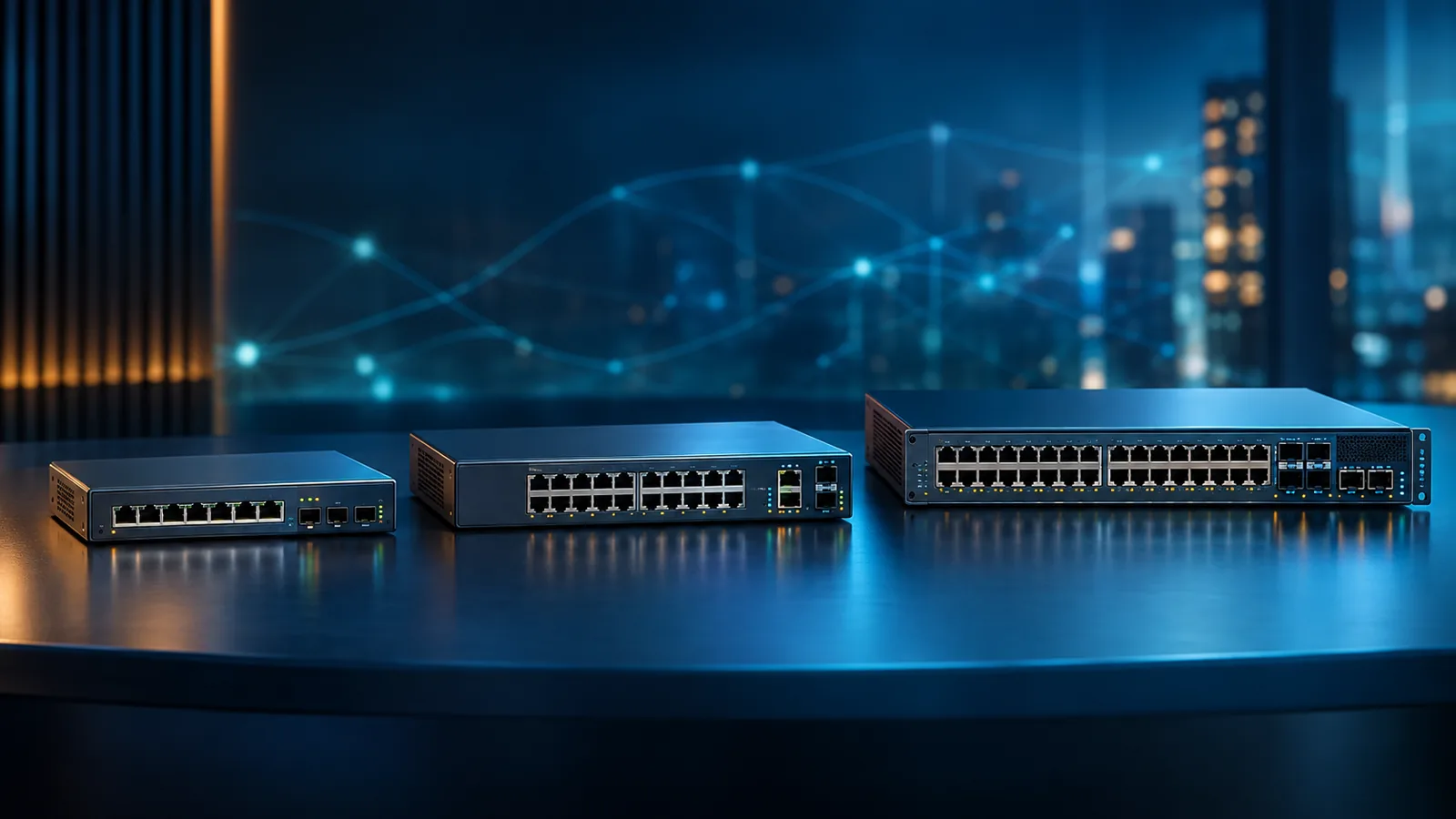
Compare Cisco Catalyst 1200, 1300, and 1300X switches by routing, stacking, multigigabit ports, PoE budget, uplinks, and the branch or SMB networks each tier fits best.
Key Points
- Catalyst 1200 is the value tier for managed Layer 2 switching and static Layer 3 routes; it does not provide true physical stacking.
- Catalyst 1300 expands the model range and adds stackable options for growing branches and small-to-medium business networks.
- Catalyst 1300X adds OSPFv2/v3, selected 5G multigigabit ports, selected 60W PoE++ ports, and faster 25G stacking links.
- A 25G-capable SFP28 interface on 1300X runs at 25G only when configured for stacking; Cisco lists 10G as the maximum regular network-port speed.
- These switches use Cisco Business Dashboard and do not follow the mandatory Catalyst 9000 DNA subscription model.
Cisco Catalyst 1200, 1300, and 1300X switches target small and medium-sized businesses, retail locations, hospitality networks, and enterprise branches that need more control than an unmanaged switch without moving immediately to the Catalyst 9000 campus portfolio. The names look close, but the practical differences are substantial: the 1200 emphasizes affordable managed access, the 1300 adds a broader hardware range and true stacking on supported models, and the 1300X brings faster multigigabit access, 60W PoE++, OSPF, and higher-bandwidth stacking.
The correct choice starts with the network design rather than the highest model number. A quiet eight-port switch connecting office endpoints has different requirements from a 48-port stack powering Wi-Fi 7 access points. This guide separates the three families by capability, explains the model-name clues, and identifies the extra components that should be included in a realistic bill of materials.
Quick Answer: 1200, 1300, or 1300X?
Choose Catalyst 1200 when you need reliable managed Layer 2 switching, VLANs, access controls, PoE+ on selected models, and a limited amount of static Layer 3 routing. It is the straightforward value choice for a small office or single-switch site where physical stacking and dynamic routing are not requirements.
Choose Catalyst 1300 when the site needs a wider choice of port speeds and PoE budgets, or when multiple supported switches must operate as one managed stack. It is the balanced option for a growing business, larger branch, school, hotel, or retail environment that needs more scale but does not require the full Catalyst 9000 operating model.
Choose Catalyst 1300X when the access layer must power higher-draw devices, provide 2.5G or 5G connectivity on selected models, use OSPF dynamic routing, or build a stack with faster inter-switch links. It is especially relevant to branch Wi-Fi 7 rollouts, but only when the selected SKU has the port mix and PoE budget the access points actually require.
How the Three Series Differ
| Capability | Catalyst 1200 | Catalyst 1300 | Catalyst 1300X |
|---|---|---|---|
| Primary role | Value managed access | Advanced SMB/branch access | High-performance SMB/branch access |
| Layer 3 | IPv4/IPv6 static routing | Broader Layer 3 feature set | Advanced Layer 3 plus OSPFv2/v3 |
| Physical stacking | No | Up to 8 on supported models | Up to 8, with higher stacking bandwidth |
| Access-port ceiling | Primarily 1G | 1G, 2.5G, and selected 10G models | 1G, 2.5G, and selected 5G mGig |
| Maximum PoE per selected port | PoE+ up to 30W | PoE+ up to 30W | PoE++ up to 60W on selected ports |
| Management | Cisco Business Dashboard, mobile app, web interface, CLI, and SNMP | ||
This table describes the family direction, not every individual SKU. Cisco sells data-only and PoE models, several uplink combinations, fanless compact units, and higher-capacity switches within the same series. Always validate the exact product ID rather than assuming that a family-level feature is present on every model.
Cisco Catalyst 1200: Managed Access at the Lowest Tier
The Catalyst 1200 is designed for networks that have outgrown consumer or unmanaged switching. It supports VLANs, Spanning Tree, link aggregation, quality of service, access-control lists, 802.1X-related access controls, IPv4/IPv6 management, and static Layer 3 routing. That is enough to separate staff, voice, camera, and guest traffic and to route a modest number of internal networks without asking the internet firewall to handle every inter-VLAN flow.
The routing distinction matters. Catalyst 1200 can use static routes, but it is not the series to choose when the switch fabric must learn and reconverge routes dynamically. Static routing is appropriate for a predictable site with a small number of subnets. As the number of paths, buildings, or upstream routers grows, manually maintained routes become operational overhead and a 1300X or Catalyst 9000 design may be more appropriate.
Selected Catalyst 1200 models provide PoE+ for phones, cameras, and many access points. PoE+ describes what an individual compatible port can negotiate; the switch-wide power budget determines how many devices can draw that power simultaneously. An eight-port switch with a 67W budget and a model with a 120W budget can have very different deployment limits even when both say “PoE+.”
Use the 1200 for a single-switch branch, small retail location, meeting space, or office where cost, quiet operation, and simple management matter more than stack resiliency. If the design already requires several switches in one closet, faster wireless access ports, or dynamic routing, evaluate the upper families before standardizing.
Cisco Catalyst 1300: More Scale and More Hardware Choice
Catalyst 1300 is the broad middle tier. The portfolio covers compact 1G access switches, 24- and 48-port models, PoE budgets up to hundreds of watts, multigigabit variants, and selected 10G access configurations. This range makes the family flexible, but it also means “Catalyst 1300” alone is not a complete specification.
One of the most useful distinctions from Catalyst 1200 is true front-panel stacking on supported 1300 models. Up to eight compatible switches can be configured and managed as a single unit. Stacking can simplify configuration and expand port density, but it does not remove the need to plan failure domains. Uplinks, stack topology, power sources, software compatibility, and spare stack cables still determine how the system behaves when a member or link fails.
The 1300 family also includes multigigabit and 10G-oriented SKUs. For example, Cisco lists models with a mix of 1G and 2.5G access ports plus SFP+ uplinks, as well as models with 10G copper and/or SFP+ interfaces. These are useful when servers, storage, workstations, or wireless access points need more than 1G, but buying 10G everywhere is rarely the most efficient answer. Map the faster ports to named endpoints and validate the cabling standard and distance.
Choose the 1300 when a branch needs stackable access switching, when port or uplink options in the 1200 line are too limited, or when a standard SMB switching platform must cover several site sizes. If OSPF, 5G access, or 60W PoE is a firm requirement, move the comparison to the 1300X.
Cisco Catalyst 1300X: OSPF, 5G mGig, PoE++, and Faster Stacking
Catalyst 1300X builds on the 1300 operating model rather than replacing it with Catalyst 9000 software. Its most important additions are technical: OSPFv2 and OSPFv3 for dynamic routing, 2.5G and 5G multigigabit access on selected models, IEEE 802.3bt PoE++ delivering up to 60W on selected ports, and SFP28 interfaces that can form 25G stacking links.
There is an important qualification on those SFP28 ports. Cisco documents 25G when the interfaces are configured for stacking; as regular network uplinks, the listed maximum is 10G. A purchasing table that labels them simply “25G ports” can therefore create the wrong expectation. Decide how many ports will be consumed by stacking and how many remain for network uplinks before finalizing the topology.
The 1300X model name also signals the physical port mix. The C1300X-24MU-4X provides 24 2.5G multigigabit access ports and four SFP28 interfaces. The C1300X-10NU-2X provides ten 5G multigigabit access ports and two SFP28 interfaces. The C1300X-24NGU-4X and C1300X-48NGU-4X combine 1G access ports with eight 5G multigigabit ports and four SFP28 interfaces. Exact PoE capabilities and budgets still vary by SKU.
OSPF makes the 1300X relevant when the branch switch participates in a routed topology and needs automatic path calculation and convergence. It does not automatically make the platform equivalent to a Catalyst 9300: software architecture, scale, automation, telemetry, segmentation, redundancy, and lifecycle requirements remain different. For a larger enterprise campus, compare the Catalyst 9200, 9300, and 9500 families as a separate design decision.
Model and Feature Comparison
| Example model | Access ports | Uplinks / stack ports | Best-fit use |
|---|---|---|---|
| C1200 compact models | 8 to 16 1G, model-dependent | 1G uplinks, model-dependent | Small office or retail access |
| C1200 24/48-port PoE | 24 or 48 1G | Typically 1G or 10G, model-dependent | Cost-focused access closet |
| C1300-24/48P or FP-4X | 24 or 48 1G PoE+ | 4 x 10G SFP+ | Stackable branch access |
| C1300-24MGP-4X | 16 x 1G + 8 x 2.5G mGig | 4 x 10G SFP+ | Mixed client and AP access |
| C1300X-24MU-4X | 24 x 2.5G mGig | 4 x SFP28; 25G for stacking | Dense multigigabit access |
| C1300X-10NU-2X | 10 x 5G mGig | 2 x SFP28; 25G for stacking | Compact high-speed AP edge |
| C1300X-48NGU-4X | 40 x 1G + 8 x 5G mGig | 4 x SFP28; 25G for stacking | Large mixed-speed branch closet |
Model suffixes help narrow the list, but they should not replace the data sheet. Confirm the number of powered ports, total PoE wattage, fan behavior, power input, rack kit, uplink media, stacking support, and regional power cord for the exact PID. Include optics and stack cables as separate line items where required.
PoE and Wi-Fi 7 Planning
Wi-Fi 7 is a common reason to compare 1300X with the lower tiers. A modern access point can need more than 1G of wired throughput and may require a higher PoE class to run every radio and feature without restrictions. That does not mean every AP automatically requires 5G and 60W. Use the access point data sheet to record its negotiated Ethernet rate, recommended power source, maximum draw, and behavior under reduced power.
Calculate PoE twice: once for normal operation and once for the intended failure mode. If two switches share powered endpoints through a migration or if a redundant power plan expects one supply to carry the full load, the remaining budget must still support critical APs, cameras, and phones. Reserve reasonable growth, but avoid paying for a maximum-power configuration on every port when only a small set of devices can use it.
Cabling can be the hidden constraint. 2.5G and 5G Ethernet are designed to extend higher speeds over suitable installed copper, but actual support depends on cable category, length, termination quality, and interference. Test representative links before assuming an older building can run every multigigabit port at its maximum speed.
Management, Software, and Licensing
All three families are positioned around Cisco Business Dashboard and the Cisco Business mobile app, with web, CLI, and SNMP options for different operating styles. The dashboard can discover, configure, monitor, and manage supported business-network devices, while the embedded probe on supported switches can reduce the need for a separate on-site appliance.
Cisco states that the Catalyst 1200 and 1300/X families do not require a separate software license for normal operation and that software updates are available without an added license or service requirement. This is an important total-cost distinction from Catalyst 9000 purchasing, where hardware, network entitlements, subscription terms, and support are normally evaluated together.
License-free does not mean cost-free over the lifecycle. Budget for the correct hardware, power supplies, optics, mounting hardware, spares, operational monitoring, and any support service selected beyond the included warranty terms. Also confirm whether the management method and firmware train meet the organization’s backup, audit, authentication, and vulnerability-response requirements.
Which One Should You Buy?
Small office with one switch: Start with Catalyst 1200. Choose the port count and PoE budget from an endpoint inventory, then confirm that static routing is enough for the site. A data-only model is appropriate when no powered endpoints are planned.
Growing branch with several access switches: Start with Catalyst 1300. Select compatible stackable models and design dual uplinks to the upstream firewall or core. Use multigigabit ports only where the endpoint plan justifies them.
Wi-Fi 7-heavy branch: Start with Catalyst 1300X when selected access points need 2.5G/5G and PoE++. Match AP power requirements to the specific 60W-capable ports and validate the total budget. Do not assume all ports deliver 60W concurrently.
Routed branch or small campus: Catalyst 1300X is the candidate when OSPF is required. Validate route scale and the exact features used in the design. If the network also requires Catalyst Center automation, SD-Access, deeper enterprise segmentation, or Catalyst 9000 resiliency, compare the 9300 instead of stretching the 1300X beyond its intended role.
Buying Checklist
- Count 1G, 2.5G, 5G, and 10G endpoint requirements separately.
- Calculate the total PoE budget and the maximum power needed by each device.
- Decide whether static routes are sufficient or OSPF is required.
- Confirm whether physical stacking is required and reserve the necessary interfaces.
- List SFP/SFP+ optics, stack cables, rack kits, and power cords explicitly.
- Check fanless or acoustic requirements for switches installed in occupied rooms.
- Validate copper category and fiber type before selecting faster interfaces.
- Compare warranty and support response with the site’s downtime tolerance.
A good quote should identify the complete switch PID and every accessory rather than using a family name. Normalize proposals around the same port map, PoE load, uplink design, stacking plan, support level, currency, and delivery assumption before comparing price.
Checking Current MSRP
Pricing can vary significantly between data-only, PoE, multigigabit, and high-power variants that appear similar in a product list. Search the Cisco switches catalog on GlobalPriceList.com by exact part number to review current MSRP, then use that reference to check whether reseller quotes include the same hardware and accessories.
Related guides: For enterprise campus alternatives, read Cisco Catalyst 9200 vs 9300 vs 9500. For higher-throughput campus refreshes, see what changed in the Catalyst 9000X generation.
Sources
FAQ
What is the main difference between Cisco Catalyst 1200 and 1300?
Catalyst 1200 is the lower-cost managed tier with static Layer 3 routing, while Catalyst 1300 offers a broader model range and true physical stacking on supported models for larger or growing networks.
What does Catalyst 1300X add?
Catalyst 1300X adds OSPFv2/v3, selected 2.5G and 5G multigigabit access ports, selected 60W PoE++ ports, and higher-bandwidth stacking using SFP28 interfaces.
Are the Catalyst 1300X SFP28 ports 25G network uplinks?
Cisco documents 25G operation when those ports are configured for stacking. When configured as regular network ports, their maximum supported speed is 10G.
Do Catalyst 1200, 1300, and 1300X switches require a subscription?
Cisco states that these business switching families do not require a separate software license for normal operation and include software updates without an additional license or service requirement.
Where can I compare current Cisco switch MSRP?
GlobalPriceList.com provides a searchable Cisco switch catalog that is updated daily and can be searched by exact part number.
Check Current Cisco Pricing
Browse the full, daily-updated Cisco GPL on GlobalPriceList.com.
View Cisco Price List See Cisco Price History