Cisco C9350 Smart Switches: Model and Buying Guide
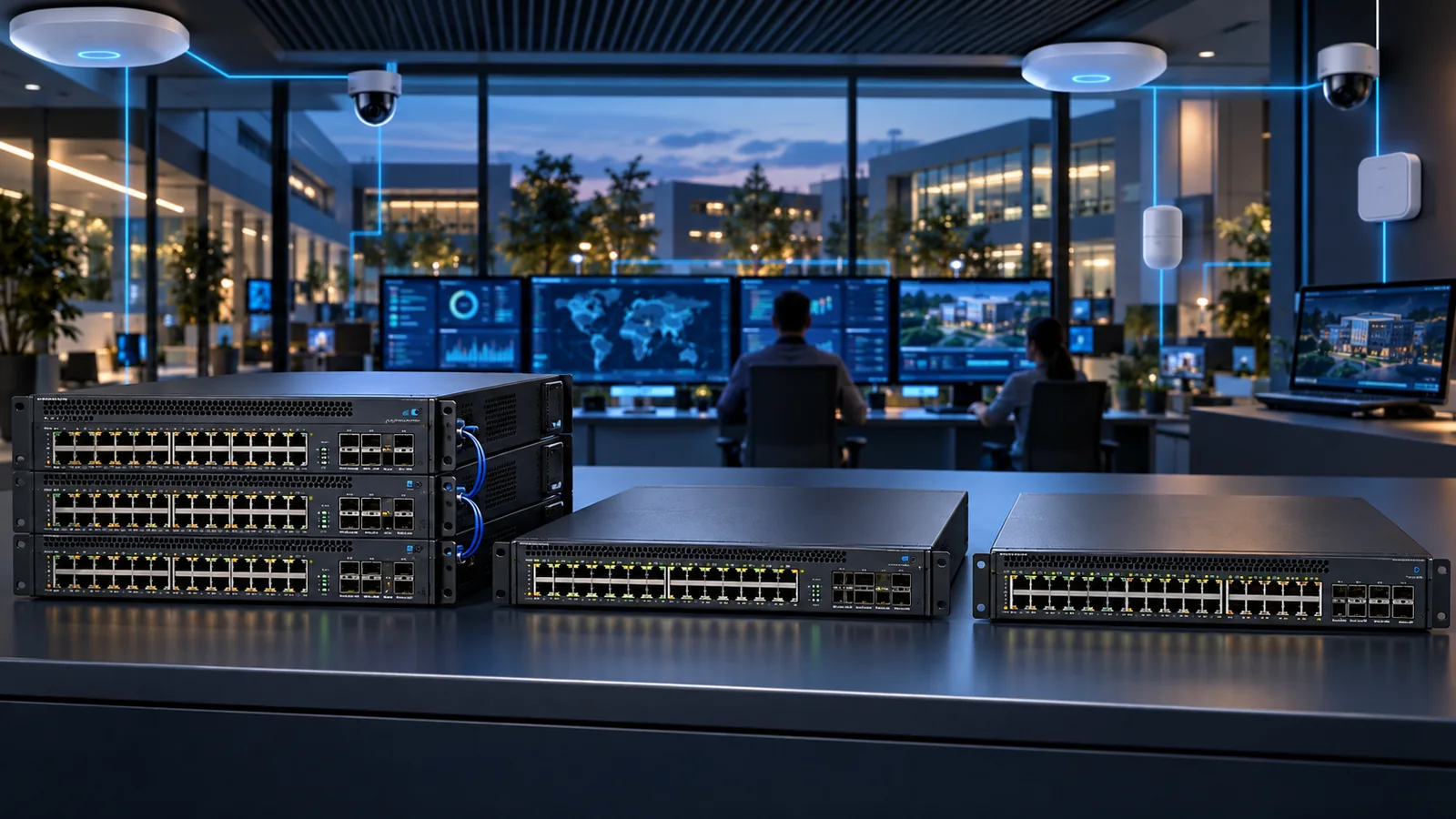
Choose the right Cisco C9350 Smart Switch for 1G, multigigabit, Wi-Fi 7, UPOE+, fiber and high-density access, including stacking, uplinks and licensing.
Key Points
- C9350 is Cisco’s stackable smart-switch access family built on Silicon One with unified hardware, licensing and support across cloud, on-premises and hybrid management choices.
- P models provide standard PoE+, U models add 60W UPOE, and HX/TX multigigabit models target Wi-Fi 7 and high-speed endpoints.
- The family supports StackWise-1.6T, modular high-speed uplinks and redundant power, with capacity depending on the exact model and network module.
- Choose from required downlink speed, PoE per port, total power budget, uplink bandwidth, stack design and management mode—not only port count.
- Subscription, power supplies, fans, network modules, stacking cables, optics and support must be included in the complete order.
Cisco C9350 Series Smart Switches are the newer high-performance stackable access family for enterprise campuses. The platform combines Cisco Silicon One switching, up to 10Gbps multigigabit downlinks, high-power PoE, fast modular uplinks and StackWise-1.6T with a unified approach to hardware, software licensing and support.
The family is broad. A C9350-48P serves a very different edge from a C9350-48HX, even though both have 48 copper ports. The correct choice starts with endpoint speed and power, then verifies uplink modules, stack bandwidth, power supplies, management mode and subscriptions.
What Is the Cisco C9350 Series?
C9350 switches are fixed, stackable campus access platforms. Cisco positions them for secure high-density enterprise access, smart buildings and Wi-Fi 7. Models cover conventional 1GbE copper, high-power UPOE, dense multigigabit copper and fiber access. The series uses modular uplinks and redundant power options so the same family can fit multiple access tiers.
The platform supports cloud, on-premises and hybrid operational choices through Cisco's unified networking direction. Exact feature availability, onboarding and subscriptions depend on the selected software option and release. Confirm the intended mode before ordering.
Cisco C9350 Model Map
| Model group | Downlinks | Power profile | Best fit |
|---|---|---|---|
| C9350-24T / 48T | 24 or 48 x 1GbE copper | No PoE | Data-only enterprise access |
| C9350-24P / 48P | 24 or 48 x 1GbE copper | Up to 30W PoE+ per port | Phones, cameras, standard APs and IoT |
| C9350-24U / 48U | 24 or 48 x 1GbE copper | Up to 60W UPOE per port | Higher-power cameras, lighting and smart building endpoints |
| C9350-24HX / 48HX | Dense 1/2.5/5/10GbE multigigabit | Up to 90W UPOE+ | Wi-Fi 7 and high-power high-speed access |
| C9350-48TX | 48 x multigigabit, data focused | Model-specific; verify exact power profile | High-density multigigabit access |
| C9350-24S / 48S, 12Y / 24Y | Fiber access variants | Not endpoint PoE | Fiber edge and specialized aggregation |
This is a role map, not the complete ordering table. The family also includes additional mixed-speed models. Verify each PID's exact downlink mix, PoE budget, ASIC count, supported network modules and power options in the current data sheet.
PoE, UPOE+ and Wi-Fi 7 Access
P models provide conventional PoE+ for endpoints up to 30W per port. U models raise the per-port class to 60W UPOE. HX models are designed for the most demanding powered edge, combining multigigabit speeds with up to 90W UPOE+ on supported ports. That makes HX the natural candidate for dense Wi-Fi 7, advanced cameras and building systems.
Per-port capability is only one part of PoE sizing. Calculate the total simultaneous switch budget with the installed power supplies and the desired redundancy mode. A switch may support 90W on a port without having enough total budget to deliver 90W to every port under all PSU failure conditions.
For Wi-Fi 7, map every AP's negotiated power and wired speed. A high-end AP connected at 1GbE or reduced PoE can disable features or create a bottleneck. Validate Cat6A or appropriate cabling where 5/10GbE is required, especially on longer runs and in high-interference environments.
Fast PoE and Perpetual PoE features can preserve endpoint power through selected events, but maintenance and software behavior must be tested. Do not promise uninterrupted cameras or access points without validating the exact power-cycle scenario and release.
StackWise-1.6T and Modular Uplinks
C9350 supports StackWise-1.6T, giving the stack a high-bandwidth internal fabric and a single operational system. Cisco documents stacks of up to eight switches for supported designs. Stacking can simplify uplink distribution and operations, but it also creates software, cabling and maintenance dependencies that should be designed explicitly.
Choose stack cables from physical rack layout and resilience. Use a complete supported ring, document cable paths and avoid creating a hidden single point where one maintenance action disconnects both directions. Confirm mixed-model stack support and software compatibility before combining SKUs.
Modular uplinks allow 10, 25, 40, 50 or 100Gbps combinations depending on the switch and network module. The HX class can support very high aggregate uplink bandwidth, while standard access models may need less. Size uplinks from expected access traffic, oversubscription, east-west flows, failure state and the distribution-layer design.
Optics and breakout cables must be validated against the exact module, software and far-end platform. Include spare optics and cleaning procedures. A switch quote without the uplink module, transceivers and stacking accessories is not deployable.
Management, Licensing and Security
C9350 is designed around a unified experience across management environments. Organizations can align with Cisco on-premises campus operations, cloud management or a hybrid approach, subject to the ordered software option and supported lifecycle. Define where configuration authority, assurance, firmware and identity policy will live.
The platform supports advanced segmentation, telemetry and security capabilities, including scalable ACLs, TrustSec, MACsec on supported links and application visibility. Some features depend on subscription tier, management platform, hardware model or software release. Build licensing from required outcomes rather than choosing the lowest tier first.
Record the complete subscription term, support entitlement, management dependencies and renewal owner. Hardware, software and support are intentionally packaged as a system, so comparing chassis MSRP alone can be misleading.
Which C9350 Model Should You Buy?
Standard office with phones and cameras: Start with C9350-24P or 48P when 1GbE and 30W PoE+ meet every endpoint. Use T models only when no endpoint power is required.
Smart building: C9350 U models suit high-density 1GbE endpoints that need up to 60W. Confirm total PoE budget and failure-state power before standardizing.
Wi-Fi 7 campus: C9350 HX models provide the clearest fit for dense multigigabit and UPOE+ requirements. Match AP count, 5/10GbE cabling, network module and distribution capacity.
Fiber access: Evaluate S and Y variants where endpoints or intermediate closets use fiber. Confirm optic types, distances and whether the role is access or aggregation.
Mixed campus: Use different C9350 models by closet profile while keeping software and operational standards consistent. Overbuying HX everywhere can waste power and budget; underbuying standard 1GbE access can force an early replacement for Wi-Fi 7.
C9350 Buying Checklist
- Count 1G, 2.5G, 5G, 10G and fiber endpoints per closet.
- Calculate per-port and total PoE for normal and PSU-failure conditions.
- Select 24/48-port density and leave realistic growth capacity.
- Choose the supported uplink module, optics and distribution ports.
- Design the StackWise ring, cable lengths, member mix and maintenance process.
- Select management mode, software subscription and support term.
- Include power supplies, fans, stack kits, rack accessories and spares.
- Validate software, feature and transceiver compatibility before order approval.
Checking Current MSRP
Search the Cisco switch catalog on GlobalPriceList.com using exact C9350, network-module, power-supply, stacking and subscription PIDs. Compare complete configurations and common terms. For established campus alternatives, review the Catalyst 9200 vs 9300 vs 9500 guide.
Sources
FAQ
What is the Cisco C9350?
C9350 is a family of stackable enterprise access smart switches using Cisco Silicon One, modular uplinks, high-speed stacking and flexible cloud or on-premises operations.
Which C9350 is best for Wi-Fi 7?
HX multigigabit models are the strongest fit when APs require 2.5/5/10GbE and high-power UPOE+. Validate the exact AP power and port requirements.
What is the difference between P, U and HX models?
P models provide standard 30W PoE+, U models provide up to 60W UPOE on 1GbE ports, and HX models combine dense multigigabit access with up to 90W UPOE+.
How fast is C9350 stacking?
The family supports StackWise-1.6T, providing up to 1.6 Tbps of stack bandwidth in supported configurations.
What must be ordered with a C9350 switch?
The complete order may need software subscriptions, support, power supplies, fans, uplink modules, optics, stacking cables and rack accessories in addition to the base switch.
Check Current Cisco Pricing
Browse the full, daily-updated Cisco GPL on GlobalPriceList.com.
View Cisco Price List