FortiGate HA: Active-Passive vs Active-Active
Choose the right FortiGate HA mode with a practical guide to capacity after failure, session pickup, licensing, topology and application recovery tests.
Key Points
- Size each member for the workload it must carry after the other appliance fails.
- Active-active does not automatically double throughput; benefits depend on the supported traffic and inspection mode.
- Test application recovery, not just ping replies, and review session failover limitations.
- Confirm the exact hardware, subscription entitlements and redundant network paths before ordering.
For a branch that needs resilience, start by evaluating an active-passive FortiGate pair sized so one appliance can carry the full production workload. Consider active-active only when testing shows that its supported load-balancing behavior benefits your actual traffic. Two appliances do not automatically deliver twice the usable firewall capacity.
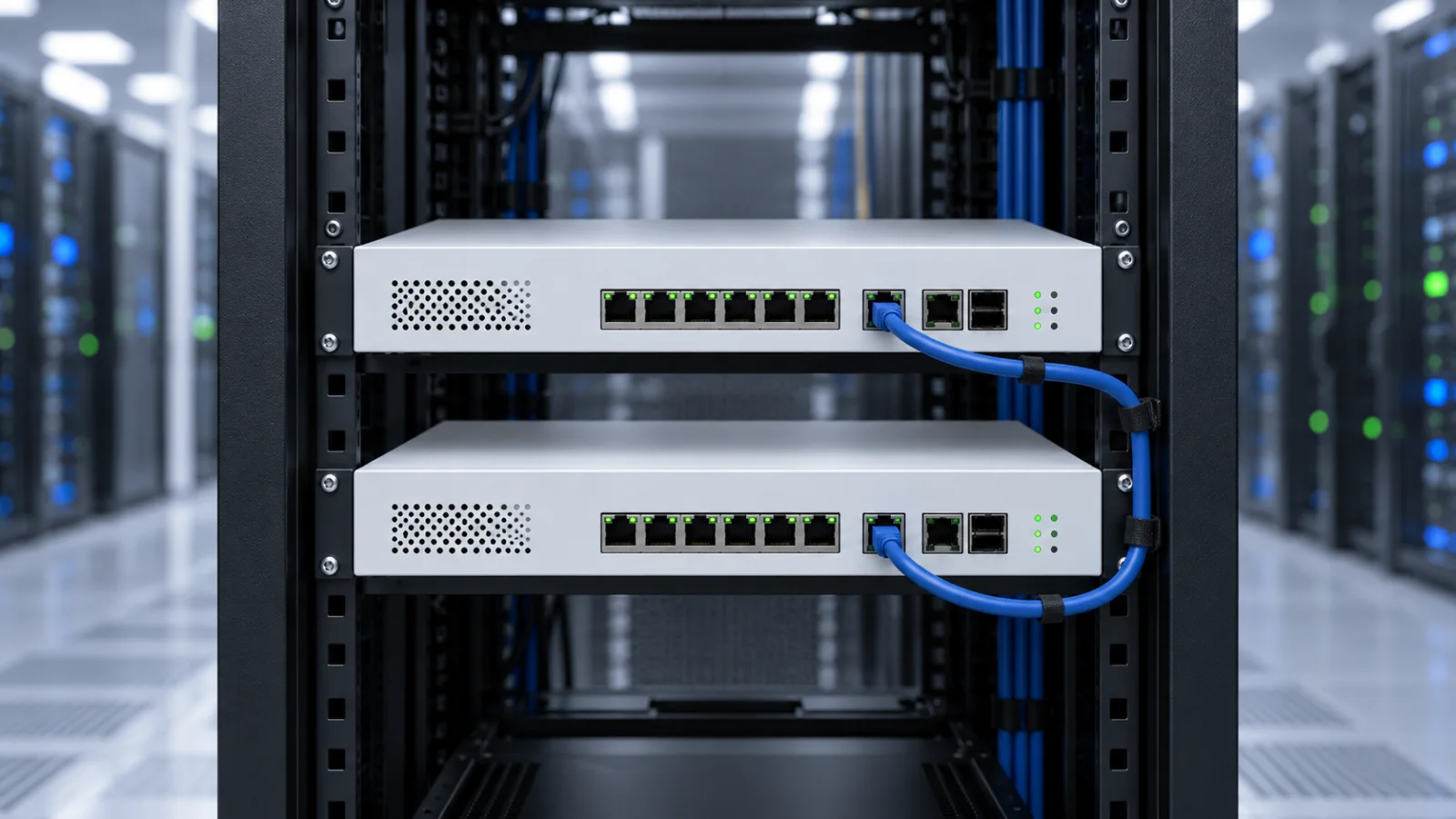
This guide explains the buying and design decision for a conventional FortiGate Clustering Protocol (FGCP) deployment. It is not a universal configuration template for every chassis, cloud platform or FortiOS release. The cover depicts conceptual equipment rather than an exact FortiGate model.
Active-Passive vs Active-Active: The Practical Difference
| Question | Active-passive | Active-active |
|---|---|---|
| Normal traffic processing | Primary handles production traffic; another member provides standby capacity | Primary distributes eligible sessions or processing among members |
| Main reason to choose it | A straightforward availability objective | A measured benefit for a supported workload |
| Two-node failure scenario | Surviving appliance must carry the workload | Surviving appliance must also carry the workload |
| Capacity assumption | Plan around one member's usable capacity | Do not add two datasheet numbers together |
| Acceptance test | Application recovery and capacity after takeover | Those checks plus demonstrated load-balancing benefit |
Fortinet documents that active-active distributes proxy-based security processing by default. Broader TCP load balancing is optional and can add overhead rather than improve performance. HTTPS inspection also has specific restrictions. Read the HA and load-balancing documentation for the target release before estimating a performance gain.
Size the Firewall for the Day One Member Fails
The useful capacity question is simple: can the remaining appliance run the required security policy during a busy period? A pair that performs acceptably only when both devices are available has not met a requirement to maintain full service after a failure.
Use measured busy-hour traffic, concurrent sessions, new connections, encrypted-traffic inspection and growth expectations. Raw firewall throughput alone does not describe the workload of a branch that enables intrusion prevention, malware scanning and deep inspection. Our FortiGate 40F, 50G, 60F, 70G and 90G comparison explains the relevant appliance metrics.
For example, imagine a branch whose normal peak inspected traffic is 600 Mbps. That is a planning input, not a recommendation for a particular model. Test the intended policy at that load on one surviving member, then consider growth and operational headroom. The correct margin depends on the workload and service objective; an arbitrary percentage cannot replace that test.
Record what may be reduced during a failure. Some organizations can postpone backups or bulk transfers; others need every application to continue at normal capacity. Agree on that distinction before procurement, so a cheaper pair is not later judged against a requirement it was never sized to meet.
Check the Pair Before Ordering the Second Unit
Fortinet's standard FGCP requirements call for matching models, firmware and hardware configuration. A similar product name is insufficient: confirm the exact appliance and storage variant. See the FGCP requirements, then check any platform-specific exceptions and the supported upgrade process for your chosen release.
When adding HA to an existing firewall, start with an inventory of that device. Document its model, interfaces, optics, software, support entitlement and current configuration. Make the supplier quote identify both members clearly rather than describing the purchase as one firewall plus an unspecified spare.
Also confirm physical installation details. Rack space, power feeds, cable reach and access for replacement matter during an outage. An otherwise correct pair becomes difficult to maintain if removing one appliance disturbs the other device's power or uplinks.
Two Firewalls Do Not Remove Every Single Point of Failure
Trace the path from the user to the internet on a simple network drawing. Circle any component whose failure disconnects both appliances: a shared switch, one carrier handoff, one power strip or a single upstream router. Decide which risks the project is intended to address.
Keep heartbeat and synchronization design explicit. Fortinet explains that session synchronization consumes heartbeat bandwidth and can surge when a member joins or rejoins. Its heartbeat interface guidance is a useful starting point; validate cabling, redundancy and bandwidth against the actual platform.
A device outage and an upstream service outage are different tests. A carrier problem beyond a still-connected Ethernet port may require a different detection and routing response. Write down what each monitored condition is supposed to detect instead of assuming that every loss of internet access should trigger a firewall role change.
Session Pickup Helps, but Application Recovery Is the Test
In the documented FGCP behavior, enabling session pickup synchronizes TCP session state. Preserving UDP and ICMP state requires the connectionless setting as well. Fortinet explicitly says TCP recovery is not guaranteed under every condition; see session pickup.
Inspection mode matters too. Fortinet documents limits for proxy-inspected sessions and notes that failed-over flow-based sessions are not inspected after takeover. Sessions terminating on the firewall have separate behavior and exceptions. Review the session failover limitations for your release and security requirements.
A successful ping is therefore only one observation. Include a business application transaction, a voice call, a file transfer and the VPN workflow your staff use. Record whether each operation continues, reconnects automatically or needs user intervention. That evidence is more useful than calling the design “seamless.”
Compare the Complete HA Quote
Budget the hardware, subscriptions and support for the complete design. Do not assume a passive appliance automatically receives every entitlement from the primary. Fortinet does offer a single-FortiGuard-license arrangement for certain eligible active-passive configurations, with specific model, SKU and software conditions. Confirm eligibility in writing using the Fortinet licensing guidance.
Our ATP, UTP and Enterprise licensing guide helps separate the security bundle from support. Use the Fortinet price-list catalog for part-number research, then request a current quote that states the coverage and term for the proposed pair.
| Quote item | Question to resolve |
|---|---|
| Two exact appliance SKUs | Are the members compatible, including storage and hardware configuration? |
| Security subscriptions | Which services are covered, on what entitlement basis and for how long? |
| Support and replacement | What is the replacement process and service level for each unit? |
| Optics, cables and power | Does the price include the full redundant installation? |
| Deployment and testing | Who validates failover and documents the recovery procedure? |
A Failover Acceptance Plan That Measures User Impact
Agree on a maintenance window, recovery access and a rollback plan before testing a live network. Use a lab or staging environment first where practical. The following is an acceptance checklist, not an instruction to disconnect production equipment without preparation.
- Establish a baseline: Confirm member health, configuration synchronization, application behavior and resource usage.
- Exercise a member failure: Measure application interruption and the surviving unit's capacity under representative load.
- Test the network paths separately: Verify the intended response to upstream and downstream failures.
- Observe rejoining: Confirm synchronization, stable roles and application behavior when the recovered member returns.
- Test the operational handover: Have the support team identify the active member, find the event and follow the recovery record.
Write a result for each application, including recovery time and whether an action was needed. Repeat the relevant checks after material topology, policy or software changes. Retain the evidence alongside the configuration backup so future maintainers know what the design has actually demonstrated.
Which Mode Should You Choose?
Our recommendation for a conventional branch availability project is to evaluate active-passive first. It provides a clear planning question: can one correctly sized firewall continue the required service? This is an editorial starting point, not a claim that it fits every network.
Choose active-active when your platform supports it and a representative test demonstrates a benefit worth the additional design and troubleshooting work. In either mode, buy for the failure condition, document licensing and validate applications. The strongest HA proposal explains what happens when something breaks, not only how the pair behaves on a quiet day.
Sources and Scope
Official Fortinet references are linked beside the relevant claims above. Documentation was reviewed on October 29, 2026. The cited versions explain specific behavior; they are not a recommendation to install those releases. Check your platform's current release notes, compatibility and upgrade guidance before implementation. The sizing example and acceptance checklist are original planning aids, not benchmark results.
FAQ
Does active-active FortiGate HA double throughput?
No. The result depends on the traffic, inspection mode, platform and load-balancing settings. Validate the real workload, including performance when only one member remains.
Can different FortiGate models form a normal FGCP pair?
Standard FGCP requirements call for the same model, firmware and hardware configuration. Verify exact variants and platform-specific requirements before ordering.
Does session pickup guarantee uninterrupted calls and applications?
No. Recovery depends on session type, inspection mode and application behavior. Test actual applications and review the limitations documented for your FortiOS release.
Does the passive FortiGate need a subscription?
Confirm entitlement for the complete pair. Some eligible active-passive configurations support a single FortiGuard license arrangement, but it is subject to model, SKU and software conditions.
Is active-passive the better choice for every network?
No. It is a useful starting point for a conventional branch availability design. Active-active needs a supported use case and evidence that load balancing benefits the intended workload.
Check Current Fortinet Pricing
Browse the full, daily-updated Fortinet GPL on GlobalPriceList.com.
View Fortinet Price List