FortiGate 400G vs 400F: Upgrade and Buying Guide
Compare FortiGate 400G and 400F for an enterprise firewall refresh: inspected throughput, 25G connectivity, FortiOS compatibility, HA migration and total cost.
Key Points
- 400G adds a useful new option for enterprise-edge refreshes, especially when the project needs faster interfaces and more inspected-traffic headroom.
- Compare the required security workload and physical connections before comparing chassis prices.
- Replacing a 400F with a 400G requires a migration plan; the two models cannot form a conventional FGCP HA pair.
- Validate FortiOS and management compatibility before ordering, then price software, optics, support and rollout together.
Fortinet announced the FortiGate 400G in May 2026, adding a new option for enterprise-edge firewall refreshes. For an organization already using the 400F, the useful question is whether the new hardware solves a measurable capacity, connectivity or operating requirement.
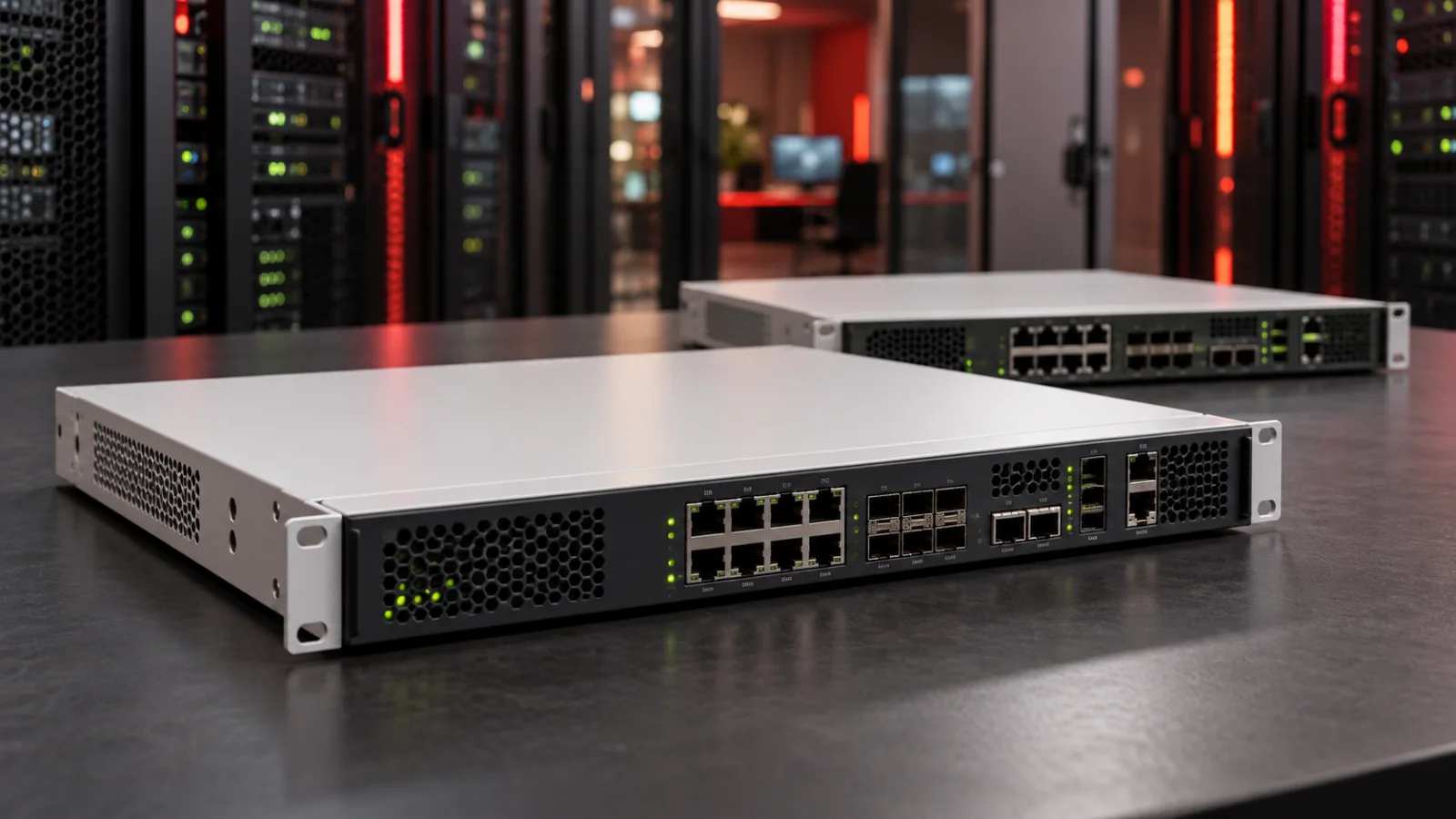
This comparison focuses on that decision: what changes, what needs testing, and which costs belong in the quote. Technical references were checked on October 19, 2026. The cover is a conceptual illustration of generic firewall appliances.
FortiGate 400G or 400F: Which Should You Choose?
Put 400G on the shortlist for a new deployment or a substantial capacity upgrade. Its interface mix and published security performance make it worth evaluating where the next refresh includes faster aggregation links or increased inspection. Require a pilot with the intended security policy before treating a specification as an acceptance result.
For a working 400F deployment, first establish the reason to replace it. Review peak load, session behavior, interface utilization, support requirements and future traffic. Retaining adequate equipment can avoid migration effort; buying more of an existing platform should still be justified against the complete alternative. A newer model announcement alone is not evidence of an older model's end-of-support date.
400G vs 400F: The Practical Differences
| Item | FortiGate 400G | FortiGate 400F |
|---|---|---|
| Published threat protection | 13 Gbps | 9 Gbps |
| Faster fiber interfaces | Four 25/10GE and four 10/1GE | Four 10/1GE and four 10GE ULL interfaces |
| Copper data interfaces | Eight ports supporting up to 5GbE | Sixteen 1GbE ports |
| Additional fiber access | Sixteen 1GE SFP interfaces | Eight 1GE SFP interfaces |
Threat-protection figures are from Fortinet's current firewall comparison. Interface details are from the official 400G hardware architecture and 400F hardware architecture references. Dedicated management and HA ports are not included in the data-interface rows.
The table also shows why a higher model generation is not an upgrade in every port category. A design using many direct copper connections needs a port-by-port migration map. Do not assume the replacement chassis can accept the existing patching unchanged.
Size the Security Workload, Not Just the Internet Circuit
Fortinet describes its threat-protection test as firewall, IPS, application control and malware protection with logging enabled. Treat the published result as a defined benchmark. It is not a promise of the same throughput with every TLS inspection policy, file mix, VPN workload or packet distribution.
Our recommended sizing worksheet separates internet traffic, traffic between internal segments, encrypted tunnels and traffic that will undergo TLS decryption. Record peak sessions and connection creation rates as well as bandwidth. A firewall inspecting internal flows may see substantially more work than the internet-link utilization suggests.
As an example, an 8 Gbps inspected-traffic target sits close to a 9 Gbps benchmark. That is a reason to investigate growth and operating margin, not to declare the 400F suitable from the headline alone. A 13 Gbps benchmark makes the 400G a candidate to test, but the real policy still determines the outcome.
For an active-passive pair, set the acceptance target for one surviving appliance. Test application response, logs and recovery during failover. Do not budget as though two appliances automatically provide twice the usable security capacity.
If the workload is substantially smaller, compare the FortiGate 90G, 120G and 200G options before committing to the 400 class.
25G Connectivity Changes the Surrounding Bill of Materials
A faster interface is useful only when the complete path supports it. Specify the far-end switch port, transceiver or DAC, fiber type, distance and required redundancy. Include both ends of every new link in the quote and check the vendor compatibility requirements for the exact hardware.
Fortinet documents a particular low-latency path for the 400F's X5-X8 ULL ports: traffic must enter and leave through those interfaces to benefit. The 400G architecture instead connects its front-panel data interfaces through the integrated switch fabric to NP7. A deployment built around that specific 400F path deserves a latency test during migration, rather than an assumption that every port behaves identically.
For a campus refresh, draw the failure state as well as the normal topology. Check that the remaining uplink, switch and firewall path can carry the required traffic after a component fails. Spare optics and documented cable labels can matter more during a maintenance window than an unused maximum port speed.
Check FortiOS Support Before Planning the Cutover
Fortinet's 400G/401G upgrade-path technical note, updated in September 2026, states that these models do not support FortiOS 7.4.x. It identifies a model-specific 7.6.6 build and confirms their inclusion in the Upgrade Path Tool. Although the article title still refers to their absence, its updated body says they are now included.
This matters when an existing 400F estate is standardized on another release. Confirm the target model's supported build, upgrade path, known issues and FortiManager/FortiAnalyzer compatibility. An architecture document's version number should not be treated as a recommendation to install that release.
A 400F and 400G cannot form a conventional FGCP HA pair. Fortinet's cluster replacement guidance requires matching models, hardware configurations and firmware builds. Plan the new pair separately rather than replacing one member of the old pair with the different model.
Prepare an interface mapping, policy review, certificate inventory and routing plan. Validate configuration conversion in a lab, retain the existing configuration and agree on rollback criteria. Include remote access, authentication, IPsec peers and monitoring in the acceptance checklist, not only a successful internet connection.
Compare Licensing, Support and Migration Together
Ask for comparable three- or five-year proposals covering the same security services, appliance quantity and support response. Record renewal dates and what is bundled with each hardware line. For an HA design, require the supplier to identify the service entitlements for both members and any program-specific conditions.
Our FortiGate ATP, UTP and Enterprise licensing guide provides the bundle context. The procurement task here is to verify exact SKUs and inclusions: a discounted chassis can still produce the more expensive complete project when optics, subscriptions, logging and migration are added.
Keep lifecycle and availability separate from price. Obtain current support and ordering information for the specific product before approving a long-term purchase. Do not infer a support deadline from the F or G suffix.
What to Put on the Purchase Checklist
- Required inspected throughput, TLS workload, sessions and realistic growth.
- Exact hardware variant, logging destination and retention requirements.
- Port map, supported optics, far-end switch capacity and spare links.
- Validated FortiOS build, management compatibility and migration approach.
- HA quantity, failure-state capacity and tested rollback procedure.
- Security subscriptions, support response, renewal term and implementation cost.
Search the Fortinet firewall price-list catalog with the exact product IDs, then obtain a configuration-specific quote. List prices are reference data; availability, discounts, taxes and the final installed cost vary. For a broader selection process, use our FortiGate buying guide.
Sources
- Fortinet G-series announcement, May 6, 2026 — launch context and benchmark definition.
- Fortinet firewall product comparison — published threat-protection figures.
- FortiGate 400G/401G fast path architecture — interface inventory and data path.
- FortiGate 400F/401F fast path architecture — interfaces and ULL behavior.
- Fortinet technical note on 400G/401G firmware and upgrade paths — read the updated body for current tool availability.
- Replacing a failed FortiGate cluster unit — matching hardware, firmware and licensing prerequisites.
FAQ
Is FortiGate 400G automatically the right replacement for 400F?
No. Compare the actual security workload, interface requirements, software compatibility, support and migration cost. A measured requirement should drive the upgrade.
Can I add a 400G to a 400F FGCP HA pair?
No. Conventional FGCP clustering requires matching models and compatible hardware and firmware. Plan a separate replacement pair and a validated migration.
Does a 25G port mean 25 Gbps of inspected traffic?
No. Interface speed and security-processing capacity are different measurements. Validate the complete policy and traffic mix before accepting the design.
Check Current Fortinet Pricing
Browse the full, daily-updated Fortinet GPL on GlobalPriceList.com.
View Fortinet Price List