FortiGate Firewall Buying Guide: How to Pick the Right Model
A practical guide to sizing a FortiGate next-gen firewall - matching throughput and user count to a series, and understanding UTP, ATP, and Enterprise licensing.
Key Points
- Size a FortiGate by real-world SSL-inspected throughput and concurrent user count, not the raw firewall throughput number on the spec sheet.
- The FortiGate lineup runs from desktop entry models (40F-90G) through mid-range (100F-600F) to enterprise/data center (1800F-4200F) and hyperscale (7000 series).
- UTP, ATP, and Enterprise Protection are bundled FortiGuard license tiers, not hardware choices - the same appliance can run any of them.
- FortiGuard services (IPS, AV, web/DNS filtering, App Control, sandboxing) are what make a FortiGate a next-gen firewall rather than a plain packet filter.
- Plan HA (active-passive or active-active clustering) and interface/power redundancy before you finalize a model, not after.
Picking a FortiGate model is easy to get wrong in both directions: undersize it and your SSL inspection throughput collapses the moment real traffic hits it, oversize it and you've paid for chassis capacity and licensing tiers you'll never touch. Fortinet's FortiGate line spans everything from a device that sits under a receptionist's desk to chassis-based hyperscale platforms built for carrier data centers, and the model number alone doesn't tell you which one fits your network. This guide walks through how to translate your actual throughput and user-count needs into a FortiGate series, how the UTP/ATP/Enterprise licensing bundles differ, and what to plan for around FortiGuard services and high availability before you request a quote.
Sizing Fundamentals: Throughput, Users, and What the Spec Sheet Doesn't Tell You
The single biggest sizing mistake buyers make is reading the "firewall throughput" number on a datasheet and assuming that's what they'll get in production. That number is typically measured with large packet sizes and no security profiles enabled - essentially a best-case, stateless-inspection figure. Once you turn on IPS, application control, and especially SSL/TLS deep inspection (which is now the default expectation for any NGFW deployment, since the majority of web traffic is encrypted), throughput drops substantially, often by 60-90% depending on the platform and inspection depth. When you're comparing models, look specifically at the "NGFW throughput" and "threat protection throughput" figures, and even more specifically at SSL inspection throughput, because that's the number that will actually govern real-world performance under load.
Beyond raw throughput, size for concurrent sessions and new sessions per second, not just megabits or gigabits. A branch office with thirty employees on cloud apps and video calls can generate a surprisingly high session count relative to its raw bandwidth, and running out of session table capacity causes dropped connections long before you hit a bandwidth ceiling. Also account for the specific features you plan to run at scale - full SD-WAN with multiple overlay tunnels, a large number of IPsec VPN tunnels for site-to-site connectivity, or SSL VPN for a large remote workforce - since each of these consumes CPU and memory independently of firewall throughput. Fortinet builds custom security processing units (SPUs) into most of its mid-range and higher models specifically to offload this work from the general-purpose CPU, which is why two firewalls with similar CPU specs can perform very differently once security profiles are turned on.
A reasonable rule of thumb: size for your busiest expected hour two to three years out, not your average traffic today, and always size against the security-profile-enabled throughput figure rather than the headline number. If you're not sure what your current usage looks like, an existing firewall's logs or a short traffic assessment will get you a defensible number to size against.
FortiGate Series Overview: Entry to Hyperscale
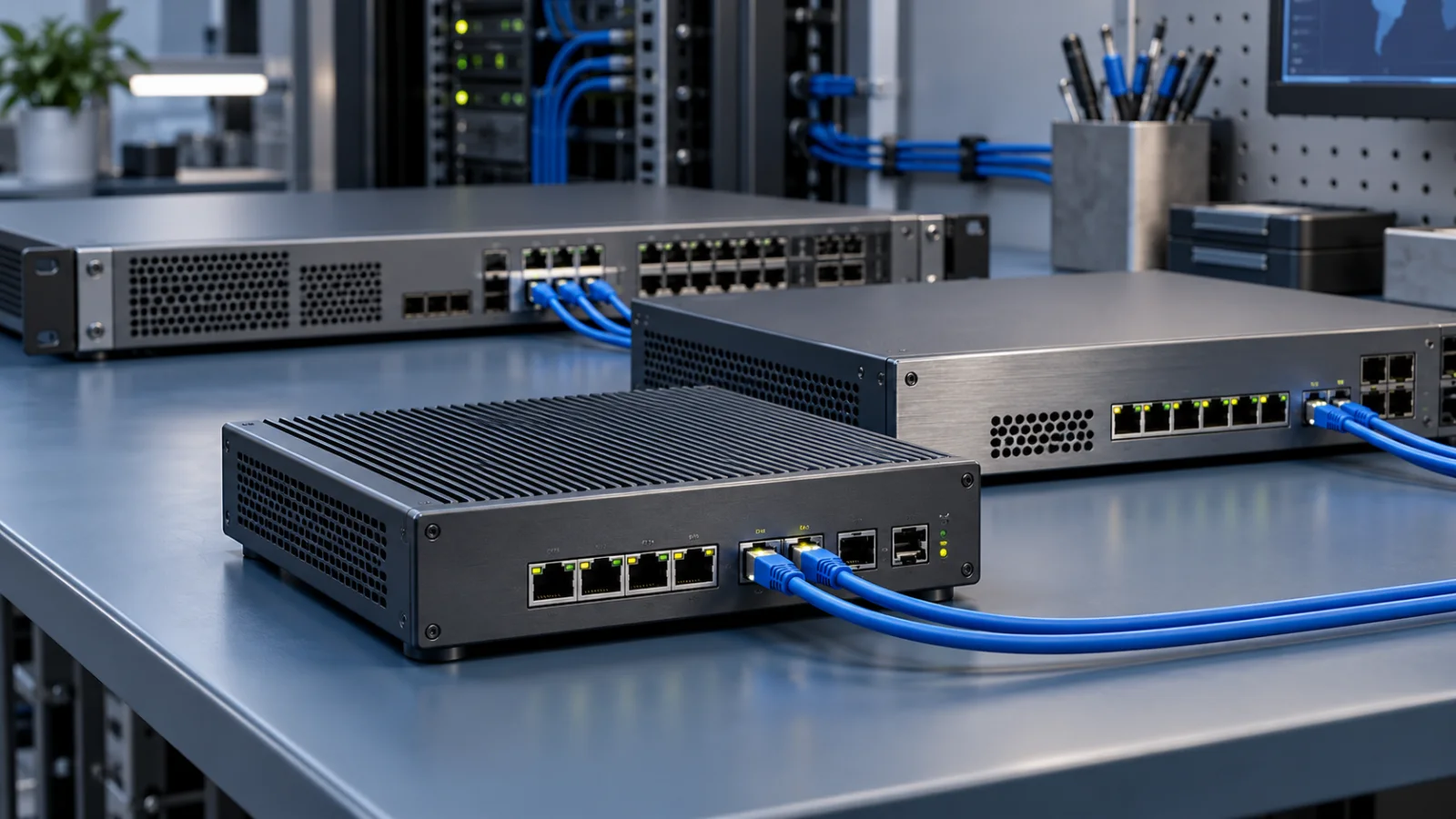
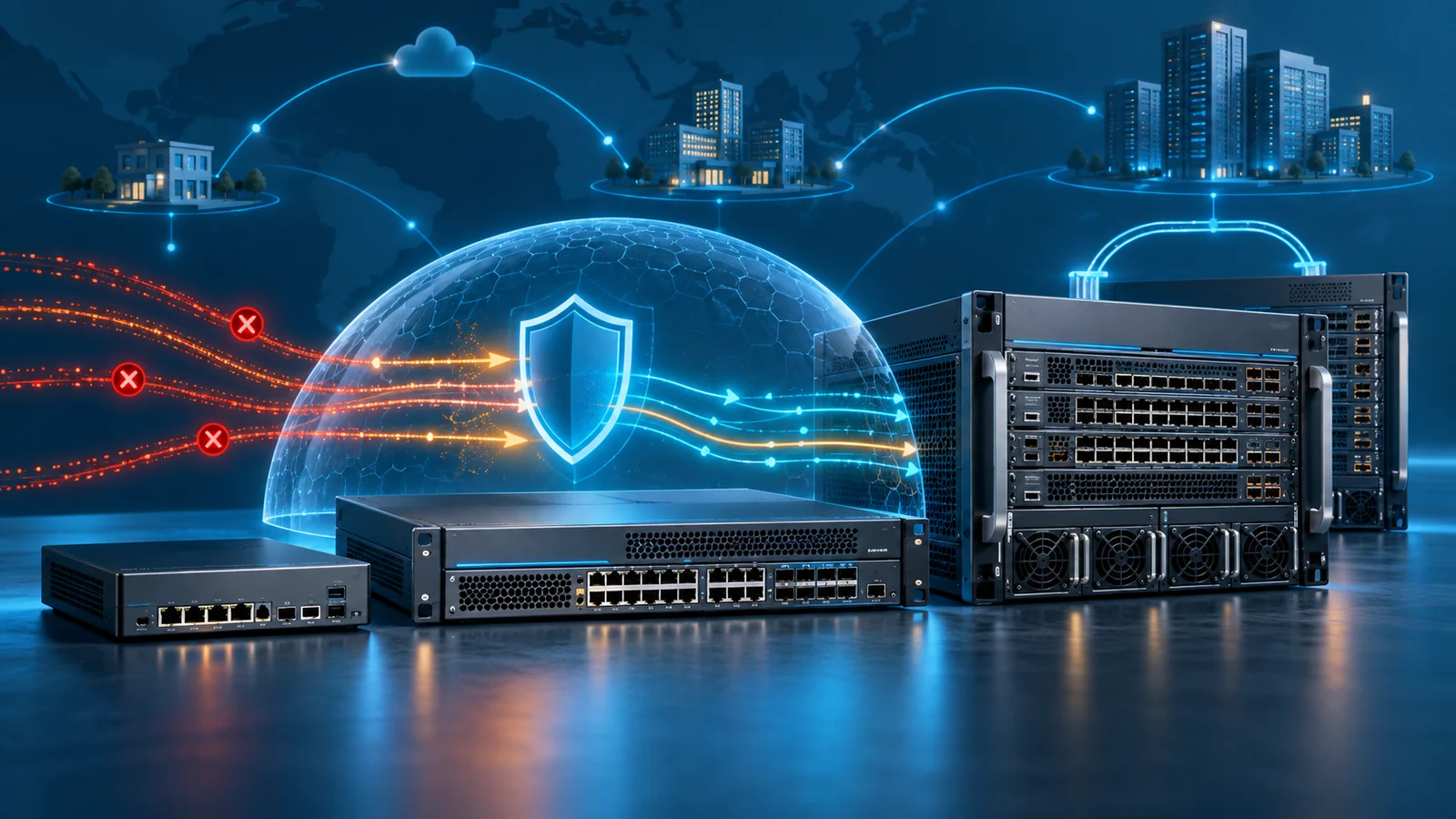
Fortinet organizes the FortiGate line into tiers that roughly track deployment scale: entry-level desktop and rack-mount units for small sites, mid-range appliances for campus and mid-size business cores, and enterprise/data-center-class platforms - including chassis-based hyperscale systems - for large campus cores and service provider networks.
Entry (40F-90G)
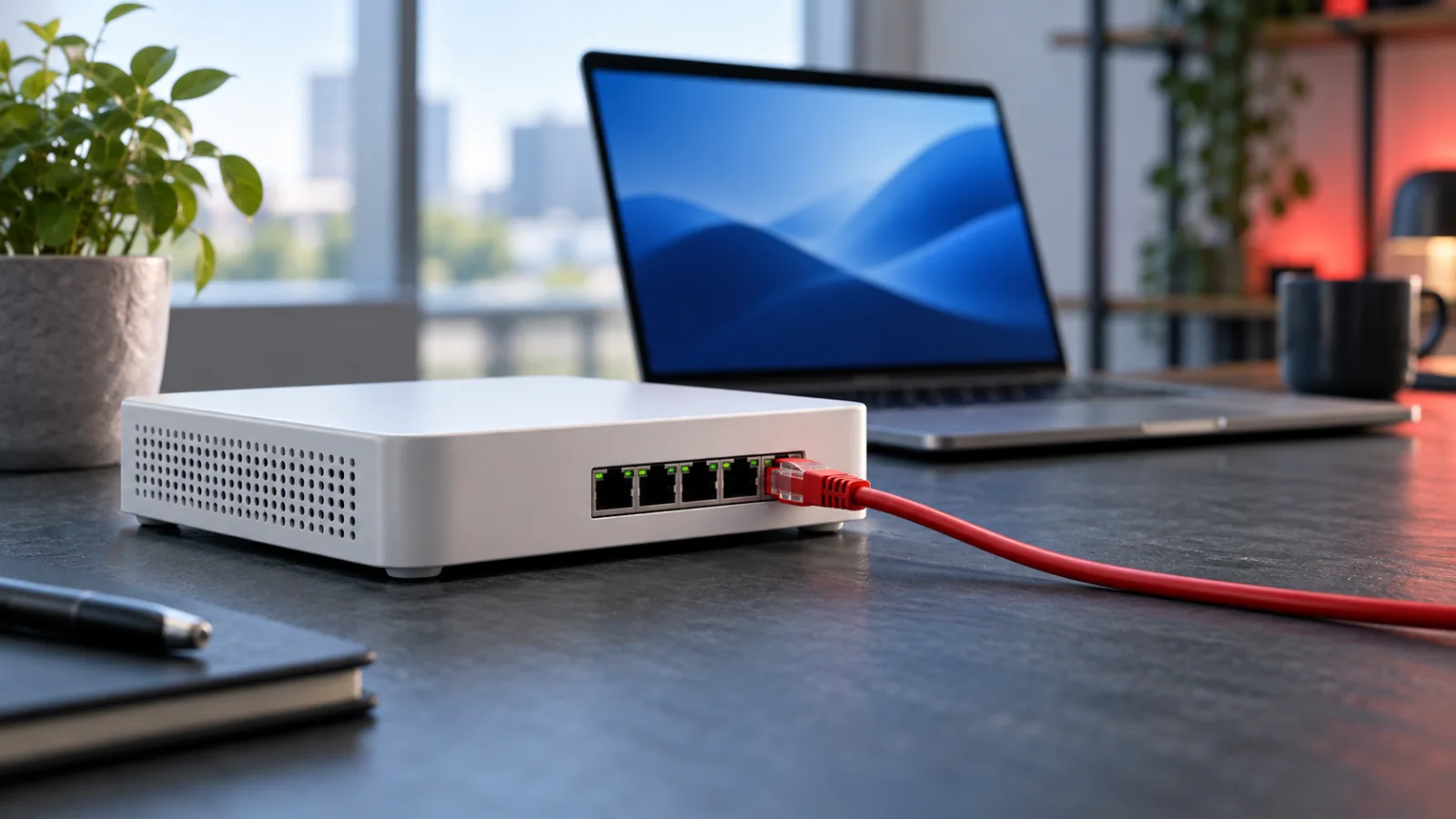
The 40F, 60F, 70F, and 80F models (and the newer 90G) are compact, often fanless or low-noise desktop or small rack-mount units aimed at branch offices, retail locations, and small businesses. They typically support a handful of WAN/LAN ports plus PoE options on some models for directly powering access points or IP phones, and they're commonly deployed with FortiGate's built-in SD-WAN capability to manage dual-ISP branch connectivity without a separate SD-WAN appliance. These units are sized for a small number of concurrent users - roughly a handful up to a few dozen, depending on the model and enabled features - and they're the right starting point when the primary need is secure internet breakout, site-to-site VPN back to a hub, and basic threat protection rather than heavy east-west traffic inspection.
Mid-Range (100F-600F)
The 100F, 200F, and up through the 400F and 600F series step up in port density, throughput, and session capacity, making them the common choice for a mid-size business headquarters, a campus core at a school or regional office, or a larger branch with heavier traffic. These models generally include more 1G/10G interface options, higher IPsec VPN tunnel counts for hub-and-spoke architectures, and enough SPU-accelerated capacity to run full UTP or ATP security profiles without the same relative performance hit seen on entry models. This tier is also where FortiGate's role as a full campus core - handling internal segmentation between VLANs in addition to perimeter duties - starts to become realistic, particularly when paired with https://globalpricelist.com/fortinet/switches for the access layer and https://globalpricelist.com/fortinet/wireless for managed Wi-Fi, both of which FortiGate can manage directly without a separate wireless or switch controller.
Enterprise & Data Center (1800F-4200F)
The 1800F, 3000F, and 4200F series (and similar enterprise-class models in between) are built for large campus cores, internal data center segmentation, and enterprise internet edges carrying substantial aggregate traffic and very high session counts. These platforms carry more powerful SPU generations, higher port counts including multiple 40G/100G options on the larger models, and redundant power supplies as standard, reflecting their role as infrastructure that can't have a single point of failure. At this tier, buyers are typically running full threat protection profiles across all traffic simultaneously with multiple redundant WAN and internal links, and licensing decisions (UTP vs ATP vs Enterprise) matter more because the cost delta scales with the platform.
Hyperscale / Data Center Core (7000 Series)
At the top of the range, the 7000 series is a chassis-based platform designed for hyperscale data centers and service provider networks, supporting modular line cards, extremely high aggregate throughput, and the kind of interface flexibility (100G and higher) that campus-class fixed appliances can't match. This tier is a different purchasing conversation entirely - typically involving Fortinet's enterprise sales and systems engineering teams directly rather than a simple part-number lookup - and it's only relevant to a small fraction of buyers with true data-center-core or carrier-scale requirements.
UTP vs ATP vs Enterprise Protection: Choosing a License Bundle
Every FortiGate ships with a base firewall license, and the security services that turn it into a full next-gen firewall are sold as an annual (or multi-year) bundled subscription layered on top. Fortinet packages these into three common tiers, and the naming causes more confusion than almost anything else in the buying process.
- UTP (Unified Threat Protection): The most common bundle for small-to-mid deployments. It typically includes IPS, antivirus, web filtering, application control, and FortiSandbox Cloud for basic sandboxing of suspicious files - a solid, well-rounded baseline for general business use.
- ATP (Advanced Threat Protection): A lighter, security-focused bundle that includes IPS, antivirus, and advanced malware protection (including sandboxing) but drops web filtering and application control - useful when those specific features are already handled elsewhere (for example, by a cloud security service) and you just need core threat protection.
- Enterprise Protection Bundle: The most complete tier, layering in everything from UTP plus additional services such as industrial/OT security signatures, IoT device detection, CASB (cloud access security broker) inspection for SaaS traffic, and SD-WAN overlay orchestration - aimed at larger organizations that want the full FortiGuard portfolio active on one license rather than adding services individually.
Critically, these are software/license decisions, not hardware decisions - the same physical appliance, whether it's a 60F or a 600F, can run any of the three bundles, and you can generally start with one tier and step up at renewal as your requirements grow. When comparing quotes, always confirm which bundle (and which term length) is actually included, since "FortiGate 100F" pricing with no bundle specified could mean very different total costs depending on the license attached.
FortiGuard Security Services Explained
FortiGuard is Fortinet's umbrella name for the continuously updated threat intelligence and inspection services that the license bundles above draw from. Understanding what's actually inside FortiGuard helps make sense of why the bundles are priced and packaged the way they are:
- Intrusion Prevention (IPS): Signature and behavior-based detection of known exploit attempts and network-based attacks, updated continuously as new vulnerabilities are disclosed.
- Antivirus / Anti-malware: File-level scanning of traffic passing through the firewall, including options for sandboxing unknown files via FortiSandbox (cloud or on-premises).
- Web Filtering: URL categorization and reputation-based blocking, used for both security (blocking known-malicious sites) and acceptable-use policy enforcement.
- Application Control: Identification and policy enforcement based on the actual application generating traffic (e.g., a specific SaaS app or peer-to-peer protocol) rather than just port and protocol.
- DNS Filtering and IP Reputation: Blocking lookups to known-malicious domains and traffic to/from IP addresses with poor reputation scores, often catching threats before a full session is even established.
- CASB and Industrial/IoT Security: Higher-tier services (part of Enterprise Protection) that extend inspection to SaaS application usage and to OT/IoT-specific protocols and device fingerprinting.
These services are what distinguish a next-generation firewall from a plain stateful packet filter, and because the threat intelligence behind them is updated by Fortinet's research labs continuously, the subscription itself - not just the hardware - is a core part of what you're buying. A FortiGate running an expired license will still pass traffic, but without current signatures it's effectively operating as a much less capable device.
High Availability and Redundancy Considerations
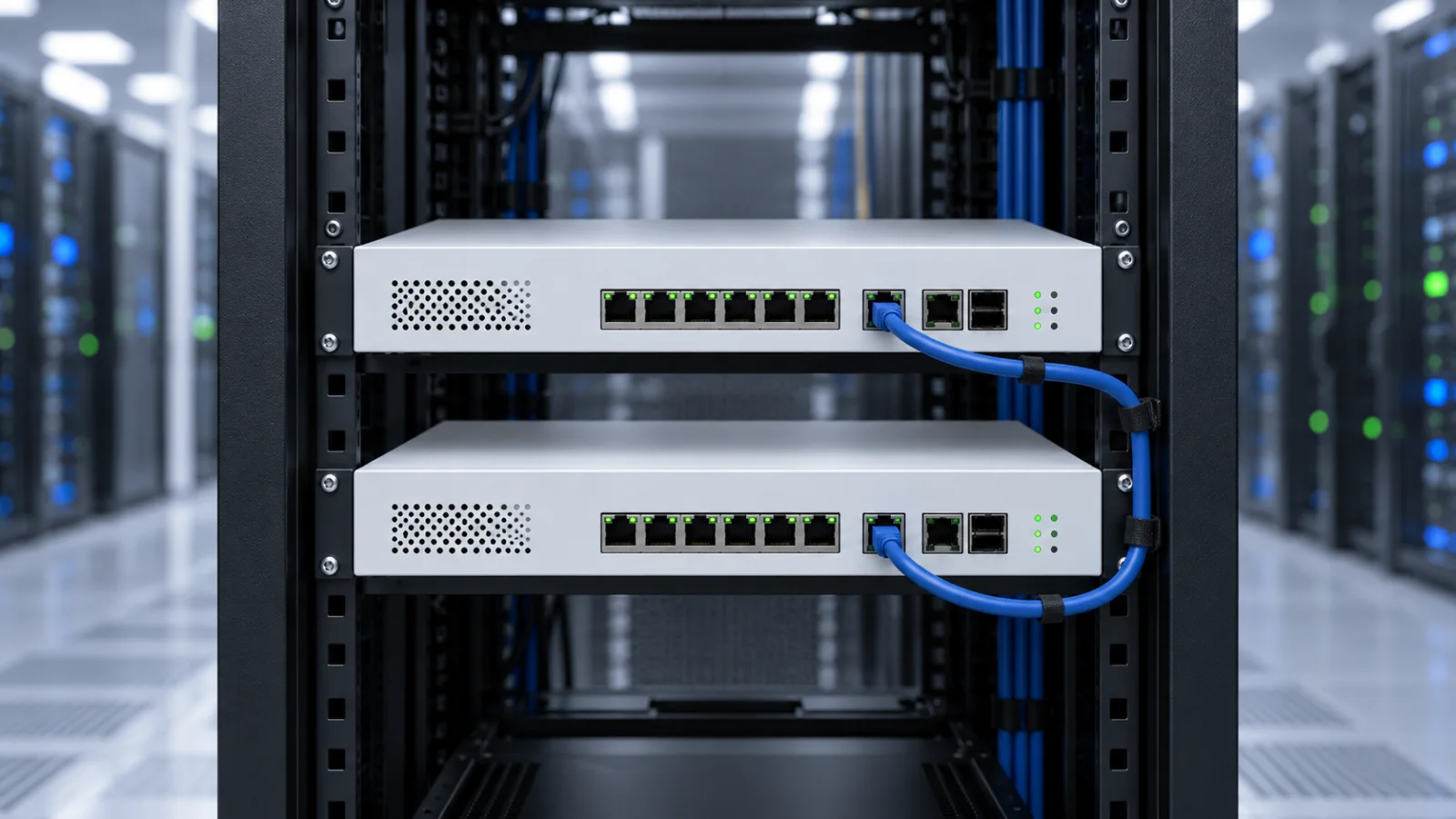
For anything beyond a single small branch, plan for redundancy from the start rather than retrofitting it later. FortiGate supports active-passive and active-active high availability through FGCP (FortiGate Clustering Protocol), where two (or more) identical appliances share configuration and session state over a dedicated heartbeat link, so a hardware failure fails over without dropping established sessions in most configurations. A few practical points worth planning around:
- HA cluster members generally need to be the same model and running the same firmware version, so budget for a matched pair (or more) from the outset rather than mixing generations later.
- Dedicated heartbeat interfaces (separate from data traffic ports) are recommended for cluster synchronization reliability, which affects port-count planning on smaller models with fewer interfaces.
- Enterprise and data-center models typically include dual power supplies as standard, addressing power-level redundancy independently of the clustering setup.
- For sites relying on FortiGate for SD-WAN across multiple ISP links, redundancy planning should cover both the WAN links themselves and the firewall hardware terminating them - one without the other still leaves a single point of failure.
- Centralized visibility and configuration across a cluster (and across multiple sites) is typically handled through https://globalpricelist.com/fortinet/management-tier tools such as FortiManager and FortiAnalyzer, which become worth budgeting for once you're past a handful of devices.
None of this changes the base model recommendation from the sizing exercise above, but it does change the quantity and total cost - a proper HA pair means doubling the appliance count (though not necessarily the license cost structure, since some services can be managed at the cluster level).
Matching a Series to Your Deployment
The table below groups the FortiGate lineup by typical deployment profile rather than exact throughput numbers, since actual performance depends heavily on which security profiles you run. Use it as a starting point, then confirm sizing against your own traffic patterns and the vendor's current NGFW/threat-protection throughput figures for the specific model you're evaluating.
| Series | Typical deployment | Relative throughput class | Common licensing fit |
|---|---|---|---|
| 40F / 60F / 70F / 80F / 90G | Branch office, small retail, small business | Entry | UTP |
| 100F / 200F | Mid-size office, small campus core | Mid-range | UTP or ATP |
| 400F / 600F | Larger campus, regional headquarters | Upper mid-range | UTP, ATP, or Enterprise |
| 1800F | Enterprise campus core, internet edge | Enterprise | Enterprise Protection |
| 3000F / 4200F | Data center segmentation, large enterprise edge | Upper enterprise / data center | Enterprise Protection |
| 7000 series | Hyperscale data center, service provider core | Hyperscale | Custom / Enterprise Protection |
If your requirements sit between two tiers - for example, current traffic fits an entry model but you expect headcount or WAN capacity to roughly double within the license term - it's usually more cost-effective to size one tier up rather than replacing hardware mid-cycle, especially once you factor in the labor cost of a cutover. On the other hand, don't default to over-buying "for safety" on every deployment; a branch office rarely needs enterprise-class SPU capacity, and that budget is usually better spent on a proper HA pair at the correct size, or on https://globalpricelist.com/fortinet/accessories like the SFP transceivers and cabling needed to actually use the higher-speed interfaces on a bigger box.
Once you've narrowed down a series and license tier, the next step is confirming current part numbers and MSRP, since Fortinet periodically refreshes models (a 90G superseding an older 80F-class unit, for instance) and license SKUs change with term length and bundle. Browse the current https://globalpricelist.com/fortinet catalog and the dedicated https://globalpricelist.com/fortinet/security category on GlobalPriceList.com, updated daily, to see up-to-date MSRP by exact part number before requesting a reseller quote.
For a closer look at current branch models, read the FortiGate 40F, 50G, 60F, 70G, and 90G comparison.
For an existing remote-access deployment, use the SSL VPN to IPsec upgrade checklist to plan authentication, application testing and recovery alongside the hardware refresh.
For a current-generation shortlist, use our FortiGate G-series workload and failover guide. It connects model selection to inspection requirements, interface planning and complete deployment cost.
Sources
- FortiGate Next-Generation Firewall - Fortinet
- FortiGuard Security Subscriptions - Fortinet
- FortiManager Centralized Security Management - Fortinet
FAQ
How do I know if I need a mid-range FortiGate instead of an entry-level model?
Look at your NGFW/threat-protection throughput needs (not just raw bandwidth) and concurrent session count. If you're running SSL inspection across all traffic, have more than a few dozen concurrent users, or need higher IPsec VPN tunnel counts for a hub-and-spoke design, an entry model (40F-90G) will bottleneck quickly and a 100F-600F series is the safer fit.
What is the difference between UTP and ATP licensing on a FortiGate?
UTP (Unified Threat Protection) bundles IPS, antivirus, web filtering, application control, and cloud sandboxing - a full general-purpose security stack. ATP (Advanced Threat Protection) is a lighter bundle with IPS, antivirus, and advanced malware/sandboxing, but without web filtering or application control, which suits deployments that already handle those elsewhere.
Can any FortiGate model run the Enterprise Protection Bundle?
Yes - UTP, ATP, and Enterprise Protection are software license tiers, not hardware-specific options, so the same appliance model can run any of the three. The choice depends on which FortiGuard services you need (such as CASB or industrial/IoT security in the Enterprise tier), not on the hardware itself.
Do I need two FortiGates for high availability?
Yes. FortiGate HA (via FGCP) requires at least two appliances of the same model and firmware version, connected over a dedicated heartbeat link, to support active-passive or active-active failover without dropping established sessions.
Where can I check current FortiGate pricing by part number?
GlobalPriceList.com's Fortinet catalog is updated daily and lets you search by exact part number to see current MSRP for FortiGate appliances and FortiGuard license SKUs before requesting a reseller quote.
Check Current Fortinet Pricing
Browse the full, daily-updated Fortinet GPL on GlobalPriceList.com.
View Fortinet Price List See Fortinet Price History