FortiGate 90G vs 120G vs 200G: Sizing Guide
Compare FortiGate 90G, 120G and 200G for secure branches, campuses and regional hubs using threat protection, NGFW, VPN, interfaces and growth headroom.
Key Points
- FortiGate 90G fits secure branches and distributed sites where approximately 2.2 Gbps published threat-protection performance provides adequate headroom.
- FortiGate 120G is the middle choice for larger branches and campus edges, with approximately 2.8 Gbps threat protection and stronger interface flexibility.
- FortiGate 200G targets larger campuses and regional hubs, with approximately 6 Gbps published threat protection and substantially higher session scale.
- Size from inspected traffic, encrypted traffic, sessions, VPNs and failure-state load rather than raw firewall throughput.
- Storage variants, subscriptions, optics, power and FortiOS support must be compared as part of the complete bill of materials.
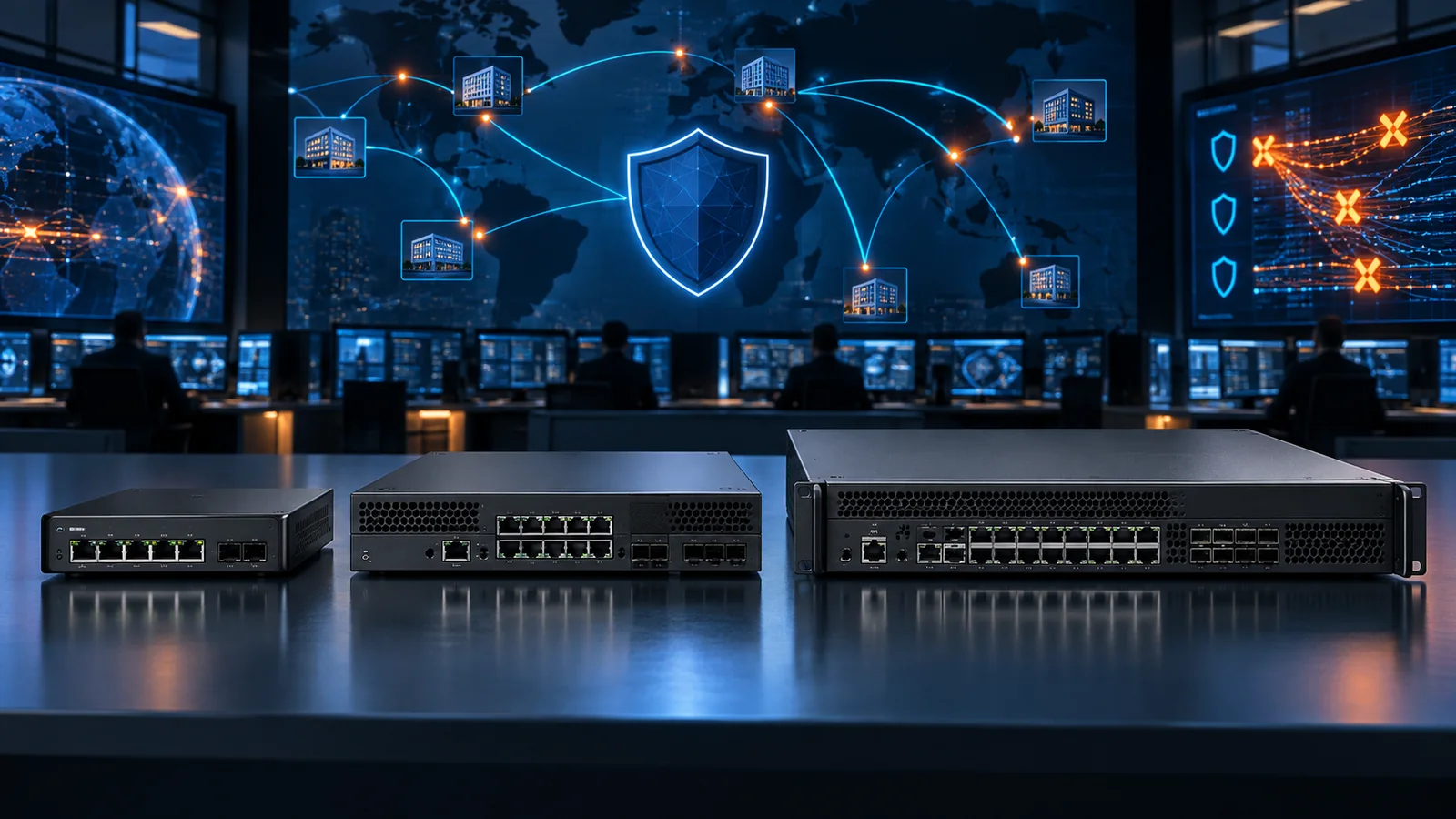
FortiGate 90G, 120G and 200G cover three useful steps between a secure branch and a regional aggregation point. All combine firewall, SD-WAN and FortiGuard security services through FortiOS, but their realistic inspected throughput, interface density, session scale and resilience options are different.
The correct model is not the one with raw firewall throughput just above the internet circuit. Modern deployments inspect encrypted traffic, run IPS and application control, terminate VPNs and may control FortiSwitch and FortiAP devices. Size from the services that will actually run and from the traffic the surviving appliance must carry during a failure.
Quick Answer: 90G, 120G or 200G?
Choose FortiGate 90G for a secure branch or distributed enterprise site where the measured full-security workload fits comfortably within its published performance and interface set. It is the compact choice in this comparison.
Choose FortiGate 120G for a larger branch, campus edge or growing SD-WAN site that needs more inspection headroom, stronger interface flexibility and a rack-oriented platform.
Choose FortiGate 200G for large campuses, regional hubs or aggregation roles where higher threat-protection throughput, session scale, VPN demand and port density justify the step up.
FortiGate 90G vs 120G vs 200G Comparison
| Published metric | FortiGate 90G | FortiGate 120G | FortiGate 200G |
|---|---|---|---|
| Typical role | Secure branch | Large branch / campus edge | Campus / regional hub |
| IPS throughput | About 4.5 Gbps | About 5.3 Gbps | About 9 Gbps |
| NGFW throughput | About 2.5 Gbps | About 3.1 Gbps | About 7 Gbps |
| Threat protection | About 2.2 Gbps | About 2.8 Gbps | About 6 Gbps |
| Concurrent sessions | Branch scale | Approximately 3 million | Approximately 11 million |
| Local storage variant | 91G | 121G | 201G |
| Form factor | Compact appliance | 1 RU class | 1 RU class |
Figures are vendor test results using defined traffic mixes and configurations. They are appropriate for comparison, not a guarantee for every policy set. Recheck the latest regional datasheet and product matrix before purchase because FortiOS releases and product specifications can change.
How to Size Real Security Performance
Begin with peak traffic in both directions and project the circuit and application growth expected during the appliance's service life. Then map the processing applied to each path: firewall only, IPS, application control, antivirus, web filtering, SSL inspection, IPsec or remote access. The threat-protection figure is usually a safer orientation point than the raw firewall maximum for an internet edge running a full security stack.
Encrypted traffic can be decisive. Record how much traffic will be decrypted, certificate and exception policy, client types and privacy requirements. SSL inspection throughput varies with cipher, certificate behavior and content. Pilot representative business applications because a model can have enough aggregate throughput while individual applications fail under inspection.
Sessions and connection rate matter for retail, guest Wi-Fi, SaaS-heavy offices and public services. VPN hubs also need tunnel scale and encrypted throughput. A regional hub carrying many branches should be sized for the aggregate failed-over topology, not average normal traffic.
Keep operational margin. A target that consumes nearly all published threat-protection capacity on day one leaves little room for logging, policy growth, attack conditions, firmware change or a faster circuit. Document the assumptions so the sizing can be reviewed when the site role changes.
Interfaces, Storage and Resilience
Port type can eliminate a model before throughput does. List every WAN and LAN handoff, copper speed, SFP/SFP+ optic, management connection, HA link and FortiLink requirement. FortiGate 120G and 200G families provide different combinations of multigigabit copper and higher-speed fiber connectivity; use the exact SKU datasheet to build the interface map.
Models ending in 1, such as 91G, 121G and 201G, add internal storage. Local storage can support logging and related functions, but it does not replace a retention and analytics design. Choose the storage variant from log volume, outage behavior and FortiAnalyzer or cloud strategy rather than selecting it automatically.
For high availability, quote two compatible appliances, matching subscriptions, optics, power and cabling. Draw normal and failed paths through upstream and downstream switches. Confirm that one appliance and the remaining links can carry peak demand. A firewall pair attached to one unprotected switch or circuit still has a shared failure point.
FortiGuard Subscriptions and Total Cost
Hardware-only pricing is incomplete. The selected FortiGuard bundle determines available security services, support and recurring cost. Compare ATP, UTP, Enterprise Protection and other current offers using the same term and support level. The FortiGate licensing guide explains the bundle approach.
Include FortiManager or FortiAnalyzer where required, HA hardware, rack kits, transceivers, redundant power, LTE or 5G backup and implementation services. Renewal price and operational ownership should be reviewed with the initial purchase, not left for the first expiration notice.
Validate FortiOS support for the chosen hardware and required features. New hardware may require a minimum release, while an established environment may have a controlled upgrade train. Review interoperability with FortiSwitch, FortiAP, identity, logging and automation components.
Which FortiGate Fits Your Site?
Distributed branch: FortiGate 90G is the starting point when full-security traffic and growth fit with margin. It is also attractive where space and power are constrained.
Large branch or campus edge: FortiGate 120G adds useful headroom and interface flexibility. Choose it when 90G would run too close to its inspection limit or cannot meet the physical network design.
Regional hub: FortiGate 200G provides a major step in NGFW and threat-protection performance plus session scale. It fits aggregation, larger campus and higher VPN concentration roles.
Uncertain growth: Build low, expected and high traffic cases. The next model is justified when it prevents an early replacement or satisfies a hard interface, session or resilience requirement—not simply because it is newer.
FortiGate Buying Checklist
- Measure peak and 95th-percentile traffic in both directions.
- List IPS, web, application, malware and SSL-inspection requirements.
- Count sessions, new connections, site-to-site tunnels and remote users.
- Map every copper, SFP, SFP+, FortiLink and HA interface.
- Decide whether a 91G, 121G or 201G storage variant is required.
- Select the FortiGuard bundle, support level and common comparison term.
- Size one HA member for the failed state and test failover under load.
Checking Current MSRP
Search the Fortinet price list on GlobalPriceList.com for the exact appliance, storage variant, FortiGuard bundle and term. Compare like-for-like configurations including both HA members, optics and support. Smaller sites can also use the 40F through 90G comparison.
Sources
- FortiGate 90G Series Data Sheet - Fortinet
- FortiGate 120G Series Data Sheet - Fortinet
- FortiGate 200G Series Data Sheet - Fortinet
- Fortinet Product Matrix - Fortinet
FAQ
Which is better for a branch, FortiGate 90G or 120G?
90G fits many secure branches, while 120G adds inspection headroom and interface flexibility for larger or faster-growing sites. Size from the enabled security workload.
When should I choose FortiGate 200G?
Choose 200G for larger campuses, regional hubs or aggregation points that need higher inspected throughput, more sessions, VPN scale or its interface set.
Should I size from firewall throughput?
Not by itself. Use NGFW and threat-protection performance, SSL inspection, sessions, VPNs and the exact policy mix.
What do 91G, 121G and 201G mean?
These are variants with internal storage. Decide from logging and local-storage requirements as part of the complete analytics design.
Do FortiGate appliances require subscriptions?
Base networking functions run in FortiOS, while FortiGuard security services and support are purchased in bundles or subscriptions. Compare equal service levels and terms.
Check Current Fortinet Pricing
Browse the full, daily-updated Fortinet GPL on GlobalPriceList.com.
View Fortinet Price List