Cisco Nexus vPC Guide: Configuration, Failure Tests and Troubleshooting

Build a classic Nexus vPC lab, separate peer-link and keepalive roles, and verify the failure behavior before connecting production workloads.
Key Points
- vPC lets an endpoint form one port channel across two Nexus peers while the switches retain separate control planes.
- The peer-link and peer-keepalive perform different jobs and need deliberate failure-path design.
- A healthy port channel is only the beginning: verify consistency, VLANs and endpoint behavior.
- Test one failure at a time and check application traffic, not only switch status.
A vPC deployment is complete only when the endpoint keeps working through the failure cases you planned for. A green peer adjacency is useful evidence, but it does not prove that the server bond, VLANs, uplinks and recovery behavior are correct.
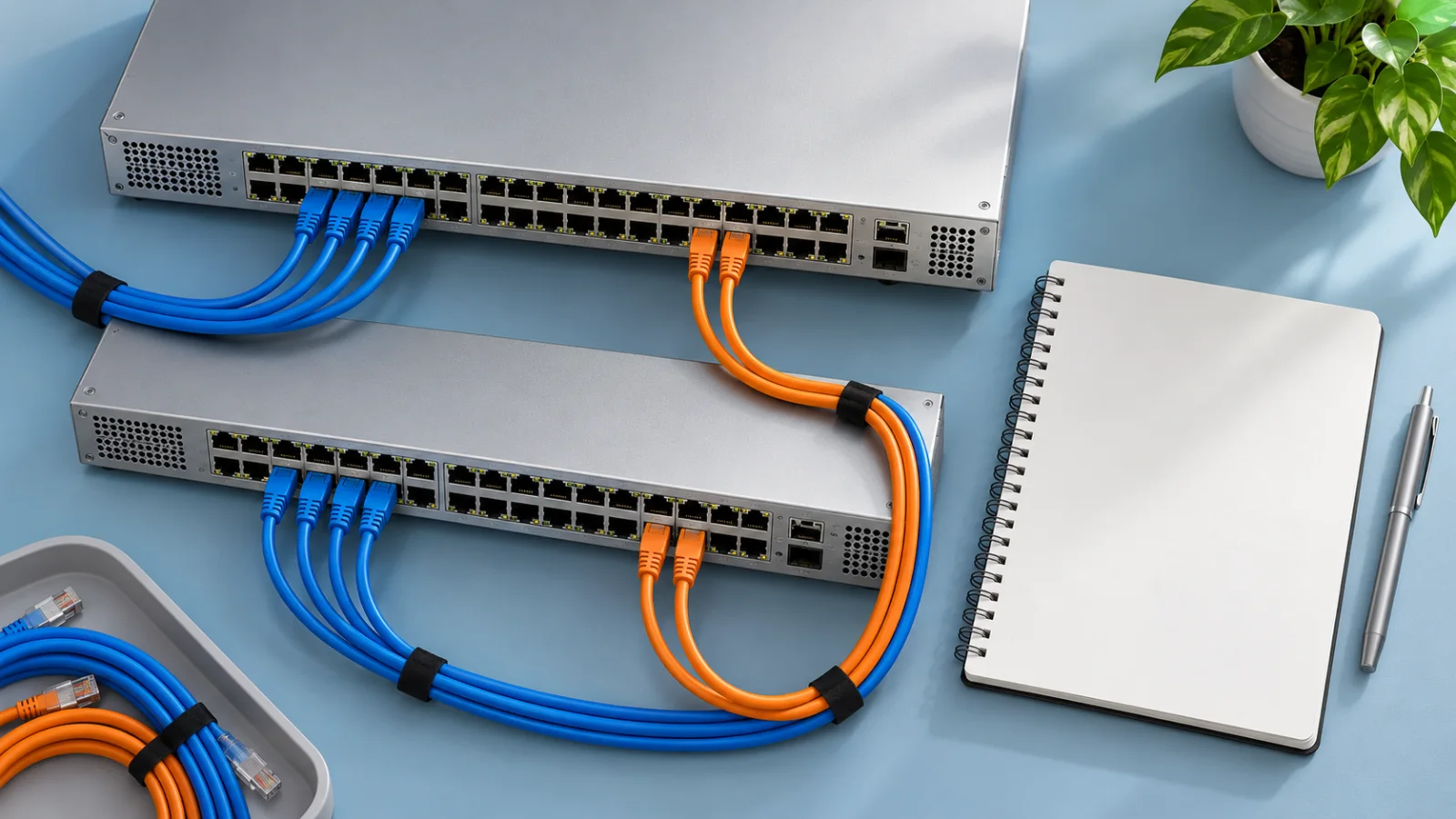
This guide develops an original two-switch lab and a validation plan for classic Nexus 9000 NX-OS vPC. It is not an ACI, VXLAN or fabric-peering recipe. The commands are illustrative and have not been executed on physical Nexus switches for this article. Confirm the exact platform and release before adapting them. The cover is conceptual equipment.
What vPC Solves
Virtual Port Channel lets links connected to two Nexus peers appear as one port channel to a downstream device that supports link aggregation. The switches remain separately managed systems. This can remove a single attachment-switch dependency for a suitably configured server, but it does not make the entire application redundant.
Start by naming the failure you want to survive: one cable, one switch, one power feed or one upstream path. A server with two cables can still depend on one power source or one upstream device. The network drawing should show those dependencies, not merely the two access links.
If the switching platform is still undecided, our Nexus vs Catalyst guide separates data-center and campus requirements. Do not carry a campus stacking procedure into an NX-OS vPC design.
Peer-Link vs Keepalive
| Connection | Role | Design question |
|---|---|---|
| Peer-link | Peer synchronization and required inter-peer traffic | What capacity and member redundancy remain during a fault? |
| Peer-keepalive | Independent peer-liveness information | Can it still work if the peer-link path fails? |
| vPC member links | The downstream device's aggregated attachment | Does the endpoint use the intended LACP bond and VLANs? |
Keepalive is not a backup data link. Avoid making its reachability depend on the peer-link it helps diagnose. Document the actual route and intermediate equipment, including which management-network failures could remove it.
Also identify orphan ports: connections attached to only one peer rather than protected by a vPC attachment. Their dependencies need separate review. Do not promise them the same behavior as a dual-attached server simply because they sit on a switch participating in vPC.
Write the Lab Contract
The example uses two compatible Nexus 9000 switches running a supported NX-OS release. It assumes existing out-of-band management and reachable addresses 192.0.2.10 and 192.0.2.11 in the management VRF. These documentation addresses must be replaced or implemented inside your own isolated lab.
| Purpose | Both peers |
|---|---|
| vPC domain | 10 |
| Peer-link | Port-channel100, Ethernet1/49 and Ethernet1/50 |
| Test server | Port-channel10, local Ethernet1/1, vPC 10 |
| Test VLAN | 110, access mode toward the server |
The server needs one compatible LACP bond spanning its two switch connections. Interface numbers are examples: verify speeds, optics and port capabilities on the real hardware. This lab does not configure a default gateway or an upstream network. Use a known reachable host in VLAN 110 for the Layer 2 test, then validate routing separately.
Build the Pair in Separate Stages
First confirm the intended cabling and that the lab ports are unused. Review existing STP, VLAN and port-channel configuration. Do not paste these commands into occupied interfaces. In configuration mode, enable the required features on both peers:
feature lacp
feature vpc
vlan 110
On peer A, create the domain and identify peer B's existing management address:
vpc domain 10
  role priority 1000
  peer-keepalive destination 192.0.2.11 source 192.0.2.10 vrf management
On peer B, reverse the addresses and give it the other configured role preference:
vpc domain 10
  role priority 2000
  peer-keepalive destination 192.0.2.10 source 192.0.2.11 vrf management
Verify keepalive reachability before proceeding. Role preference is not a substitute for checking the operational role. The management network is an assumption of this lab, not something these commands create.
Next build the peer-link on both switches. The two physical links connect the peers to each other:
interface port-channel100
  switchport
  switchport mode trunk
  switchport trunk allowed vlan 110
  spanning-tree port type network
  vpc peer-link
  no shutdown
interface Ethernet1/49-50
  switchport
  switchport mode trunk
  switchport trunk allowed vlan 110
  channel-group 100 mode active
  no shutdown
After verifying the peer-link, configure the server-facing attachment on both peers:
interface port-channel10
  switchport
  switchport mode access
  switchport access vlan 110
  vpc 10
  no shutdown
interface Ethernet1/1
  switchport
  switchport mode access
  switchport access vlan 110
  channel-group 10 mode active
  no shutdown
The example intentionally uses a single access VLAN. A hypervisor trunk needs a separately reviewed allowed-VLAN list and endpoint configuration. Keep matching parameters aligned on the two peers; do not try to cure a consistency failure by disabling safeguards.
Verify Before Adding Workloads
Run these checks on both switches and retain the outputs with the change record:
show vpc brief
show vpc peer-keepalive
show vpc role
show vpc consistency-parameters global
show vpc consistency-parameters interface port-channel 10
show port-channel summary
show interface trunk
show vlan brief
Look for the expected peer adjacency, healthy keepalive, successful consistency checks and bundled physical members. Confirm VLAN 110 is present where intended. Inspect the server's bond state as well: a switch-side configuration cannot establish that the operating system has combined the correct NICs.
Generate traffic between the server and the known test host. Use more than one flow when assessing aggregate use of members. A single flow does not necessarily consume all aggregated link bandwidth. Save the validated running configuration with copy running-config startup-config once the lab meets the intended behavior.
A Failure Test Matrix
Perform disruptive tests in an isolated lab or an approved maintenance window with recovery access. Change one condition, record application impact and restore the healthy baseline before the next test.
| Test | Expected investigation | Evidence to retain |
|---|---|---|
| One server member fails | Remaining attachment carries the required traffic | Bond state, application interruption and member status |
| One peer-link member fails | Remaining peer-link member and capacity are adequate | Port-channel membership and interface utilization |
| Keepalive path alone fails | Existing peer-link operation remains, but liveness protection is degraded | Alarm, route and keepalive status |
| Whole peer-link fails while keepalive works | Secondary vPC members suspend as documented by Cisco | Operational role, vPC status and server behavior |
| One peer is powered off | Surviving attachment and upstream path meet the requirement | End-to-end traffic and recovery timing |
Combined failures need a separate plan. Their order, timers, recovery settings, orphan devices and upstream topology can change the result. Avoid reducing them to “both links down means automatic failover.” Restore the failed components deliberately and verify that returning links do not introduce a new problem.
Troubleshoot by Dependency
If peer adjacency is missing, check basic reachability, VRF selection and peer-link members first. If the peer is healthy but a vPC is suspended, inspect the reported consistency reason and compare both configurations. If the port channel is up but the application fails, move outward to the endpoint, VLAN path, gateway and upstream policies.
A useful incident record names the failing source and destination, the first observed symptom, the operational roles and the latest change. This prevents a VLAN mismatch from being treated as a routing outage or an endpoint bond failure from being treated as a peer-link defect.
Keep the Design Operable
Store the cable map, peer roles, VLAN ownership, keepalive route, baseline outputs and tested recovery sequence together. Review the platform's upgrade guidance for the exact release; do not assume every upgrade is nondisruptive. Keep both devices and the out-of-band network in the maintenance plan.
When budgeting, include compatible optics, spare capacity, support and recovery access alongside the switches. Our Cisco support comparison helps frame the service discussion, while the Cisco price-list catalog supports exact part-number research.
Official Sources
FAQ
Is vPC the same as stacking?
No. The pair presents a shared port-channel attachment to a downstream device, but each Nexus retains its own control plane and configuration. Plan management and maintenance for both.
Does the keepalive link carry ordinary server traffic?
No. Peer-keepalive provides liveness information. The peer-link has a separate synchronization and data-forwarding role; keepalive is not a substitute for it.
What happens if the peer-link fails but keepalive still works?
In the classic behavior described by Cisco, the operational secondary suspends its vPC member ports to avoid dual-active forwarding. Test the exact topology and account separately for orphan ports and other dependencies.
Will two 10G members make one transfer run at 20 Gbps?
Do not assume that. Port-channel traffic distribution uses hashing, so aggregate capacity across flows is different from the bandwidth available to one flow.
Can this configuration be used on every Nexus platform?
No. It is an illustrative classic Nexus 9000 NX-OS lab. Validate model, release, interfaces and feature restrictions first; ACI, VXLAN and vPC fabric peering require their own designs.
Check Current Cisco Pricing
Browse the full, daily-updated Cisco GPL on GlobalPriceList.com.
View Cisco Price List