Cisco ASA vs Firepower: Firewall Comparison & Buying Guide
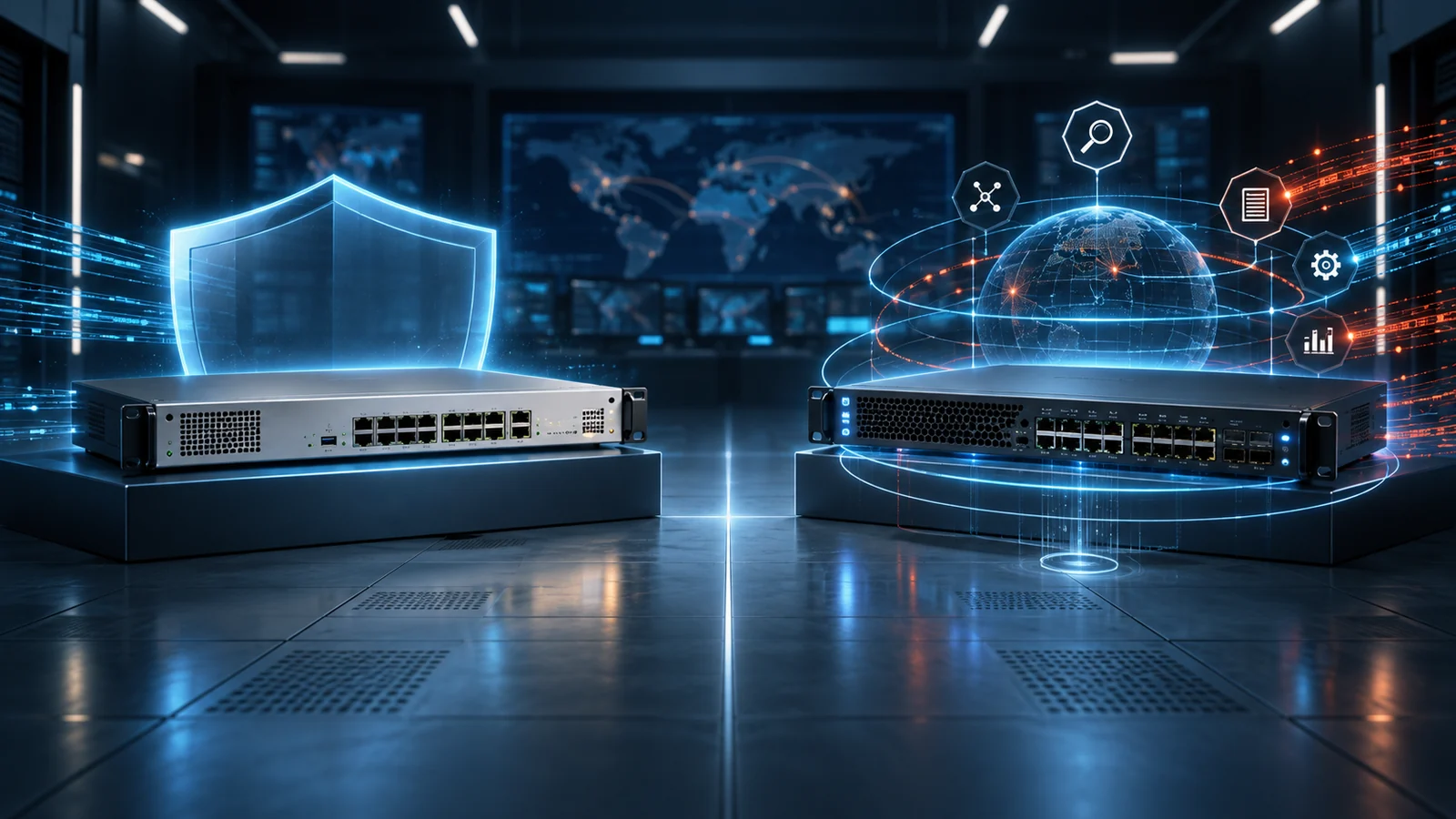
ASA and Firepower (Secure Firewall) are both Cisco firewall platforms, but they solve different problems. Here's the practical difference and how to decide which one fits your network.
Key Points
- Cisco ASA is a stateful firewall with VPN support, but no built-in IPS or malware inspection.
- Firepower / Secure Firewall (FTD) adds next-gen features: IPS, app visibility, URL filtering, malware protection.
- Cisco has been steering new deployments toward Secure Firewall rather than ASA-only.
- Many current Cisco firewall appliances can run either ASA or FTD software - hardware and software are separate choices.
- For anything beyond basic ACLs/VPN, Secure Firewall is the safer long-term pick.
Cisco's firewall lineup has two names that come up constantly and confuse buyers: ASA (Adaptive Security Appliance) and Firepower - now sold under the Secure Firewall brand. The short version: ASA is Cisco's older stateful firewall platform, while Firepower/Secure Firewall is the next-generation firewall (NGFW) line with deeper inspection, intrusion prevention, and integrated threat intelligence. Cisco has been steering new deployments toward Secure Firewall, so it's worth understanding the difference before you buy.
What Cisco ASA Does
ASA is a stateful firewall: it tracks connection state and enforces access control based on IP, port, and protocol. It also handles site-to-site and remote-access VPN termination, which is still a common reason ASA hardware stays in production in existing networks. What it does not do natively is deep packet inspection at the application layer, intrusion prevention, or malware/file inspection - those require the newer Firepower software running as FTD (Firepower Threat Defense). ASA's management is typically handled per-device through ASDM, a local management GUI, which works fine for a handful of appliances but doesn't scale well once you're managing a large fleet.
What Firepower / Secure Firewall Adds
Firepower Threat Defense (FTD) - the software that powers Cisco's Secure Firewall appliances - adds next-generation firewall capabilities on top of stateful filtering:
- Intrusion prevention (IPS) with signature-based threat detection
- Application visibility and control (identifying traffic by application, not just port)
- URL filtering and reputation-based blocking
- Advanced malware protection (file inspection and sandboxing integration)
- Centralized policy management via Firepower Management Center (FMC), now referred to as Secure Firewall Management Center
These capabilities are usually sold as separate license bundles (commonly grouped as Threat, Malware, and URL Filtering licenses) on top of the base FTD platform license, which is worth knowing when you're comparing quotes - "Firepower" pricing depends heavily on which license bundles are included, not just the appliance model.
Hardware, Software, and Licensing Are Separate Decisions
The ASA-versus-Firepower question is often framed as if it were a choice between two boxes. In practice, a Cisco firewall purchase has at least three layers: the appliance, the software image, and the subscriptions or support attached to that image. The same appliance family may support different operating modes, but that does not mean every model, release, or migration path is interchangeable. Confirm the exact hardware PID, supported software train, and intended management method before treating two quotes as equivalent.
An ASA deployment normally combines the appliance and ASA software with a support contract. Optional remote-access VPN features, user entitlements, or encryption requirements can add separate orderable items. A Secure Firewall Threat Defense deployment adds the services that provide intrusion prevention, application control, URL reputation, and malware analysis. Those services may be packaged together on a quote, but they still have renewal dates and operational dependencies that matter after the initial purchase.
Support and security subscriptions solve different problems. Support provides access to software updates, Cisco assistance, and hardware replacement at the contracted service level. A security subscription keeps inspection intelligence and licensed threat capabilities current. Letting either lapse can change what the platform can do, even when traffic continues to pass. When comparing MSRP, record the appliance price, subscription term, management platform requirement, support level, and renewal amount as separate budget lines.
This separation also explains why an apparently inexpensive appliance bundle can have a higher multi-year cost than another quote. One proposal may include three years of security services and support, while another may include only the base platform. Normalize every proposal to the same term and feature set. For a deeper look at support choices, see the Cisco SmartNet vs Solution Support guide.
Management Options and Operational Fit
ASA is familiar to teams that have years of experience with the command-line interface and ASDM. Its policy model is direct: interfaces, objects, access rules, NAT, and VPN configuration are visible on the appliance. That familiarity can be valuable in a stable environment with a small number of firewalls and a narrow change scope. It can also become a constraint when the organization needs consistent policy across many sites, centralized event analysis, or application-aware rules.
Secure Firewall Threat Defense can be managed centrally with Secure Firewall Management Center or, for supported use cases, through device-level or cloud-delivered management options. Central management is more than a shared configuration screen. It provides a common policy model, event correlation, intrusion and file intelligence, health monitoring, and coordinated deployment of changes. That makes it easier to answer questions such as which rule allowed a connection, which application generated the traffic, and whether the same indicator appeared at another site.
The operational tradeoff is that an FTD policy deployment has more moving parts than a basic ASA rule change. Teams need a process for reviewing pending changes, scheduling deployments, monitoring sensor health, and updating intrusion rules without unexpectedly affecting production traffic. Logging volume and retention should be sized alongside firewall throughput. A platform with powerful inspection but insufficient event storage or no assigned operator will not deliver the expected security outcome.
Before choosing, map the platform to the people who will run it. A small network team may prefer a simpler configuration and an external security service. A security operations team may value centralized events, application visibility, and policy consistency enough to justify the additional platform work. The correct answer depends on operating model as much as feature count.
Side-by-Side
| Capability | Cisco ASA | Firepower / Secure Firewall |
|---|---|---|
| Stateful firewall / ACLs | Yes | Yes |
| Site-to-site & remote VPN | Yes | Yes |
| Intrusion prevention (IPS) | No (ASA-only) | Yes (license required) |
| Application visibility & control | No | Yes |
| Advanced malware protection | No | Yes (license required) |
| Centralized management | ASDM (per-device) | Secure Firewall Management Center |
Which One Should You Buy?
For a straightforward perimeter with basic ACLs and VPN termination, ASA-only configurations can still work, particularly on existing hardware that's already paid for. For anything facing modern threats - ransomware, application-layer attacks, or compliance requirements that call for IPS and malware inspection - Secure Firewall / FTD is the platform Cisco is actively investing new features into, and it's the safer long-term choice for a new purchase. Many current-generation Cisco firewall appliances can run either ASA or FTD software, so the hardware choice and the software/license choice aren't always the same decision - it's worth confirming with your reseller which software image and license bundle a quote actually includes.
Existing ASA users should distinguish between "still supportable" and "best platform for a new security requirement." Keeping a stable ASA deployment for VPN or basic segmentation can be reasonable when the hardware and software release remain supported and the risk is understood. Buying a new ASA-only design for a requirement that already includes IPS, web control, or malware inspection usually creates a second project later. Conversely, enabling every inspection feature on an undersized appliance can produce worse availability than a deliberately limited design.
Sizing Throughput and Total Cost
Firewall data sheets publish several throughput figures because different workloads consume different resources. A headline stateful-firewall number is not the same as threat-inspection throughput. TLS decryption, intrusion prevention, application identification, malware inspection, VPN encryption, and small-packet traffic can all reduce usable capacity. Size from the services you plan to enable, not the largest number in the product summary.
Start with measured peak traffic in both directions, then add expected growth and failure-mode requirements. If two appliances run as a high-availability pair, each unit should normally be able to carry the required load when its peer is unavailable. Count interfaces, transceiver speeds, route scale, concurrent sessions, new connections per second, remote-access VPN users, and site-to-site tunnels. A model that meets internet bandwidth today may still be wrong if it lacks the port layout or encrypted-session capacity for the design.
TLS decryption deserves its own decision. It can materially improve visibility into modern encrypted traffic, but it increases processing demand and requires certificate, privacy, and exception policies. Ask for performance assumptions that match the proposed cipher mix and inspection policy. Avoid comparing one quote sized for basic firewalling with another sized for full decryption and threat services.
Total cost includes more than appliance MSRP. Add security subscriptions, centralized management, support, replacement optics, rack and power requirements, log storage, implementation work, training, and renewals. For a branch fleet, also include the time required to deploy and maintain policy across every site. A higher-capacity model may be cheaper over its lifecycle if it avoids an early refresh; an oversized model may waste both capital and subscription cost. Use the Cisco GPL guide to separate list price from the reseller quote you will actually evaluate.
If You're Migrating From ASA to Firepower
Because ASA and FTD are different software images, moving from one to the other on existing hardware (where supported) typically means a re-image and a policy rebuild rather than a simple upgrade - existing ASA access-lists and NAT rules don't carry over automatically. Cisco provides migration tooling to help convert ASA configurations into FTD policy, which is worth scoping into a project timeline rather than assuming it's a weekend cutover.
Begin by inventorying interfaces, routing, object groups, access rules, NAT, VPNs, identity integrations, certificates, high-availability settings, and monitoring dependencies. Remove unused rules and duplicate objects before conversion; migrating years of policy debris makes validation harder. Treat converted configuration as a draft that must be reviewed, not as proof that the resulting security policy behaves identically.
Build a test plan around business flows rather than rule counts. Validate inbound publishing, outbound internet access, DNS, authentication, management access, site-to-site VPNs, remote-access VPNs, failover, logging, and rollback. Where threat inspection or application rules are new, start with visibility and tuning before applying aggressive blocking to every segment. Document which traffic is intentionally exempted from decryption or inspection and why.
A phased migration reduces risk. Deploy central management first, establish backups and administrative access, migrate a lower-risk site or traffic path, and compare logs against the existing platform. Schedule enough time for policy deployment and health checks after each change. Keep a tested rollback path until the new firewall has passed both functional and failure testing.
Cisco Firewall Buying Checklist
- Define the security outcome: basic stateful control and VPN, or application visibility, IPS, URL control, malware protection, and encrypted-traffic inspection.
- Capture real load: peak throughput, connection rate, session count, VPN users, tunnel count, and three-to-five-year growth.
- Choose management: local operation or centralized policy, event analysis, and multi-device administration.
- Normalize licenses: compare the same security services, subscription term, support level, and management components on every quote.
- Check lifecycle: verify the exact hardware and software release against Cisco support and end-of-sale information.
- Plan resilience: include high availability, redundant power and links, spare optics, configuration backups, and a tested failover procedure.
- Budget migration: allow time for policy cleanup, conversion, testing, operator training, and rollback.
These questions turn "ASA or Firepower?" into a design decision that a reseller can quote accurately. They also make competing proposals easier to compare because every vendor must state the performance profile, services, term, and support assumptions behind the price.
Before approval, ask the technical owner to sign off on a one-page design summary. It should name the software image, management platform, enabled security services, expected inspected throughput, high-availability mode, interface and optic requirements, VPN scale, subscription term, and support level. Ask the security owner to approve the inspection, logging, retention, and encrypted-traffic policies. Ask procurement to confirm that every quote uses the same currency, term, and service scope.
After purchase, keep the original bill of materials and license records with the operational documentation. Record renewal dates, management dependencies, backup locations, and the tested recovery procedure. This avoids a common handoff problem in which the appliance is installed successfully but nobody owns subscription renewal, policy deployment, or software maintenance. The long-term value of either platform depends on disciplined operation, not just the feature list selected on day one.
Checking Current MSRP
Part numbers and bundle options for Cisco firewalls change frequently as new appliance models and license bundles are released. Browse the current Cisco security appliance catalog on GlobalPriceList.com to see up-to-date MSRP before requesting a quote from a reseller.
Current branch hardware: Compare performance, interfaces, VPN scale, and form factors in the Cisco Secure Firewall 1200 model guide.
Sources
FAQ
Is Cisco Firepower the same as Secure Firewall?
Yes - Firepower is the underlying next-generation firewall technology (Firepower Threat Defense, or FTD), now marketed under Cisco's Secure Firewall brand.
Can a Cisco ASA appliance run Firepower software?
Many current-generation Cisco firewall appliances support running either ASA software or FTD (Firepower) software, so the hardware purchase and the software platform choice are often separate decisions.
Do I need Firepower if I only use my firewall for VPN and basic ACLs?
For a simple perimeter with basic access control and VPN termination, ASA-only can still work. If you need intrusion prevention, application visibility, or malware inspection, you need Firepower/Secure Firewall.
Where can I check current pricing for Cisco firewall appliances?
GlobalPriceList.com's Cisco security catalog is updated daily and lets you search by exact part number to see current MSRP before requesting a reseller quote.
Check Current Cisco Pricing
Browse the full, daily-updated Cisco GPL on GlobalPriceList.com.
View Cisco Price List See Cisco Price History